An AI website maker is the tool category that has changed how small businesses get online more than anything else in recent years. The idea is simple: you write one sentence about your business, and the AI assembles the entire website, from copy and layout to design. What used to take weeks and a four-figure invoice can now be done before your coffee gets cold. But like anything that sounds too easy, the fair question is: is the result actually usable, or is it a party trick?
This article answers that honestly. We'll cover how you use AI to build a website in practice, what the output really looks like, what it costs compared with the alternatives, and most importantly, when a tool like this is the right call for your business and when it isn't.
What an AI website maker actually does
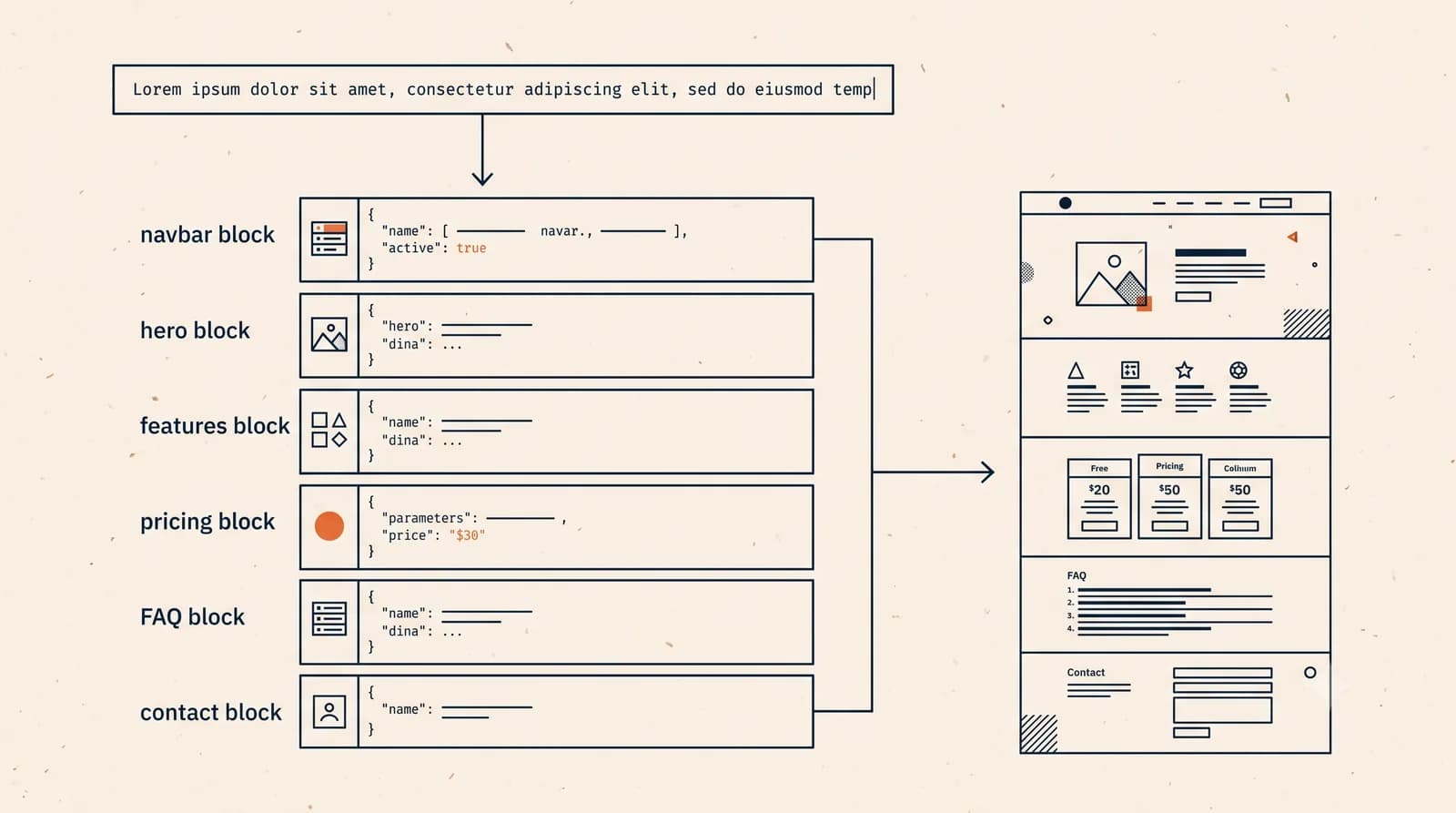
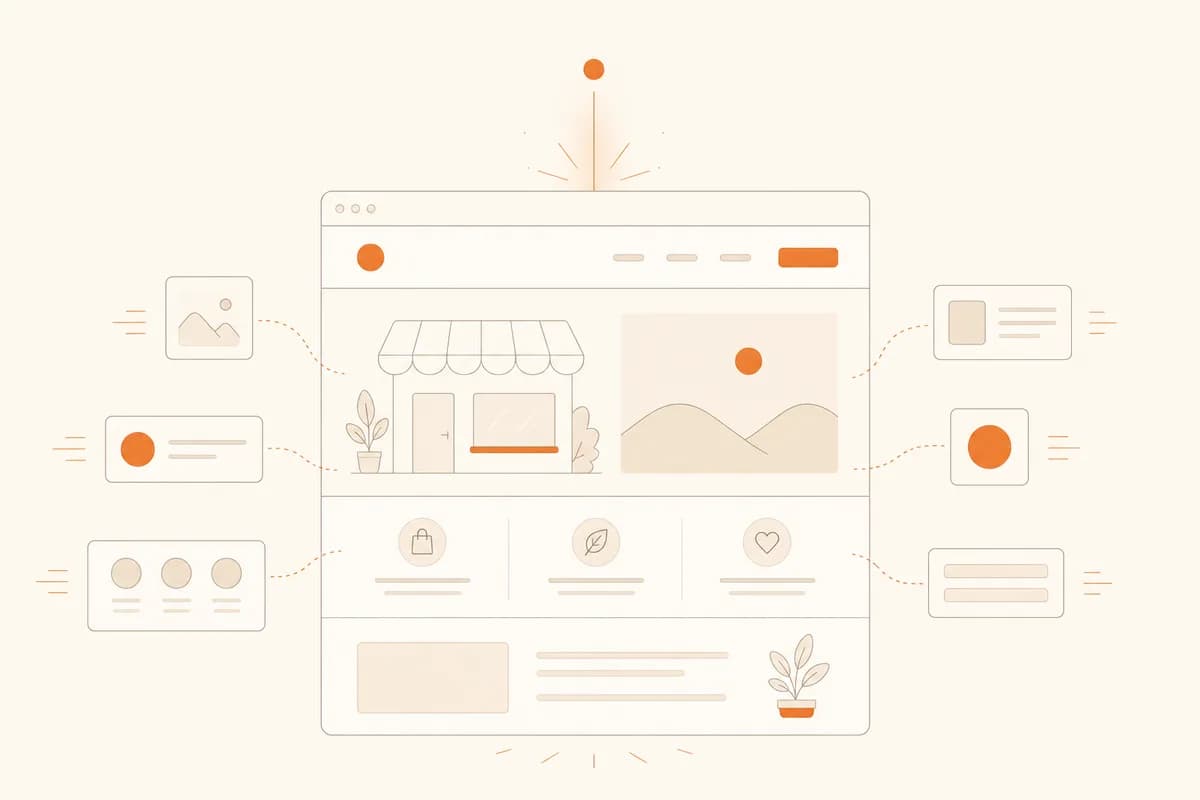
An AI website maker generates a complete website from a text description. The flow goes like this: you type who you are, what you sell, and who your customers are. For example, "Home-based catering in Austin, specializing in boxed lunches for office events, targeting small companies and community groups." From that sentence, the AI drafts your homepage, writes the headlines and service descriptions, picks a color scheme and fonts, and assembles it all into a site that's ready to go live.
With Forgelo, the trip from description to publish-ready website takes a few minutes. Not a half-finished draft, but a full site with service sections, contact details, and a lead form.
The part we think changes the game isn't the build speed, though. It's the editing. Older website ai tools still dropped you into a drag-and-drop editor covered in buttons. The current generation works by prompt: you type the change you want, like "create a pricing section with three plans" or "make the header feel warmer", and the AI does the work. No code, no two-hour YouTube tutorial.
If you want the full step-by-step version of this workflow, we wrote a hands-on guide to building a website with AI that walks through it from scratch.
From one sentence to a full site: what the output looks like
To keep this concrete, here are the kinds of small businesses we see using an AI website maker most often, and what they end up with:
- A mobile AC repair service. One page listing services (cleaning, refrigerant refill, installation), coverage area, starting prices, and a big contact button. A customer whose AC just died doesn't want to read an essay, they want to reach you now.
- A home caterer. A menu catalog with photos, per-portion pricing, minimum order size, and an inquiry form that lands straight in the owner's WhatsApp.
- A small yoga studio. Class schedule, instructor bios, membership pricing, and an FAQ page for the questions people otherwise ask one by one in Instagram DMs.
- A freelance designer. A tight portfolio, service packages, and client testimonials.
Notice the pattern: none of these businesses need a complicated website. They need a page that clearly answers three visitor questions: what do you sell, what does it cost, and how do I contact you. An AI website maker is strongest in exactly these scenarios, because the patterns are proven and the AI just fills them with your specifics.
Note: the AI's output is only as good as your description. "Bakery" gets you a generic site. "Custom birthday cake shop in Portland, specializing in character cakes for kids, orders at least 3 days ahead" gets you a site that actually feels like yours.

AI website maker vs the other ways to get a website
There are three main routes to owning a website: use AI, hire a professional, or build it manually with a traditional site builder. Each has its place.
| Factor | AI website maker | Hiring a professional | Traditional builder (manual) |
|---|---|---|---|
| Time to launch | Minutes to hours | 2-8 weeks | Days to weeks |
| Upfront cost | Subscription from $9/mo | Hundreds to thousands, one-off | Subscription plus your time |
| Skill required | Writing a description | None (you hand it off) | Learning a drag-and-drop editor |
| Edits after launch | Type the change, done | Vendor's schedule and fees | Do it yourself, takes time |
| Fully custom design | Limited to proven patterns | Yes, to your brief | Depends on your skill |
| Best for | Small businesses, local services, freelancers | Big brands, complex builds | People who enjoy tinkering |
We compare the AI route and the professional route in much more depth in our piece on AI website builders vs web designers. The short version: if your needs are standard and your budget is tight, AI wins decisively on speed and cost. If you need something genuinely unique or technically complex, a professional still earns their fee.
What it costs
Let's talk numbers, because this is where the difference bites.
Hiring someone to build a small business site commonly runs from a few hundred dollars for a simple landing page to several thousand for a company site, and that's just the build. Revisions, hosting renewals, and content changes are usually billed separately. If you're weighing that route, our breakdown of what a small business website really costs goes through the line items.
An AI website maker runs on a subscription. At Forgelo, plans start at $9 per month, with $19 and $39 tiers for bigger needs. Every plan includes hosting, unlimited edits by prompt, and built-in SEO. You can publish to a free subdomain first and move to a custom domain once you're committed.
The fair way to compare: total the cost over a year, not just the sticker price. A $9 monthly plan is roughly $108 a year, and that includes every change you'll ever want to make. A $2,000 professional site looks like "one payment" until you need new pricing, a new service page, or a monthly promo, and the invoices quietly start stacking.
Tip: if you're on the fence, start on the cheapest plan and the free subdomain. Treat it as market research. If the site brings in a customer within a month, upgrade to a custom domain. Now your decision is based on evidence instead of guesswork.
When an AI website maker is the right call
Here are the situations where we think AI is the obvious choice:
- Your business has no website at all. A repair shop, a salon, a tutor, a small clinic. A simple site that's live this week beats a beautiful site that never ships.
- You close sales in chat. For a lot of small businesses, deals happen in WhatsApp or DMs, not in checkout carts. Forgelo routes lead forms straight to your WhatsApp, so the website works as a funnel that delivers buyers to where you already sell.
- You update things often. Menus change, promos rotate, holiday hours happen. With prompt-based editing, those updates take one sentence each.
- You're an agency or freelancer serving clients. The Agency plan lets you run every client site from one dashboard, turning what used to be weeks of work into hours. A full white-label mode, with your own logo, colours, and domain, is on the roadmap.
- You're validating an idea. Not sure your new venture has legs? An AI site on a free subdomain is the cheapest possible way to find out whether anyone is looking for what you offer.
And here's our contrarian take: most small business owners spend far too long agonizing over design, when design is almost never why a buyer walks away. What loses customers is unclear information: hidden prices, vague services, a contact button that's hard to find. A "plain" site that is clear and fast beats an artistic site that confuses people, nearly every time. So if the reason you're stalling is "I haven't found the perfect look yet", you're stalling for the wrong reason.
When you should take a different route
To keep this balanced, here's where an AI website maker is not the best answer:
- You need complex transactional features. A cart with automated payments, real-time booking calendars, or paid member areas. For those, a dedicated platform or a developer is the right tool.
- Your brand is the product. Creative studios, architects, premium brands whose visual identity must look like nobody else's. AI works from proven patterns, and "like nobody else" is not a pattern.
- Your site is large and layered. Hundreds of pages, complex multilingual structures, or integrations with internal company systems.
Interestingly, even in these cases, many owners still start with AI for version one, then move to a custom build once the business is proven. That order is far cheaper than the reverse.
How to get started in five minutes
If you want to try this yourself, here's the flow:
- Write one sentence describing your business. Include what you do, where you are, your flagship offer, and who it's for.
- Feed it to Forgelo and wait a few minutes for your first site.
- Read the result like a customer would. Check three things: is it clear what you sell, is pricing (or a price range) visible, and is the contact button easy to find.
- Fix things by prompt. Just type each change you want, one at a time.
- Publish to the free subdomain, drop the link in your Instagram bio and business profiles, and watch how people respond.
Tip: don't wait for the site to be "perfect" before sharing it. Ship the 80 percent version, collect the questions real prospects ask, and turn those questions into your next round of edits. A site that evolves from real questions always outperforms one polished in a vacuum.
An AI website maker isn't magic, and it isn't a gimmick either. It's currently the fastest and cheapest way for a small business to get a presence online that actually does its job. For most service and local businesses, that covers 90 percent of what a website needs to do. If you want to see how it feels firsthand, try Forgelo from $9 per month, or start free on a subdomain and let the results make the case.