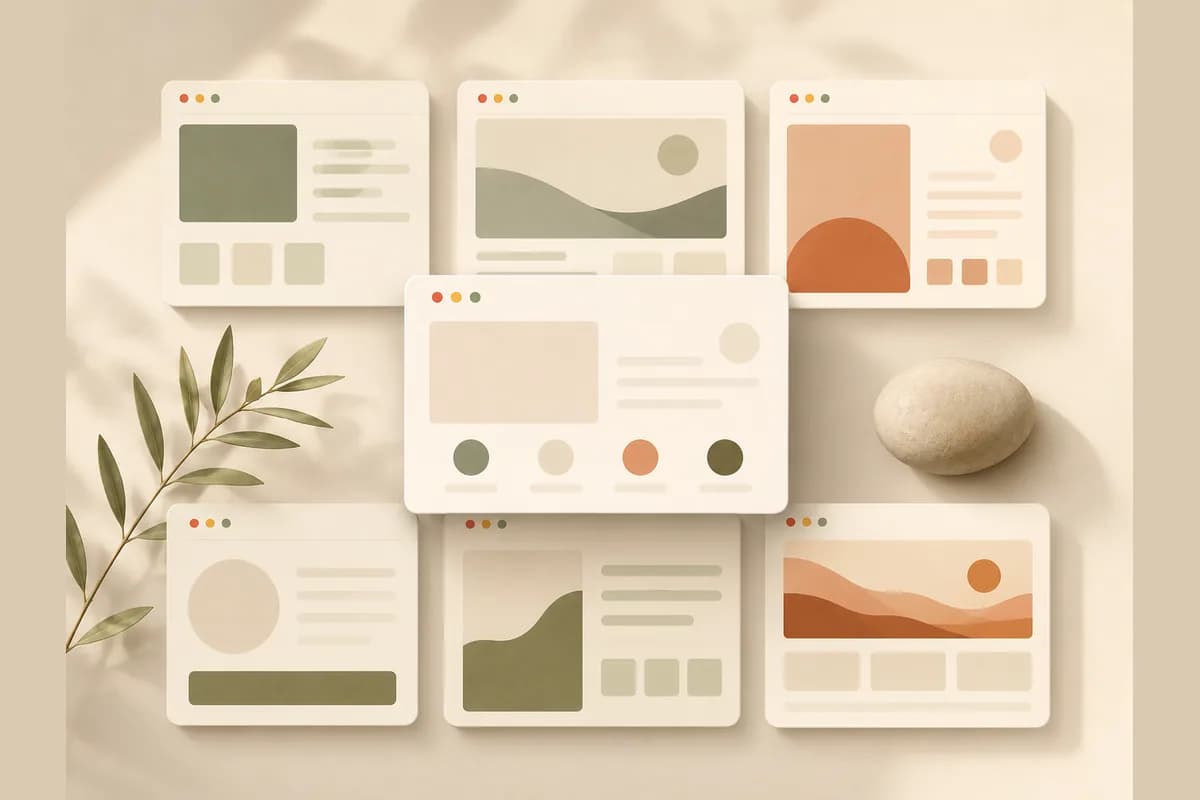
Type "free website templates" into Google and you're instantly buried in options: WordPress themes, HTML templates, ready-made designs, and starter kits from every platform going. They all promise the same thing, a good-looking website with no money down. The appeal is obvious. But before you download one and start tinkering, there's a question the download pages never raise: are free templates really the fastest path to a website that works, or a time trap that leaves your project stalled for weeks?
This article compares two paths honestly. Path one, grab a free website template and edit it yourself. Path two, describe your business in a sentence and let AI generate the whole site. Both can end in a good site, and both have their own traps. I'll show you which one fits whom, plus the hidden costs nobody mentions.
What free website templates actually are
The phrase "free template" covers a few pretty different things, and it helps to separate them up front.
- Free WordPress themes. You download from a directory, install it on WordPress, then edit through the dashboard. It needs WordPress already running on hosting, so there's a technical step before you even see the theme.
- Free HTML/CSS templates. Raw files you edit directly in the code, then upload to hosting. Full control, but you're genuinely dealing with code.
- Ready-made templates inside a builder. Finished designs you fill in through a drag-and-drop editor. The most beginner-friendly, but the free tier often slaps the platform's ads on your site and locks features behind paid plans.
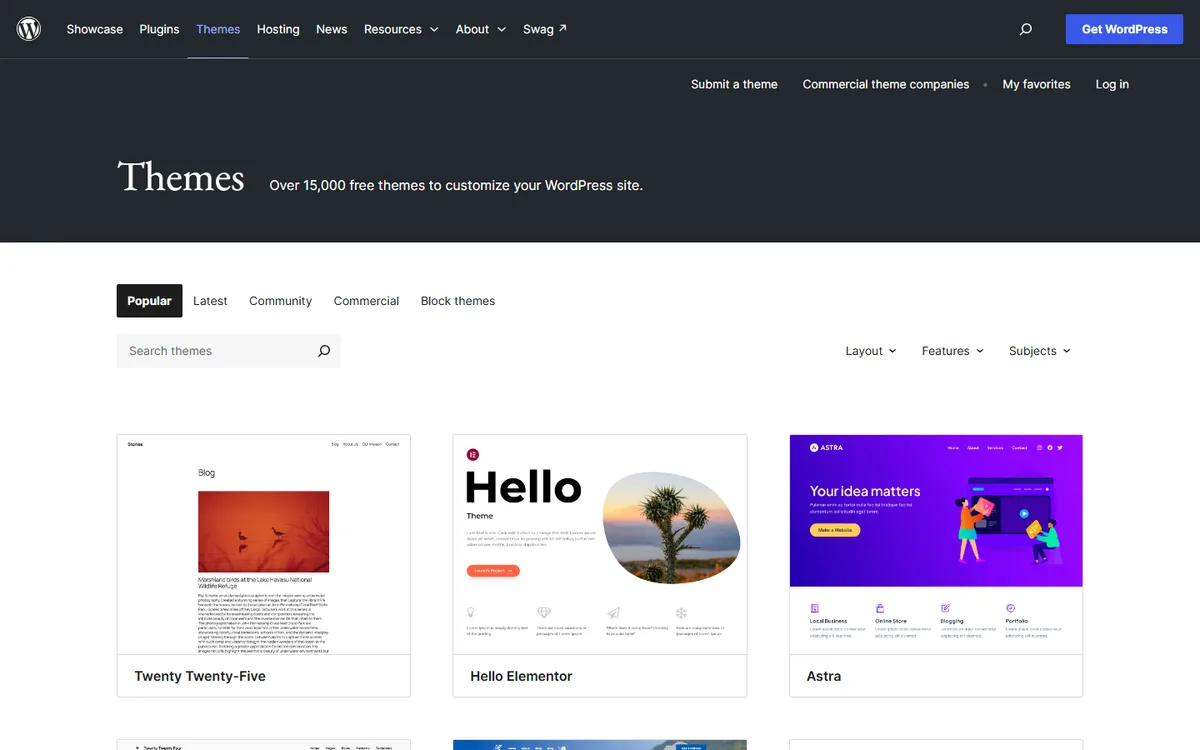
What unites all of them: a template is only a skeleton. It gives you a layout and a visual style, not a finished website. It still holds sample text ("Welcome to our business"), placeholder images, and buttons that lead nowhere. The real work, replacing all of that with your business information, still lands on you.
Note: "Free" almost always means free for the template, not free to be online. You still need a domain and hosting for anyone to reach the site. Factor that in from the start so it doesn't surprise you mid-project.
The real upsides of free website templates
I won't pretend free templates are bad. For some people they're a sensible choice, and the upsides are genuine.
First, there's no upfront cost for the design. You can start without spending a cent on how it looks. Second, the choice is enormous. Whatever your business, there's almost certainly a template that comes close. Third, with WordPress themes and HTML templates, you hold full control over the files. You can change anything, if you have the skill for it. Fourth, it's a good way to learn. Tinkering with a template teaches you how a website works, and that knowledge is useful.
For students, hobbyists, or people who genuinely enjoy the technical process, this path is fun and cheap. Nothing wrong with that.
The downsides download pages skip
This is where the picture gets more honest. The "download a free template" page never tells you this part.
You still fill everything in yourself. Templates arrive empty. Writing clear copy for your home page, services page, and contact page is often the most draining part, and a template helps you not at all with it.
It needs technical skill, especially when something breaks. Swap one section and suddenly the mobile view falls apart. Install a plugin and it clashes with the theme. For someone who knows their way around, that's minor. For a shop owner who just wants a website, it can be an afternoon lost to something that earns nothing.
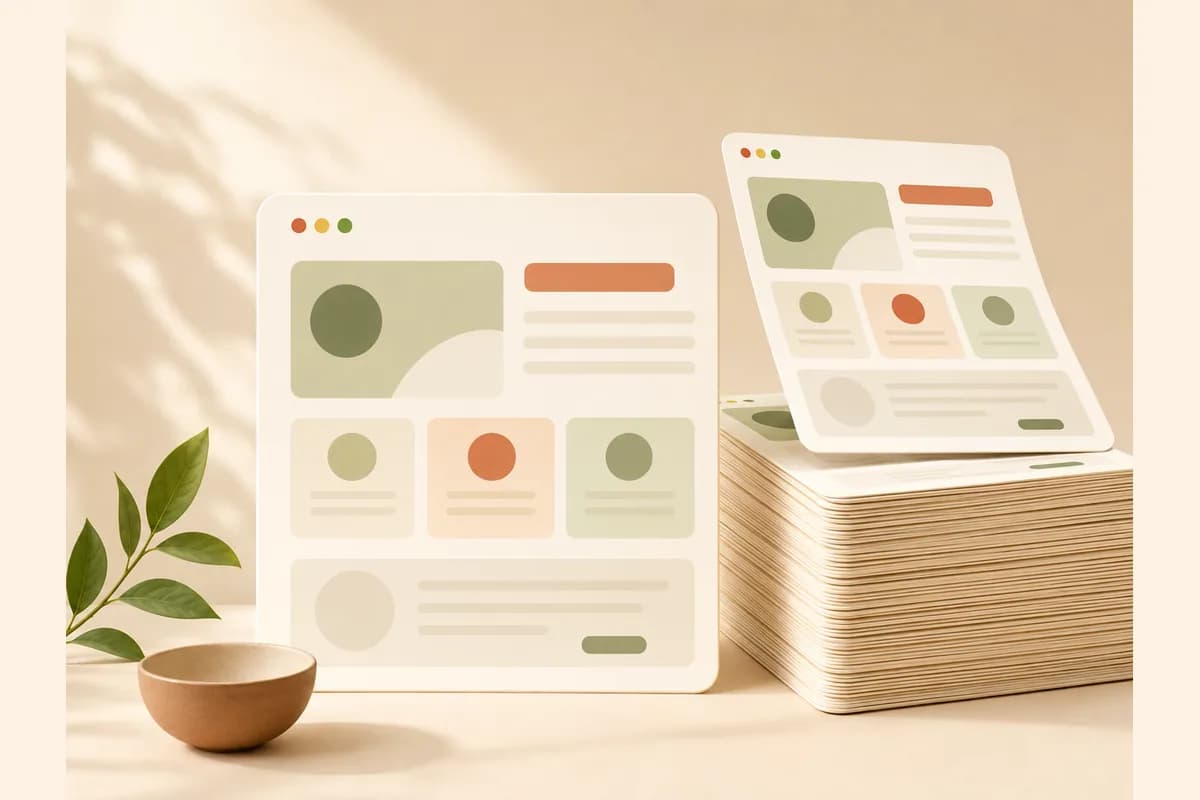
The result often looks generic. One popular template is downloaded by thousands of people. Unless you seriously rework the layout, colors, and photos, your site ends up looking like many others. For a business that wants to look credible, that's a subtle but real loss.
Support is thin. Free versions rarely come with help. When you get stuck, you're leaning on forums and YouTube tutorials.
And here's the take that might sting: free templates are often the most expensive option once you count your time. The ten or twenty hours you spend installing, adjusting, and fixing a template aren't free hours. That's time you could have spent serving customers or selling. A zero on the price tag doesn't mean zero cost.
Free templates vs AI-generated: side by side
Now let's put free website templates next to a different approach: describing your business and letting AI assemble the whole site. Here's the picture at a glance.
| Factor | Free website template | AI-generated site |
|---|---|---|
| Template cost | Free | Included in a monthly subscription |
| Time to launch | Days to weeks | Around a few minutes for the first draft |
| Content | You write it all yourself | AI drafts the copy from your description |
| Skill needed | Medium to high | Almost none |
| Customization | Manual, sometimes via code | Just type the change you want |
| Distinctiveness | Similar to other template users | Shaped from your business description |
| Hosting | You set it up | Included, publish to a free subdomain or your own domain |
| Lead form | Install and connect manually | Routes straight to WhatsApp |
| Basic SEO | You handle it | Built in |
Notice the table doesn't crown one path the outright winner. Free templates win when a zero template cost is your top priority and you have the time and the skill. AI generation wins when what you value most is speed to launch and not learning anything technical. The difference isn't purely about final quality, it's about who does the heavy lifting.
The hidden costs of "free" templates
The word "free" makes people stop thinking about cost. Yet several line items almost always appear.
You need a domain, usually somewhere around ten to fifteen dollars a year. You need hosting if you're on WordPress or an HTML template, from a few dollars to a fair bit more a month depending on quality. Many templates lock key features behind a premium version, so the moment you want a decent gallery or a form that actually works, you're nudged to pay. Then there are paid plugins for things like security, speed, or contact forms. And the biggest one, your time, which shows up on no invoice but still has a price.
None of this is dishonest. It's just real cost spread across a few places, which makes it easy to overlook. If you want the full math, the how much a website costs guide breaks it down, and small business website essentials keeps the must-have list short and honest.

When free website templates are genuinely enough
Free templates are the right call in several situations, and I won't tell you to avoid them if you're here.
- You're comfortable with WordPress or HTML, and customizing a template feels easy rather than scary.
- It's a learning project, a personal portfolio, or an experiment with no deadline.
- Your budget is genuinely zero and you have plenty of spare time to trade for money.
- Your needs are very simple, like a single static page whose content rarely changes.
In these cases the time you spend is worth it, and full control over the files is a plus rather than a burden.
How to check a free template's license before you use it
"Free" describes the price, not what you are allowed to do. A few minutes with the license saves an awkward takedown later.
- Find the license itself. Look for a license file in the download or a license section on the template page. If there is none, treat the template as risky for a business site.
- Check commercial use. Some free templates are for personal projects only. A business website is commercial use.
- Look for a credit requirement. Many free templates ask you to keep a visible credit link, often in the footer. Removing it may require a paid license.
- Check the images and fonts separately. Demo photos, icons and fonts bundled with a template may have their own terms, and demo photos are often not meant to be used on your live site.
- Save a copy. Keep the license text and the download page address with your project files, in case the terms change or someone asks later.
If any of these is unclear, choose a template with a clear license or start from something you are sure you can use.
When AI generation makes more sense
And here's where letting AI assemble your site is the saner pick.
- You're a business owner, and your time is worth more spent selling and serving customers than tweaking a theme.
- You need to launch fast, this week, not next month.
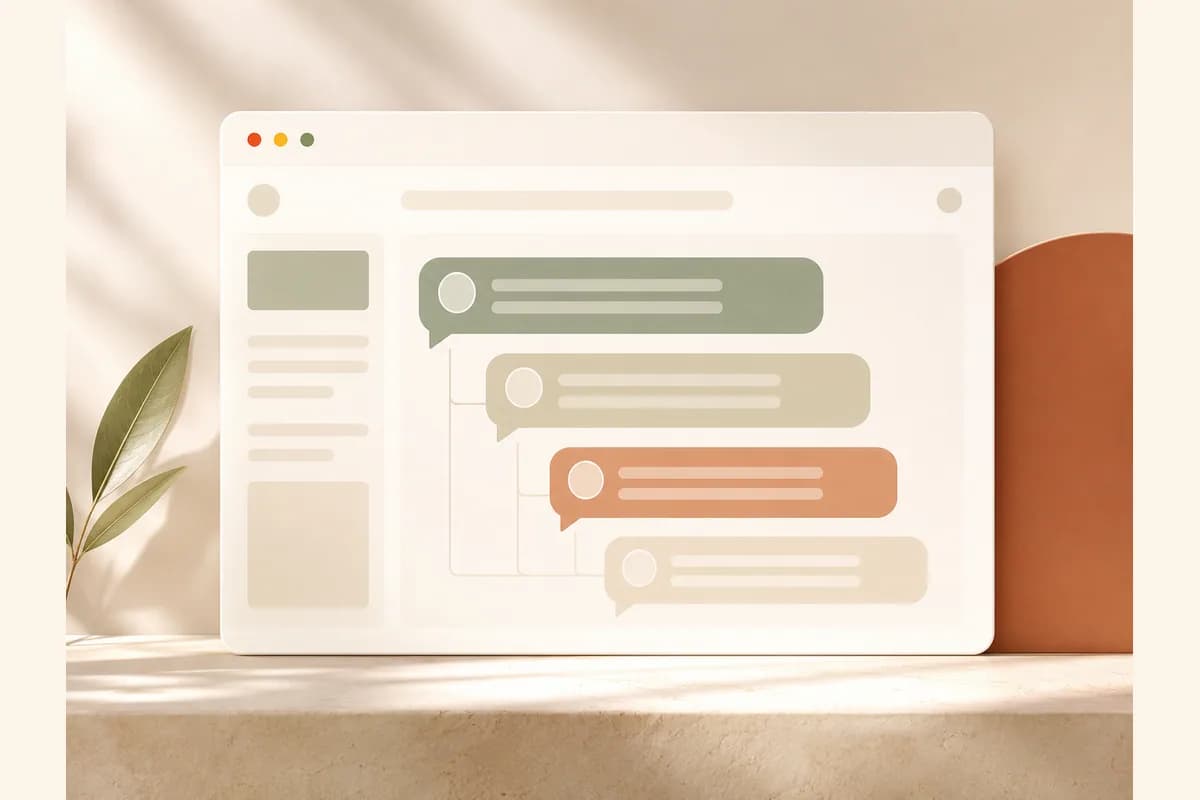
- You want to edit it yourself without learning a dashboard or code. With edit-by-prompt, you just type "change the hours to closed on Mondays" and the change happens.
- You'd rather not stare at pages of sample text, and want content that's relevant to your business from the start.
- You need a lead form that routes straight to WhatsApp and basic SEO already handled without thinking about it.
This is where an approach like Forgelo cuts out the part that usually makes people give up. You describe your business in a sentence, the site is generated and ready to publish in a few minutes, then you refine it just by typing the change you want. For any business that runs on inbound messages, a form wired straight to WhatsApp is the difference between a lead who reaches you and one who bounces. If you want to see how the generation step works before committing, how to build a website with AI walks through it. The free plan covers one site on a Forgelo subdomain, so you can test the approach before paying anything.
Tip: If your real goal is winning work rather than learning tech, measure your options by "how fast can I take a customer inquiry," not by "how many zeros are in the template price." A site that's live and capturing leads beats a perfect template still half-built on your laptop.
Three example scenarios: three businesses, two paths
Theory feels abstract, so let's look at three common small businesses.
A small neighborhood coffee shop. The owner downloads a free WordPress theme. Two weekends vanish into hosting setup, swapping sample text, and fixing a menu that breaks on mobile. The site ships, but it looks like five other cafes on the same theme. With AI generation, a description like "specialty coffee shop with a small manual-brew menu" produces a page with the menu, hours, and a WhatsApp reservation button, live the same day.
An on-call HVAC repair service. This business lives on calls and messages. A free template forces the owner to install and connect a contact form themselves, and half the time the form never actually connects to anything. The AI path gives a form that routes to WhatsApp from the start, so no lead falls into an inbox nobody checks.
A home-run handmade jewelry shop. What's really needed is simple: a product showcase, photos, and a way to order. A free template can do it, but it takes hours to arrange the gallery. When the focus is selling fast, letting AI assemble the frame and then swapping in the photos is far quicker, with no hours lost to arranging the layout.
The pattern is consistent. The more valuable your time and the sooner you want customers, the more the decision leans toward AI generation. The more you enjoy the technical process and have hours to spare, the more a free template makes sense.
The bottom line
Choose a free website template if you have the technical skill, spare time, and simple needs, or if you genuinely want to learn how a site works. Choose the AI path if you're a business owner whose time is better spent selling, you need to launch fast, and you want to edit the site yourself without wrestling code or a dashboard.
The biggest mistake isn't picking the wrong one of the two. It's getting stuck for months in a template that never quite finishes while your business runs with no website at all. A live site a customer can reach today beats a perfect template still half-built on your laptop. If you're curious how fast the AI path starts, see it for yourself on the Forgelo home page.