If you already live inside Canva, the Canva website builder feels like the obvious next step: pick a template, drag your elements around, and publish a page without touching code. It is genuinely good at the thing it was built for, which is turning a nice-looking design into a live page fast. But "looks nice" and "works as a business website" are two different bars, and this review is about the gap between them. I have used it, I like parts of it, and I still think a lot of people reach for it for the wrong job.
Here is the honest verdict up top. If you want a beautiful one-page site, an event page, or a simple link hub, Canva is a pleasure to use and hard to beat on visual polish. If you want a site that captures leads, gets found on Google, and grows into more than one page, it runs out of room quicker than you would expect. Let me show you exactly where the line sits.
What the Canva website builder actually is
The Canva website builder is a feature bolted onto the design tool you already know. You work on a canvas, drag in text boxes, images, shapes, and buttons, and everything snaps to a grid. When you are happy, you publish, and Canva hosts the page. It leans on the same template library and brand kit you use for social posts and slides, which is why it feels so familiar to existing users.
That heritage is the whole story here, both the strength and the weakness. It was designed by a company that is brilliant at graphic design, not one obsessed with lead generation or search rankings. So the parts that touch design are excellent, and the parts that touch running a business online are, at best, adequate.
Note: A website builder that started as a design tool will always be strongest at design. That is not a criticism, it is just where the product's DNA points. The question is whether design is actually your bottleneck.
Where Canva genuinely shines
Credit where it is due, because plenty of it is deserved. The drag-and-drop editor is one of the smoothest around. If you can make a poster in Canva, you can make a page, and the learning curve is basically flat. For visual creators, that alone is worth a lot.
The template quality is high. These are pages designed by people with taste, so even a rushed effort ends up looking clean. If your brand is already set up in Canva, your fonts and colors carry over automatically, so the page matches your other assets without any fuss.
It is also fast for what it is. A simple landing page or a personal one-pager can go from blank to published in under an hour. And because it is part of a subscription many people already pay for, there is no separate tool to learn or bill to justify. For a designer, a coach launching a workshop, or anyone who needs a pretty page they will share by link, that is a strong package.
How to make a website on Canva, the short version
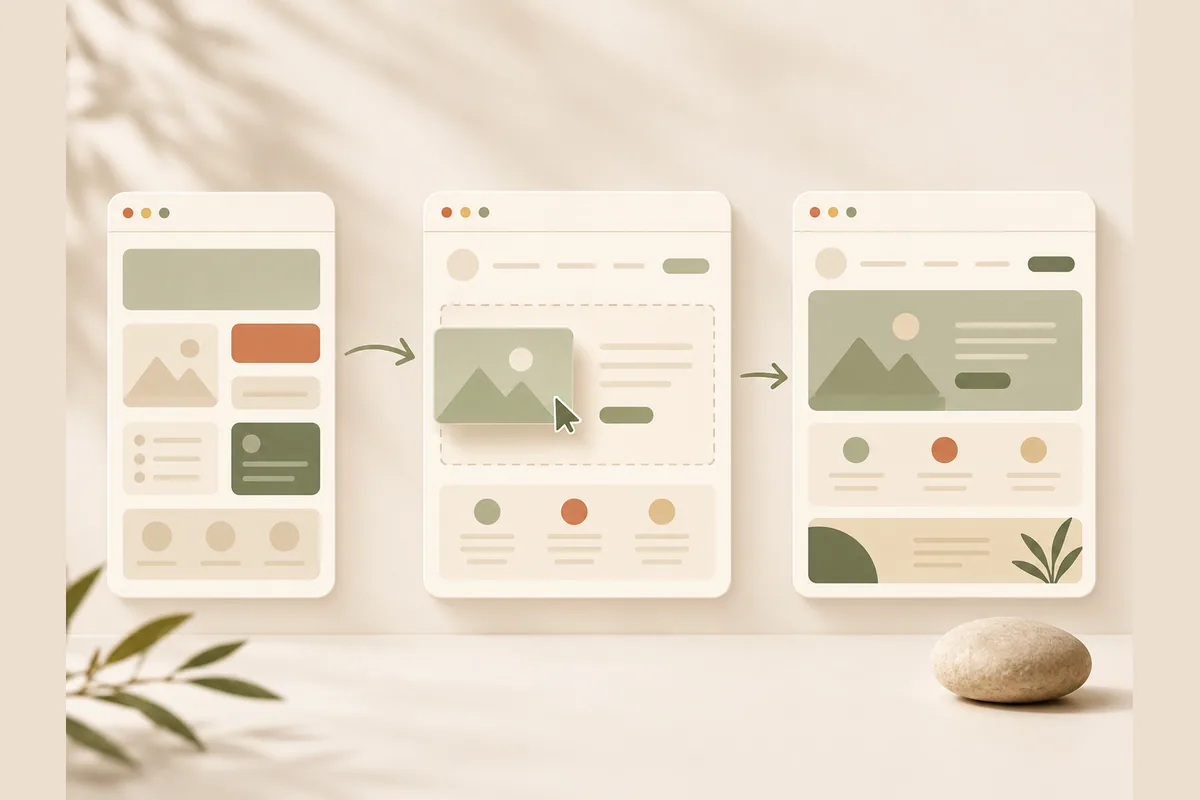
Since a lot of people search for how to make a website on Canva before deciding, here is the quick flow so you know what you are signing up for:
- Open Canva and choose the Website format, or start from a website template.
- Edit the text, swap in your images, and drop in buttons or a simple form.
- Add extra sections by copying blocks or stacking elements down the page.
- Preview on mobile and nudge anything that broke on a small screen.
- Publish to a Canva subdomain, or connect a custom domain on a paid plan.
Nothing here is hard, and that is the appeal. The catch is that steps four and five hint at the limits. Mobile behavior needs manual babysitting, and the professional-looking domain lives behind a paywall. For a deeper walkthrough of code-free options in general, our guide on how to make a website without coding covers the wider landscape.
Where it falls short for business sites
This is where the review earns its keep. A few honest weak spots show up the moment you treat a Canva page as a working business website rather than a design.
Lead capture is basic. You can add a form, but turning a visitor into a conversation you actually reply to is where money is won or lost, and the tooling here is thin. If most of your inquiries come through WhatsApp, as they do for a huge share of small businesses, you end up bolting on workarounds. This is exactly the problem we wrote about in turning visitors into WhatsApp leads, and it is the single biggest gap for anyone selling a service.
SEO control is shallow. You get the basics, but the deeper structure that helps a page rank, clean headings, sensible metadata, fast and lightweight loading, is not really the point of the product. If you expect Google to send you customers, that matters a lot. Our primer on website SEO basics explains why the plumbing under a page decides whether anyone finds it.
Multi-page depth is limited. Canva is happiest with a single scrolling page. The moment you want a proper structure, separate service pages, a blog, a location page per city, you are pushing the tool past its comfort zone. And editing stays manual forever. There is no "just tell it what to change" shortcut, so every tweak is a hands-on drag-and-resize session, which adds up if you update your site often.
Tip: Before you commit, ask where your customers actually come from. If it is search and messaging, a design-first tool is optimizing the part you are already good at, not the part that is holding you back.
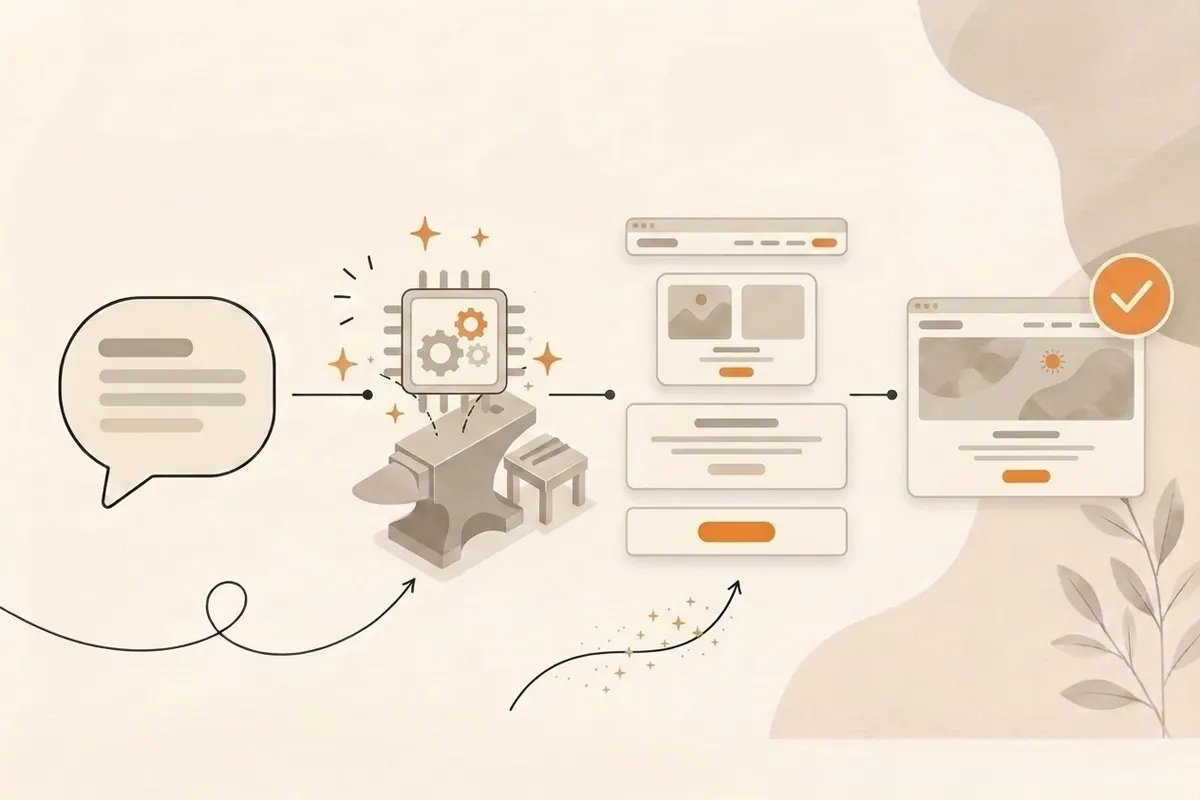
Canva website builder vs a business-first builder
Here is the contrarian take that this whole review builds to: for most small businesses, design is the easy part. The hard part is being found and turning a click into a message. A design-first tool nails the easy part and leaves you to solve the hard part yourself. A business-first tool flips that.
That is the lane Forgelo sits in. Instead of dragging boxes, you describe your business in a sentence and get a complete, publish-ready site in a few minutes. You edit by typing the change in plain words, so "add a pricing section with three plans" or "move the contact form up" just happens. Lead forms route straight to your WhatsApp, SEO is built in from the start, and you can publish to a free subdomain or connect your own domain. Here is the side-by-side.
| What you are judging | Canva website builder | Forgelo |
|---|---|---|
| Best at | Visual design, one-page sites | Business sites that capture leads |
| How you build | Drag and drop from templates | Describe your business, site in ~a few minutes |
| How you edit | Manual drag, resize, restyle | Type the change in plain words |
| Lead capture | Basic form | Lead form straight to WhatsApp |
| SEO control | Shallow, page-level | Built in from the start |
| Custom domain | Paid plans only | Free subdomain or connect your own |
| Multi-page depth | Limited | Full multi-page |
| Agency use | Not really | Agency plan, white label on the roadmap |
| Price | Free tier, paid for domain and pro | $9 / $19 / $39 per month |
Neither tool is "bad." They are aimed at different jobs. If you are a designer making a portfolio, Canva might genuinely be the better call. If you are a plumber, a clinic, a caterer, or a coach who needs the phone to ring, a business-first builder does more of the work that actually matters. If you want to compare a few options before deciding, our roundup of the best AI website builder is a fair place to start.
Who should use Canva, and who should not
Let me be concrete so you can place yourself quickly.
Use the Canva website builder if you already work in Canva daily, you need a visually strong one-pager, you will share the link directly rather than rely on Google, and lead capture is a nice-to-have rather than the whole point. Event pages, portfolios, link hubs, and simple announcements all fit this shape well.
Look elsewhere if your website is meant to bring in customers on its own. If you need to rank in search, route inquiries into WhatsApp without duct tape, grow past one page, or hand a clean site to a client under your own brand, a design-first tool will fight you. None of that is a knock on Canva. It is the same logic as our piece on what a small business website actually needs: match the tool to the job, not the hype.
The bottom line
The Canva website builder is a lovely way to make a good-looking page fast, and for visual, share-by-link projects it is hard to beat on polish. As a review of "can it design a page," it earns a clear pass. As a review of "can it run as a business website that finds customers and captures leads," it earns a gentler grade, because that was never really its job.
If design is your bottleneck, Canva may be all you need. If getting found and turning visitors into messages is your bottleneck, a builder made for that will save you the workarounds. You can spin up a full business site, WhatsApp lead form and SEO included, and see the difference for yourself. Check the pricing and start where your real problem is, not where the prettiest template is.