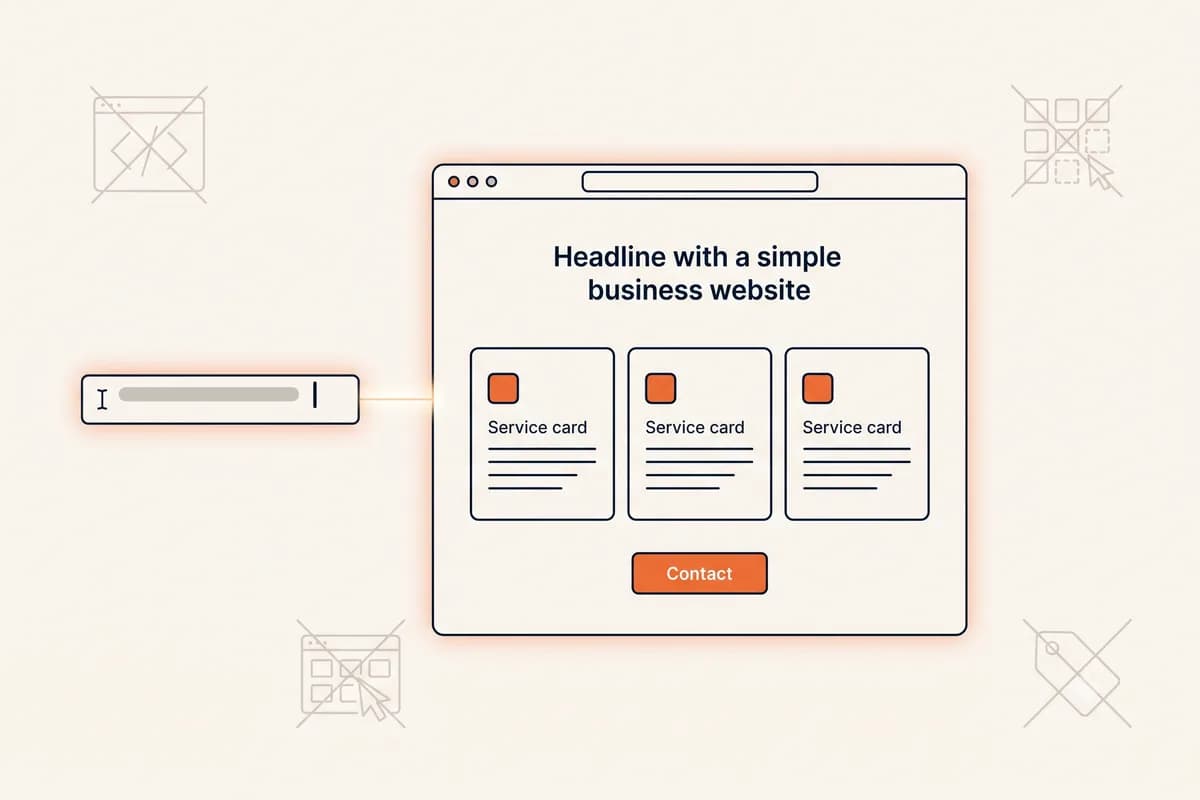
A website builder with AI is the simplest self-serve route for a beginner who wants to describe a business in one sentence, receive a complete website draft, and then edit each section by prompt before publishing. The first result is a working starting point, not a finished business asset. Your job is to make the offer accurate, add real proof, test the visitor journey, and choose a plan that supports the domain and features you need.
This guide helps you make those decisions in the right order. It focuses on the beginner workflow around the tool: how to decide whether a builder fits, prepare useful input, review the draft, improve it without getting overwhelmed, and know when the site is ready. For a broader explanation of the product category, read our complete AI website builder guide. If your main question is whether any website can be made without technical skills, start with our no-code website builder guide.
Decide whether a website builder with AI fits your website
Choose a website builder with AI when the site has a clear communication goal and you want to manage it yourself. It is a strong match for a local service business, consultant, freelancer, portfolio, event, simple product showcase, or campaign page. These sites mainly need to explain an offer, establish trust, answer common questions, and guide the visitor toward one action.
Start by writing the action you want a visitor to take. Examples include requesting a quote, booking a call, visiting a store, joining a waitlist, or buying a focused offer. If you cannot name the action, the site will probably become a collection of attractive sections without a useful journey.
An AI builder may be the wrong starting point if the project depends on complex customer accounts, unusual transactions, extensive approval workflows, or specialized integrations. You can still use a builder for a public marketing page, but the operational system behind it may need a different solution. The useful beginner question is not, "Can AI create something that looks like a website?" It is, "Can this builder support the job my website must do after launch?"
Use this decision checklist before creating an account:
- Editing: Can you revise one section by prompt without disturbing sections you already approved?
- Publishing: Can you preview the site, publish updates easily, and connect your preferred domain?
- Essentials: Can you control page titles, descriptions, images, links, forms, and contact details?
- Mobile use: Does the published page remain readable and easy to act on from a phone?
- Growth: Can you add pages or update offers later without starting over?
- Cost clarity: Do you understand what the free experience includes and which features require a paid plan?
- Support: Is there clear help for domain setup, billing, and publishing problems?
Do not choose from a polished example alone. Create a trial draft and attempt several realistic changes, such as replacing an offer, adding a service area, rewriting a testimonial section, and changing the main action. The best option is the one you can still use confidently on the tenth update, not only during the first demonstration.
Prepare a brief the builder can use
A strong first prompt is a compact business brief. It should give the AI enough context to make sensible structural choices, but it does not need to contain every word that will appear on the site. Gather your facts before opening the builder so you can distinguish an AI assumption from a real business detail.
Prepare these items:
- Business identity: Your name, category, location, and service area where relevant.
- Core offer: The main product or service and the problem it solves.
- Audience: The type of customer you most want to attract.
- Primary action: The one next step the visitor should take.
- Trust material: Real reviews, credentials, years of experience, client names you may publish, or a clear process.
- Practical details: Hours, prices or pricing approach, phone number, email address, booking link, and policies.
- Voice: A few useful directions such as calm, direct, premium, friendly, or practical.
Here is a useful first-prompt pattern:
Create a website for [business name], a [business type] serving [audience or location]. We help customers [specific outcome] through [main services]. Use a [tone] voice. Include [important sections], and make [primary action] the main next step.
For example:
Create a website for Northside Pet Care, a mobile dog grooming service for busy owners in Leeds. We provide home visits, coat care, nail trimming, and puppy introductions. Use a warm, reassuring voice. Include services, how visits work, customer reviews, service areas, FAQs, and a prominent request-a-visit form.
Keep factual notes separate from style preferences. "Open Tuesday through Saturday" is a fact. "Make the page feel welcoming" is a direction. This distinction makes review easier because facts must be correct, while directions can be adjusted as you refine the presentation.
Do not add invented awards, clients, reviews, prices, or guarantees to make the prompt sound impressive. If the draft introduces unsupported proof, remove it. A modest accurate claim builds more trust than a polished statement the business cannot verify.
Generate the draft and improve it section by section
Once the draft appears, read the whole page before changing it. First check the order of ideas. A beginner-friendly business page usually needs to answer a sequence: What is this? Is it for me? Why should I trust it? What happens next? How do I act? The exact sections can vary, but visitors should not have to solve those questions themselves.
Then work from the top down. Approve one section at a time and use prompts that describe one outcome. Focused requests are easier to judge than a broad instruction such as "make everything better."
Useful section prompts include:
- "Rewrite the hero for homeowners in Bristol who need same-week boiler repair. Keep the headline under ten words and make requesting a quote the main action."
- "Replace the generic benefits with three specific outcomes: fixed appointment windows, written estimates, and a twelve-month workmanship guarantee."
- "Turn this service description into four short steps and explain what the customer should prepare before the appointment."
- "Make the about section less formal. Keep the founder's qualifications and remove any claim that is not in my notes."
- "Add a concise FAQ that answers service area, payment timing, cancellations, and response times."
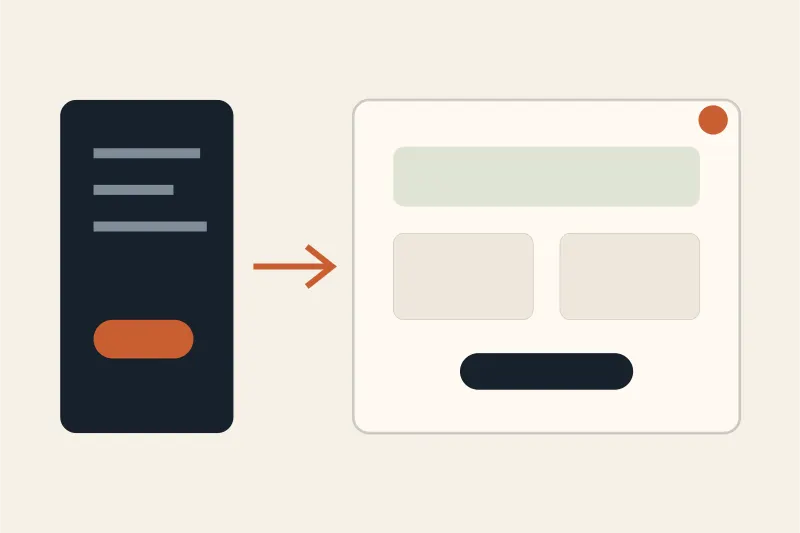
After each edit, ask two questions: Is it true, and is it clearer for the intended visitor? An elegant rewrite that changes the meaning of a service is not an improvement. Keep your source notes nearby and compare names, numbers, dates, locations, and promises character by character.
Use a simple stop rule for each section. Move on when it has one job, contains the necessary facts, and leads naturally to the next part. Endless wording changes can delay the more important checks, such as whether the contact form works. You can improve a published site later after observing real questions from customers.
This workflow also prevents a common beginner error: trying to solve design, copy, proof, and search visibility in the same prompt. Deal with structure first, accuracy second, clarity third, and visual polish fourth. That order gives each revision a visible purpose.
Add content that earns trust and supports discovery
AI can organize information, but it cannot supply the first-hand details that make your business credible. Replace broad phrases such as "high-quality solutions" with evidence a customer can understand. Name the area you serve, describe what is included, explain your process, show real work with permission, and state what happens after someone contacts you.
Make every page useful on its own. A services page should explain the service, intended customer, process, relevant limits, and next action. An about page should help the visitor understand who is responsible for the work and why the business is qualified. A contact page should set expectations about response time and include a backup method when appropriate.
Search basics should support that clarity. The Google Search SEO starter guide recommends unique, clear, concise page titles that accurately describe each page, and describes a good meta description as a short, page-specific summary of the most relevant points. Review generated titles and descriptions rather than assuming they are finished. A title such as "Emergency plumber in Bristol | Rowan Heating" communicates more than "Welcome to our website."
Add meaningful alternative text to informative images. Google explains in the same guide that descriptive alt text helps establish the relationship between an image and the page content. Accessibility is the broader reason to take this seriously. The W3C introduction to web accessibility defines accessible websites as ones designed so people with disabilities can perceive, understand, navigate, interact with, and contribute to the web. Check that links make sense, text remains readable, forms have clear labels, and essential actions do not depend only on color or an image.
If you run a local business, accurate public details matter more than clever copy. Keep the business name, address, phone number, and hours consistent. The official Schema.org LocalBusiness reference documents properties including physical address, telephone number, and opening hours. Ask whether your builder supports appropriate structured business information, but do not add a category or details that do not match the real organization.
Finally, connect related pages naturally. Internal links help visitors continue a task and help establish the site's information structure. Link from a service summary to its detailed page, from a case study to the relevant service, and from an FAQ to the page that fully answers the question. Use labels that describe the destination rather than repeating "click here."
Check the publish stack of a website builder with AI
Treat publishing as a short quality check, not a ceremonial final step. Open the preview on a phone and a larger screen. Read every visible line, tap every button, submit every form, and confirm where the message arrives. Call the displayed phone number, inspect map and booking links, and check that social links open the intended profile.
Performance is part of this review because it affects how the page feels to a visitor. The web.dev performance course describes performance as a vital aspect of user experience and covers images, fonts, video, and other resources that affect how quickly a page appears. Use appropriately sized images, avoid unnecessary media, and test the published URL on an ordinary connection instead of judging only inside the editor.
Security and ownership deserve a beginner's attention too. Confirm that the live site uses HTTPS, protect the builder account with a strong unique password and available account security options, and know who controls the domain. MDN's introduction to website security explains that security spans application design, server configuration, password policies, and client-side behavior, and notes HTTPS as one server-side mitigation. A hosted builder should manage much of the infrastructure, but you are still responsible for account access, accurate form handling, and sensible collection of customer information.
Use this final launch list:
- The first screen states the offer, audience, and main action clearly.
- Business names, locations, hours, prices, and contact details are accurate.
- Every button and form completes the intended action.
- The page is readable and usable on a phone.
- Each important page has a descriptive title and summary.
- Informative images have useful alt text, while decorative images do not create noise.
- The published site uses HTTPS and the correct domain.
- You know where leads, billing notices, and renewal messages will arrive.
- A trusted person unfamiliar with the draft can explain the offer after reading it.
Publish when these checks pass. Do not wait for perfect wording. Send the live URL to a small set of representative people and ask three questions: What does the business offer? Who is it for? What would you do next? Their answers reveal whether the site communicates, not merely whether they like its appearance.
Choose the right website builder with AI plan
Compare a website builder with AI plan only after you understand the website's job. A free preview or subdomain can be useful for testing, collecting feedback, or validating a campaign. A custom domain is usually a sensible next step for a business that will put the address on proposals, profiles, packaging, or advertising.
Check the current plan details for domain connection, number of published sites or pages, form limits, storage, analytics, branding, support, and future edits. Also check renewal terms and cancellation behavior. The cheapest monthly number is not automatically the lowest-cost option if the plan blocks a necessary action or makes routine changes difficult.
For a practical decision, list requirements in two columns: needed at launch and useful later. A custom domain and working inquiry form may be launch requirements. Additional pages, higher limits, or advanced reporting may be later needs. This keeps you from paying for an imagined future while avoiding a plan that cannot support the current goal.
Forgelo is designed around the self-serve workflow in this guide: describe the business in one sentence, receive a complete draft, and refine individual sections by prompt until they are accurate and specific. You can compare Forgelo pricing against your launch requirements, then choose the level that fits the site rather than buying from a feature count alone.
The right website builder with AI removes the technical barrier without removing your judgment. Bring accurate business facts, make one clear decision at a time, and verify the live customer path. That is how a beginner turns an AI draft into a useful website that can improve with the business.