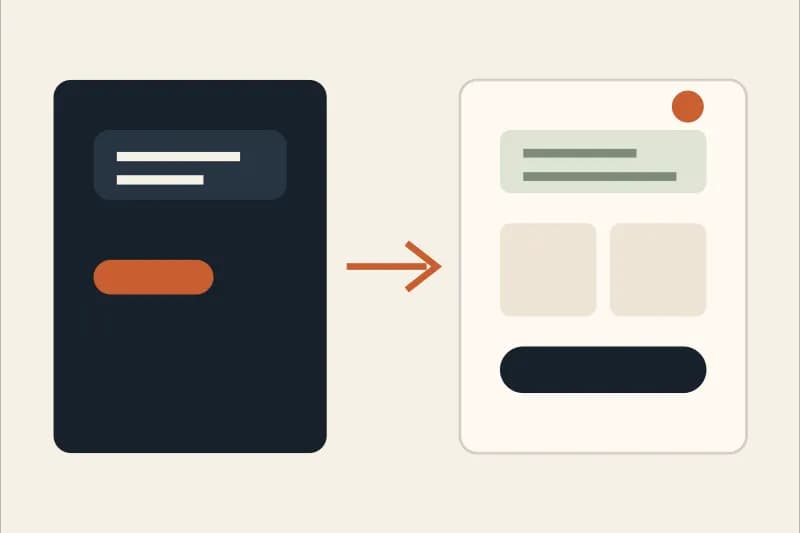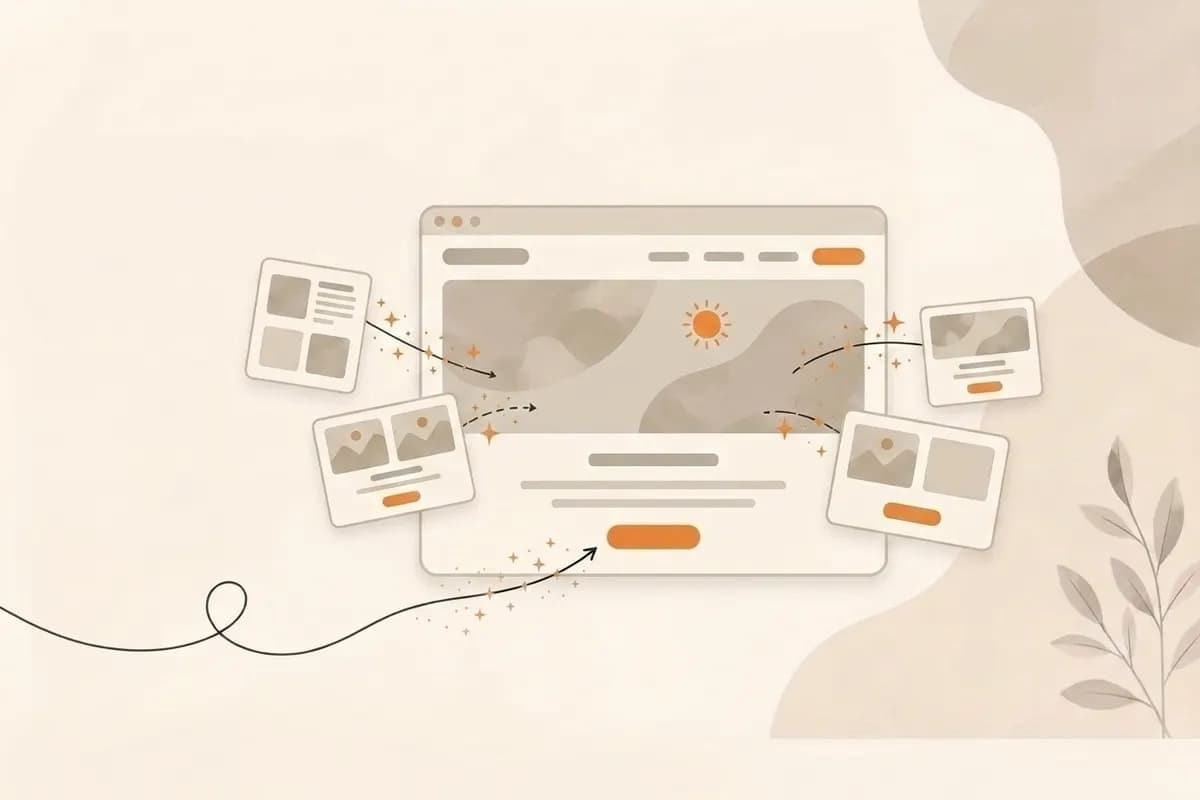
AI website builder, defined: an AI website builder is software that turns a short written description of your business into a working website. It drafts the page structure, copy, layout, and metadata in one pass, and the better tools let you revise any single section by describing the change in plain language.
An AI website builder is not just a faster template. The useful version of the category does something sharper: it turns a short business prompt into a real site, then lets you keep shaping individual sections with plain language. That second part matters. A first draft is helpful, but a business website becomes useful when you can refine the hero, offer, proof, FAQ, pricing, and call to action without rebuilding everything from scratch.
In 2026, the best AI website builder for most small teams is not the one with the longest feature list. It is the one that helps a non-developer get from intent to a published page quickly, while keeping enough control to make the page feel specific. You should be able to describe your business, review a complete draft, rewrite one section by prompt, connect a domain, and keep improving the page after it goes live.
This guide explains how AI website builders work, where they are useful, what to compare, and how to choose one for a real business. It also explains the tradeoffs honestly, because AI is not magic. It is a powerful shortcut for the right website job.
What an AI website builder actually does
A traditional website builder starts with a blank canvas or a template. You choose a layout, drag blocks, rewrite copy, upload images, and adjust spacing. That can work well if you already know what you want. It is much harder if you are a founder, freelancer, or local business owner who only knows the outcome: "I need a website that explains my offer and gets people to contact me."
An AI website builder starts one step earlier. It asks for intent. You might type:
Create a website for a boutique accounting firm that helps early stage startups stay compliant, prepare monthly reports, and get ready for fundraising.
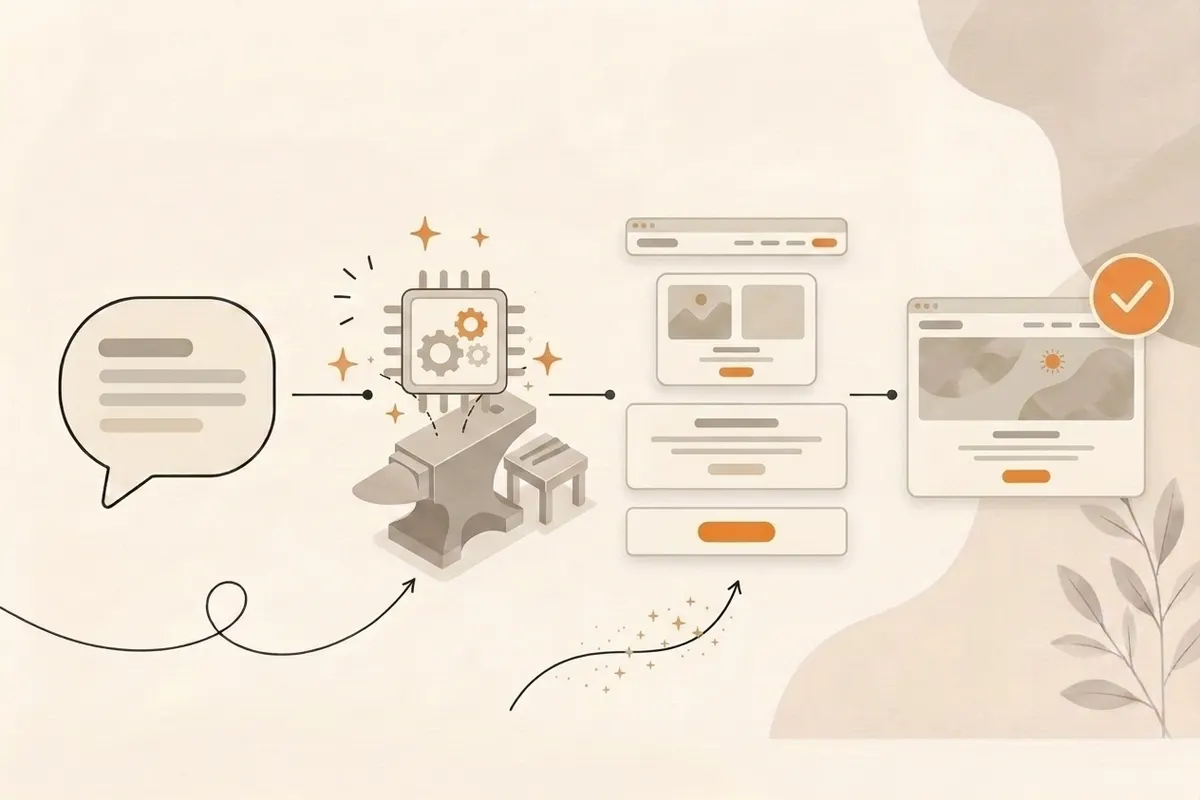
From that prompt, the builder can generate a structure: hero, benefits, service cards, process, proof, FAQ, and contact section. It can also create draft copy, labels, button text, and page metadata. A good builder does not stop there. It gives you a way to keep editing naturally.
That is the difference between an AI generator and an AI website builder. A generator makes a one-shot output. A builder gives you a site you can shape. Forgelo focuses on that second model: from prompt to published page, then edit any section by prompt.
Why edit-by-prompt matters more than one-shot generation
One-shot generation looks impressive in a demo. You type a sentence, a website appears, and the process feels finished. In real business work, the first draft is almost never the final version. You notice the headline is too generic. The service section misses your best offer. The FAQ does not answer pricing concerns. The CTA says "Get started" when your customers actually need "Book a consultation."
If the only way to fix those issues is to regenerate the whole site, you lose control. If the only way is to drag elements manually, you are back to doing design work. Edit-by-prompt solves the practical middle.
For example:
- "Make the hero more direct for restaurant owners who need online ordering."
- "Rewrite this pricing section so it feels transparent, not pushy."
- "Turn this process section into four simple steps."
- "Add a FAQ about whether I can use my own domain."
- "Make the CTA focus on WhatsApp leads instead of a generic form."
This is where AI becomes useful for non-developers. You do not need to understand layout systems, breakpoints, or component props. You explain the business change, and the tool rebuilds that section. The site improves in small, controlled steps.
When AI website builders are the right choice
AI website builders are strongest when the site has a clear business purpose and a simple interaction model. They are especially useful for businesses that need a credible online presence now, not after weeks of planning.
Good use cases include:
- A service business that needs a homepage, services, proof, and contact.
- A freelancer portfolio that explains skills, process, and case studies.
- A startup landing page that tests positioning before a full product launch.
- A local business site with location, offers, FAQ, and lead capture.
- A campaign page for a new product, event, waitlist, or promotion.
- A simple catalog that sends visitors to chat, checkout, or booking.
The pattern is simple: explain, build trust, and create one clear next step. For that kind of site, an AI website builder can save days of work. If you are still comparing this route with hiring a vendor, our guide to website creation services explains the cost, control, and handover tradeoffs.
It is not the right choice for every project. If you need a custom web app, an authenticated dashboard, complex pricing logic, a marketplace, a large CMS workflow, or deep system integrations, AI can help with planning and prototypes, but you should expect engineering work. A website builder is not a replacement for every software project.
Three scenarios: which kind of AI website builder fits you
The same category serves very different jobs. These three situations cover most of the people who search for an AI website builder, and each one points to a different priority in the criteria table below.
1. A local service business that needs leads this week. A cleaning company, clinic, or consultant needs a homepage, a services section, proof, and one obvious way to get in touch. The priority is a specific first draft and a fast path to a live page on your own domain. Section editing matters more than design freedom. Read AI website builder for small business and free AI website builder options for this case.
2. A freelancer or creator who needs a portfolio. The page has to show work, explain the process, and sound like one person, not a template. The priority is tone and brand control, plus the ability to keep adding projects without rebuilding. Compare how a prompt based builder handles this against a design tool in AI website builder vs Canva vs Wix.
3. A founder testing positioning with a landing page. Before a product exists, the job is to publish a page, share it, and rewrite the headline and offer several times based on feedback. The priority is edit speed: changing one section by prompt instead of regenerating the whole page. Is an AI website builder worth it walks through that tradeoff, and AI website builder pricing shows what repeated edits cost on different plans.
What to compare before choosing a builder
Most comparison pages focus on pricing tables, template counts, or whether a tool has AI in the name. Those are not enough. The practical question is: can this builder help you publish a site that you can keep improving without technical help?
Use this comparison checklist:
| Criterion | Why it matters | What to look for |
|---|---|---|
| Prompt quality | The first draft should understand the business, not just the industry | Specific hero copy, relevant sections, useful CTA |
| Section editing | Real websites need revision | Ability to edit one section without regenerating all pages |
| Mobile output | Many visitors arrive from phones | Clean spacing, readable type, tappable buttons |
| SEO basics | Search engines need clear structure | Metadata, headings, crawlable content, internal links |
| Publishing speed | A builder should reduce launch friction | Subdomain preview, custom domain support, fast updates |
| Brand control | Generic sites are forgettable | Tone, colors, typography, imagery, and section order controls |
| Ownership | You should understand what you are publishing | Clear pricing, export or domain options, simple account model |
The best AI website builder is the one that removes the work you do not want, while preserving the decisions that make the website yours. If you want to test Forgelo against this checklist, the section editing and SEO features map to each row above.
SEO basics an AI builder should handle
AI website builders often promise SEO, but you should separate helpful foundations from unrealistic guarantees. No builder can promise ranking for competitive keywords just because it generated a page. What it can do is create a clean starting point.
At minimum, a builder should help you with:
- A clear page title. It should describe the business or page topic in natural language.
- A useful meta description. It should summarize the offer and help people decide whether to click.
- Logical headings. The page should use sections that humans and search engines can understand.
- Readable copy. It should answer real questions instead of stuffing keywords.
- Internal links. Related pages and guides should connect naturally.
- Mobile-friendly output. The page should be usable on small screens.
- Crawlable content. Important text should be available in the rendered page.
Google Search Central describes SEO as helping search engines understand your content and helping users decide whether to visit your site. That is a good standard for AI builders. The tool should make the page clearer, not just longer.
For more implementation detail, read website SEO basics, how to build a website with AI, and how AI generates a website. Those guides cover the tactical side after you understand the category.
AI website builder vs template builder vs web designer
The right choice depends on what you value most: speed, control, originality, or custom implementation.
A template builder is reliable when you like a starting design and are comfortable editing blocks yourself. It can be affordable, but many users spend too much time forcing the template to match their business.
A web designer is best when brand nuance, custom art direction, conversion research, or stakeholder alignment matters. It is usually slower and more expensive, but a strong designer can solve complex positioning and visual problems.
An AI website builder sits between those options. It gives you speed without starting from a blank page. It gives you more business-specific output than a generic template. It does not replace a senior designer for complex projects, but it is often enough for the first serious version of a business website.
Here is the practical difference:
- Choose a template builder if you want manual control and already know the layout you want.
- Choose a web designer if the site is high-stakes, brand-heavy, or part of a larger campaign.
- Choose an AI website builder if you need to publish quickly, revise often, and stay in control without code.
Forgelo is built for the third case. Describe the business, get a page, then keep shaping it by prompt. If you would rather start from a proven layout than a blank prompt, browse the website templates and edit from there.
For the wider category, including template editors and drag and drop canvases alongside AI tools, our no code website builder guide compares the 2026 options and their real billing terms.
How to build a site with an AI website builder
A strong workflow is simple, but it should not be careless. The quality of the output depends on how clearly you describe the business and how carefully you review the draft.
Start with a short brief:
- What does the business do?
- Who is the page for?
- What problem does the visitor have?
- What should the visitor do next?
- What proof makes the business credible?
- What tone should the page use?
Then generate the first draft. Read it from the top down like a real visitor. Do not judge the website only by how it looks. Ask whether it explains the offer, builds trust, and makes the next step obvious.
After that, edit section by section. Improve the hero first, then the offer, proof, FAQ, and CTA. Keep the page focused. A short page that says the right thing is better than a long page that sounds like every competitor.
Before publishing, check the mobile version. Web.dev frames responsive design as making sites work well across devices and user contexts. For a business website, that means readable text, tappable buttons, clean spacing, and no broken sections.
Finally, publish and share the link with a few real people. Ask what they understood, what confused them, and what they would click next. Use those answers to improve the page.
Common mistakes to avoid
The first mistake is treating AI output as final. AI is great at giving you a starting structure, but your business details make the site credible. Replace generic claims with specifics: location, service scope, process, proof, pricing signals, and expected next steps.
The second mistake is writing a vague prompt. "Build a website for my business" will usually produce vague copy. Add audience, offer, tone, and desired action.
The third mistake is trying to say everything. A website does not need every detail about your business. It needs the right details in the right order.
The fourth mistake is ignoring mobile. If the page only looks good on a large screen, it will fail many real visitors. Check the site on the device your customers are likely to use.
The fifth mistake is confusing SEO with keyword repetition. SEO basics are about clarity, structure, usefulness, and accessibility. Repeating a phrase twenty times does not make a weak page useful.
The sixth mistake is hiding the CTA. If the goal is leads, make the next step obvious. Visitors should not need to search for a way to contact you.
Comparing specific AI website builders
Once you know which criteria matter for your site, compare named tools against them. We keep one ranked overview and a set of brand by brand pages:
- Ranked overview: the best AI website builders in 2026, with what each tool is genuinely best at.
- Head to head: Forgelo vs Wix, Forgelo vs Durable, and Forgelo vs Bolt.
- Alternatives by brand: Wix alternatives, Squarespace alternatives, Durable alternatives, Hostinger alternatives, 10Web alternatives, Framer alternatives, GoDaddy alternatives, Hocoos alternatives, and v0 alternatives. The full list lives on the alternatives hub.
- Single tool reviews: Framer AI, Durable, Hostinger AI, Wix vs others, WordPress AI, and Shopify AI.
A simple decision framework
Choose an AI website builder when you can answer yes to most of these questions:
- Do you need a website or landing page quickly?
- Is the main goal to explain, build trust, and capture leads?
- Can the site work without complex custom logic?
- Do you want to edit copy and sections yourself?
- Would a prompt-based workflow be easier than a drag-and-drop canvas?
- Do you care more about publishing and learning than perfecting every pixel first?
If yes, an AI website builder is likely the fastest practical path. If no, you may need a template builder, designer, developer, or a hybrid workflow.
The category will keep improving, but the core value is already clear. AI builders compress the distance between an idea and a working site. The best ones also let you keep refining that site after launch.
Conclusion
An AI website builder should help you move from a business idea to a published page without learning design software or writing code. The real value is not only the first draft. It is the ability to keep improving the site in plain language.
For small businesses, freelancers, agencies, and early teams, that changes the rhythm of website work. You can launch sooner, test messaging faster, and update sections without waiting on a full redesign. Forgelo is built around that rhythm: prompt to page, then edit by prompt per section until the site says what your business actually means. When you are ready to publish, compare the plans and pick the one that fits the site you are building.