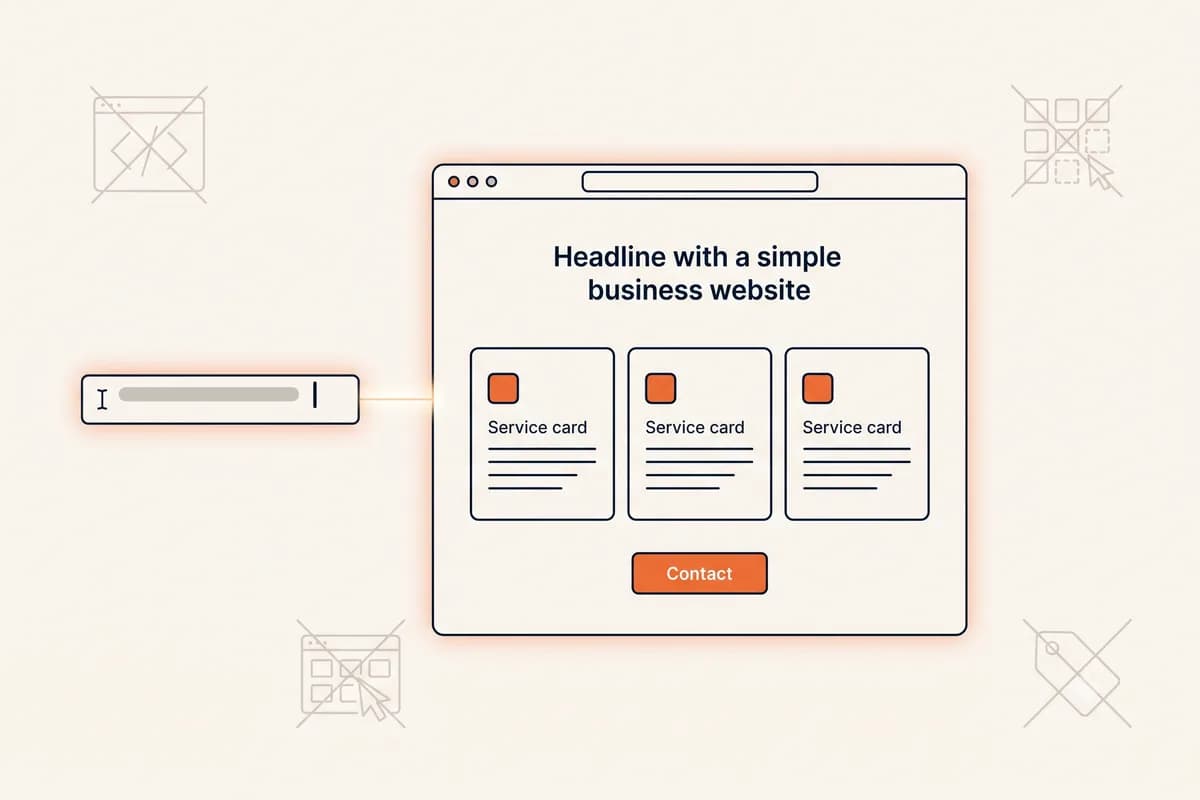
Short answer: look for an AI website builder that gives you control after generation. It should turn a clear business brief into a usable draft, let you edit one section without disturbing the rest, publish a real page, handle the technical basics, and make ownership and pricing easy to understand. The best choice is rarely the tool with the longest feature list. It is the one that helps you make a credible site and keep it accurate as your business changes.
This matters because the first AI-generated draft is only the opening move. Your prices change. A service area expands. A new photograph replaces a placeholder. A customer question becomes an FAQ. If every small change sends you into a visual editor, a developer queue, or a full-site regeneration, the initial speed does not last.
This checklist is for business owners, freelancers, creators, and small teams comparing AI website builders. It focuses on the practical decision after the demo: what to test, which questions to ask, and which warning signs should make you walk away.
Table of contents
- Start with the editing workflow
- Check the output, not the demo
- Review ownership, publishing, and pricing
- Verify SEO, performance, and accessibility basics
- Test the real customer journey
- Match the builder to your level of control
- Use a short trial before you decide
Start with the editing workflow
The first test is simple: create a draft, then change one small thing.
Ask the builder to rewrite the hero for a specific audience, replace one service, add a short FAQ, or change the main call to action. A good workflow lets you describe the change in normal language and keeps the rest of the page intact. A poor workflow gives you only two choices: open a dense editor and learn its rules, or regenerate the entire site and lose sections you already approved.
Look for these signs:
- Section-level control: you can target the hero, services, pricing, FAQ, or contact section specifically.
- Predictable edits: a request to change one section does not quietly rewrite your prices, testimonials, or contact details.
- A reviewable history: you can see what changed and undo an edit that moved in the wrong direction.
- Plain-language input: the system accepts a clear business instruction instead of requiring design terminology.
- A useful fallback: manual text corrections remain possible when you only need to fix a name or phone number.
- Honest speed to a live link: time the whole path from typing your brief to a URL you can send a customer. A full multi-section site in a few minutes is realistic; a promise of a finished site in seconds usually means a thin template.
Forgelo is built around this prompt-to-page workflow. You can generate a site from one sentence and refine individual sections with follow-up prompts. The first full draft is generated in the background and is usually ready within a few minutes, and the Free plan publishes it to a Forgelo subdomain, so the site can be live and shareable the same day you describe it. That is different from a code-generation tool, a one-shot mockup generator, or a drag-and-drop canvas. If you want to understand the broader category first, read our AI website builder guide and no-code website builder guide.
Check the output, not the demo
A polished demo can hide weak output. Build one realistic site with your own facts and inspect the result from a customer's point of view.
Start with the first screen. Can a stranger tell what you offer, who it is for, and what to do next? Vague headlines, stock testimonials, and generic benefits are not harmless filler. They create extra work and can make a real business look unfinished.
Then check the structure. A service business may need a clear offer, proof, service details, process, FAQs, and a contact action. A portfolio may need selected work and a short explanation of the role behind each project. A local business may need its area, opening hours, address, and a direct route to book or ask a question.
Use your own facts during the test:
- Write one sentence describing the business, audience, location, and main offer.
- Ask for a complete site with the sections a customer needs.
- Replace one generic claim with a real detail.
- Add one genuine proof point, such as a credential, process, or permitted review.
- Read the result on a phone before judging the desktop version.
The output does not need to be perfect on the first pass. It does need to be structurally useful and honest. Remove invented awards, clients, prices, guarantees, and reviews. AI can organize your information, but it cannot supply evidence you do not have.
Review ownership, publishing, and pricing
A builder can be easy to use and still leave you with a risky business arrangement. Before investing your copy, images, and customer enquiries, find out what you control.
Ask these questions:
- Who owns the custom domain and receives renewal notices?
- Can you connect a domain purchased from another registrar?
- Is HTTPS included on the published site?
- Can you export your content, images, or code if you leave?
- Where do form submissions go, and who can access them?
- What happens to the free subdomain if you cancel?
- Does the plan limit published sites, AI actions, storage, forms, or traffic?
- Is the advertised monthly price based on annual billing?
- Does the renewal price differ from the introductory price?
- What support exists when a domain or form stops working?
The cheapest plan is not always the lowest-cost choice. A plan that blocks the domain you need or makes routine edits difficult can create a migration cost later. Check the billing toggle, the renewal terms, and the limits that affect your actual workflow.
Hosting included in a website builder can reduce setup work, but it does not remove the need to understand domain ownership. Vercel's documentation explains that a custom domain can be purchased through Vercel or connected from a third-party registrar, with DNS and nameserver responsibility depending on that choice. The same principle applies across hosted builders: know which account controls the address customers will remember.
Verify SEO, performance, and accessibility basics
Do not accept a feature label such as "SEO-ready" without checking the published page. Google Search Central recommends useful, people-first content, descriptive titles, crawlable links, logical organization, and unique page addresses. It also makes clear that good SEO practices do not guarantee a particular ranking.
At minimum, inspect whether the builder gives you:
- One clear H1 that matches the page's purpose.
- A descriptive title and page-specific meta description.
- Crawlable internal links with meaningful labels.
- A sitemap and a stable canonical URL.
- Descriptive alternative text for informative images.
- Clean mobile rendering and usable forms.
- A way to update page text without losing the URL.
Performance is part of the customer experience. The web.dev performance course covers the critical rendering path, image delivery, web fonts, JavaScript, and responsive loading. You do not need to optimize a browser by hand, but you should test the published site with ordinary mobile conditions. Look for a page that becomes useful quickly, stable images that do not jump as they load, and controls that respond when tapped.
Accessibility is not a decorative extra. W3C's Web Accessibility Initiative describes the goal as making the web usable by people with different abilities, devices, languages, and situations. Check heading order, link labels, form labels, keyboard access, text contrast, focus states, and alt text. A site that is easier to use with a keyboard, a small screen, or bright sunlight is usually easier for everyone.
Test the real customer journey
A website can look excellent and still fail at the action that pays for it. Test the journey from the first visit to the response.
Open the published URL on a phone and desktop. Tap every primary button. Submit a test form. Confirm where the message arrives and whether the notification is understandable. Call the displayed number. Open the booking, map, email, and social links. If the site promises a reply time, check whether the business can actually meet it.
Test a second scenario too. A visitor should be able to find the answer to a common question without reading every paragraph. If the only action is "contact us" but the page does not explain what happens next, add that expectation. If several buttons compete for attention, choose one primary action and make secondary actions visually quieter.
This is also where you test AI reliability. Ask for a narrow edit, then compare the result against your source facts. If a prompt changes a price, removes a limitation, or invents a guarantee, the workflow needs stronger review controls. Human judgment stays essential even when the builder handles the technical work.
Match the builder to your level of control
There is no universal best AI website builder. The right choice depends on what you want to control.
Choose a prompt-first builder when you want a complete business site from a short brief, prefer plain-language edits, and would rather spend time on your offer than on layout mechanics. This is a good fit for many small businesses, consultants, freelancers, local services, and simple launches.
Choose a drag-and-drop builder when placing every element manually is part of the work you enjoy. Choose a code-generation tool when you need an editable codebase, custom application behavior, or a developer handoff. Choose a larger platform when you need a mature app marketplace, complex commerce, membership features, or an established content-management workflow.
The warning sign is not that a builder lacks every feature. It is that the tool does not fit the work after launch. A business site is not finished when the hero looks good. It is finished when you can keep the details accurate, respond to customer questions, publish changes, and understand what you own.
Use a short trial before you decide
Give each shortlist candidate the same twenty-minute test. Use the same business brief, the same three edits, and the same customer journey.
Score each tool from one to five on:
- Time from a one-sentence brief to a live, shareable link.
- Quality of the first structure.
- Ease of changing one section.
- Accuracy of the generated facts.
- Mobile usability.
- SEO and accessibility controls.
- Form and contact reliability.
- Domain and ownership clarity.
- Pricing and renewal clarity.
- Support when something goes wrong.
Do not award points for a feature you will never use. A simple site that you can publish today and improve next month is more valuable than an impressive draft trapped inside a workflow you avoid.
Forgelo is designed for the self-serve case: describe the business, generate the site, edit by section with prompts, and publish when the customer path is accurate. You can start free on Forgelo, type one sentence about your business, have a complete draft within minutes, publish it on a free Forgelo subdomain the same day, and decide whether prompt-first editing fits how you want to work.
The best AI website builder is the one that stays understandable after the excitement of generation fades. Test the next edit, the live link, the form, the phone screen, and the ownership details. Those checks tell you much more than a feature grid.