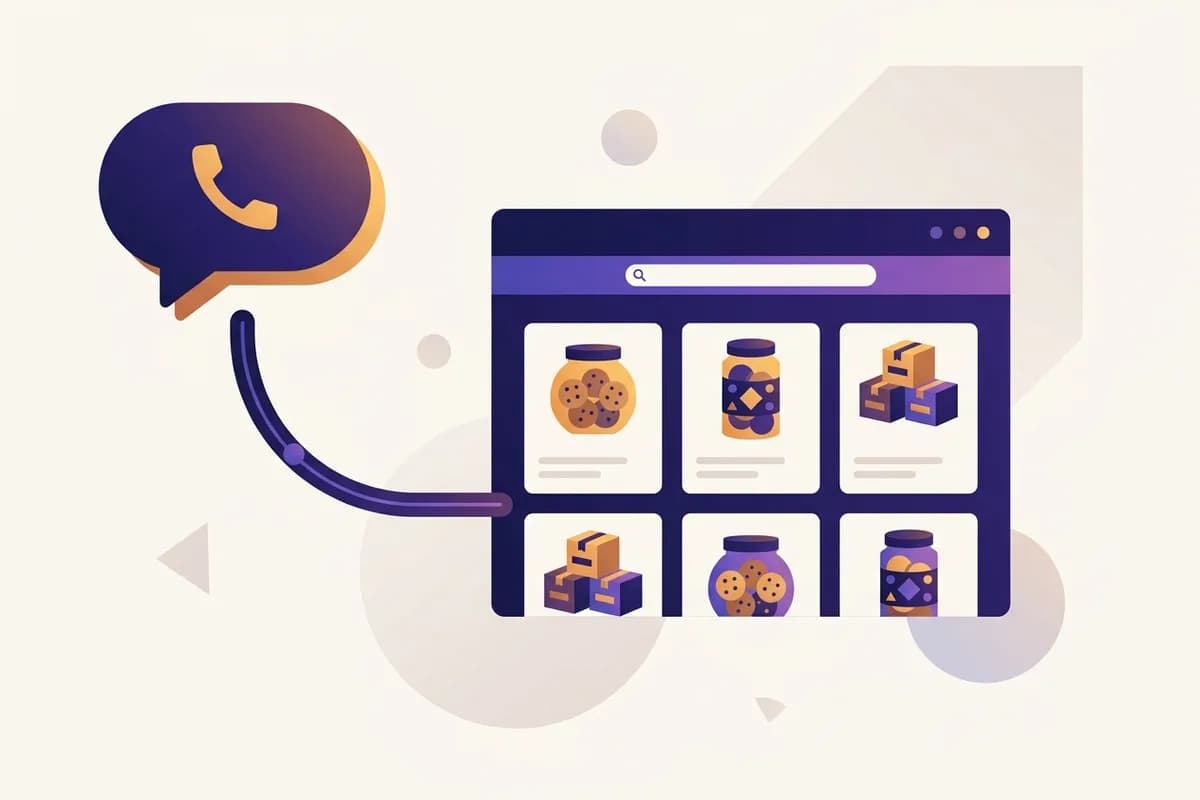
An online store with WhatsApp checkout is one of the smartest setups a small business can run: a website that presents your products professionally, with ordering routed straight into a WhatsApp chat. No shopping cart, no payment gateway, no seven-step checkout funnel leaking buyers at every step. A customer sees your product, taps one button, and a second later they're talking to you inside an app they already open dozens of times a day.
This guide covers why this model works so well for trust-based selling, when you actually do need a full cart, and how to build the whole thing yourself in minutes without writing code.
Why WhatsApp checkout beats a cart for many small sellers
Here's an opinion that sounds backwards if you grew up on textbook e-commerce advice: for a large share of small businesses, a shopping cart lowers sales instead of raising them.
The reason is simple. In many markets, buyers ask before they buy. They want to know if the item is in stock, whether it ships today, whether the color in the photo matches reality, whether the price is negotiable. That behavior isn't a flaw to be "educated away." It's how people shop when a purchase runs on trust rather than brand recognition. A seller who answers quickly and warmly in chat beats a seller who just puts up a Buy Now button and hopes strangers trust it.
There's also the friction math. Every extra step in a checkout flow is a chance for the buyer to change their mind. Creating an account, entering card details, confirming an address form: each one leaks a few buyers. A chat opens in one tap on an app that needs no new password and no learning curve.
And there's a bonus most people overlook: every WhatsApp order hands you the buyer's direct contact. That's an asset. You can follow up, announce new products, or ask for a review. A marketplace sale gives you none of that, because marketplace customers belong to the marketplace, not to you. We break this dynamic down further in our guide on turning visitors into WhatsApp leads.
Note: Chat checkout doesn't mean no system. You still want a tidy flow: saved replies for common questions, a standard order confirmation format, and a simple sales log. The difference is that all of it runs inside an app you already know.
WhatsApp store vs marketplace vs full e-commerce cart
These three paths get compared constantly, and each has its place. Here's the honest picture.
| Factor | Website + WhatsApp | Marketplace | Full cart e-commerce |
|---|---|---|---|
| Cost | Low monthly subscription | Free to list, commission per sale | Highest: platform plus gateway fees |
| Brand control | Full, your domain and design | Minimal, you're one of thousands | Full |
| Customer data | You keep the buyer's number | The marketplace keeps it | You keep it, but usually just email |
| Price wars | None, buyers focus on your store | Intense, competitors sit next to you | None |
| Best for | Small sellers, services, custom and pre-order products | Mass-market items on price | High, repetitive order volume |
| Setup time | Minutes to hours | Hours | Days to weeks |
The practical takeaway: marketplaces are fine for borrowing traffic, but risky as your only home. A full cart earns its cost once order volume is high and pre-purchase questions are rare. For nearly everything in between, a website with WhatsApp checkout is the efficient middle ground.

What your store website actually needs
A chat-checkout site doesn't need to be complicated, but a few elements decide whether visitors become buyers or just scroll past. If you're starting from zero, our rundown of small business website essentials pairs well with this list.
- Clear product or service pages. Decent photos, names, prices (or price ranges), and short descriptions. A buyer who already knows the price before chatting is a more serious buyer.
- A WhatsApp button you can't miss. On every product page and pinned somewhere always visible. Ideally it opens with a pre-filled message like "Hi, I'd like to ask about product X" so the buyer never has to think about what to type.
- Proof that your store is real. Testimonials, behind-the-scenes photos, your location or service area, and accepted payment methods. This is what separates you from sketchy sellers.
- Shipping info and how ordering works. Three or four plain steps: pick a product, tap the button, confirm in chat, pay by transfer or on delivery. The clearer the flow, the fewer repetitive questions you answer.
- Fast loading on phones. Most of your buyers arrive on mobile, often from a link shared in a chat or a social bio. A slow site loses them before it shows anything.
Tip: Publish your prices even if you're used to replying "DM for price." Hiding prices filters serious buyers out, not in. The people who stay are mostly window shoppers, and you end up answering the same question a hundred times.
How to build a WhatsApp store without coding
There are a few routes, from cheapest to fastest.
Route one: build it manually. WordPress with a WhatsApp button plugin, or a drag-and-drop site builder. It works, but you'll spend days picking themes, arranging layouts, and writing every word yourself. For an owner already buried in production and deliveries, this often becomes the project that never finishes. If you go this way, our guide to making a website without coding walks through the options.
Route two: hire a developer or agency. The result can be great, but it costs hundreds to thousands of dollars upfront, and every small change afterward means contacting someone and waiting. New product, new price, new promo: all on someone else's schedule.
Route three: use an AI website builder. This is the route that makes sense for most small sellers now. With Forgelo, the process looks like this: you describe your business in one sentence, something like "a home bakery in Austin taking pre-orders for custom celebration cakes." A few minutes later, your website exists, complete with copy, page structure, and a design ready to publish.
The part that matters most for chat-based selling: Forgelo's lead form delivers inquiries straight to your WhatsApp. A visitor who fills the form or taps your contact button lands in your chat, with no plugins, no integrations, and no technical setup.
Editing needs no skill either. Want a new headline, a testimonials section, or an updated product list? Type the change like a message: "add a pricing section with three cake packages." The site updates, you review it. Publish on a free subdomain first, then connect your own domain when you're ready to look established. Basic SEO is handled out of the box, so Google can find your pages from day one.
Real ordering flows that work
To make this concrete, here are three small-business scenarios where website plus WhatsApp outperforms a cart.
A home caterer. The menu changes weekly and pricing depends on portions and delivery distance. A cart can't model that without becoming a monster. The website shows this week's menu, a gallery, and testimonials. Orders arrive in chat, portions get confirmed, delivery gets quoted, payment lands by transfer. Simple, and nothing falls through the cracks.
A custom furniture maker. Everything is made to order, so there's no "stock" to add to a cart. The website works as a portfolio: finished pieces, price ranges per category, typical lead times. Serious buyers tap the WhatsApp button, send a reference photo, and the conversation runs until the deal closes.
A small skincare shop. Products are standardized with fixed prices, but buyers often want a recommendation for their skin type. The site shows the full catalog with prices, plus a "Ask us first" button next to "Order via WhatsApp." That consultation chat is exactly what builds trust and drives repeat orders.
The same pattern runs through all three: the website does the convincing, WhatsApp does the closing. Each handles the job it's genuinely best at.
Tip: Put your website link in your social bios, your WhatsApp Business auto-reply, and on your packaging. A site nobody sees changes nothing. A site present at every touchpoint works like a salesperson who never sleeps.
When you should upgrade to automated checkout
To be fair to the cart, the chat model has limits. There's a point where adding real automated checkout is the right move:
- You're handling dozens of orders a day and replying to each chat is eating into production time.
- Your products are uniform, prices are fixed, and buyers almost never ask anything before purchasing.
- You're hiring an admin whose entire job is answering identical order messages.
- You need automatic sales reports for bookkeeping or a loan application.
The good news is that these are growth problems, and you don't have to throw your website away to solve them. You add payments on top of what you built. Starting simple doesn't lock you in.
The reverse mistake is more common: sellers install a full cart system too early, pay higher monthly costs, then discover that most buyers still open a chat first anyway. When in doubt, start with WhatsApp. Your own order data will tell you when it's time to level up.
Where to start today
The practical checklist is short. First, pick your three to five best products or services, each with a price and one decent photo. Second, set up a WhatsApp Business number with a complete profile. Third, build the site.
For step three, you don't need to wait for a free week. With Forgelo, you describe your business in a sentence, the site is generated in a few minutes, the lead form connects straight to your WhatsApp, and built-in SEO is handled for you. Plans start at $9 per month, and you can see the details on the pricing page. Compare that with marketplace commissions quietly taken from every sale for the life of your store, and the math gets easy.
The store that wins isn't the one with the fanciest system. It's the one that's easiest to reach at the exact moment a buyer is ready. The website gets you found. WhatsApp gets you chosen.