WhatsApp website integration is one of the highest-leverage upgrades a small business can make, because in most of the world your customers are already living in WhatsApp. A polished website that only lists an email address is a shop with its door half closed: people look, get interested, then leave because writing an email feels like homework. The good news is that connecting your site to WhatsApp is far simpler than it sounds. There are four methods, ranging from a five-minute link to a full enterprise API.
This guide walks through all four honestly: how each works, what it costs, where it shines, and where it wastes your money. Small spoiler: most small businesses should stop at method three and never look back.
Why WhatsApp website integration matters for small businesses
Think about the last time you contacted a local business. A caterer for an office event, a plumber, a bakery for a birthday cake. If you live in a WhatsApp-first market like Indonesia, Brazil, India, or much of Europe, you almost certainly messaged them instead of filling in a contact form and hoping someone reads it by Thursday.
Your website visitors think exactly the same way. They find you on Google, like what they see, then look for the fastest way to ask a question. If the only options are email or a form with a reply time measured in days, most will close the tab and message a competitor who answers now.
WhatsApp website integration removes that gap. A visitor taps one button, a chat opens, and the conversation starts inside an app they open dozens of times a day. For you, every enquiry lands in the one inbox you actually check, instead of an email account you visit twice a week.
This is also why a website still matters even if your business already runs on WhatsApp. The website gets you found on Google; WhatsApp turns that discovery into a conversation. They are a team, not rivals, and we cover the foundations in our guide to small business website essentials.
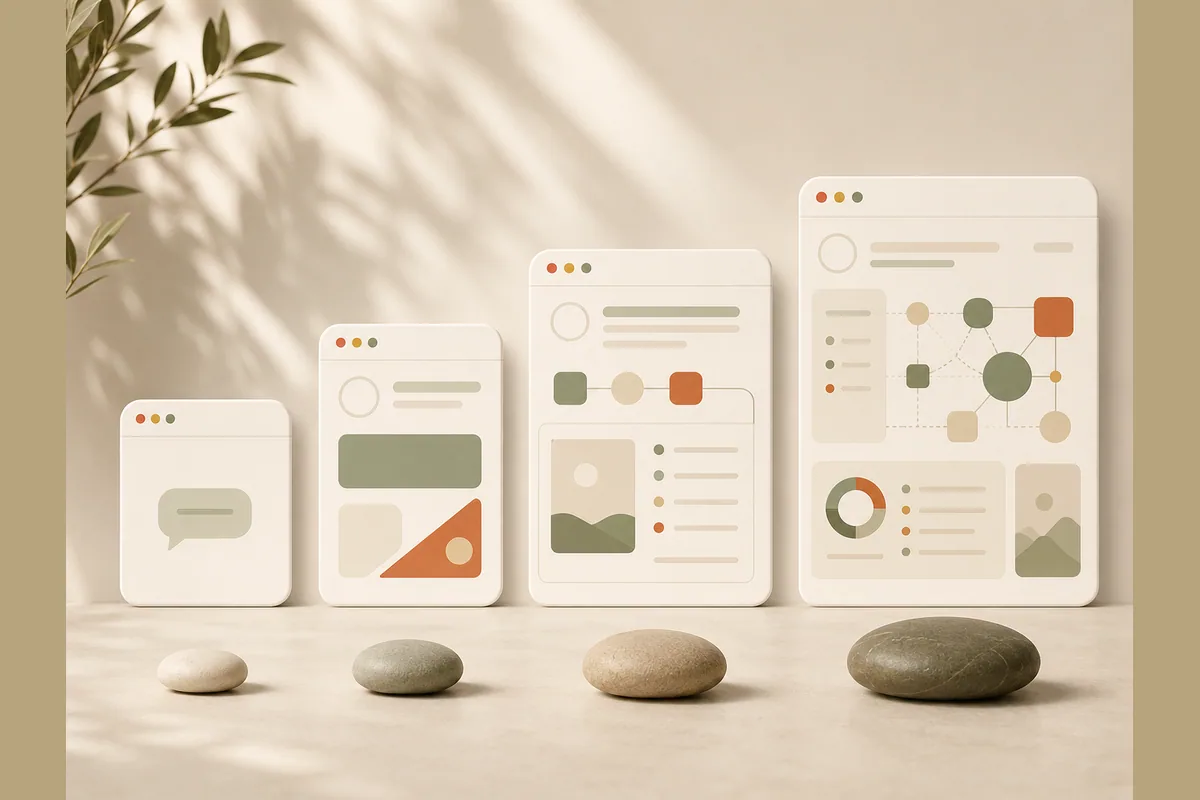
The 4 WhatsApp website integration methods compared
Before the details, here is the map.
| Method | Difficulty | Cost | Best for |
|---|---|---|---|
| wa.me link (click to chat) | Very easy, 5 minutes | Free | Every business, no exceptions |
| Floating chat button | Easy | Free to cheap | Sites with many pages |
| Lead form to WhatsApp | Easy when built in | Free to a builder subscription | Businesses that want quality chats |
| WhatsApp Business API | Complex, needs a provider | Paid, per-conversation fees | Large support teams, high volume |
The order is deliberate. Start at the top and only move down when the previous method genuinely feels too small.
Method 1: the wa.me link, also called click to chat
This is the simplest method and the most underrated one. WhatsApp provides an official link format: https://wa.me/15551234567, with your number in international format and no plus sign. Add a ?text= parameter and the chat opens with a message already typed, for example "Hi, I'd like a quote for garden landscaping".
Attach that link to your "Contact us" button, your pricing section, your footer, anywhere a visitor might want to ask something. One tap opens WhatsApp with the message pre-filled. The visitor just hits send.
Tip: Match the pre-filled text to the page it sits on. A link on your premium package page should say "Hi, I'm interested in the premium package", not just "Hi". You instantly know which page the visitor came from and what caught their eye, with zero extra questions.
The upsides are obvious: free, no plugins, works on any platform, and adds literally nothing to your page load. The downside is that the link is passive. It waits to be clicked, greets nobody, and collects no information before the chat starts.
For a food truck, a freelance photographer, or a dog groomer with a three-page site, this is honestly enough. Do not feel behind because you have not installed a fancy widget.
Method 2: the floating chat button
This is the green WhatsApp bubble pinned to the bottom corner of the screen, following visitors as they scroll. On WordPress you add it with a plugin; elsewhere it is a code snippet or a built-in feature. Under the hood it is still a wa.me link, just wrapped in a button that never leaves the screen.
The value is visibility. Visitors never hunt for your contact page because the button travels with them. On sites with many pages, an online store with dozens of products or a blog with hundreds of posts, that matters, since people can land anywhere.
Now the part vendors rarely mention: floating widgets can backfire. Buttons that bounce, play fake notification sounds, or auto-open a greeting window are irritating. On a phone screen, an oversized bubble regularly covers the buy button or the navigation. The goal was to make contact easier; the result is a visitor who leaves.
Note: If you use a third-party widget, test your site speed before and after installing it. Some chat widgets load heavy external scripts, and a slow site quietly drags down your Google rankings. We explain why in website SEO basics.
Method 3: a lead form that lands in WhatsApp
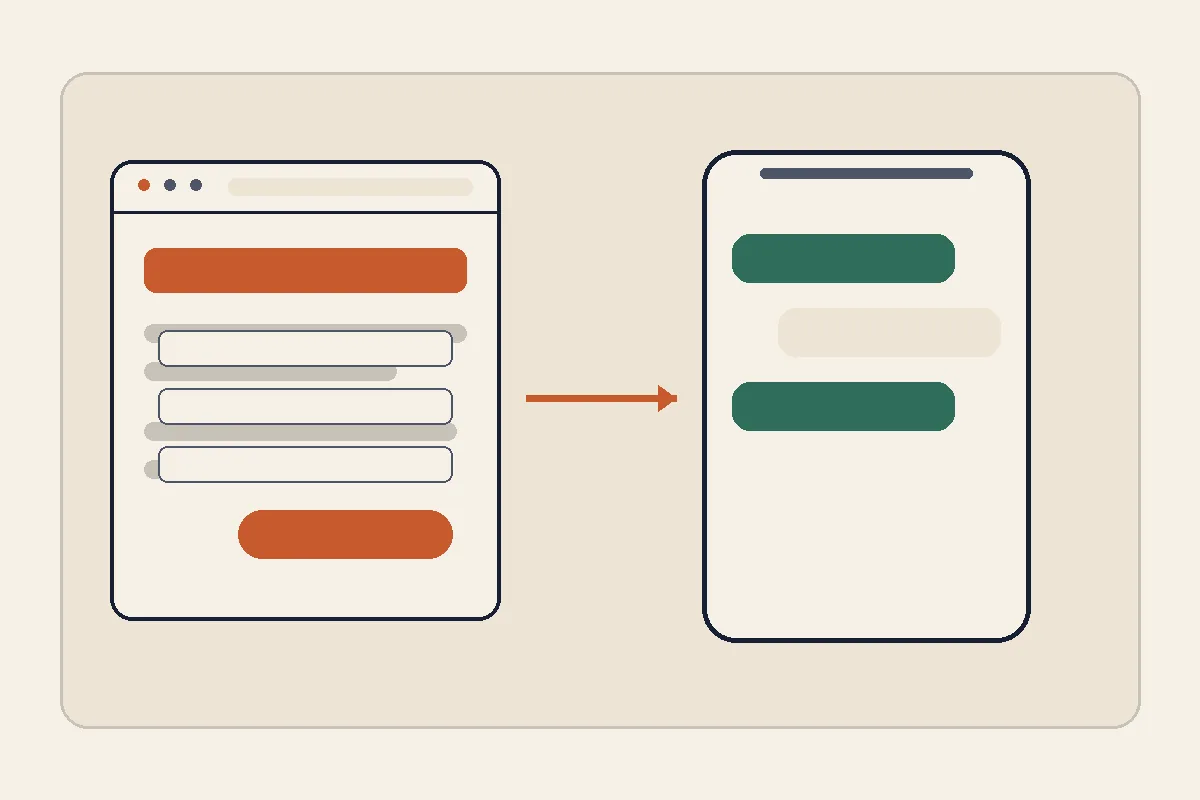
This is my favorite method and, in my view, the least appreciated. The flow: a visitor fills in a short form on your site, name, what they need, maybe one or two details, and that submission is forwarded to your WhatsApp as a tidy message.
Why is this better than a direct chat button? Quality. Chat buttons produce a stream of bare "hello" messages that die after your first reply. A form filters out the half-interested and hands you full context from the first message. No interrogating every prospect just to learn what they want.
A concrete example: a wedding photographer. With a plain chat button, every conversation starts from zero: which date, which venue, which package. With a form asking for the date, location, and rough guest count, the first message that arrives can be answered with real availability and a real quote. One conversation closes faster, and the people who bothered to fill the form are the serious ones.
The catch is that on most platforms you have to assemble this yourself: a form plugin, a connector service, and a decidedly technical setup. This is where modern builders earn their keep. On Forgelo, the WhatsApp lead form is built in. You describe your business in one sentence, a complete website with the form is generated in a few minutes, and every submission goes straight to your WhatsApp number. Want to change a form question? Type the change as a prompt and it is done, no code involved.
We dig into the full playbook in turn visitors into WhatsApp leads.
Method 4: the WhatsApp Business API
The heavyweight option. The WhatsApp Business API is Meta's official route for businesses that need more than manual replies: advanced auto-responses, chatbots, multiple support agents sharing one number, automated order notifications, and integrations with internal systems like a CRM.
The API has no app to download. You access it through an official business solution provider, and pricing comes in two layers: a platform or subscription fee to the provider, plus per-conversation charges from Meta that vary by message category. Exact numbers differ between providers and change over time, so check current pricing directly rather than trusting any blog post, including this one.
When is it worth it? When your team is drowning in hundreds of chats a day, when several support agents need to work one number simultaneously, or when your business must send automated transactional updates. An online store with thousands of monthly orders, a clinic with a booking system, or a logistics company all qualify.
Here is the contrarian take: most small businesses do not need the API, and plenty regret buying it. There is a familiar pattern where a small business gets sold a full API package with a chatbot while their daily chats can still be counted on two hands. The result is a new monthly bill, a confusing dashboard, and customers annoyed at talking to a robot. If you handle dozens of chats a day rather than hundreds, the free WhatsApp Business app plus a lead form on your website covers you completely. Upgrade when volume forces you to, not when a sales rep tells you to.
How to choose the right method for your business
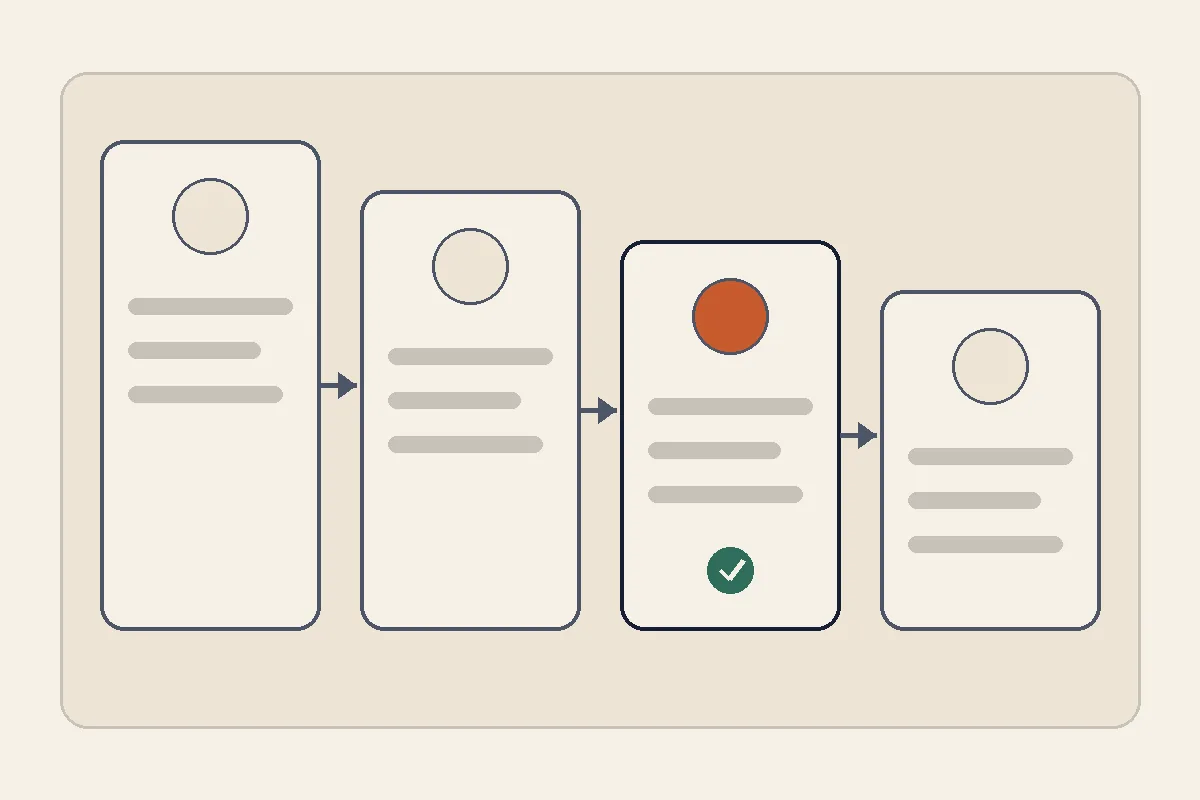
After all four methods, the decision is simpler than it looks. Follow your chat volume and your team size, not the trend.
- Just starting, simple site, few chats: a wa.me link on your contact button. Five minutes, zero cost.
- Many pages, want contact always visible: add a floating chat button, installed politely and kept lightweight.
- Want higher-quality enquiries you can act on immediately: use a lead form that forwards to WhatsApp. This is the sweet spot for most service businesses.
- Hundreds of chats daily, a support team, automation needs: evaluate the WhatsApp Business API through an official provider.
Tip: These methods stack. Many businesses run a lead form on their service pages and a wa.me link in the footer at the same time. The one rule that matters: every page needs a clear path to a chat, one click away at most.
One last thing people skip: WhatsApp integration only pays off if the website itself is worth landing on. A slow, confusing site that looks broken on a phone will not generate chats no matter how many buttons you bolt on. If your site does not exist yet or has not been touched in years, rebuilding is cheaper than ever. With Forgelo you describe your business, get a publish-ready site in a few minutes with the WhatsApp form and baseline SEO already handled, publish to a free subdomain or connect your own domain, and edit anything later just by typing what you want changed. Plans start at $9 a month on the pricing page, and if you want the bigger picture first, our guide on how to make a website without coding walks through the whole process.
Bottom line: start with the simplest method you can ship today. A wa.me link that goes live this afternoon beats an API project that never launches. Your customers are already waiting in WhatsApp; your job is just to open the door from your website.