Learning how to create a landing page that actually converts is mostly about structure and words, not design. Plenty of business owners burn days picking colors and fonts, while visitors only care about three things: what you're offering, why they should trust it, and how to reach you. This guide walks through all three in order: a page structure that's proven to work, copywriting formulas you can copy today, and your tool options, including the free ones.
One thing before we start. A landing page is not a website. A company website is allowed to tell a long story. A landing page has exactly one job: getting the visitor to take one action. Fill a form, tap a chat button, buy one product. The more faithfully you stick to that single goal, the better it performs.
What a landing page is and why your business needs one
A landing page is a single page designed around one conversion goal. People usually "land" on it from an ad, a link in your Instagram bio, an email, or a Google search. Unlike a homepage, which serves many kinds of visitors at once, a landing page speaks to one kind of visitor with one specific need.
Here's a concrete example. A wedding photographer runs Instagram ads for a spring mini-session package. If the ad points to her homepage, visitors get a full portfolio, an about page, a blog, and five different packages. Most get lost and leave. If the ad points to a dedicated page for "Spring Mini Sessions, 30 minutes, 20 edited photos," visitors immediately see the price, sample shots, reviews from past couples, and one booking button. The path is straight, with no intersections.
That's why a healthy business usually runs several landing pages at once: one per service, one per campaign, one per customer segment. If you're still deciding whether you need a full site or just a page, our guide to small business website essentials draws that line clearly.
The landing page structure that actually converts
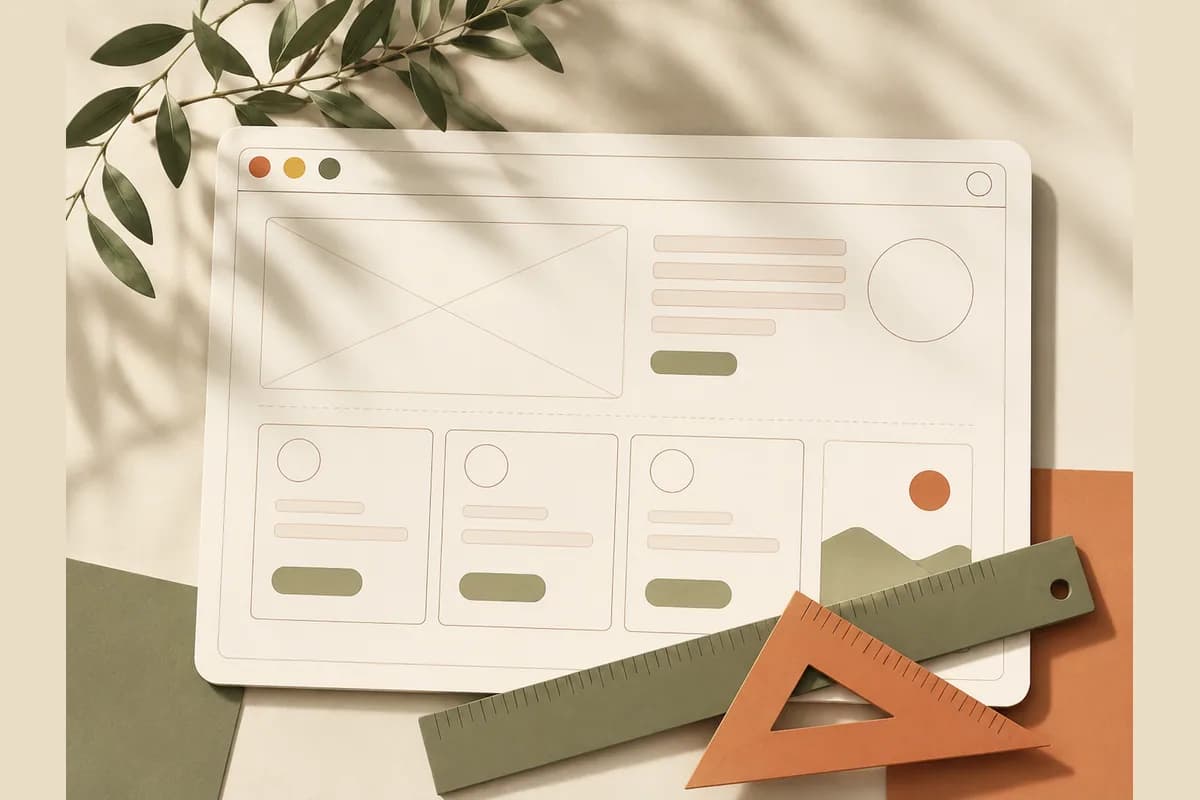
Nearly every good landing page, from expensive agency builds to DIY ones, follows the same skeleton. In order:
- Hero: a big headline stating the outcome for the customer, a subheadline that adds detail, and one prominent call-to-action (CTA) button.
- Problem: a paragraph or two proving you understand the visitor's situation. "Finding a plumber who shows up on time and quotes a fair price shouldn't be this hard."
- Solution and offer: exactly what you sell, what's included, and who it's for.
- Proof: testimonials with real names, client logos, honest numbers, or photos of actual work.
- Details or pricing: packages, prices, and what's included. Hiding prices can make sense for highly custom work, but for most local businesses, clear pricing filters in serious buyers.
- FAQ: answer the 4 to 6 objections people raise most often, before they have to ask.
- Closing CTA: repeat the same ask as the hero. Never introduce a new action here.
The part people forget: your CTA should be one type from top to bottom. If the hero asks people to book a call, don't ask them to follow you on Instagram halfway down. Every extra goal drains the main one.
Tip: Write your FAQ section before anything else. Customer objections ("do you travel?", "what's the minimum order?", "deposit or full payment?") are the best raw material for your headline and body copy. You end up writing to resolve real doubts instead of praising yourself.

How to create a landing page step by step
Now for the execution. These steps on how to create a landing page apply no matter which tool you use, from free builders to AI.
Step 1: pick one action. Before touching any tool, complete this sentence: "This page succeeds if the visitor ________." Fills the form, starts a chat, clicks buy. One only.
Step 2: know your one visitor. Who arrives at this page, and from where? Someone clicking an ad for "dog grooming near me" needs different words than someone searching "puppy's first grooming appointment." One landing page, one search intent.
Step 3: write the copy before the design. Open a blank document and write your headline, offer, proof, and FAQ. A design that adapts to good writing almost always beats writing squeezed into a template.
Step 4: build the page. This is where your tool choice matters, and we cover the options in full below. If speed matters, an AI builder like Forgelo generates the entire page from a one-sentence description of your business in a few minutes, and you change any section by typing an instruction like "make the headline specific to spring mini sessions."
Step 5: install a contact path people actually use. For many markets that means a short form; for businesses that live on chat, it means WhatsApp. A long form with "company" and "job title" fields suits corporate B2B, but for local businesses, a short form or a chat button converts far better. We break down that pattern in turn visitors into WhatsApp leads.
Step 6: publish and test it yourself. Open your page on your phone, because most of your visitors will. Tap every button. Submit a test through the form. Plenty of landing pages fail not because the copy is weak but because a button doesn't work on a small screen.
Step 7: send traffic and measure. A landing page without visitors is just a file. Point traffic at it from your bio link, ads, email, or search, then count what percentage takes the action.
Landing page copywriting: formulas you can steal
This is the part that decides your results, and the good news is you don't need to be a writer. Use formulas.
For the headline, the safest formula is outcome + who + differentiator. "Spring mini sessions for busy families: 30 minutes, 20 edited photos, delivered in 5 days." Compare that with the headline most small businesses use: "Welcome to Jane Smith Photography." The second one says nothing to someone in a hurry.
For the subheadline, answer the "so what?" of your headline. Add the detail that makes the claim believable: "Weekend slots available, outdoor locations included, no hidden fees."
For body copy, follow PAS: Problem, Agitate, Solution. Name the problem, show what it costs to leave it unsolved, then present your offer. Three short paragraphs usually do it.
For the CTA, skip generic words like "Submit." Use a phrase from the visitor's point of view that names the outcome: "Check available dates," "Get my free quote," "Start my 7-day trial."
Note: Write like you're talking to one customer, not addressing a market. "We are a full-service integrated visual solutions provider" loses badly to "We photograph your family, edit everything, and deliver your gallery in five days." The second sounds like a human, and humans buy from humans.
Here's an opinion that might be unpopular: stop spending weeks on design. A plain page with sharp copy beats a beautiful page with vague copy almost every time. Design just needs to be clean, fast, and readable on a phone. The words do the heavy lifting.
How to create a landing page for free: tools and trade-offs
Now the question everyone asks: can you create a landing page for free? Yes, and in some situations that's the sensible choice. But let's be honest about the trade-offs.
| Option | Cost | Speed to build | Main drawback |
|---|---|---|---|
| Google Sites | Free | Fast but rigid | Limited design, generic look, basic forms |
| Free plan on a builder | Free | Moderate | Platform branding on your page, long subdomain, locked features |
| WordPress + plugin | Hosting from a few dollars a month | Slow for beginners | Learning curve, maintenance, easy to break |
| Hand-coding it | Free if you have the skill | Slowest | Requires skill, every revision takes time |
| AI builder (Forgelo) | From $9 per month | First draft in a few minutes | Paid, and extreme customization has limits |
The free route makes the most sense when you're validating an idea and aren't sure you'll commit. Throw up a simple page, share it with potential customers, and see if anyone responds.
But here's the contrarian take you need to hear: for a business that's already running, a free landing page is often the most expensive option. You pay with hours wrestling a feature-locked tool, with a long subdomain that looks shaky in an ad, and with prospects who never reach out because the page looks thrown together. If a single customer is worth a few hundred dollars to you, the "free" math turns negative fast.
The middle path is a cheap paid tool that does everything. On Forgelo, plans start at $9 per month, and you can publish to a free subdomain first, then move to a custom domain when you're ready to commit. You describe your business in one sentence, the page is generated and ready to publish in a few minutes, baseline SEO is handled for you, and every form submission lands straight in your WhatsApp. If you're weighing the broader build-it-yourself question, our guide to making a website without coding goes deeper.
Common mistakes that kill landing pages
After reviewing a lot of small business landing pages, the failure patterns repeat. Check this list before you publish:
- Too many goals. A chat button, an email form, social links, and a brochure download on one page. Confused visitors don't pick one; they leave.
- A headline about yourself. "10 years of experience" is about you. "Your event catering handled, delivered on time, every time" is about them.
- No proof. Claims without testimonials, real photos, or client names read like empty promises. One honest review with a name and photo beats five paragraphs of self-praise.
- A slow page on mobile. Huge uncompressed images make the page crawl, and visitors from ads have no patience.
- Ad and page don't match. The ad promises "30% off this month," the page never mentions the discount. Visitors feel tricked and close the tab.
- A form that's too long. Every extra field loses a share of submitters. A name and a phone number are usually enough for first contact.
Tip: Before publishing, show your page to someone who knows nothing about your business for five seconds, then ask: "What is this selling, and what are you supposed to do?" If they can't answer both, fix the hero section before touching anything else.
After launch: turning visitors into leads
A good landing page is the start, not the finish. Three things to do once it's live.
First, reply fast. Landing page leads go cold quickly. A prospect who messages you and hears back two days later has probably already bought elsewhere. If your form forwards straight to your phone, you can reply from anywhere without opening a dashboard.
Second, measure and improve one thing at a time. Don't overhaul the whole page at once. Change one element, usually the headline first since it moves the needle most, then compare a week before and after. With a prompt-based editor, these experiments are cheap: type the change, look at the result, roll it back if it doesn't help.
Third, multiply what works. If your mini-session page converts, build versions for family portraits, corporate headshots, and holiday cards. Each segment gets a page that speaks directly to its need. This is also the point where basic search visibility starts to matter, and our primer on website SEO basics covers what's worth doing first.
In the end, how to create a landing page that converts comes down to three sentences. Pick one action and write copy that resolves your customer's real doubts. Build the page with a tool that doesn't eat your week. Then answer every lead as fast as you can, because that's the moment the money actually changes hands.