Adding WhatsApp chat to your website is one of the cheapest, highest-impact upgrades a small business can make, and it is surprisingly easy to get wrong. Every click on a properly built button opens a chat WhatsApp keeps on the customer's phone, in the one app they already check dozens of times a day. Yet websites everywhere ship broken number formats, heavy widgets that tank page speed, and buttons buried in footers where nobody scrolls.
This guide covers the three ways to add WhatsApp to a site, the exact wa.me link format, when a widget earns its place and when a plain button wins, and the mistakes that quietly cost you enquiries. Everything here works on any platform, and you can finish it in an afternoon.
Three ways to add WhatsApp chat to a website
Every method ends the same way: a conversation inside the visitor's own WhatsApp app. The difference is packaging, technical weight, and how visible the entry point is.
| Method | What it looks like | Strengths | Weaknesses |
|---|---|---|---|
| wa.me link | A plain text link or styled button | Lightest option, works anywhere | Easy to miss if it is just text |
| WhatsApp button | Green floating button, usually bottom right | Always visible, lightweight, instantly recognized | Needs minor styling |
| Chat widget | Mini chat window that pops open on the page | Looks polished, supports multiple agents | Heaviest, usually a third-party script |
These are not mutually exclusive. The most common setup is one floating button in the bottom-right corner plus wa.me links inside your pricing section and at the end of each service page. Visitors who are ready to ask never have to hunt for the door.
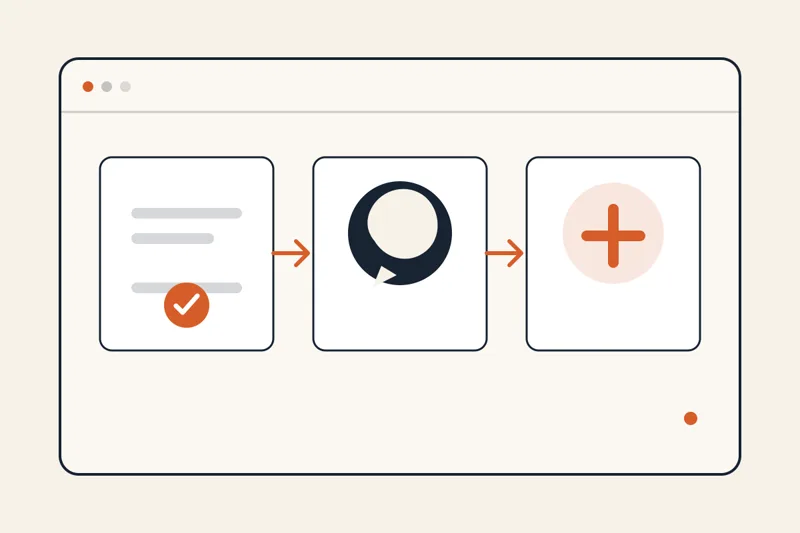
Note: whichever method you choose, the foundation is the same: a correctly formatted wa.me link. Get the link wrong and the prettiest button in the world opens a "phone number not found" error while your lead walks away.
Building a wa.me link that actually works
The base format looks like this:
https://wa.me/14155550132
There are only three rules, and this is where most people slip:
- Use the full international format with country code. A UK number 07911 123456 becomes 447911123456. A US number keeps its 1. No leading zeros from the local format.
- Numbers only after wa.me/. No plus sign, no spaces, no dashes, no brackets.
- Test from someone else's phone before launch. A broken link looks perfectly normal on the page. The error only appears on click.
You can also pre-fill the message the visitor sends:
https://wa.me/14155550132?text=Hi%2C%20I%27d%20like%20a%20quote%20for%20a%20wedding%20shoot
The %2C and %20 parts are URL encoding for punctuation and spaces. You do not need to memorize any of it. Any free URL encoder handles it, and most website builders do it for you.
Pre-filled messages sound like a small detail, but the effect is real. Compare two chats landing on a photographer's phone: one says "hello", the other says "Hi, I'd like a quote for a wedding shoot in October". The second gets a price back in one reply. The first needs three rounds of small talk to reach the same question.
Tip: write a different pre-filled message for each page. Your pricing page opens with "I have a question about your packages", your services page with "I'd like to book a consultation". You instantly know where each lead came from without asking.
Adding a WhatsApp button to your website
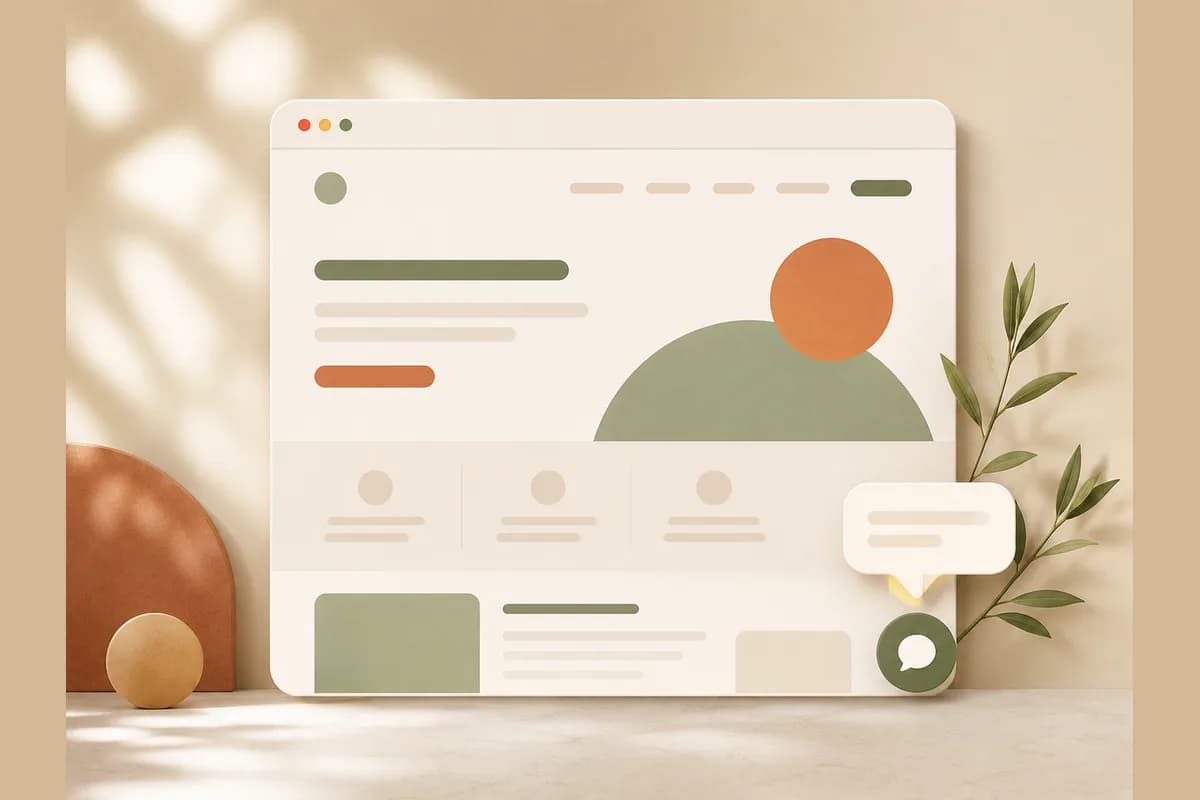
The most effective WhatsApp button is almost always the most boring one: round, green, white WhatsApp logo, pinned to the bottom-right corner, following the visitor down the page. People have seen this pattern hundreds of times, so there is nothing to figure out. Seen, recognized, tapped.
How you add it depends on your platform:
- WordPress: any lightweight WhatsApp button plugin will do. Enter the number in international format and you are done. Skip plugins that push popups, shake animations, or fake notification sounds.
- Classic site builders: most have a button element you can link. Point it at your wa.me URL and fix its position to the bottom-right corner.
- Hand-coded sites: one anchor element with a fixed position and a WhatsApp icon covers it, under ten lines of code.
- AI website builders: you usually just say what you want. In Forgelo, for example, you type "add a floating WhatsApp button for +1 415 555 0132" and the button appears with the link format already correct.
A few placement rules worth following:
- Bottom right is the default for a reason. That is where a phone user's thumb naturally rests.
- Do not cover other buttons. If a checkout or navigation control lives in the same corner, nudge the WhatsApp button up.
- One button is enough. A floating button plus three "chat with us now!" banners on the same page feels like being chased around a store.
If you do not have a website yet and this all sounds premature, start with our guide to making a website without coding, then come back once you are live.
The WhatsApp chat widget for your website: when it earns its place
A WhatsApp chat widget is the dressed-up version: click it and a mini chat window opens with your profile photo, business name, online hours, sometimes a choice of agents. Only after the visitor types or picks an agent do they get handed to the actual WhatsApp app. This is the setup people mean when they search for WhatsApp live chat on a website, and it is the one to reach for last, not first.
A widget makes sense when:
- You have separate people for sales and support and want visitors to choose before the chat starts.
- You want to display business hours so people know when to expect a reply.
- Your brand needs the impression of a team on standby rather than a single personal number.
Now the part widget vendors rarely say out loud: most small businesses do not need one. This is an unpopular opinion in a market full of chat-widget subscriptions, but a third-party widget is often expensive decoration. Its script adds load time, some collect visitor data, and at the end of the funnel the visitor lands in the exact same WhatsApp app that a zero-cost button would have opened. A one-person plumbing business does not become more trustworthy because its chat bubble has a typing animation.
The practical rule: start with a plain button. Move to a widget only when you feel a real problem it solves, like enquiries reaching the wrong person. Never install one because it looks advanced.
Tip: if you do choose a widget, measure your page speed before and after installing it. If the score drops hard, find a widget that lazy-loads its script or go back to a plain button. A slow page loses more customers than any widget can recover.
Mistakes that quietly kill WhatsApp chat on a website
After reviewing a lot of small business sites, the same errors come up again and again. Run through this list before calling the job done:
- Local number format inside the link. The single most common cause of dead buttons. Always full international format, no leading zero, no plus sign.
- The link only lives on the contact page. Visitors decide to ask while reading your services or pricing, not while sitting on the contact page. Put WhatsApp access on every page.
- No pre-filled message. An empty chat box raises friction. Customers hate writing the opener.
- Replies hours later. WhatsApp carries an expectation of speed. If you can only reply in the evening, say so honestly next to the button. A clear expectation beats a disappointed one.
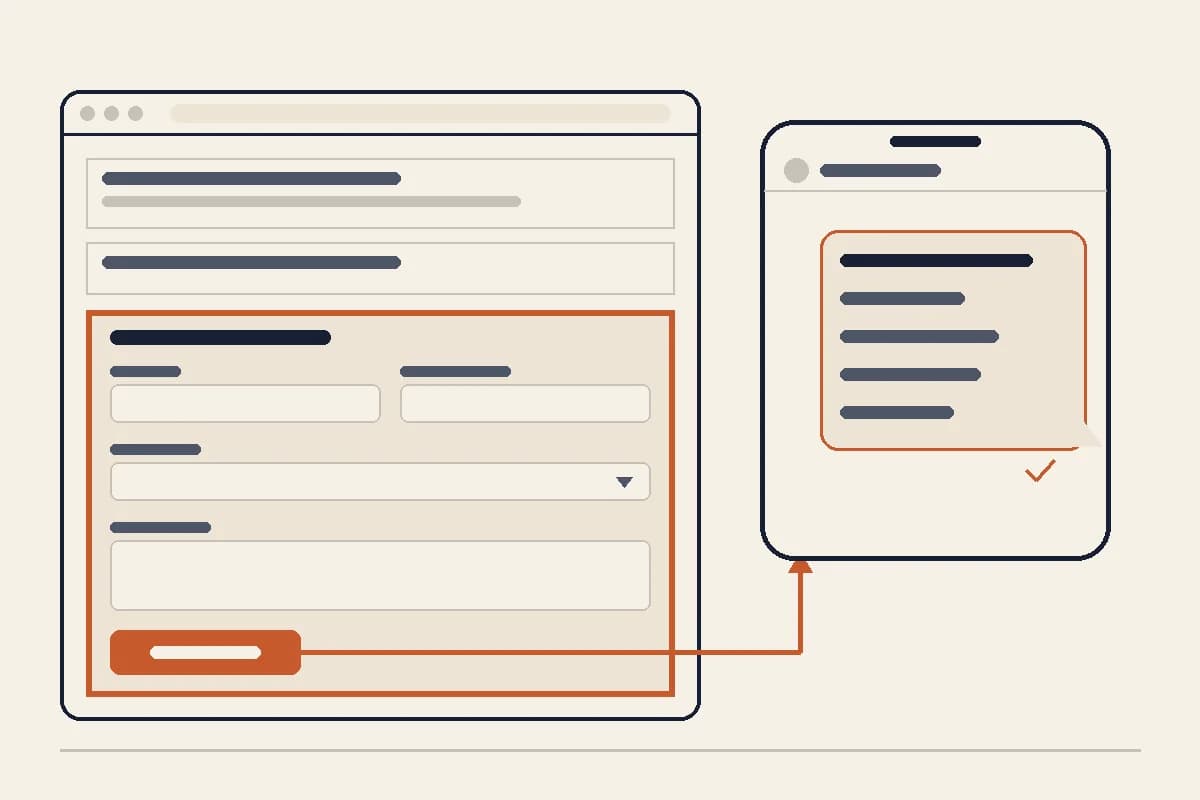
- Chat as the only path. Some visitors are not ready to talk but will happily leave their details. Offer a short form as well, and route it to the same place. Our list of small business website essentials covers where that form belongs.
- Never tested on a phone. Most local business traffic is mobile. Test the button on Android and iPhone, not just your laptop.
From click to customer: the chat still has to convert
A clicked button is only half the journey. To turn clicks into paid work, treat the chat like a second storefront:
- Reply fast during working hours. A customer messaging three businesses usually buys from whoever answers first. Anyone who has shopped over chat knows this from experience.
- Set up quick replies in WhatsApp Business. Questions about pricing, location, and availability repeat endlessly. Saved templates keep answers consistent and save your thumbs.
- Ask for context in the first message. Page-specific pre-filled messages do this for you automatically.
- Track chats that did not close. A polite follow-up two or three days later wins a surprising share of them. Many sales happen in the second conversation, not the first.
The full playbook for building that pipeline is in our guide to turning visitors into WhatsApp leads.
The fastest route: a website with WhatsApp built in
Everything above assumes you are bolting WhatsApp onto an existing site. If the site itself does not exist yet, or the current one is too old to rescue, you can flip the order: pick a platform that treats WhatsApp as a core feature instead of an add-on.
Forgelo is built on exactly that assumption. You describe your business in one sentence, a complete website is generated and ready to publish in a few minutes, and the lead form on it forwards every submission straight to your WhatsApp. There is no plugin to choose and no number format to mistype. Want to move the button or change the pre-filled message? Type the change, "make the WhatsApp message ask about booking dates", and it is done. Basic SEO is handled automatically, you can publish to a free subdomain first and connect a custom domain later, and paid plans start at $9 per month. The details are on the pricing page.
For a bakery, a mobile mechanic, a photographer, or a tutor, that combination solves two problems in the same afternoon: a website worth sending people to, and a chat door that actually opens.
Final checklist
Before you close this tab, confirm:
- Your wa.me link uses full international format, numbers only.
- Each key page has a relevant pre-filled message.
- The floating button is visible on every page, especially on mobile.
- Page speed did not collapse after installing a widget, if you used one.
- Someone owns the job of replying, with a clear speed target.
- A short form exists as a backup path for visitors not ready to chat.
WhatsApp chat on your website is not a big project. It is one afternoon of setup that pays off daily: enquiries arrive in the app you already live in, and your customers never have to learn anything new. Set it up correctly once, then let it quietly do its job.