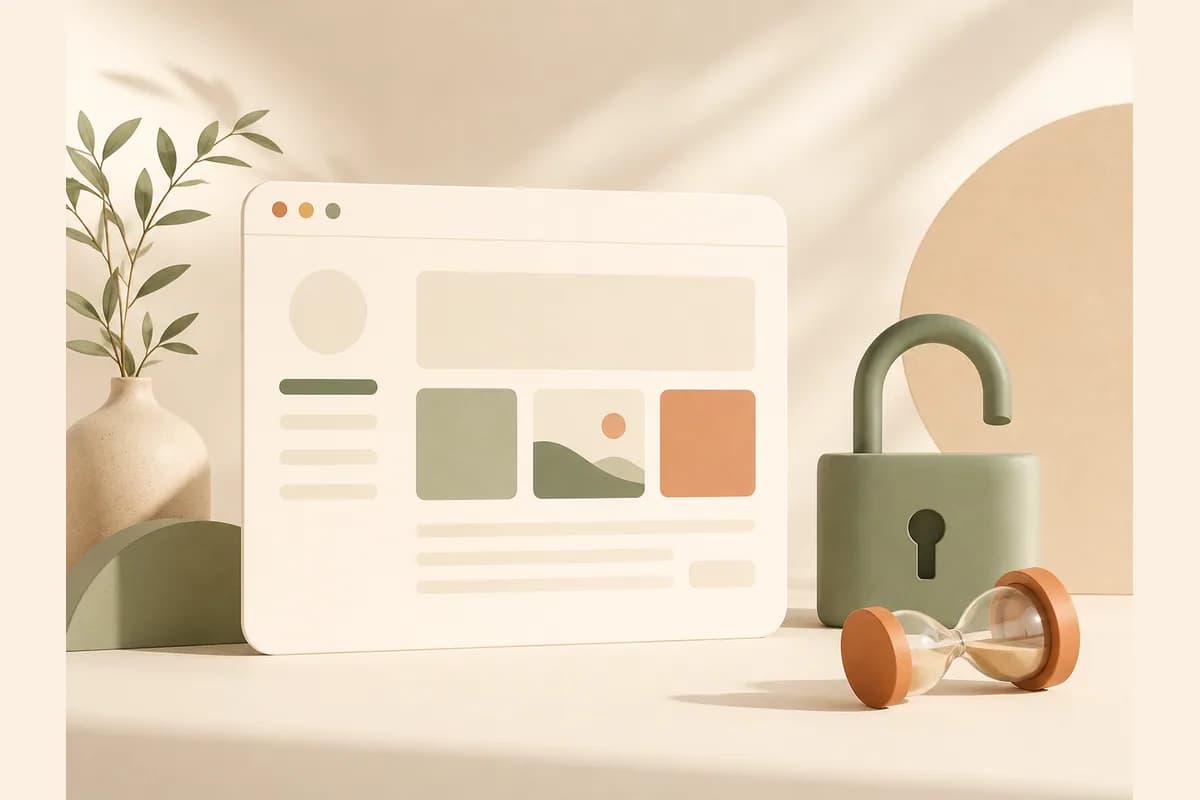
The phrase "free website forever" sounds too good to be true, and part of it is. The good news: some platforms genuinely let you keep a free website online with no time limit, without suddenly locking your site in month three and demanding payment. The realistic news: the word "free" almost always comes with a catch, whether that's ads on your pages, a long web address, or locked features. This guide breaks down which options are honestly free forever, what you give up, and when you should stay on the free path versus step up a little.
Let me be upfront. To simply get online and test an idea, free is more than enough. But "free forever" is not the same package everywhere. Some platforms truly set you loose, and some just delay the invoice. Telling those two apart saves you from a nasty surprise later.
What "free forever" actually means
There are three different models that all like to call themselves "free," even though they mean very different things.
First, the free trial. You get full access for a few days or weeks, then you're asked to pay. That's not free forever, that's a doorway. Nothing wrong with it, but don't build something important on top of it unless you plan to pay.
Second, freemium with no time limit. You can use the basic version forever, and the platform hopes some users will step up to a paid plan when they need more. This is the most honest kind of "forever." Your site stays online even if you never pay, with a few clear limits.
Third, free in exchange for ads. Your site is free, but the platform shows its own ads on your pages. You don't pay money, you pay with a less professional look and distracted visitors.
Note: If a platform isn't clear about whether its free version has a time limit, assume it's a trial until proven otherwise. Look for an explicit "free forever" or "free plan," not just a "try it free" button.
Genuinely free forever vs just delaying the bill
Here's an honest breakdown of what usually sits in the free tier and what is almost always paid. The details vary by platform, but the pattern is remarkably consistent.
| Element | Usually free forever | Usually paid |
|---|---|---|
| Web address | Platform subdomain (you.platform.com) | Custom domain (you.com) |
| Basic hosting | Yes, with sensible limits | Large bandwidth & storage |
| Templates & editor | Yes, basic version | Advanced design features |
| Platform ads/watermark | Common on free plans | Removed on paid |
| Lead form to inbox/WhatsApp | Sometimes limited | Usually full on paid |
| Visitor stats | Limited | Full |
| Export & migrate | Not always offered | More often available |
Notice the pattern. What's free forever is the ability to publish and stay online. What's paid is everything that makes a site feel like it belongs to a serious business, especially your own domain and the tools that capture leads. This isn't a trap, it's just how a free platform covers its server costs.
Free plans compared: the limits on each official page
The general pattern is useful, but the exact limits differ by platform. We read each free tier on the platform's own pricing or product page on 23 October 2026. Plans change, so check the linked page before you commit.
| Platform | Free address | Main free limits stated | To get a custom domain |
|---|---|---|---|
| Wix | Wix address | Free plan at 0 dollars, Wix branding on the site | Premium plan, from Light at 17 dollars a month (yearly) |
| WordPress.com | WordPress.com address | Free sites display WordPress.com ads to visitors | Paid plan, from Personal at Rp36,000 a month in year one |
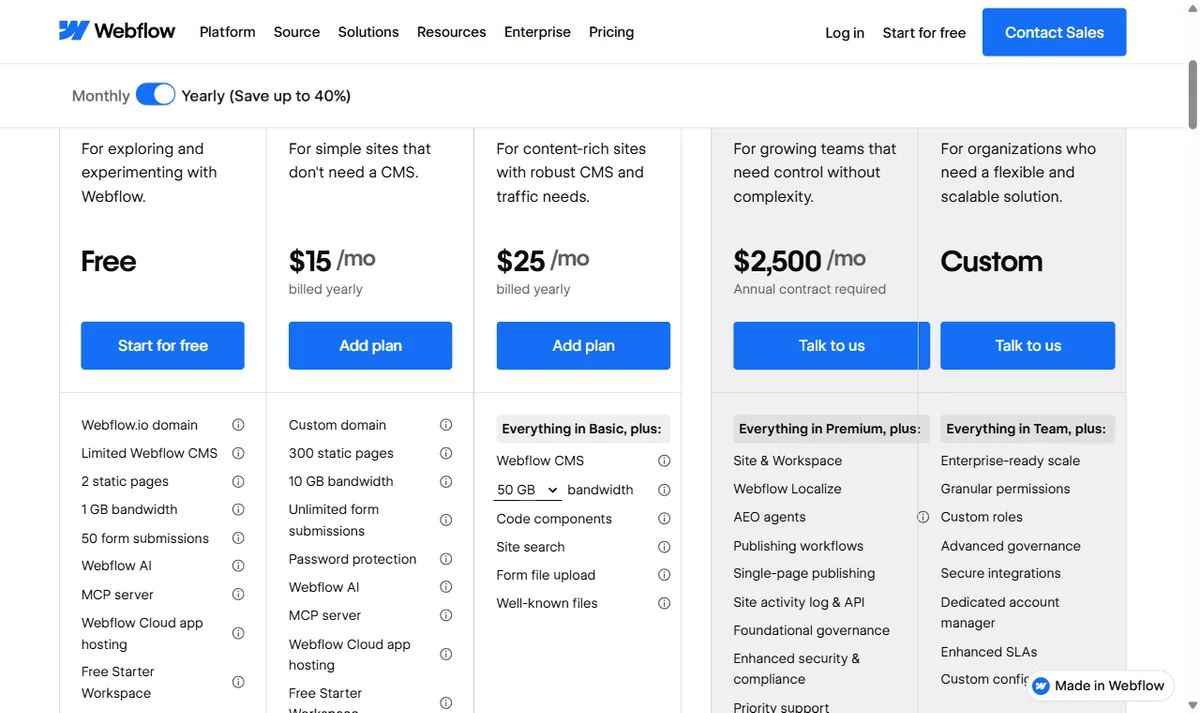
| Webflow | webflow.io domain | 2 static pages, 1 GB bandwidth, 50 form submissions, limited CMS | Paid Site plan, from Basic at 15 dollars a month (yearly) |
| Framer | Framer domain | 1 GB bandwidth, 500 AI credits to try | Basic at 10 dollars a month (yearly) |
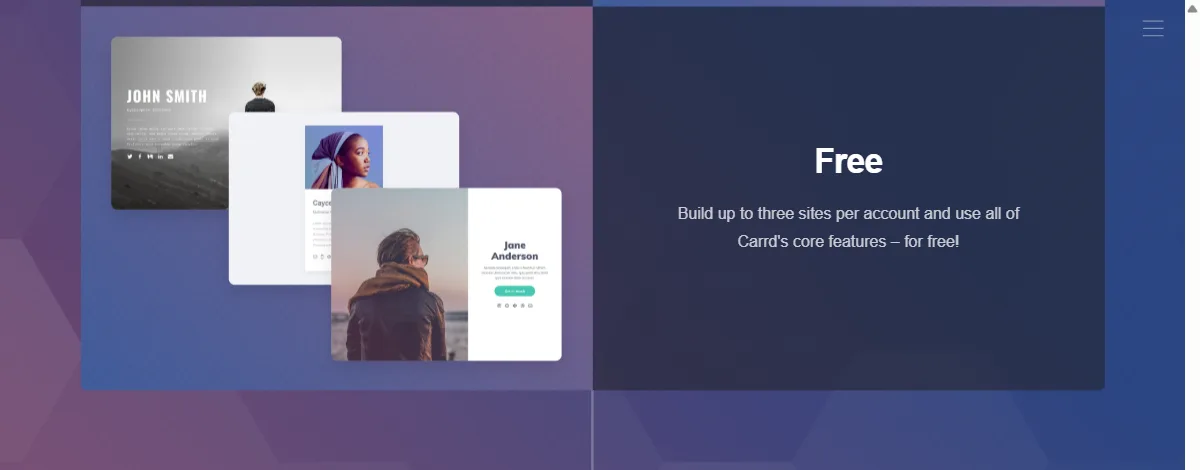
| Carrd | carrd.co address | Up to three sites per account, Made with Carrd branding | Pro Standard, 19 dollars a year (Pro Lite at 9 dollars removes branding only) |
| Forgelo | Forgelo subdomain | 1 website, 5 AI generations and edits per day, Made with Forgelo badge, no lead forms | Starter at 9 dollars (Rp 149rb) a month |
Two things jump out. First, every one of these keeps the site online with no end date, which is the real meaning of "free forever." Second, the limits are aimed at different pain points: ads on WordPress.com, page count on Webflow, bandwidth on Framer, site count on Carrd, and lead capture plus daily AI edits on Forgelo. Pick the free plan whose limit you are least likely to hit.
For example, if all you need is one business profile page for your Instagram bio, Webflow's two-page cap or Carrd's three-site cap will barely register. If you plan to publish many articles or add product pages one by one, a page cap gets in the way fast. And if you don't mind platform ads as long as you can write freely, the WordPress.com model may suit you better. No option is universally right, only the limit that least gets in the way of how you sell.
The hidden catches nobody mentions
The marketing page rarely spells this part out in big letters, so let's be honest about it.
The long subdomain address. Something like rina-catering.platform.com looks less convincing on a business card or an Instagram bio than rinacatering.com. For a first-time buyer who doesn't know you yet, a clean address builds trust faster.
Ads and watermarks. Some free platforms drop their logo in the footer or even a banner ad on your pages. Visitors can tell your site is on a free plan, and some read that as a sign the business isn't serious yet, fair or not.
Locked business features. This one stings the most. You build a lovely site, then realize the contact form can't send you a notification, or you can't see how many people visited. For a shop or a service, losing your lead path is the same as losing money.
The risk the platform stops. A free service can change its policy anytime. If your whole business depends on one free subdomain and that platform shuts down, you start from scratch. Keeping your own copy of your content and, ideally, owning a domain is cheap insurance.
Tip: Before you pour hours into one free platform, check whether you can export your text and images. If you can't get out, you're locked in, and that lock-in is the hidden price of "free."
When a free website forever is enough
Don't get the wrong idea, there are plenty of situations where a free website forever is genuinely the right call, not just a compromise you tolerate.
- You're testing an idea and don't yet know if anyone will buy. Spending on a domain and subscription before you have proof of demand is premature.
- You need a simple page for your Instagram bio or link, covering what you sell, rough pricing, and how to order.
- You're a seasonal seller, say holiday gift boxes or event catering, who needs a temporary online presence.
- You're a freelancer or student who needs a lean portfolio without spending anything.
For these cases, a clean, fast free site is enough to bring in real work. If you want the technical steps, our guide on how to build a website with AI walks through it from scratch, and if a portfolio is your goal, free portfolio website covers the specifics.
A concrete example: a freelance photographer can start with a single free page that shows a handful of shots, a short bio, package pricing, and a button to message them. That's enough to book weddings and portrait sessions from referrals, long before spending on a domain. Only when the bookings become steady does buying a custom domain make sense. That order is sensible. You don't pay anything until the business itself funds the upgrade.
When a free website forever costs you more
Now the part few people want to hear, and this is my possibly unpopular opinion. For a lot of businesses, staying free too long costs more than paying for the cheapest plan.
Run the math. If a messy subdomain makes one in five prospects hesitate and leave, how many orders vanish in a month? If your lead form doesn't work and ten people fill it out without ever reaching you, what's the value of those sales? For a business that's actually moving, that number usually dwarfs a monthly subscription that costs about the same as a couple of coffees.
Here's the flawed logic I see often: people spend hours working around a free platform's limits to avoid a small fee, when their time is worth far more than the difference. Free feels like saving, but once you count the lost time and lost opportunity, it's sometimes the more expensive option.
The rule of thumb is simple. While the website is just an experiment, stay free. The moment it becomes a real source of income, free limits turn from "savings" into "brakes." At that point, the upgrade cost isn't an expense, it's an investment that pays for itself.
How to build a free website that still works
If you decide to start free, do it in a way that won't trap you later. Here's the order I'd suggest.
- Pick a platform with a clear upgrade path. Starting free is great, but make sure you can attach your own domain and unlock lead features later without rebuilding the whole site.
- Describe your business clearly before making it pretty. Visitors want to know what you sell, who it's for, and how to order. Clarity beats animation.
- Make sure there's a contact path that actually works. A button or form that routes straight to your inbox or WhatsApp turns visitors into conversations, and conversations into orders.
- Keep your own copy of the content. Text, photos, price lists, stored in a folder or notes. If the platform has trouble, you don't start from zero.
This is where modern tools help. With Forgelo, you describe your business in a single sentence, and a publish-ready website is built in a few minutes. You can go live on a free Forgelo subdomain with no time limit, with up to 5 AI generations and edits per day, and change anything just by typing what you want, no code involved. When you need leads to reach you automatically, the Starter plan adds a lead form that routes straight to your WhatsApp, so the moment someone is interested, the chat lands where you already reply. The same upgrade lets you attach your own domain and remove the badge without rebuilding a thing.
Tip: When you do need a professional address, handle two separate things: the domain (bought yearly from a registrar) and the hosting or platform where your site lives. Our breakdown of how much a website costs explains the difference so you don't overpay.
Questions to ask before you pick a platform
Before you invest time in one service, run through this quick list. The answers decide whether "free forever" genuinely works in your favor or quietly traps you.
- Is the free plan truly unlimited in time, or a trial in disguise?
- Are there platform ads or a watermark on my pages?
- Can I attach my own domain later without rebuilding the site?
- Does the lead form or WhatsApp button work on the free plan?
- Can I export my content if I ever want to move?
- What's the cheapest paid plan, and what do I get there?
If a platform answers all six honestly and openly, you're in safe hands. If the answers are vague, especially on time limits and export, be careful. That's a sign their "free" benefits them more than it benefits you.
A free website forever is real and genuinely useful, as long as you know exactly what you get and what you give up. Use free to start, prove the idea, and gather your first customers. Step up to paid when the limits start eating into your income, not a second sooner. If you want to compare the exact numbers before deciding, look at Forgelo pricing and weigh it against the value of a single order you might lose to a bare-bones site. The math usually makes itself clear.