You do not need to spend anything to get your work online. A free portfolio website is completely achievable today, whether you are a photographer, designer, developer, writer, or a small studio that just wants a place to point clients to. The real question is not whether free is possible. It is which free option fits you, what the hidden trade-offs are, and how to build the thing without losing a weekend to it.
This guide walks through the honest options, shows you how AI turns the build into a minutes-long job instead of a weeks-long one, and covers what actually makes a portfolio win work. Because a portfolio that exists and gets seen beats a perfect one that stays in your head.
What a free portfolio website really gets you
Free means different things depending on where you build. In practice, every free route gives you some mix of these:
- A page or site that displays your projects with images and short descriptions
- A hosted address, usually a subdomain like yourname.platform.com
- Basic contact info so people can reach you
- Zero upfront cost
What free routes rarely give you: your own domain, control over branding, a way to capture leads where you actually answer them, and search visibility for the service you sell. None of that matters on day one. Some of it starts to matter the moment a real client is deciding between you and someone else.
Note: "Free" on most platforms means you pay with something other than money: their ads on your site, their branding in your URL, or your work displayed next to direct competitors. That can be a fine deal. Just make it knowingly.
Free portfolio website options compared
Here is the honest landscape. Each option works, and each one leaks value somewhere.
| Option | Cost | Speed to live | Biggest strength | Biggest weakness |
|---|---|---|---|---|
| Free plan on a website builder | $0 | Hours | Real website, your layout | Platform ads and branding on your site |
| Portfolio community profile | $0 | Under an hour | Built-in audience of peers | Your work sits beside competitors |
| Social media as portfolio | $0 | Minutes | Zero setup, easy updates | No structure, buried in a feed |
| Google Drive or PDF deck | $0 | Minutes | Full control of the file | Feels unfinished, hard to browse |
| AI website builder | From $9/month | Under an hour | Fast, professional, lead capture | Not free, though close to it |
A quick word on each. Free builder plans are the classic route: you get a real site, but the platform stamps its ads and branding on it, which reads as "starter" to a discerning client. Portfolio communities are great for peer visibility and terrible for exclusivity, since a client browsing your profile is one click from fifty alternatives. Social profiles work as a supplement, not a home base, because feeds bury old work and offer no structure. A PDF deck is fine for direct sends but looks dated as your only presence.
The AI builder row breaks the "free" theme on purpose, and we will get to why a single-digit monthly fee is often the smarter version of free. If you want the fully free path first, our guide to making a website without coding covers the no-budget route step by step.
How to build a portfolio with AI in minutes
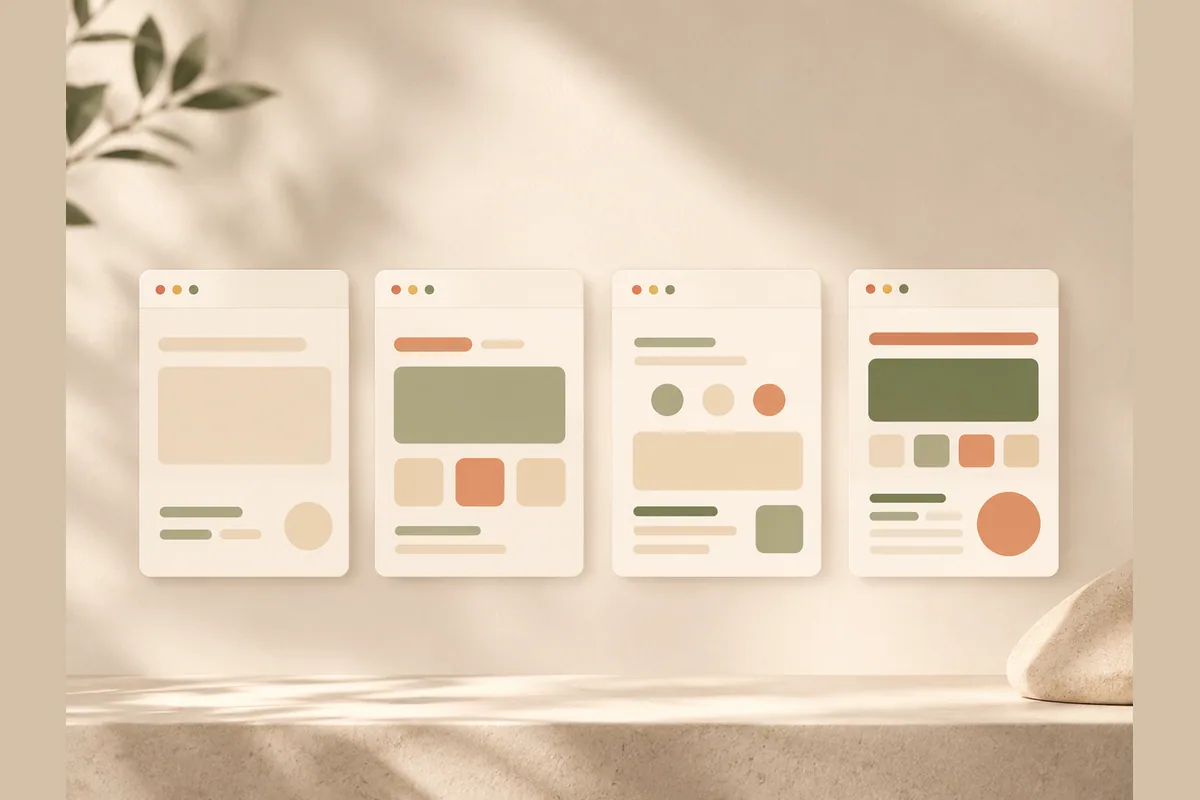
This is where the process has genuinely changed. The old way was picking a template, fighting with drag-and-drop blocks, and writing every word yourself. The AI way looks like this:
- Describe yourself in one sentence. Something like "wedding photographer in Austin who shoots candid, documentary-style weddings." That single line is the input.
- Let the AI generate the site. With Forgelo, a complete draft comes back in a few minutes: headline, sections, project gallery structure, about section, contact area, all written and laid out for you.
- Swap in your work. Replace placeholder images with your four to eight best projects. This is the part that deserves your time.
- Edit by typing. See something off? Type the change: "make the gallery two columns," "rewrite the headline to mention weddings," "add a section for pricing packages." No design tools, no code, no tutorials.
- Publish. Push it live on a free subdomain immediately, or connect a custom domain when you are ready.
The whole flow, including swapping images and adjusting copy, fits inside an hour. If you want a deeper walkthrough of the generation step, we broke it down in how to build a website with AI.
Tip: Write your one-sentence description before you open any tool. The clearer you are about who you serve and what you make, the better the generated site. "Designer" produces a generic page. "Brand identity designer for food and beverage startups" produces a page that sounds like you.
What your portfolio needs to actually win work
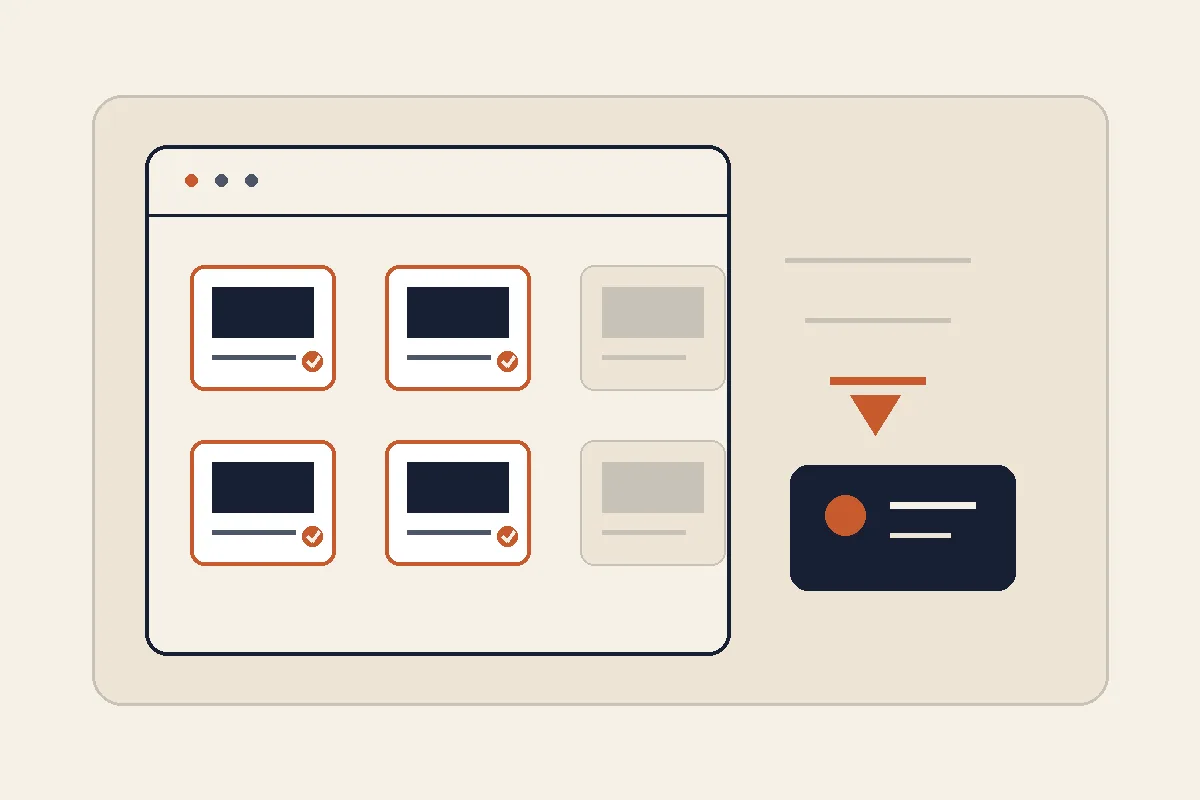
Here is a contrarian take: the platform you choose is the least important decision you will make. Freelancers agonize over builders and domains, then upload twenty mixed-quality projects with no context and wonder why nobody writes. The content of the portfolio does the selling. Get these right and even a modest free page converts:
- A headline that says what you do and for whom. "I design packaging for specialty coffee brands" beats "Welcome to my creative space" every single time.
- Four to eight projects, not twenty. Show only the kind of work you want more of. Every weak piece lowers the average in the client's head.
- One or two sentences of context per project. The problem, what you did, what happened. Clients hire outcomes, not images.
- Proof you are real. A short about section with a photo and your city. People hire people.
- One obvious way to contact you. A single clear button or form. If a visitor has to hunt for your email, you already lost them.
That last point is where most free options quietly fail. A mailto link or a generic form that dumps messages into an inbox you check twice a week kills momentum. Fast replies win freelance work more often than better portfolios do. This is exactly why Forgelo wires the lead form straight to WhatsApp: an inquiry lands on your phone as a chat, in the same app where you already answer people within minutes. We wrote more about that pattern in turning visitors into WhatsApp leads.
When a free portfolio website stops being enough
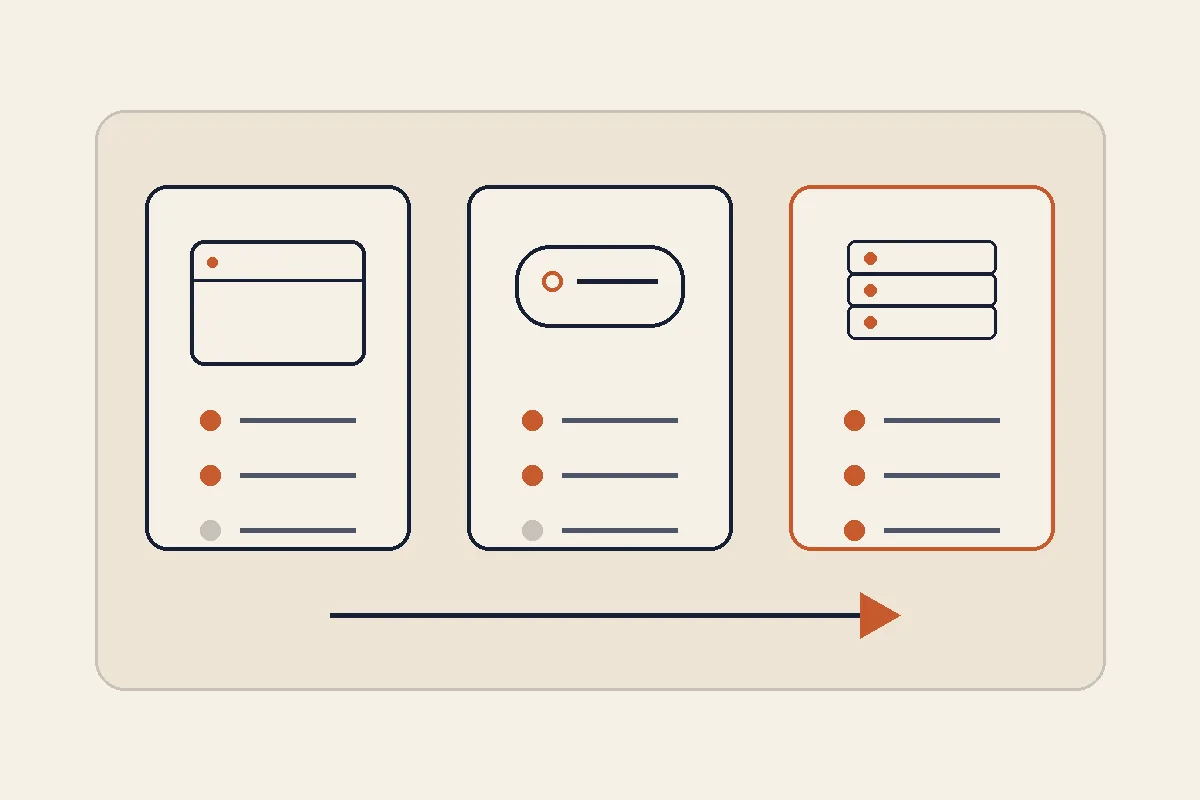
A free portfolio website is the right call when you are starting out, testing a side hustle, or just need somewhere to point people this week. Stay free without guilt in those seasons. But watch for these signals that free has started costing you money:
- You are raising your rates and the platform ads on your site undercut the premium impression.
- Clients ask for your website and you feel a flicker of embarrassment before sending the link.
- You want to be found on Google for "your service + your city," which needs proper SEO structure that free tiers rarely offer.
- Inquiries are slipping away because the contact flow is clunky.
At that point the math gets easy. Forgelo starts at $9 per month, with $19 and $39 tiers as you grow, and even the base plan includes the AI generation, edit-by-prompt changes, built-in SEO, the WhatsApp lead form, and publishing on a free subdomain or your own custom domain. One small project covers a year of it. Compare that with the cost of one lost client and the "is free worth it" question mostly answers itself. Full details are on the pricing page.
Tip: If you run an agency or studio, the Agency plan lets you build and hand off portfolio sites at volume, which turns a portfolio build from a cost into a service you sell. Full white label is on the roadmap.
Mistakes that quietly kill free portfolios
A short list, learned from watching a lot of freelancer sites fail politely:
- Treating it as a museum, not a store. A portfolio is a sales page wearing a gallery costume. Every section should nudge toward contact.
- Showing range instead of focus. Generalist portfolios feel safer to publish and are harder to hire. Pick a lane, at least on the homepage.
- Never updating it. A portfolio whose newest piece is from two years ago raises questions. Fifteen minutes a quarter fixes this, and with edit-by-prompt it genuinely is fifteen minutes.
- Ignoring the basics of being found. Titles, descriptions, and readable structure decide whether search engines can send you anyone at all. Our website SEO basics guide covers the minimum that matters.
- Waiting for perfect. The portfolio you publish this week starts working this week. The perfect one does not exist.
The bottom line
You can absolutely have a free portfolio website, and for plenty of people a free builder plan or a community profile is the right season-one move. Go in knowing the trade: ads, subdomains, or sharing a page with your competitors. When the work gets serious, an AI builder gets you a professional, editable, lead-capturing site in under an hour for less than the price of lunch each month.
Either way, the move that matters is publishing. Describe what you do in one sentence, put your best four projects behind it, make contact effortless, and ship it today. Your next client cannot hire a portfolio that is not online yet.
If you shoot or create professionally and want the working version rather than the free one, open Forgelo websites for photographers and creatives.