The fastest way to understand what a strong portfolio looks like is to study real portfolio website examples that actually win clients. This roundup of contoh portofolio website (portfolio website examples in Indonesian) covers designers, developers, and freelancers, because whichever camp you're in, your portfolio page is where a prospect decides whether you're worth contacting. Below are 15 examples across professions, the elements every one of them shares, and how to build your own without the hassle.
Before the list, one reminder. You're not hunting for the fanciest site to copy line for line. You're hunting for the pattern that makes a visitor stop, trust you, and reach out. That's the difference between a portfolio that just looks nice and one that brings in work.
What makes a portfolio website example stand out
Portfolios that work share one trait: focus. They answer a visitor's three questions at a glance, which are who you are, what you can do, and how to reach you. Every other element exists to support those three answers, not to bury them.
Here's a take that might ruffle feathers. Most people assume a portfolio needs heavy animation, scroll effects, and pages that take a while to load. In reality, a fast, clear one-page site wins more often, because prospects are usually in a hurry and judge you in seconds. Speed and clarity beat spectacle almost every time.
Tip: Cap your portfolio at six to nine of your best pieces. People judge you by the weakest work they see, not the strongest. A short, sharp selection is always more convincing than a long, mixed one.
15 portfolio website examples by profession
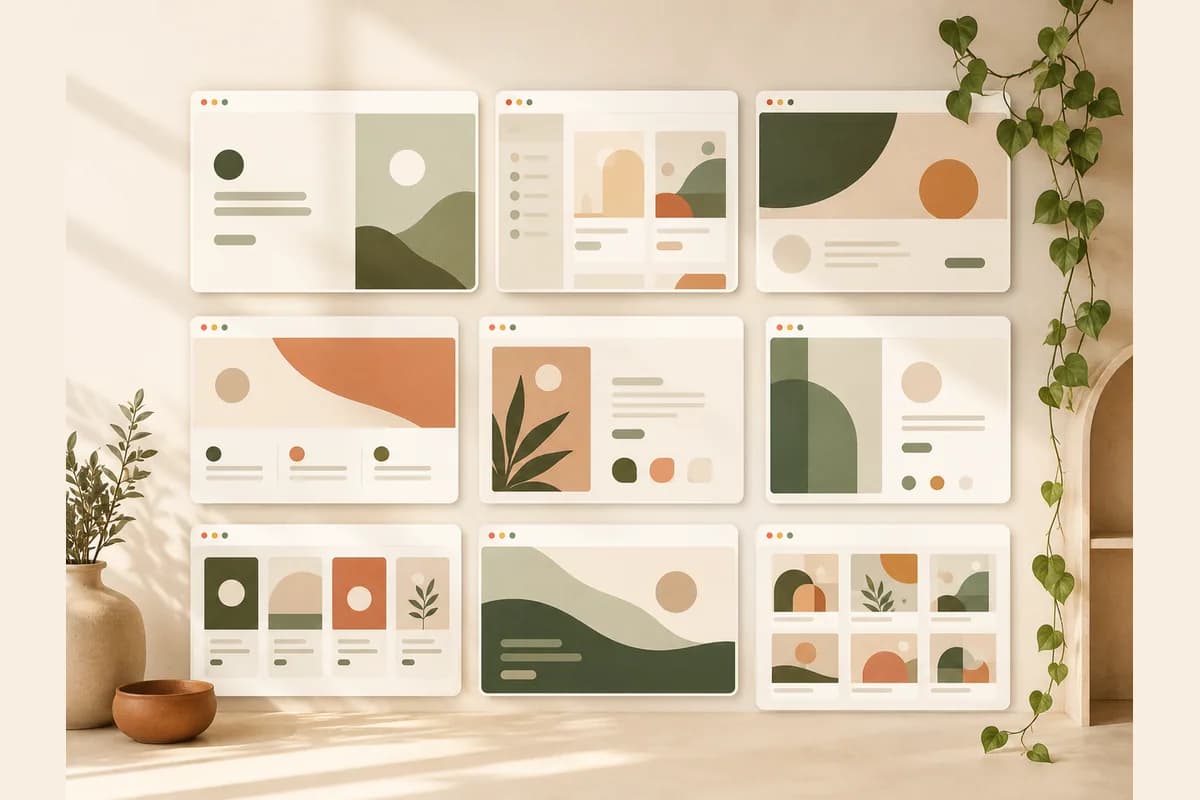
Here are concrete references you can use as a skeleton. Notice the pattern in each example below, not the colors, because the pattern is what you can adapt to your own field.
For designers
- Minimalist graphic designer portfolio. A tidy grid of six to nine best pieces, minimal text, and one contact button. Great when your work speaks for itself and you don't want visitors distracted.
- UI/UX designer case-study portfolio. Each project opens into its own page explaining the problem, the process, and the outcome. Corporate clients love this because they're buying how you think, not just the final look.
- Colorful illustrator portfolio. A large visual gallery with categories (editorial, character, mural) and a commission pricing page. Bold on color, but the navigation stays simple.
- Interior designer portfolio with before and after. It highlights the transformation of a space, a service list, and the areas served. Adding homeowner testimonials lifts trust quickly.
- One-page motion designer portfolio. It opens with a short showreel and lists clients underneath. If the reel is strong, everything else can stay lean.
For developers
- Front-end developer portfolio. Projects with live demo links and repos, plus the stack you know. A "see demo" button is far more convincing than a long paragraph.
- Full-stack technical case-study portfolio. It focuses on architecture, technical decisions, and the business impact of each project. Ideal for landing senior roles or attracting startups.
- Mobile app developer portfolio. App cards linking to the App Store and Play Store, with download numbers if you have them. Proof that people use the app beats any claim.
- Data scientist portfolio. A summary of analysis projects with result visualizations and links to notebooks. Explain the business question first, then the technical method.
- Resume-style one-page developer portfolio. Lean: a short bio, three flagship projects, and links to GitHub and LinkedIn. Built for a recruiter who has thirty seconds.
For freelancers and creators
- Writer and copywriter portfolio. Best pieces grouped by type (articles, sales pages, scripts), plus client testimonials. Include real outcomes, like a piece that ranked on page one of Google.
- Photographer portfolio. A gallery by category (product, wedding, corporate), pricing packages, and a booking form. Visitors come to see photos, so let the photos fill the screen.
- Videographer portfolio. A showreel up top, a client and project-type list below, plus how to book. Video is heavy, so site speed decides whether visitors stick around.
- Consultant or digital marketer portfolio. It highlights client results qualitatively and a clear way of working. Honest success stories beat unproven fancy adjectives.
- Content creator portfolio. A media kit with an audience profile, brand content samples, and a rate card. Make it easy for a brand to picture the collaboration and know exactly how to reach you.
If you're still gathering material, start with the free route while you learn. Our guide to a free portfolio website walks through getting live at no upfront cost.
The must-have elements in every portfolio website
Whatever your profession, certain elements always show up in portfolio website examples that work. Here's the checklist that shouldn't have gaps.
- Selected work, not everything. Six to nine best pieces with a short line of context each.
- A one-line who-you-are. Describe what you do and for whom, without jargon.
- Social proof. Short testimonials, client logos, or real results you can back up.
- A clear call to contact. One primary button that leads to where you actually reply.
- A fast page. If the site is slow, visitors leave before your second project loads.
Note: A contact form that routes straight to WhatsApp turns visitors into real conversations. Plenty of freelance projects die simply because a prospect can't be bothered to type a long email, whereas a quick chat feels easy. Our piece on how to turn visitors into WhatsApp leads covers the setup.
Personal portfolio vs client-hunting portfolio
People often treat these as the same thing, but the focus differs. A personal portfolio can be more expressive; a client-hunting one has to answer a single question: why should I hire you. The table below sums it up.
| Aspect | Personal portfolio | Client-hunting portfolio |
|---|---|---|
| Main goal | Express yourself and your interests | Convince a prospect to book |
| Content focus | Process, experiments, stories | Results, testimonials, services |
| Tone | Free, personal | Professional but still human |
| Call to action | Optional | Required and prominent |
| Best for | Students, hobbyists, exploring | Freelancers who sell services |
If your goal is to win work, lean toward the right column. You can still sprinkle in a personal side, just don't let it bury the thing that makes a client tap the contact button.
Portfolio website references: find inspiration without copying
Looking for references is healthy, as long as you don't end up cloning someone's site whole. Study five to ten portfolios in your field, note the patterns that repeat (not the visual details), then translate those patterns into your own work.
What to watch: how they order the pages, which piece they put at the very top, and how fast you can find the contact button. It's the boring parts that make a portfolio work, not the flashy animation.
Global freelancers often lean only on an Instagram feed or a link-in-bio page. That's fine as a shop window, but company and institutional clients tend to trust you more when you have your own address they can open any time. Having a website makes you look more permanent and serious, and that often tips a close race in your favor.
How to build your own portfolio website in minutes
The part that makes people stall is imagining the technical process. The truth is you no longer need to know code or design to have a clean portfolio. With Forgelo, you describe yourself in one sentence and a publish-ready website appears. From there you edit by prompt: "make the headline shorter," "add a testimonials section," "move the contact button up."
The lead form routes straight to WhatsApp, so every interested visitor lands where you already reply. Basic SEO is built in, you can launch on a free subdomain first, then move to a custom domain once you're confident. If you want your work found, not just seen, a quick read of website SEO basics helps your portfolio show up in search. Check the pricing to find a plan that fits your budget.
Tip: When you change a service or a price, just type the change. A portfolio that's easy to update is one that stays relevant, not one built once and abandoned for a year.
The mistakes that make visitors leave
Before we wrap, here are the traps I see most. Avoiding them already puts you ahead of most portfolios out there.
- Too much work. Visitors get tired and can't tell what to look at.
- No clear contact button. You got someone interested, then left them wondering where to go.
- A slow site. Every second of load time adds people who close the tab before your work appears.
- Work without context. A nice image with no explanation leaves clients unsure of your role in it.
- Never updated. A portfolio whose newest piece is three years old makes you look inactive.
The bottom line: the best portfolio website examples aren't the most complex, they're the easiest to trust and contact. Pick your six best pieces, write one honest line about what you do, add a clear contact button, and publish today. You can always refine it later, and a portfolio that's live always beats one that's still a plan.