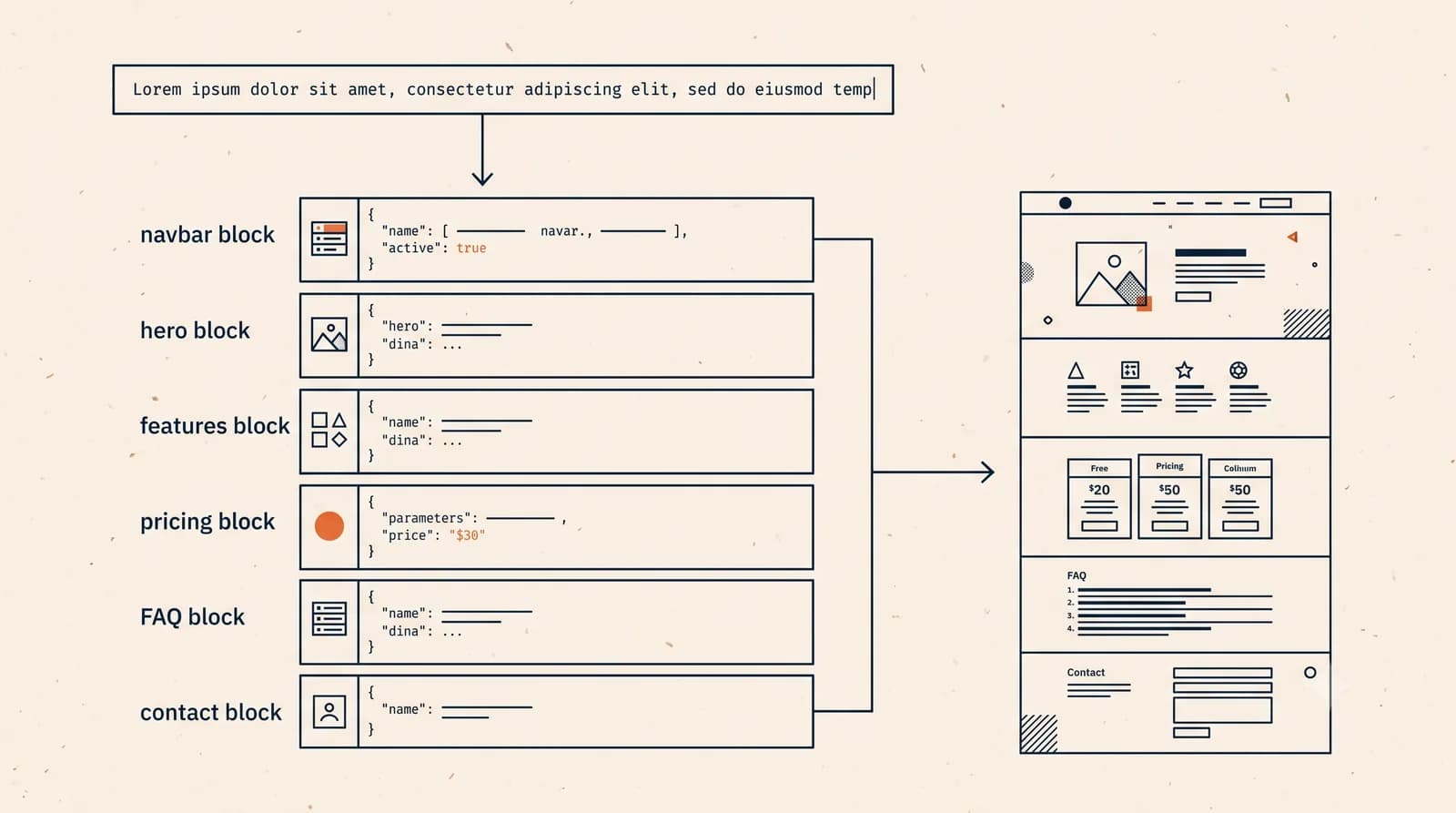
Prompt-to-website is the workflow where you describe the website you need in plain language, and an AI website builder turns that brief into a structured, publishable site. You do not begin with a blank canvas. You do not browse hundreds of templates. You write what the business is, who it serves, what the page should achieve, and the system creates the first version.
That first version usually includes a hero section, offer explanation, benefits, process, proof, frequently asked questions, and a call to action. Better tools also prepare basic metadata, responsive layout, and a publishing path. In practical terms, prompt-to-website is the shortest route from “I need a website” to “I can send this link to someone.”
The important detail is that prompt-to-website is not only about speed. Speed gets attention, but usefulness comes from control after the draft is generated. A real business page needs edits. The headline may be too broad. The service list may miss an important offer. The call to action may need to route leads to WhatsApp instead of a generic inbox. A good prompt-to-website workflow lets you keep shaping the page without touching code.
How prompt-to-website works
The process starts with a short brief. It can be rough, but it should include the basics: what the business does, who it serves, the tone you want, and the action visitors should take. For example:
Create a website for a family dental clinic in Austin that offers checkups, whitening, and braces. Make it calm, trustworthy, and focused on booking appointments.
From that prompt, the system interprets the business category, likely page structure, common customer questions, and suitable calls to action. It then generates sections. The output is not magic. It is a structured guess based on your intent. The better the context, the better the first draft.
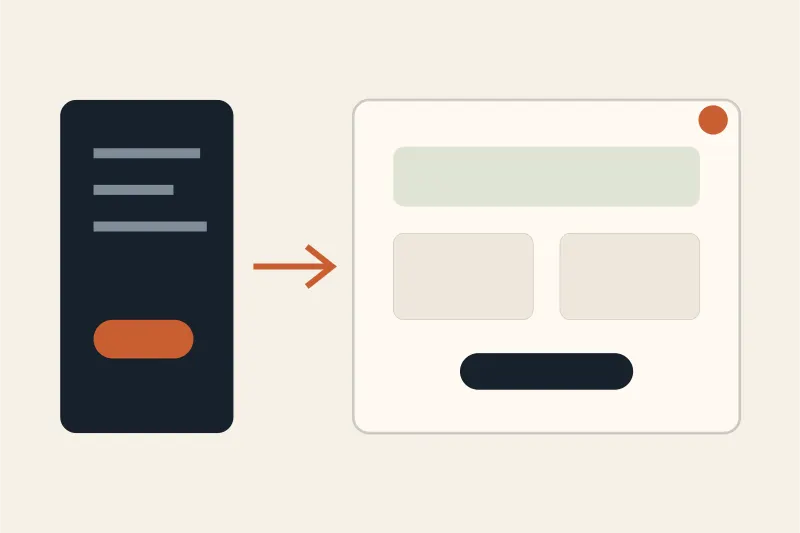
After the draft appears, you review it like an editor. You check whether the page says the right thing, whether the offer is clear, whether the order of sections makes sense, and whether the page works on mobile. Then you revise. This is where the strongest tools separate themselves from simple generators.
Prompt-to-website versus a template builder
A template builder begins with a layout. You choose a theme, replace text, move blocks, upload images, and decide how the page should be arranged. That can work when you already know what you want and enjoy editing visually. It becomes slow when you only know the business goal but not the layout.
Prompt-to-website begins with intent. Instead of choosing a layout first, you describe the outcome. The builder decides the first structure for you. That removes the blank-page problem. It also reduces the number of design decisions a non-designer has to make before getting something useful.
The tradeoff is control. A template builder gives manual control from the start. Prompt-to-website gives a strong starting point and then asks you to refine. For most small businesses, freelancers, and early-stage projects, that is the better order. First get a clear page online, then improve it from real feedback.
Prompt-to-website versus one-shot generation
One-shot generation is the version that looks impressive in demos but breaks down in daily use. You write a prompt, a website appears, and the process treats that as finished. Real websites do not work that way. Real pages evolve.
Maybe the first generated version says “innovative solutions” when your customers want “same-day repair.” Maybe it lists services in the wrong order. Maybe the design looks polished but the pricing section feels vague. If every fix requires regenerating the whole page, you lose progress.
A better workflow is generate, review, edit one section, review again, then publish. Section-level editing matters because websites are made of parts. The hero has one job. The benefits section has another. The FAQ has another. You should be able to improve one part without disturbing the rest.
What to include in a good prompt
You do not need a perfect prompt, but a few details help a lot. Start with the business type and location if location matters. Add the audience, the main offer, the tone, and the primary conversion goal.
A weak prompt says:
Make a website for my business.
A stronger prompt says:
Create a warm, professional website for a solo bookkeeping service that helps small restaurants in Chicago. The goal is to get owners to book a free consultation. Include monthly bookkeeping, payroll support, tax preparation, testimonials, FAQ, and a contact form.
The second prompt gives the system enough direction to make useful decisions. It knows who the page is for, what the business sells, what proof to include, and what conversion path matters.
What this workflow is good for
Prompt-to-website is strongest for clear, content-led websites. That includes small business websites, consultant pages, portfolios, service landing pages, campaign pages, and early product validation pages. These pages need clarity, credibility, and a way to contact the owner. They usually do not need complex engineering.
It is also helpful when speed matters. If you need to test a new offer this week, waiting a month for a full custom build is often unnecessary. A prompt-generated page can let you validate the message first. If the offer works, you can keep improving the same page or later invest in a deeper custom build.
The workflow is less suitable for advanced web applications, dashboards, marketplaces, complex membership systems, or anything with unusual backend logic. Those projects need product design and engineering. Prompt-to-website can still help with marketing pages around them, but it should not be confused with building a full software product.
The SEO angle
A prompt-generated website can have a good SEO foundation if the builder creates crawlable pages, clear headings, metadata, internal links, and fast mobile output. That foundation is important, but it does not guarantee rankings. Google still needs useful content and a reason to trust the page.
For a new site, the first SEO win is clarity. The page title should describe the offer. The H1 should match what the page is about. The sections should answer real buyer questions. The sitemap should be available. Search Console should be connected. If those basics are missing, speed does not matter much.
This is why a prompt-to-website builder should not only make something that looks finished. It should produce a page that can be indexed, understood, and improved.
How Forgelo approaches prompt-to-website
Forgelo is built around a simple idea: from prompt to page, then edit by prompt. The goal is not to give non-developers another complicated canvas. The goal is to help them get a credible page live quickly, then keep improving it with normal language.
You describe the business, generate the first page, review the sections, and ask for changes in plain language. Instead of dragging every card or rewriting code, you say what needs to change. That makes the workflow practical for founders, local businesses, creators, and teams that need a page today.
A simple checklist before you publish
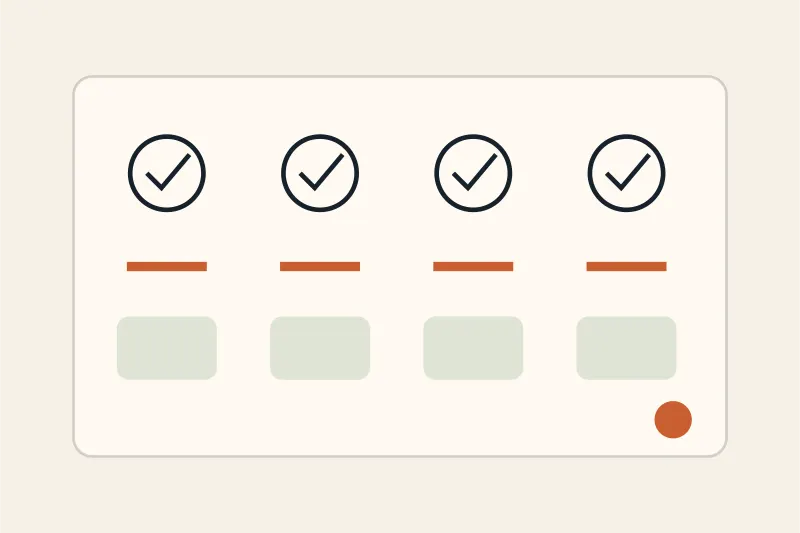
Before publishing a prompt-generated website, check five things. First, does the hero explain the offer in one glance? Second, does the page say who it is for? Third, is there a clear next step? Fourth, does the page work on mobile? Fifth, can Google crawl it?
If those five pass, publish. You can refine the wording, images, and proof later. The biggest mistake is waiting for perfection while the business still has no live page. Prompt-to-website is useful because it gets you out of planning mode and into live feedback quickly.
Bottom line
Prompt-to-website means turning a plain-language brief into a real website draft, then refining it until it is ready to publish. The best version is not a one-shot trick. It is a workflow: prompt, generate, review, edit sections, publish, and improve.
For simple business websites, landing pages, and early ideas, that workflow is often faster and more practical than starting from a template or hiring a full team. With a tool like Forgelo, the point is not to remove your judgment. The point is to remove the slow technical steps between your idea and a page people can actually visit.