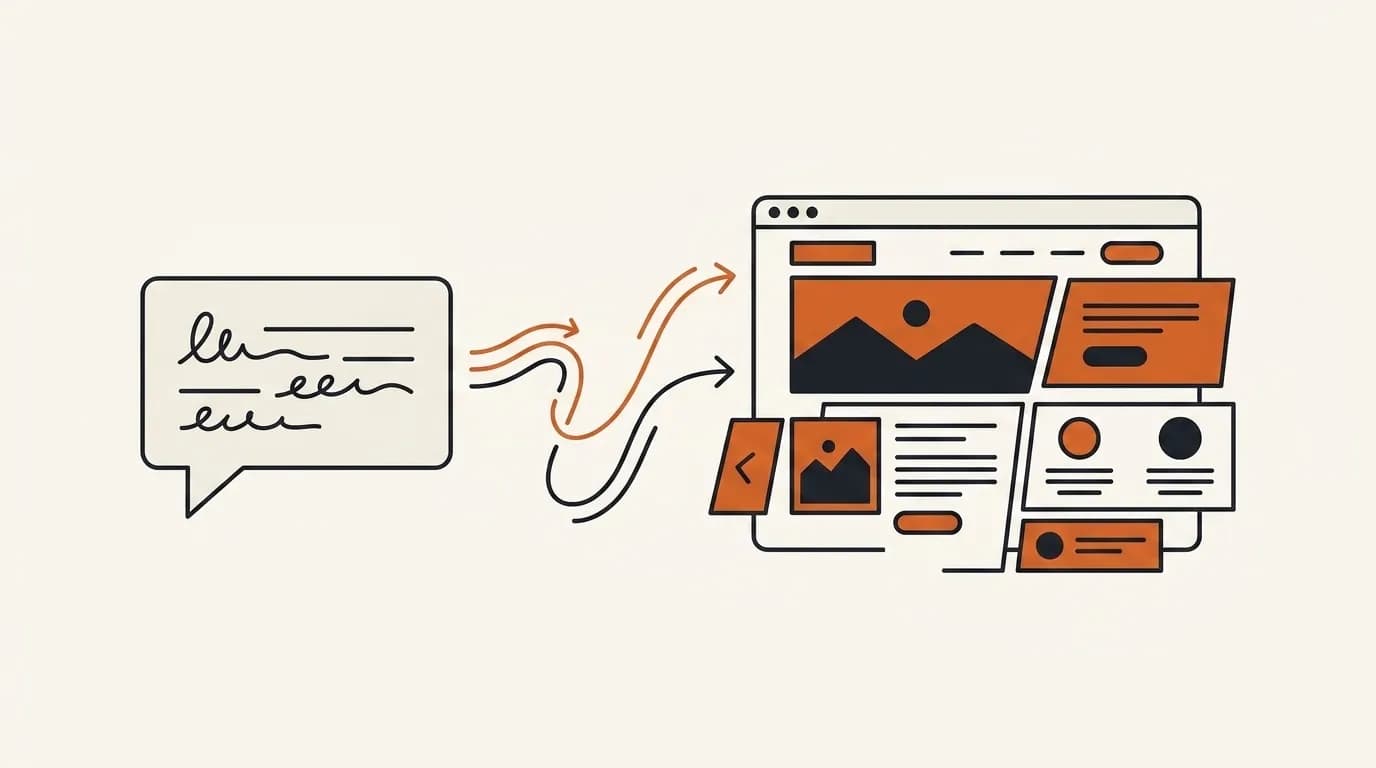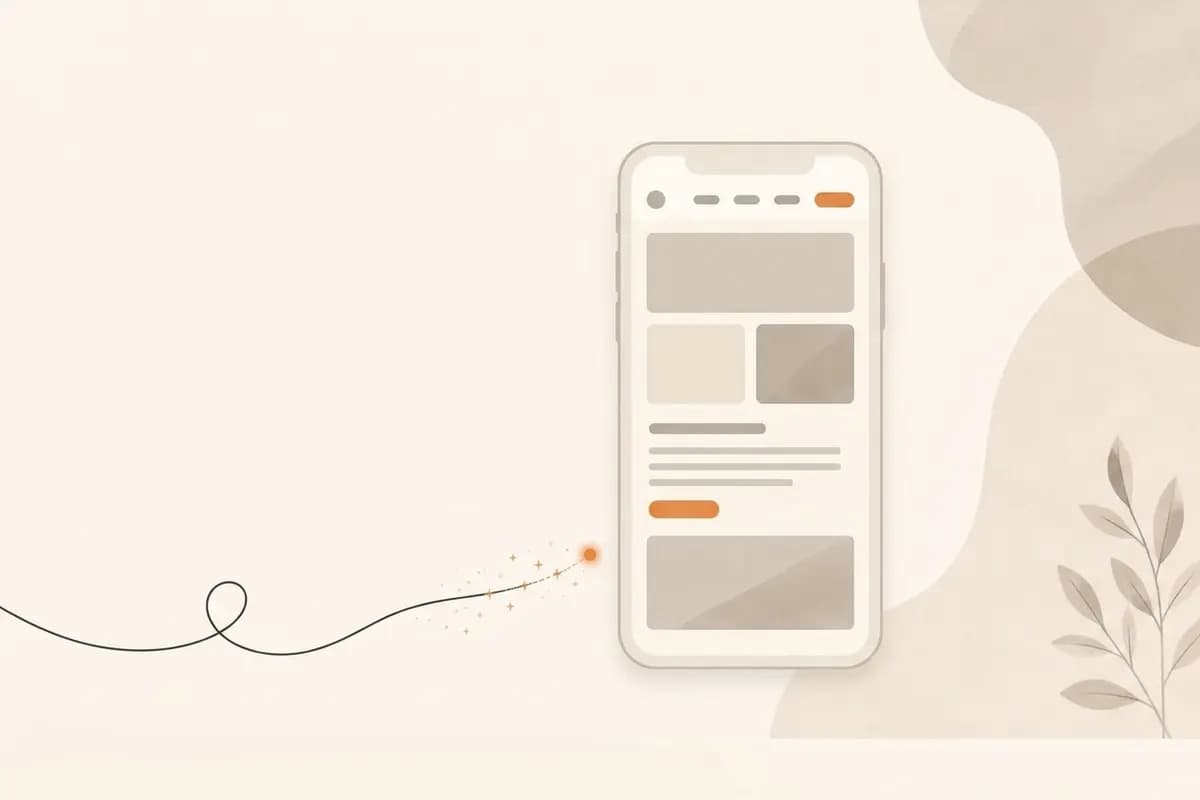
You can build a website using only your phone when the workflow is right. Write a focused brief, let AI generate the first draft, refine important sections through prompts, check the mobile experience, and publish. A small business site, portfolio, simple catalog, or campaign page no longer requires a laptop, coding, or an empty template.
The practical advantage is not just convenience. Working on the same device your visitors use exposes cramped headings, weak calls to action, and hard-to-tap controls before launch. That makes phone-first building a useful quality check, not merely a fallback when a laptop is unavailable.
Screen size is not the deciding factor. Your choices before launch matter more: who the audience is, what you offer, how visitors should respond, and what must be clear on a small screen. Working on a phone can even keep you focused on the experience most visitors will have.
When building a website on your phone is enough
A phone is practical when the goal is focused: explain a service, collect leads, show a portfolio, promote an offer, or provide one credible official link beyond social media.
Suitable projects include:
- A local business site with services, location, testimonials, and a contact button.
- A landing page for a new product campaign.
- A freelancer or creator portfolio.
- A small event site with schedule, venue, and registration details.
- A compact catalog that sends buyers to chat or checkout.
A phone only workflow is less suitable for customer dashboards, enterprise integrations, complex booking logic, marketplaces, and internal applications. An AI website builder may help prototype those ideas, but specialist development is usually necessary.
Ask what the website must do. If the answer is explain the business and make contact easy, a phone is enough to start.
Prepare your material before opening the builder
Opening a tool with a vague request such as "make my business website" usually produces a generic page. Prepare a short note containing these seven items:
- Business name. Use the exact public spelling.
- One sentence description. For example, "a family photography studio in Vancouver specializing in maternity, newborn, and birthday sessions."
- Primary audience. Name the customer you most want to attract.
- Three to five main services. Lead with what customers buy most often.
- Primary contact method. Email, phone, messaging, form, or booking link.
- Trust evidence. Testimonials, client numbers, certifications, experience, or original work.
- Main website goal. Decide whether visitors should enquire, book, buy, register, or read.
Specific source material means fewer revisions after generation.

Write a sharp first prompt
The first prompt is a compact brief. Forgelo can start from one sentence, but that sentence is stronger when it includes the business type, audience, brand style, goal, and important proof. See how Forgelo works for the full flow.
Use this formula:
Create a website for [business type] serving [audience], with a [brand style] feel, focused on [main goal], and featuring [important services or proof].
For example:
Create a website for an intimate event styling studio in Melbourne serving birthday and engagement celebrations, with a warm, refined style, focused on consultation enquiries, and featuring packages, a gallery, testimonials, and service areas.
The first prompt does not need to be perfect. It only needs enough context to produce an editable draft. You can also begin with a website template.
Forgelo does not force you to accept one generated result. After the draft appears, select a specific section and prompt a change. If the hero works but pricing does not, rebuild pricing without starting over.
Generate the draft, then read from top to bottom
Review the website as a first time visitor before editing. On a phone, people decide quickly whether a page is relevant.
Check the following:
- Does the headline explain the business immediately?
- Does the supporting text identify the audience and benefit?
- Is the primary button visible after little or no scrolling?
- Do the most important services appear before lengthy detail?
- Do images and proof feel authentic?
- Is the contact route obvious?
Fix clarity before colors. An attractive page with a vague message still loses visitors. Mobile first indexing also means search engines should be able to access substantially the same core content and metadata that users see on mobile.
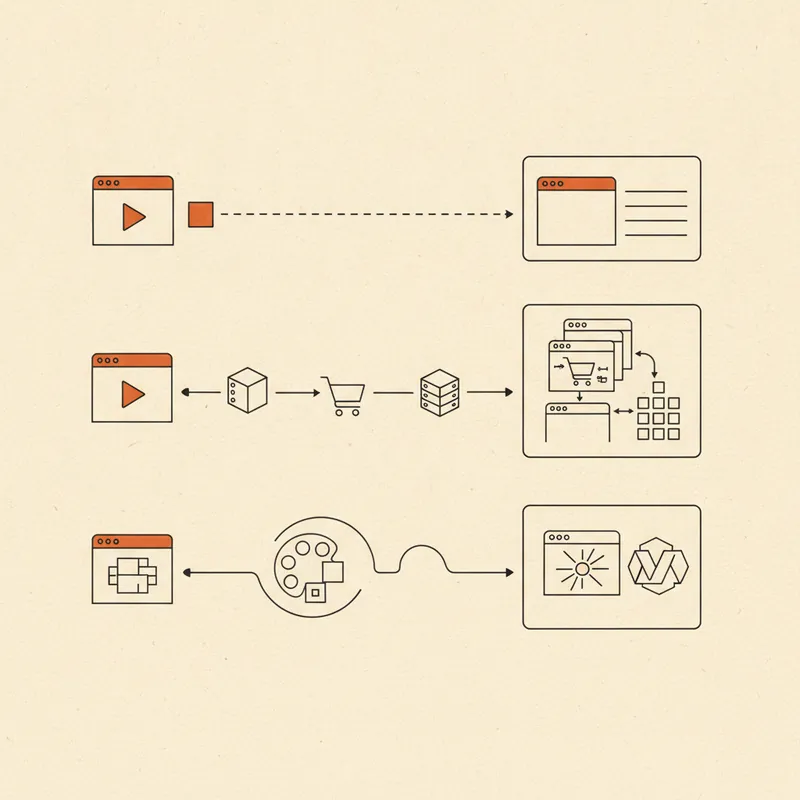
Edit each section instead of starting again
The first AI draft is raw material, not a final verdict. Direct it section by section.
- Hero: "Make the headline specific to independent restaurants that need a fast website."
- Services: "Turn this section into three service cards for product photography, campaign pages, and catalog sites."
- Testimonials: "Make these quotes natural and remove exaggerated claims."
- Call to action: "Change the primary button to Book a free consultation."
- FAQ: "Add questions about price, timing, and self service edits."
This approach protects strong sections while improving weak ones. Forgelo lets you select a section, type the change, and regenerate that section alone. Explore the section editing features for more detail.
Prompt editing is lighter than controlling padding, grids, breakpoints, and font sizes on a small screen. You communicate the outcome in ordinary language.
Make contact buttons easy to use on a phone
A mobile built website should be strong on mobile, but test the contact path manually. Use a clear action such as "Book a call," "Request a quote," "Get the catalog," or "Chat on WhatsApp." Avoid labels such as "Submit" when a more specific promise is possible.
Use this mobile checklist:
- The main button is visible early.
- Button copy describes the action.
- Phone numbers, forms, booking links, and messaging links work.
- Tap targets are comfortable.
- Contact details are not buried at the bottom.
- Long paragraphs do not overwhelm the screen.
Responsive design is not merely a layout that shrinks. Visitors must be able to read, trust, and act without friction.
Clean up the content for a sound SEO foundation
Early SEO should help people and search engines understand the page. Before publishing, review five points:
- Use a clear page title. Include the service and location when relevant, such as "Children's birthday event styling in Melbourne."
- Write a useful meta description. Summarize the benefit without repeating keywords unnaturally.
- Keep headings logical. Give each section one topic and do not make every line a large heading.
- Answer customer questions. Price, process, availability, service area, and timing are more useful than slogans.
- Add sensible internal links. Connect services, pricing, contact, and supporting articles.
Start with website SEO basics, then read how to make a website without coding and how AI generates a website.
SEO never guarantees instant ranking. Results can take weeks or months, but a logical structure makes the site easier for both crawlers and customers to interpret.
Publish on a subdomain, then connect your own domain
A free subdomain is suitable while testing the message and layout. Check plans and pricing, share the link with a few trusted people, and ask:
- Can they explain what the business does immediately?
- Do they know what to click next?
- Is anything confusing on their phone?
Use that feedback instead of waiting for perfection. Once the offer and primary action are clear, connect a custom domain. It is easier to remember and looks more credible in social profiles, listings, proposals, and printed material.
A 30 minute phone workflow
Imagine a home catering company that needs a simple site for office lunches and event platters.
Minutes 0 to 5: Note the business name, service area, three packages, contact details, menu photos, and customer proof.
Minutes 5 to 8: Write the prompt: "Create a warm, clean website for a home catering company in Chicago serving office lunches and small events, focused on quote requests, with packages, delivery areas, testimonials, and an ordering FAQ."
Minutes 8 to 15: Review the generated site. If the headline is broad, edit only the hero to mention office lunches and Chicago delivery.
Minutes 15 to 22: Turn the services into three packages. Add minimum order, notice period, and delivery area.
Minutes 22 to 27: Change the main action to "Request availability" and test it.
Minutes 27 to 30: Read the mobile page, verify the FAQ, and publish the subdomain.
This does not replace a long brand strategy, but it is enough to start collecting real enquiries.
Mistakes to avoid
Do not rely on stock images forever. They are fine for a draft, but original product, team, workspace, or location photos build greater trust.
Do not overload the opening screen. The hero should explain who you are, the benefit, and the next action. Put detail below.
Do not offer five competing primary actions. Choose one main conversion goal. Test every link from the phone before sharing. Finally, replace generic AI copy with details only your business knows: process, starting price, location, availability, and genuine proof.
Conclusion
Building a website on a phone is now realistic for focused business needs. Prepare a short brief, generate with AI, edit each section with prompts, review mobile usability, establish basic SEO, and publish.
Forgelo supports that exact flow. A prompt becomes a page, and every section remains open to natural language revision. The website becomes a conversation you can shape from your phone, one section at a time.