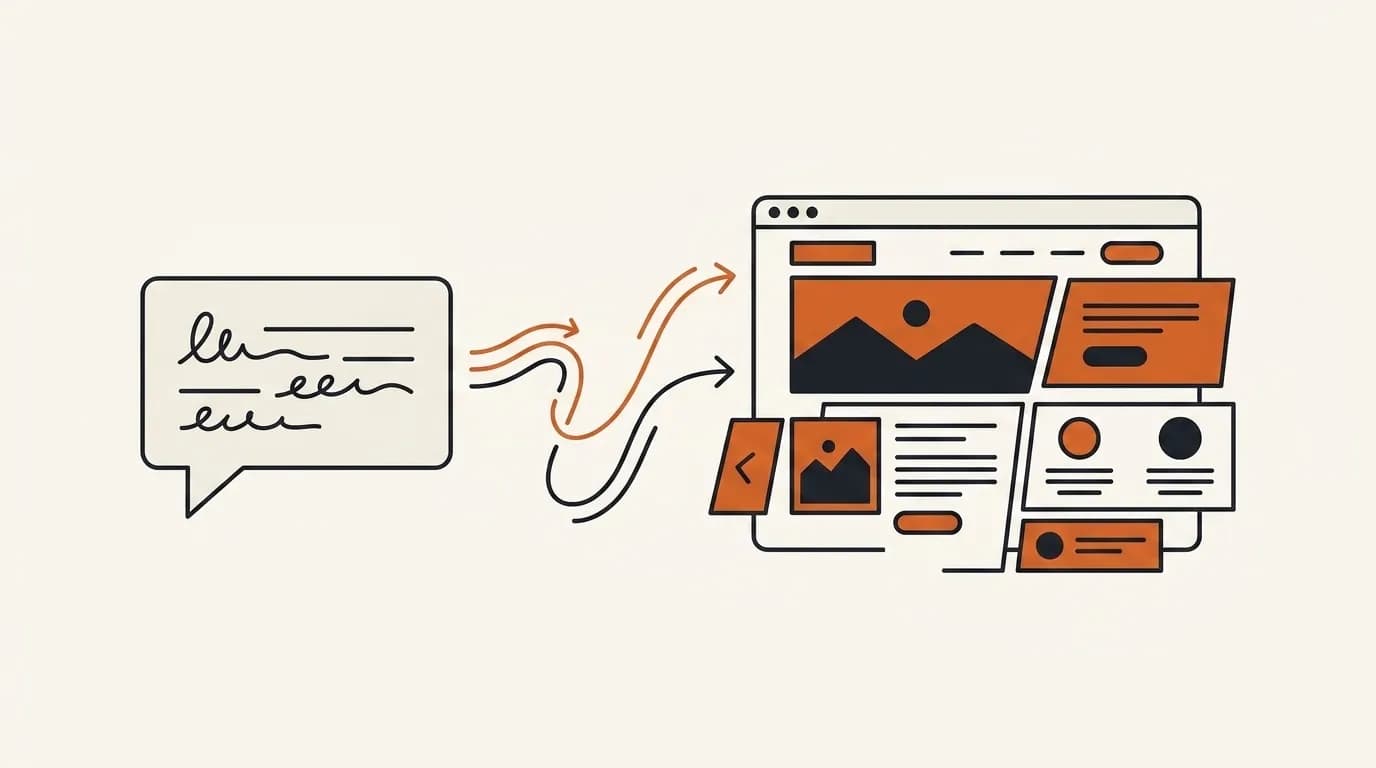
You can build your own website in minutes without hiring a developer or writing code. The fastest route is an AI website builder: explain your business in one sentence, receive a complete site, then change any section by typing a prompt.
This guide covers what building it yourself really means, the available routes, what to prepare, and when professional services still make sense. It focuses on common small business needs such as company profiles, landing pages, service sites, and simple catalogs.
What does building your own website mean?
Building it yourself means that you control the process from first draft to publication. You choose the content, make changes, and decide when to launch rather than handing the whole project to a developer or agency. What has changed is not the goal, but the effort needed to reach it.
DIY once meant learning HTML, configuring hosting, and following long tutorials. Modern tools automate the server, layout, and deployment layers. You do not need to understand CSS or install plugins. Your main responsibility shifts from "how do I construct this" to "what should this website communicate."
That shift removes the obstacle that stops many owners. Once technical confidence is no longer a prerequisite, a website becomes a focused afternoon task rather than an intimidating project.
What you still own when a tool does the building
Automation does not remove responsibility. You still decide what is true, which audience matters, and what a visitor should do next. The builder can propose a headline, but only you know whether the promise reflects the service. It can arrange testimonials, but you must confirm that they are genuine and approved for use. Think of the tool as production support while you remain the editor and business expert.
Keep control of practical assets too. Use an account email you can access, save original images, record where the domain is registered, and keep a copy of important text. This simple ownership habit makes future updates, platform changes, or collaboration easier. Building it yourself should increase independence rather than create a new mystery around login details.
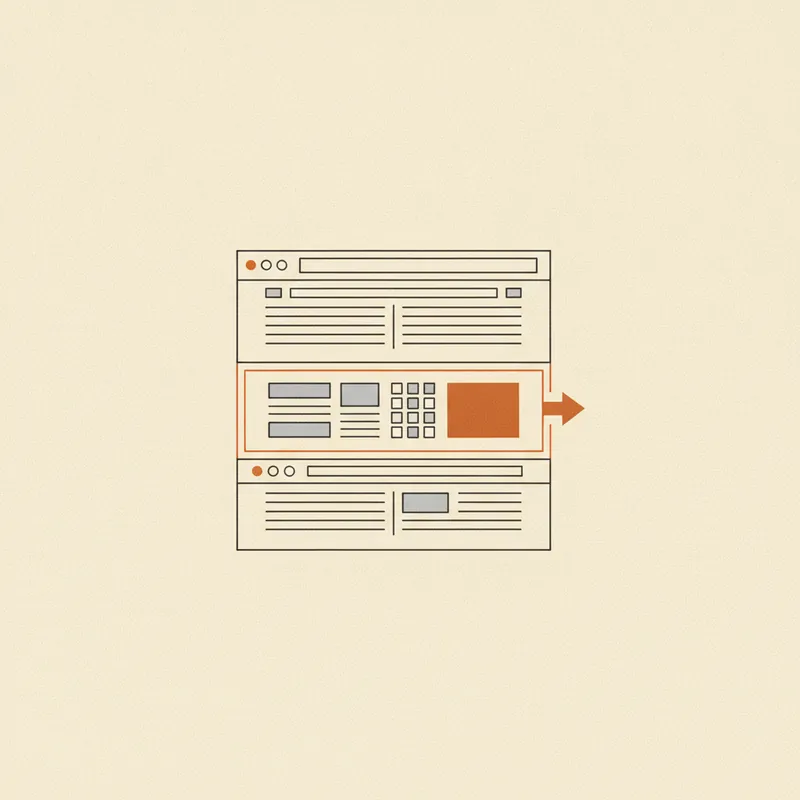
Ways to build your own website, from hardest to fastest
Each route requires a different investment of time and skill.
| Route | Skill required | Time to launch | Best for |
|---|---|---|---|
| Manual HTML and CSS | Learning programming languages | Weeks to months | People who specifically want to learn development |
| CMS such as WordPress | Themes, plugins, hosting, maintenance | Several hours to days | Publishers willing to manage ongoing upkeep |
| Drag and drop builder | Learning a visual editor | Several hours | People comfortable arranging layouts manually |
| AI website builder | Clearly explaining the business | A few minutes | Most small businesses that need to launch quickly |
Manual coding provides maximum control but carries a substantial learning cost. WordPress is flexible, but you still choose themes, install plugins, and manage updates. Visual builders remove code but leave you to assemble every block.
Many projects stall because the selected route is heavier than the actual requirement. A one page service profile rarely needs months of WordPress learning. If you want to compare routes in a business context, read how to build a website for business.
Test a route before investing a weekend
Create one representative section before building the entire site. Try a service card with a real description, price, image, and contact action. Then view it on a phone and change one detail. This quick exercise reveals whether the editor feels natural and whether routine updates will be manageable.
Do not judge only the polished template gallery. Templates contain ideal image sizes and carefully balanced sample text. Your real business name may be longer, your services may need more explanation, and your photos may have different shapes. A route that remains usable with ordinary content is a safer choice than one that works only with perfect demo material.
How to build your own website in minutes with AI
An AI website builder offers the shortest practical route for a non developer.
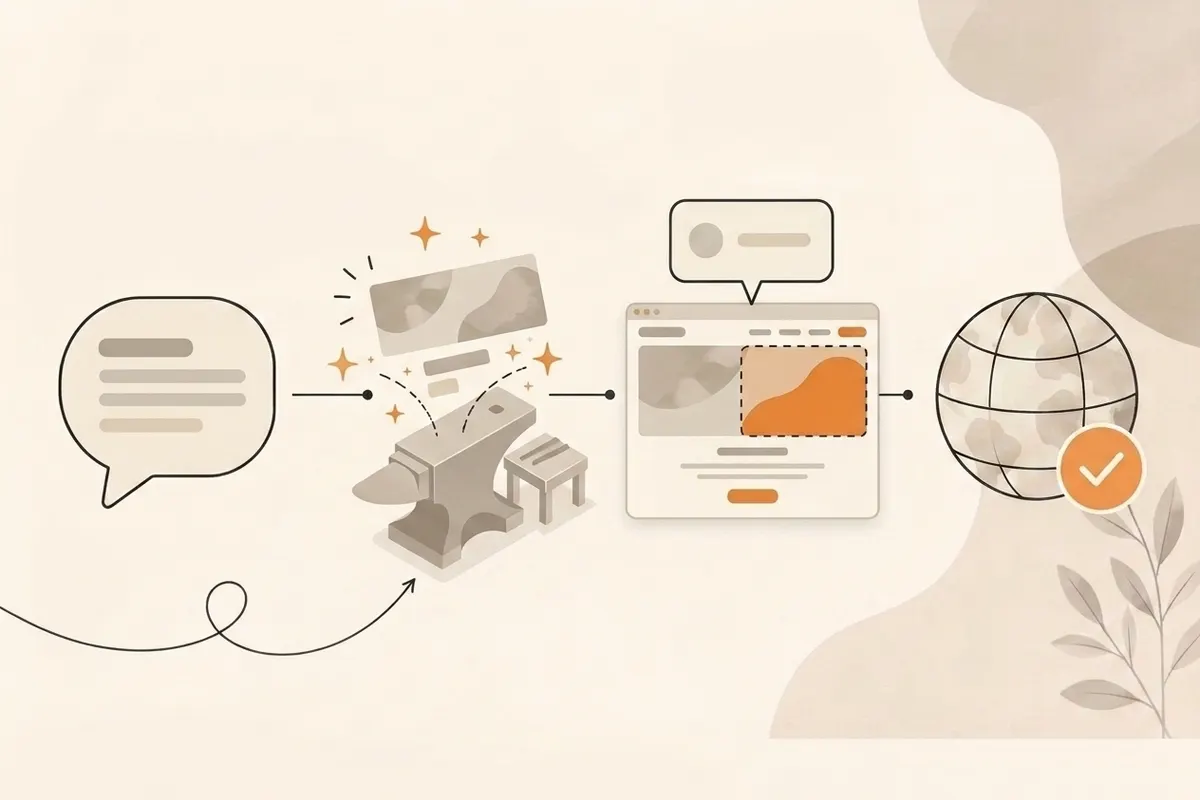
- Describe the business in one sentence. Try "an independent coffee shop in Toronto with a seasonal menu and online table reservations" or "online mathematics tutoring for middle school students across the UK."
- Let AI generate the website. Forgelo creates a structured site with a hero, services, social proof, and calls to action, not an empty template.
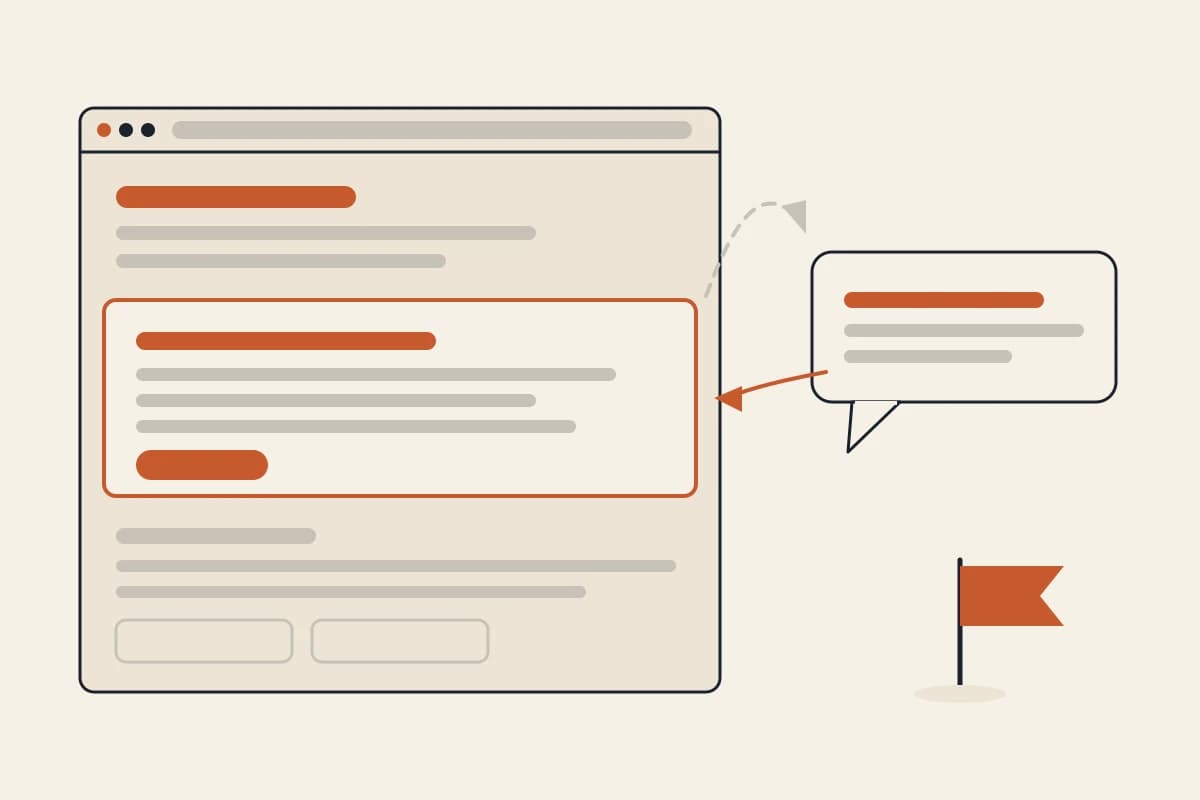
- Refine it with prompts. Select one section, describe the desired change, and regenerate only that section.
- Publish. Use a free subdomain immediately or connect a custom domain when ready.
This process removes revision queues and waiting. You remain in control of every decision without depending on another person's schedule. How AI generates a website explains what happens behind the scenes, while how Forgelo works shows the workflow.
Speed does not require a weak foundation. Generated sites include logical headings, responsive layouts, and basic SEO. The process removes complexity, not the essentials.
Review the first draft in the right order
Begin with accuracy, then clarity, then appearance. Confirm the service area, contact details, prices, policies, and claims before adjusting colors. Next, read the page as a first time visitor. The opening should say what the business provides, who it serves, and what action to take. Only after those points work should you spend time on visual refinement.
This order prevents a common DIY failure: polishing a section that later needs to be removed. It also makes feedback more useful. Ask a reviewer whether the offer and next step are clear, not whether they "like the website." Specific questions produce changes you can act on.
Why editing with prompts changes DIY website building
Visual builders ask you to become a designer. You move boxes, choose spacing, and learn the editor's rules. That is often where a simple DIY project becomes tiring.
Forgelo reverses the interaction. You direct the design with ordinary language. Ask for a firmer headline, three pricing tiers, a friendlier tone, or a warmer palette. Forgelo rebuilds the selected section while preserving the rest of the page.
Editing one section at a time also reduces risk. You can improve an offer without disturbing a contact form that already works. The site is not frozen after generation. As the business changes, select the relevant section and describe the update instead of rebuilding the page or hiring someone for a minor revision.
What to prepare before you start
You do not need a long creative brief. A few accurate inputs make the initial result much stronger.
- Business name and one sentence description. State what you offer, for whom, and where if location matters.
- Main services or products. Short bullet points are enough. Detailed copy can come later.
- Contact details. Use the channel customers already prefer, such as email, phone, booking, or WhatsApp.
- Optional assets. A logo and original images add trust, but you can add them after generating the structure.
Do not wait for every asset to become perfect. It is easier to improve a visible draft than to solve the whole website in your head. The website brief guide provides a useful content checklist even when you are building it yourself.
Prepare proof, not promotional filler
New site owners often overuse broad claims because they do not have finished case studies. Replace adjectives with evidence wherever possible. Mention years of relevant experience, an actual delivery area, a documented qualification, a clear guarantee, or a short description of the process. If you have customer feedback, request permission and preserve the original wording rather than rewriting it into marketing language.
Original phone photographs can outperform generic stock images when they show the real team, product, place, or result. Crop them consistently and avoid uploading unnecessarily large files. If no useful photograph exists yet, a clean text based section is better than an unrelated image that creates the wrong expectation.
DIY or professional service: when to choose each
For a company profile, landing page, service site, portfolio, or simple catalog, building with AI is usually faster and less expensive. You avoid queues, update content immediately, and do not pay for every small revision.
Professional support is still appropriate for custom applications, unusual workflows, specialist integrations, extensive research, or systems where failures carry significant risk. Those projects benefit from engineering and strategic expertise. Read the website development services guide and AI website builder vs web designer for a fuller comparison.
A sensible low risk approach is to create the first version yourself. If the requirement proves complex, that working draft becomes a much clearer brief for a specialist. If you are still choosing between the tools themselves, our guide to picking a DIY website builder compares the four categories and what each one costs you in time.
Recognize the point where specialist help saves time
Seek help when the project depends on secure account systems, unusual payment flows, regulated data, complex integrations, or accessibility requirements that you cannot confidently verify. Also consider support when repeated DIY attempts consume more valuable working time than the site is likely to save. Independence does not require doing every technical task personally.
When contacting a specialist, bring the draft, the primary goal, examples of successful customer actions, and a list of precise constraints. This lets the specialist solve the difficult part rather than charging discovery time to reconstruct decisions you have already made.
After the website is ready: publishing and next steps
A good draft becomes useful only after it is online. Publish to a free subdomain to test the idea, then connect a custom domain when the message and offer are stable. The free website guide explains typical free plan limits.
Connect forms and buttons to a real contact channel. Ensure visitors can call, email, book, buy, or start a WhatsApp conversation without searching. Basic SEO should also be present from the start so search engines can discover and understand the page. Browse website templates if you want an industry specific starting point, then customize it through section prompts.
Use a repeatable launch check
Open the public link in a private browser window so you see what a new visitor sees. Test navigation, submit every form, tap telephone and email links, and check the page on a narrow phone screen. Confirm that the title shown in the browser and search preview describes the page. Ask one person outside the business to find a service and make contact without guidance.
After launch, schedule a short monthly review. Check whether offers, hours, prices, team details, and proof are still accurate. Review enquiries to learn which questions the page fails to answer. Small evidence based edits are more sustainable than redesigning the whole site whenever it starts to feel familiar.
Do not delay publication in pursuit of an imaginary final version. A live site can be tested, indexed, and improved. An unpublished one cannot. Try Forgelo for free, turn one business sentence into a complete site, and shape each section until it is ready to share.