The fastest way to build a website for free that is genuinely useful for a business is an AI website builder. Describe the business in one sentence, generate a complete site in a few minutes, then improve individual sections by typing what you want changed. It is not the only route, however. Five popular methods let you start without paying, and each has a legitimate use.
The goal is not merely to put a page online. It is to create a credible, fast website that you can maintain yourself, with no upfront cost.
Five ways to build a website for free in 2026
All five routes below require no coding and can be started on a free plan.
- AI website builder. Write one sentence, receive a complete site, then edit each section with prompts.
- Drag and drop website builder. Assemble the page by placing visual blocks on a canvas.
- Free CMS. Use a theme and plugin based platform suited to publishing and blogs.
- Store platform or marketplace. Build around a product catalog and built in checkout.
- Link page or simple profile. Publish one page containing links, a short introduction, and contact details.
Each route can be right in context. The meaningful differences are how quickly the site becomes usable, how easy it is to change later, and how much control you have over a professional result.
Match the method to the real job
Before choosing a platform, write down the one result the website must produce. A local accountant may need qualified consultation requests. A photographer may need a compact portfolio and an enquiry form. A new food product may only need a campaign page that explains the idea and sends buyers to an existing marketplace. These are small, specific jobs, and almost every free route can handle at least one of them.
Problems begin when the tool is chosen for an imagined future rather than the current need. A consultant does not need to configure a full store because services might become downloadable products next year. A neighborhood repair company does not need a complex publishing system for a five section profile. Start with the smallest route that supports the main customer action, then check whether it can grow without forcing a rebuild.
Use three practical tests. First, can a visitor understand the offer within a few seconds? Second, can the visitor complete the main action on a phone? Third, can the owner change an outdated price, service, or photo without outside help? A free website that passes these tests is more valuable than an elaborate draft that remains unpublished.
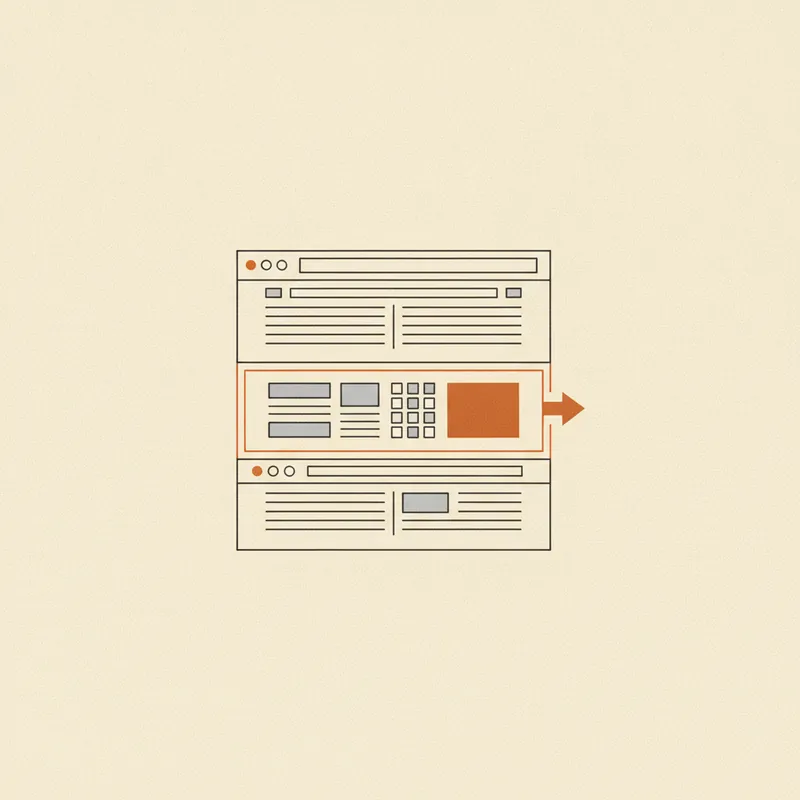
Side by side comparison
These time estimates are practical ranges, not guarantees.
| Method | Time to launch | How you edit | Best for |
|---|---|---|---|
| AI website builder | A few minutes | Type a prompt and regenerate one section | Small businesses that value speed and simple upkeep |
| Drag and drop | Several hours to days | Position and configure blocks manually | People who enjoy detailed visual control |
| Free CMS | Several hours to days | Use a dashboard and manage plugins | Content heavy websites and blogs |
| Store platform | Several hours | Manage products in a dedicated panel | Businesses focused primarily on product sales |
| Link page | A few minutes | Edit a list of links | Temporary or extremely simple needs |
A consistent pattern emerges. The less time you want to spend learning a tool, the more valuable an AI builder becomes. You direct it in ordinary language instead of mastering an editor. Our guide to what an AI website builder is and how to choose one explains that model in detail. For a broader look at no code routes, read how to make a website for free without coding.
Compare the hidden workload, not only launch time
The first published version is only part of the effort. A visual builder may feel fast until every mobile spacing issue needs manual correction. A CMS may be free to install while still requiring decisions about themes, updates, backups, and plugin compatibility. A store platform can simplify checkout but require careful product data and shipping rules. A link page launches quickly, yet may need replacement as soon as customers ask for detailed information.
Estimate the next six months, not just the first afternoon. List likely updates such as seasonal hours, new testimonials, changed pricing, new service areas, or a revised menu. Then perform one sample update before committing. If changing a sentence takes ten minutes of searching through menus, routine maintenance may eventually be postponed. Ease of editing is a business requirement because inaccurate information damages trust.
Also test export, domain, analytics, and upgrade rules. You do not need every advanced feature now, but you should understand what happens when the free site succeeds. A sensible free plan is a starting tier, not a trap. The upgrade should preserve content, links, and structure while adding a professional address or higher capacity.
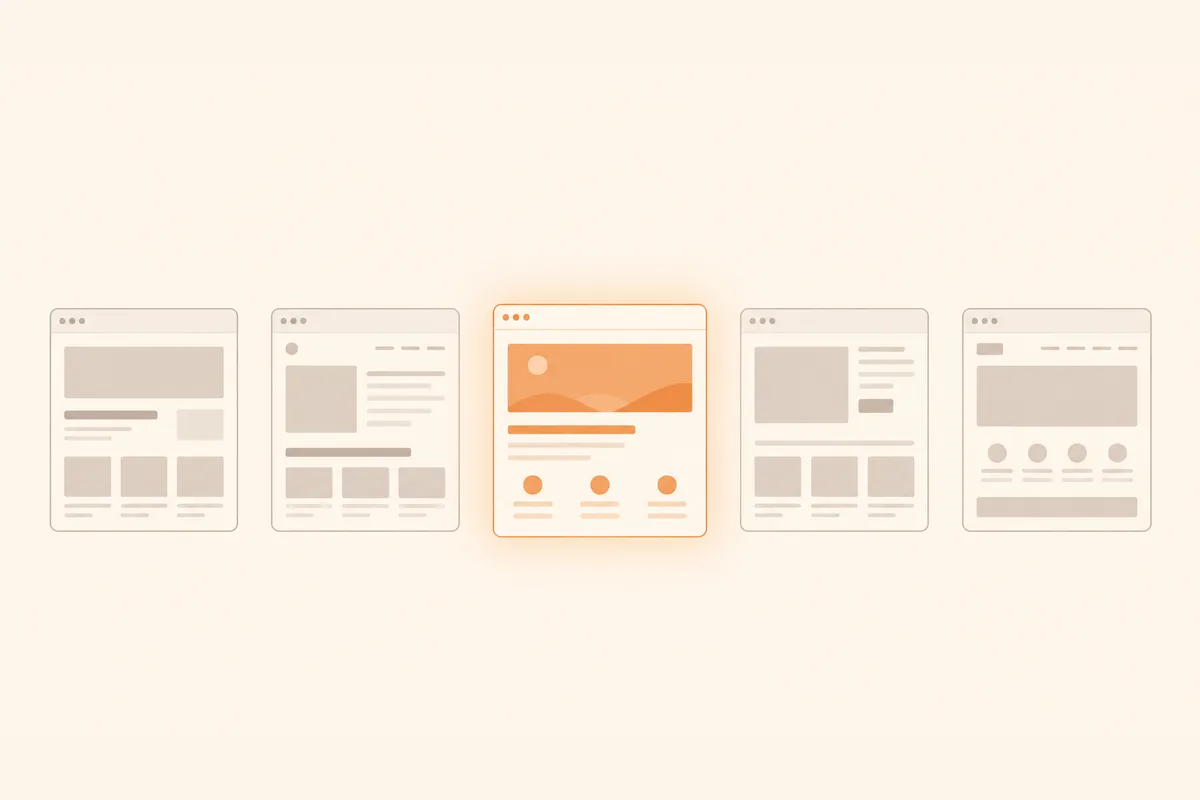
Which option is best for a business
The answer depends on the job, but the recommendation is clear for most small businesses.
Choose an AI website builder if you need to launch quickly, do not want to learn an editor, and expect to update the site yourself. This covers many local services, consultancies, independent businesses, and company profiles.
Choose a drag and drop builder or CMS if you enjoy controlling every detail, have time for setup, or plan to publish a large volume of articles.
Choose a store platform if product sales, inventory, and native checkout are the core of the business from day one.
Do not rely on a link page as your main business website. It is useful as a companion to social profiles, but it rarely provides enough context, proof, or search visibility to build strong credibility.
If you are deciding between a DIY site and professional help, our website development services guide explains when each makes sense. The small business website cost guide also identifies the costs that continue after launch.
A simple decision rule
Choose for the hardest requirement you have today. If that requirement is writing and publishing many articles, favor a content focused system. If it is managing stock and payments, favor commerce tools. If it is presenting a clear service and collecting enquiries quickly, favor the route with the shortest creation and editing workflow. Do not let a long feature list outweigh the two or three capabilities customers will actually use.
For example, a bilingual tour guide might initially need an introduction, three tour options, reviews, availability guidance, and a booking link. Native inventory management adds little value, while easy copy updates matter every week. By contrast, a ceramics shop with sixty products needs product variants and order handling even if its homepage takes longer to assemble. Both can start free, but their best platforms are different.
How to build a free website with AI, step by step
Forgelo removes both coding and the need to arrange a blank canvas.
- Write one sentence about the business. For example, "a neighborhood barbershop in Manchester with online booking and a haircut gallery."
- Generate the full site in a few minutes. You receive a structured site with a hero, services, proof, and calls to action rather than an empty template.
- Edit one section at a time by typing. Select a section and describe the change. Forgelo rebuilds that section while leaving the rest intact.
- Publish for free. Launch on a subdomain without a credit card and share the site the same day.
Section level prompt editing matters after launch too. A price change should not require rearranging a canvas or contacting a developer. You can select the pricing section, ask for three clearer packages, and preserve every other section. If launch speed is your priority, see how quickly a website should be delivered.
Turn the generated draft into a trustworthy site
Generation is the beginning of review, not the end. Replace generic phrases with details that only the business can claim. Instead of "high quality cleaning services," say which properties you clean, which neighborhoods you cover, whether supplies are included, and how soon customers receive a quote. Specific information reduces uncertainty and makes even a simple free site feel credible.
Check every factual element against a reliable source. Confirm the phone number by tapping it, send a test form submission, open the map link, and verify opening hours. Use genuine testimonials only, with permission where appropriate. If you do not yet have reviews, show process evidence, qualifications, clear policies, or photographs of completed work rather than inventing social proof.
Then review the site on a real phone using mobile data. A desktop preview can hide small buttons, long headings, or heavy images. Ask someone unfamiliar with the business to look at the page for ten seconds and explain what it offers and what they would do next. If their answer is unclear, improve the hero and primary action before adding more sections.
Avoid free website mistakes that cost trust
The most common error is treating "free" as permission to publish unfinished work. Placeholder text, duplicated sections, unrelated stock images, and broken buttons are visible regardless of the plan. Remove anything that does not support the visitor's decision. One accurate page is stronger than five thin pages created only to make the site look larger.
Another mistake is placing several equally prominent actions in the first screen. Asking visitors to call, subscribe, browse, download, follow, and request a quote creates hesitation. Choose one primary action and make secondary options quieter. Finally, keep ownership details organized. Record the account email, domain registrar, renewal dates, image sources, and final copy in a secure place. Free tools reduce financial risk, but basic operational discipline still matters.
Next steps
The simplest way to choose is to try the fastest route first and judge a real result. There is no need to commit before you know whether the workflow suits you.
Before sharing widely, use a short launch check. Read every heading aloud, test the main action from a phone, check the address and opening hours, compress unnecessarily large images, and ask one target customer to complete the intended task. Record what confused them and correct that before debating colors or decorative details. This produces evidence for the next edit and keeps the project focused on usefulness.
Build a free website with Forgelo by describing your business in one sentence. Review the result in a few minutes, refine any section with a prompt, and connect your own domain only when the site is ready. If you want to compare more no code options first, read how to make a website for free without coding.