TL;DR: A DIY website builder lets you build, publish, and keep changing your own site without a developer. The modern easy route is not a canvas you assemble by hand. It is describing your business in a sentence, getting a complete draft back in minutes, then refining it by saying what you want different. The build is the cheap part. What decides whether DIY works for you is what happens the week after launch, when something needs changing and there is nobody to email. Every price below came from the company's own pricing page, checked 31 July 2026.
If you are searching for a DIY website builder, you have usually already priced the alternative. Someone quoted you for a website, the number was higher than you expected, and the timeline was longer. So the question underneath is not really "which tool". It is "can I actually do this myself, and what am I giving up if I do".
This guide answers that honestly. We build one of these tools, so read the Forgelo sections with appropriate skepticism and check the sources at the bottom. For the broader category, including how the underlying technology works, our complete AI website builder guide covers the ground this page does not repeat.
What is a DIY website builder?
A DIY website builder is a tool that lets you create and run a website yourself, without hiring anyone. It absorbs the parts that used to need a specialist: servers, the HTTPS certificate, mobile layouts, and the act of publishing. What stays with you is everything that only you know, which is what your business does, who it is for, and what it costs.
That division matters more than the feature lists suggest. The reason DIY sites succeed or fail is rarely technical. A plumber's site that plainly states the service area, the call-out fee, and a phone number will beat a beautifully animated site that makes a visitor hunt for all three. DIY puts you in charge of exactly the part that decides this.
The phrase covers three quite different generations of tool, which is why advice about DIY builders often contradicts itself. Someone recommending a template editor and someone recommending an AI builder are describing different amounts of work, and both call it DIY.
Is DIY the right call for your website?
Plenty of businesses never answer this and simply stay offline. When Clutch surveyed 529 small businesses about their websites, 40 percent did not have one, and the reasons were not mainly technical: 28 percent said a website was irrelevant to their business, 23 percent pointed to cost, and 13 percent used social media instead. That survey ran in 2019, so treat it as a picture of the reasoning rather than today's exact split. The reasoning has aged well even where the numbers have not, because cost and doubt still decide this more often than difficulty does.
So skip the feature comparison for a moment and answer four questions.
Do you know what your site needs to say? If you can describe your business in a couple of clear sentences, you are ready. If you cannot, no tool will rescue that, and a hired designer will simply ask you the same question at a higher hourly rate.
How often will it change? This is the one people underweight. A site that changes twice a year is fine to commission. A site where prices, services, or seasonal offers move monthly is painful to outsource, because every small edit becomes an email, a wait, and sometimes an invoice.
Is anything genuinely custom? Real inventory sync, a bespoke booking engine, a members area with billing logic. If one of those is the actual point of the project, DIY will fight you, and that is a reasonable moment to hire.
What is your time worth against the delay? Not against the build. Against the delay. Being invisible for six weeks while a project moves through someone's queue has a cost that never appears on a quote.
If your answers point to "clear offer, frequent changes, nothing exotic, and I need to be live soon", DIY is not a compromise. It is the better fit. Our breakdown of AI website builder versus a web designer works through the harder middle cases.
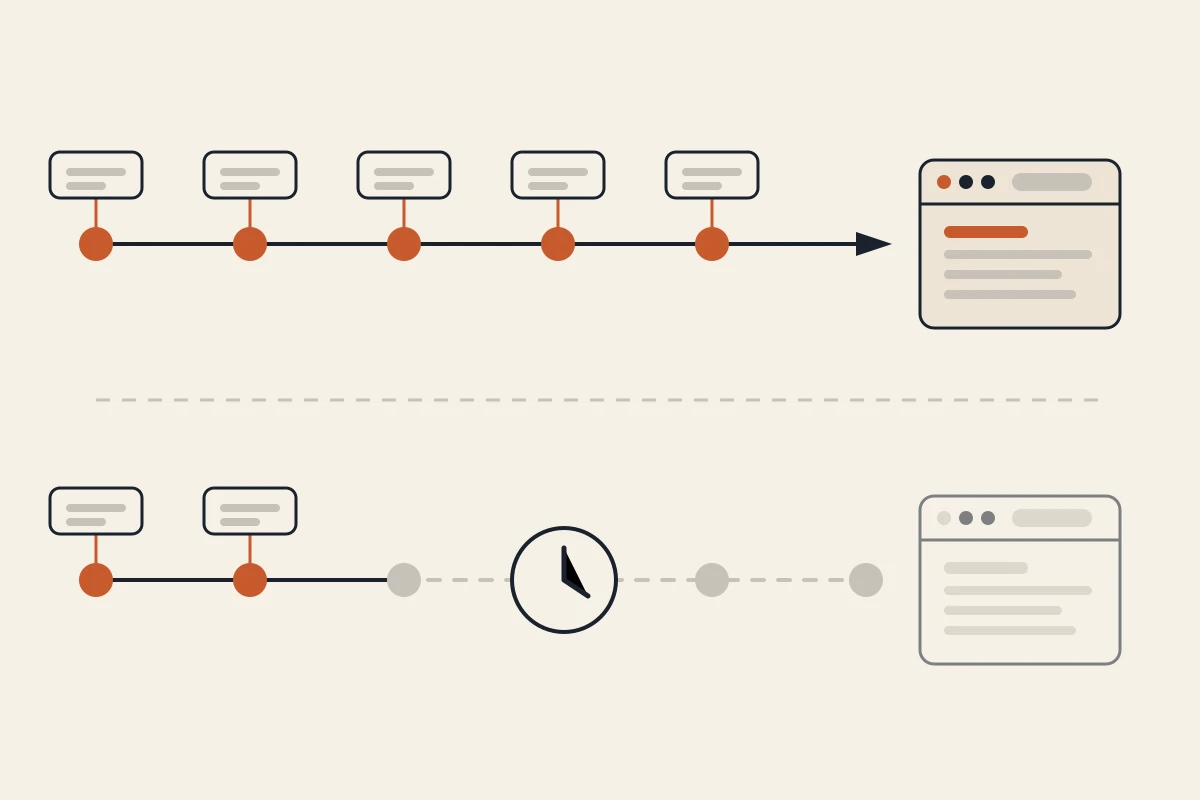
The four kinds of DIY website builder
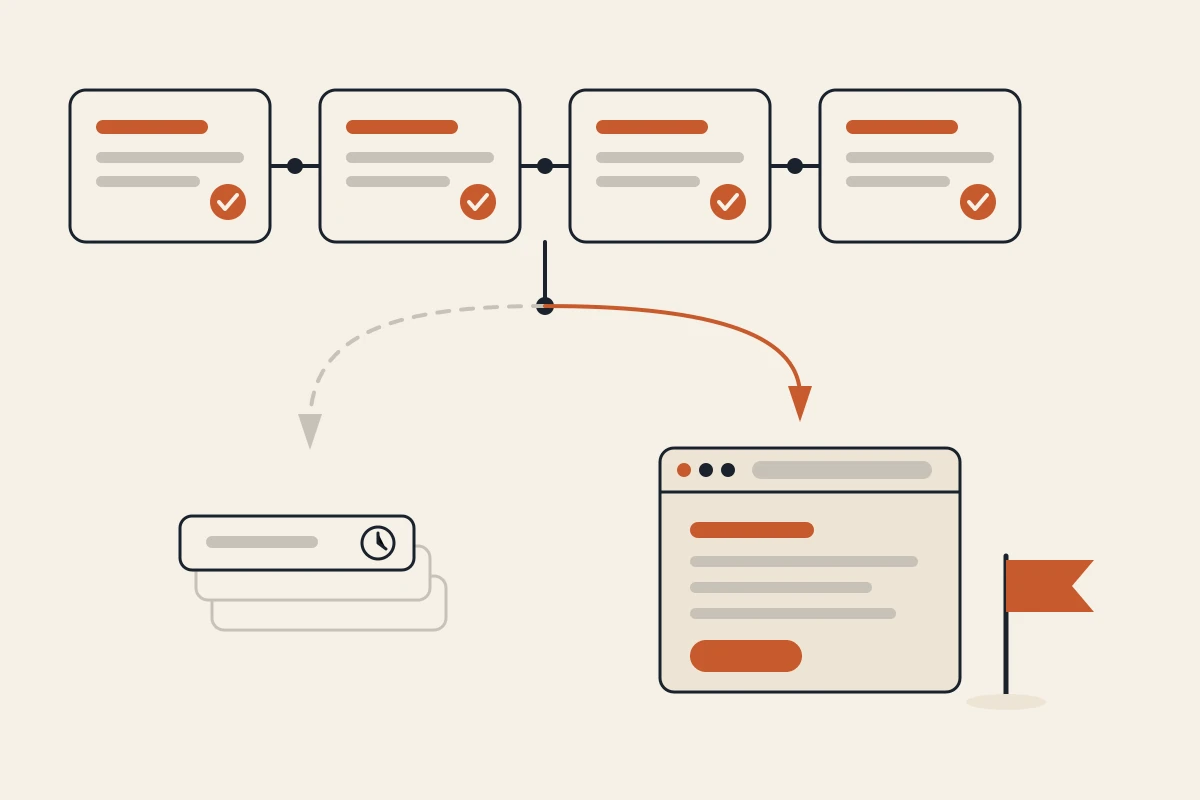
Grouping them by how the first draft appears explains most of the difference in effort. For scale, W3Techs measured in July 2026 that WordPress runs 41.2 percent of all websites, with the hosted DIY builders a long way behind it: Shopify at 5.3 percent, Wix at 4.3 percent, Squarespace at 2.5 percent, Webflow at 0.8 percent. Popularity is not a recommendation, but it does tell you which tools have the deepest pool of tutorials and freelancers when you get stuck.
Template editors. You pick a design, then replace the placeholder content with your own. Predictable and cheap in effort at the start. The usual friction is that your business rarely matches the template's assumed structure, so you end up bending your content to fit sections you did not want.
Drag and drop canvases. You place and style elements on a blank or semi-blank page. Maximum control, and the highest skill requirement of the mainstream options. This is the generation that gave DIY its reputation for half-finished sites, because layout and visual hierarchy are real skills, and a canvas quietly assumes you have them.
Developer-oriented AI tools. You prompt, and you get code back. Powerful for people who can read what comes out. If you cannot, you have moved the hard part rather than removed it, and the first deployment problem is genuinely blocking.
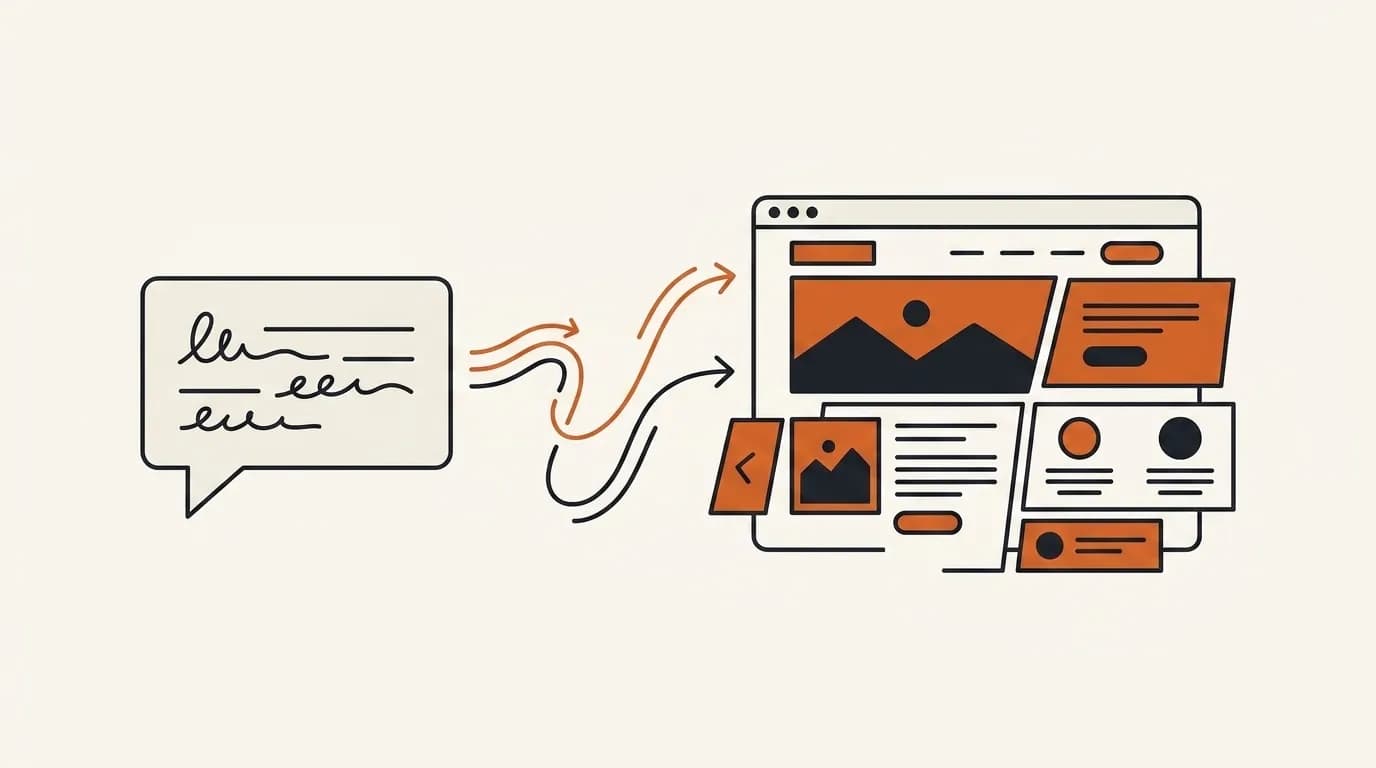
Prompt-native AI builders. You describe the business in plain language and get a complete site back, then keep changing it by describing what should be different. No canvas, no code, no template hunt. This is the route this guide means by "the easy way", and it is the newest of the four, which is why older DIY advice does not mention it.
What building it yourself actually costs
Two bills, and they are not the same bill.
The first is the builder, and this is where most comparisons quietly mislead you. Nearly every builder's pricing page loads with the annual toggle already switched on, so the number you see first is not the number you pay if you want to stay flexible. Here is the same set of plans read both ways, checked on 31 July 2026.
| Builder and plan | Headline price | Actual month to month | What the small print says |
|---|---|---|---|
| Forgelo Free | $0 | $0 | 1 site, 5 AI generations and edits per day, Forgelo subdomain |
| Forgelo Starter | $9 / mo | $9 / mo | 3 sites, 30 generations and edits per day, 1 custom domain |
| Framer Basic | $10 / mo | $15 / mo | Free .com only on yearly billing |
| Durable Launch | $22 / mo | $25 / mo | The 15 percent cut needs a year commitment |
| Squarespace Basic | $19 / mo | $25 / mo | $228 charged up front; the 20 percent code applies to the first payment only |
| Wix Light | $17 / mo | Not published | Yearly subscription "paid in full at the time of purchase", so $204 up front |
Three things fall out of that table. The month-to-month price is routinely 30 to 50 percent above the headline. Some builders do not publish a month-to-month rate at all. And an annual plan is usually charged as one lump sum rather than spread across twelve payments, so "17 dollars a month" can mean writing a cheque for 204 dollars today.
Discounts deserve the same scepticism. Squarespace's own offer terms state the discount "applies to the first payment of an applicable new Squarespace subscription only" and does not apply to recurring payments, which means year two costs full price. Before you compare any two builders, find the billing toggle, switch it to monthly, and read the footnote underneath.
The second bill is the domain, and it is usually a separate purchase from a registrar, billed yearly. Almost no builder includes domain registration in the plan price, so budget for it independently of whichever tool you pick. For the full comparison across DIY, freelancers, and agencies, we broke the numbers down in how much does a website cost.
Then there is the cost nobody quotes: your hours. This is where the four categories separate. Time spent choosing a template, nudging boxes on a canvas, or debugging a deployment is time that produces nothing a customer will ever notice.
How to build your site yourself, the easy way
The order matters more than the tool.
Write your sentence first. One or two lines: what you do, who for, where. "A family dental clinic in Yogyakarta offering general checkups, braces, and emergency appointments." This single sentence does more for the result than any setting you will touch later.
Gather content before you open anything. Services, prices if you publish them, a contact method, and any real photos you have. Original photos of your actual premises, staff, and work beat stock images by a wide margin, and gathering them is the step people skip and then regret.
Generate the first draft. On a prompt-native builder this runs in the background and takes minutes, not an afternoon. Forgelo's measured production latency is roughly 4.5 minutes from prompt to a full site. Treat what comes back as a draft to react to, which is much easier than facing a blank canvas.
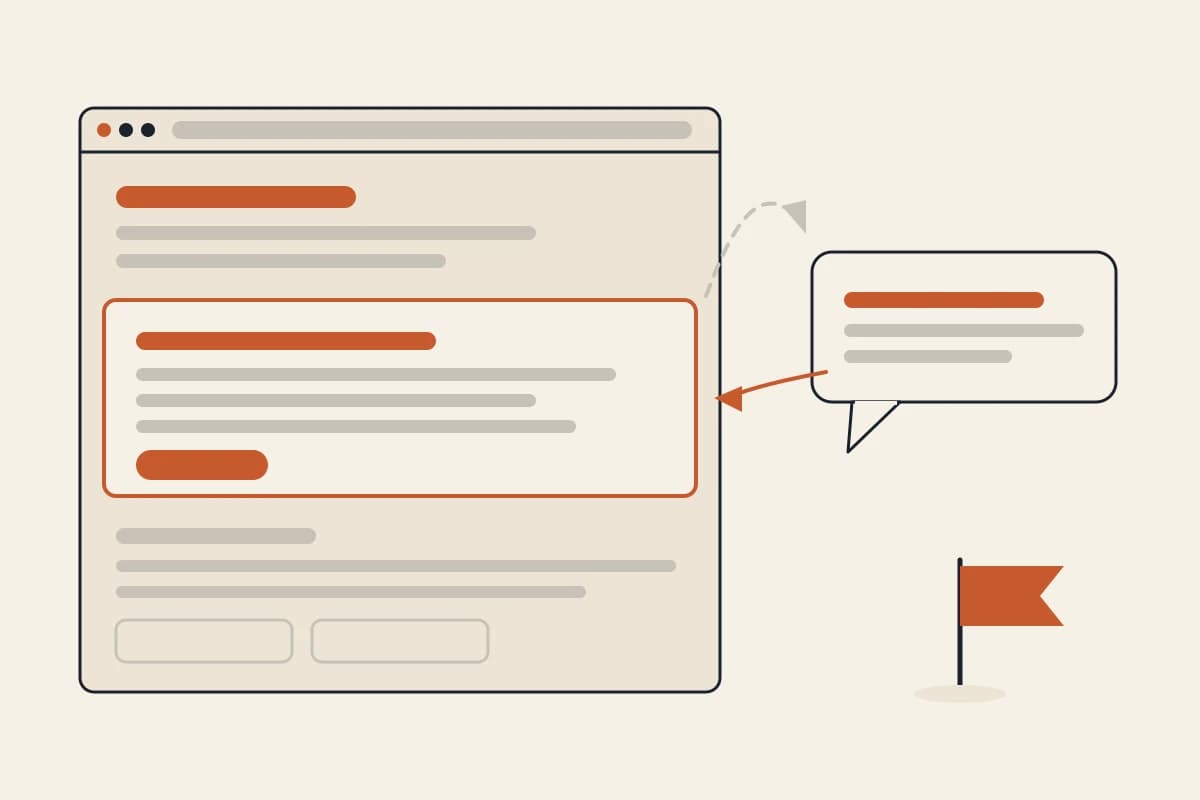
Fix it one section at a time. Resist rewriting everything. Read it as a customer would, find the section that is wrong or vague, and change that one. "Make the hero say we do same-day emergency appointments" is a better instruction than a general request to improve the page.
Check the parts customers actually use. Does the contact method work. Is the phone number correct and tappable on a phone. Does it read well on a small screen, which is where most of your visitors will be.
Publish before it is perfect. A live site that is 80 percent right starts teaching you what people actually ask. A perfect site still in draft teaches you nothing. Website SEO basics covers what to check so the pages can be found once they are up.
For a fuller walkthrough of the same route, see our step-by-step guide to building your own website without a developer, and if you are weighing this against templates and manual tools, start with how to make a website without coding.
Where Forgelo fits, and where it does not
Forgelo is a prompt-native builder. You describe the business in one sentence, it generates a complete site in the background in a few minutes, and it publishes to a free Forgelo subdomain the same day. Then you keep shaping it by talking to it: name what should change and Forgelo rebuilds that section only, leaving the rest of the page where you left it. Our guide to editing a website by prompt covers how to phrase changes so exactly one section moves.
That second loop is the part built for DIY specifically. The reason DIY sites go stale is not that people cannot build them. It is that changing them later is annoying enough to postpone, and postponed long enough that the site drifts out of date. Removing the friction from edit number forty matters more for a DIY site than anything about edit number one.
Every generated site ships with technical SEO applied by default, and lead forms can route straight to WhatsApp on paid plans. The free plan is genuinely free to publish on, with a Forgelo badge and a Forgelo subdomain rather than your own domain.
Where it is not the right tool: if you need a canvas to place every element by hand, if you want to own and host the source code, or if your project's whole purpose is a custom integration, another category will serve you better. We would rather you know that now.
Where these numbers come from
Every price above was taken from the company's own pricing page, fetched 31 July 2026, with both billing toggles checked rather than just the default one. Forgelo's plan limits also match the values enforced in the product, where the AI generation quota is a rolling daily allowance rather than a monthly one. Prices on some builders vary by country, so the figures here are the United States rendering.
- Forgelo: forgelo.com/pricing
- Durable: durable.com/pricing
- Framer: framer.com/pricing
- Wix: wix.com/plans
- Squarespace: squarespace.com/pricing
- Small business website survey, n=529: Clutch
- CMS market share, July 2026: W3Techs
Ready to try the easy route? You can start free on Forgelo, describe your business in one sentence, and have a real site on a subdomain today. If you want the beginner-level view first, read AI website builder for beginners.