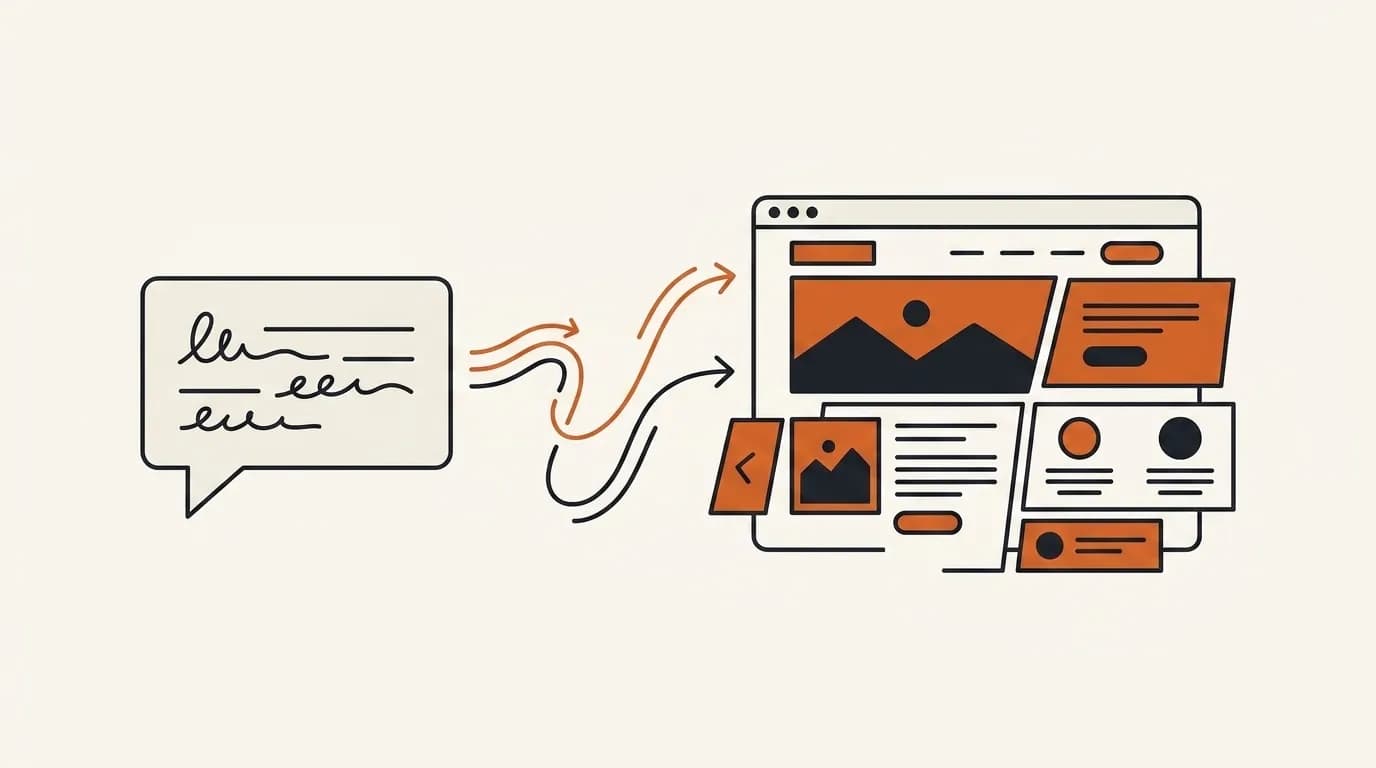
The short answer: to build a website with AI, you describe your business in one sentence, let the AI assemble a complete site within a few minutes, then refine each section by typing ordinary instructions. No coding, no revision queue, and no arranging elements one by one. From a short description to a website ready to publish, the process takes minutes, not weeks.
This guide walks you through it step by step, from preparing the right sentence, to letting the AI forge the pages, refining section by section, and finally connecting a domain and going live. At the end you will also know what is already handled automatically, when the AI route makes the most sense, and when hiring a service is still the better choice.
What "building a website with AI" means and how it differs from the old way
Building a website with AI means you no longer lay out pages from scratch. Instead, you describe what you want and the AI assembles the structure. The difference from the old way is sharp. With a template, you start from an empty shell and fill everything in yourself. With a service, you wait for someone else to do it through stages of briefing, design, and revisions. With an AI website builder, your first site already exists as a finished draft within a few minutes, and you just steer it.
One important note so your expectations are accurate. Building a website with AI here does not mean a one-shot generator whose output is frozen, nor a drag-and-drop canvas that makes you learn how to arrange every box. It means a self-serve platform where you describe your business once and then keep refining it through conversation. To understand why this is different from hiring someone, it is also worth reading the comparison of website design services so you see all the options.
Steps to build a website with AI
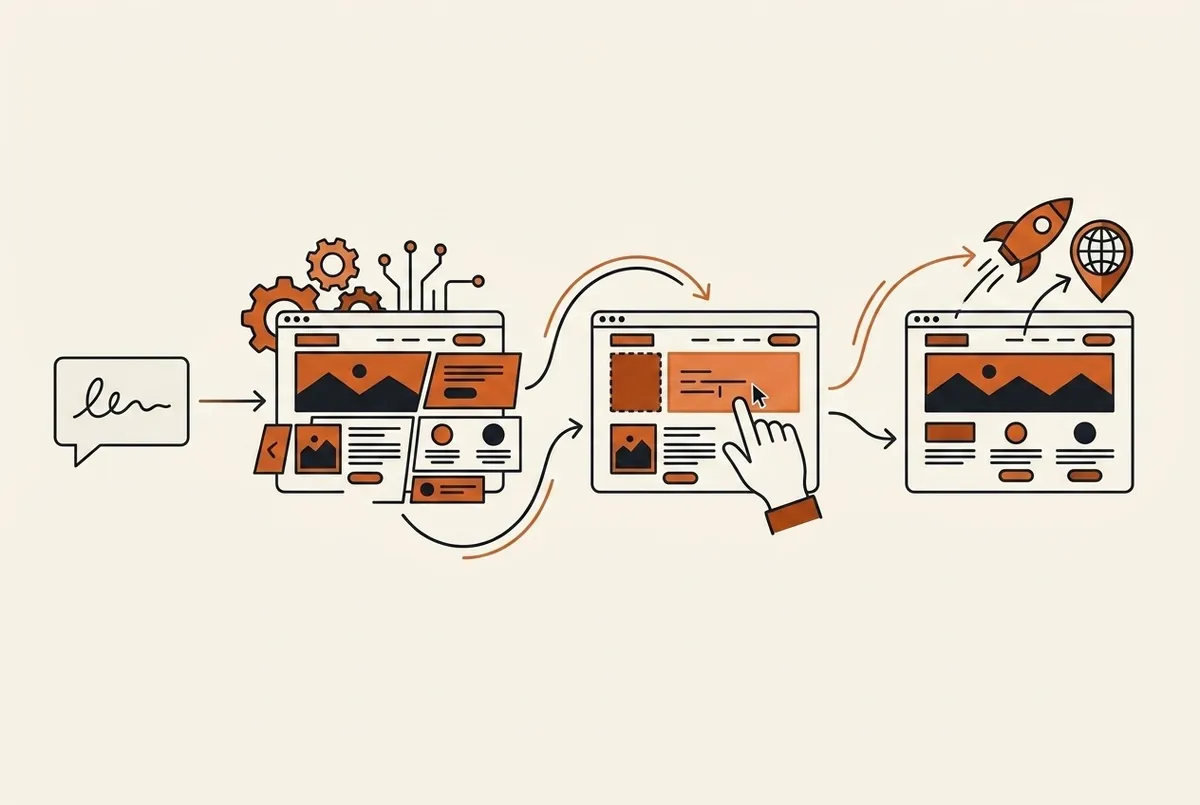
Here is the full flow from zero to live. Each step is deliberately simple, because the whole process uses everyday language rather than technical terms.
Step 1: Prepare one sentence that describes your business
The key to a good result is the opening sentence. The more clearly you name your type of business, your location, and what you want visitors to do, the more accurate the first draft. Good examples: "a coffee shop in Brighton with a menu and ordering by WhatsApp", or "a wedding photographer in Denver with a portfolio gallery and a contact form". Avoid sentences that are too general, like "business website", because the AI needs context to put together relevant sections.
Step 2: Let the AI assemble a complete website
After you send that sentence, the AI forges a complete site straight away, not just a single blank page. You will see a hero section with a headline and call to action, a services or products section, social proof, and a contact section, all already filled with copy relevant to your business. This is Forgelo's main strength: speed from prompt to ready to publish. The first draft appears within a few minutes, so you have something real to judge, not a white page that leaves you wondering where to begin.
Step 3: Refine each section by typing instructions
This is where the difference is felt most. Instead of dragging boxes or waiting for revisions from someone else, you just type what you want to change. Click the hero, say "make the headline focus on online ordering", and only that section is rebuilt while the rest stays intact. Want a more relaxed tone, an extra testimonials section, or a different section order? All of it is done with ordinary instructions. This makes refining feel like a conversation, not like working with complicated software. If you want to see examples of the editing flow, the guide how to build a website for your business explains it in more detail.
Step 4: Fill in your real business details
The AI draft gives you a good structure, but your business has real details that need to go in. Replace the sample text with your actual product names, prices, opening hours, address, and WhatsApp number or other contact. Add real photos if you have them. This step turns the site from a neat template into an honest representation of your business, and it is still done by typing or pasting text, not by rearranging the layout.
Step 5: Connect a domain and publish
When the content is right, you are ready to go live. To try it out, you can publish straight away on a free subdomain and share the link. When you want to look more professional, connect your own domain such as yourbusiness.com. That domain is registered in your name, and all of the site's content is yours, so there is no risk of being held hostage by anyone later.
What sets it apart: edit each section just by typing
Many tools promise automatic website creation but get stuck at the same point: once the draft is done, changing it again feels hard. A one-shot generator forces you to start over if the result does not fit. A canvas editor makes you rearrange every element by hand.
Forgelo takes a different path. You can fix any section just by typing an instruction, and the change is surgical, touching only the section you point to. You do not have to worry about breaking the rest of the layout, because the AI rebuilds only the section you asked for. This ability to change things through conversation is what keeps your website from going stale. New prices? Change them in ten seconds. A promotion? Add an announcement section with one sentence. Your site stays alive with your business, without hiring anyone every time there is a small change.
What is already handled automatically
One of the biggest obstacles to building a website yourself the old way is the invisible technical work that still decides the outcome. When you build a website with AI, most of it is handled from the start:
- Tidy SEO basics. Page titles, meta descriptions, heading structure, schema, and a sitemap are already in place, so your site has a foundation for being found on Google. If you want to understand what matters, read website SEO basics.
- Mobile-friendly layout. The layout adapts automatically to phone screens, where most visitors are likely to open your site.
- Page speed. The site is built lightweight from the start, without the stack of plugins that slows down some older platforms.
- Clean structure. Navigation, sections, and calls to action are arranged in a pattern that actually nudges visitors to take action.
That means you can focus on your content and business message, while the technical work that usually needs special skills is taken care of behind the scenes.
Build it yourself with AI or hire a service: which fits
To be fair, the AI route is not the answer to every need. The table below sums up when each option makes the most sense.
| Aspect | Build it yourself with AI (Forgelo) | Hire a website design service |
|---|---|---|
| Time to live | A few minutes | A few days to weeks |
| How you change it | Type an instruction, that section is rebuilt | Send revisions, wait in the queue |
| Cost | Free on a subdomain, small subscription for a domain | Large one-off fee plus hosting and revisions |
| Day-to-day control | High, directly in your hands | Low, through someone else |
| Best for | Company profiles, landing pages, small shops, small businesses | Complex projects, system integrations, custom web apps |
The pattern is consistent. For company profiles, landing pages, and small business sites that need to get online fast and be easy to manage yourself, building with AI is usually faster, cheaper, and more in your control. For large projects with custom logic and contracts, a professional service is still the right choice. If you want to compare doing it yourself with hiring an expert further, read AI website builder vs web designer, and if you are curious about the fully no-code route, build a website without coding covers it in more depth.
Quick checklist before you start
Before you write your first sentence, get these ready so the result is right from the start:
- One sentence that names your type of business, your location, and the main thing you want visitors to do.
- A list of your core products or services, with prices if you have them.
- The WhatsApp number or contact you want prospects to reach.
- A few real photos of your products, premises, or team, if available.
- The domain name you want, if you are ready to look professional.
With these in hand, you can get through steps 1 to 5 above in a single sitting.
Start building your website today
The quickest way to prove that it really is as easy as it looks is to try it yourself. Write one sentence about your business, watch a complete website appear within a few minutes, then refine it until it feels right, all free and with no credit card. If it fits, connect your own domain and your business is officially online.
Try Forgelo for free and turn one sentence into a website that is ready to publish. From prompt to website, then refine it by typing.