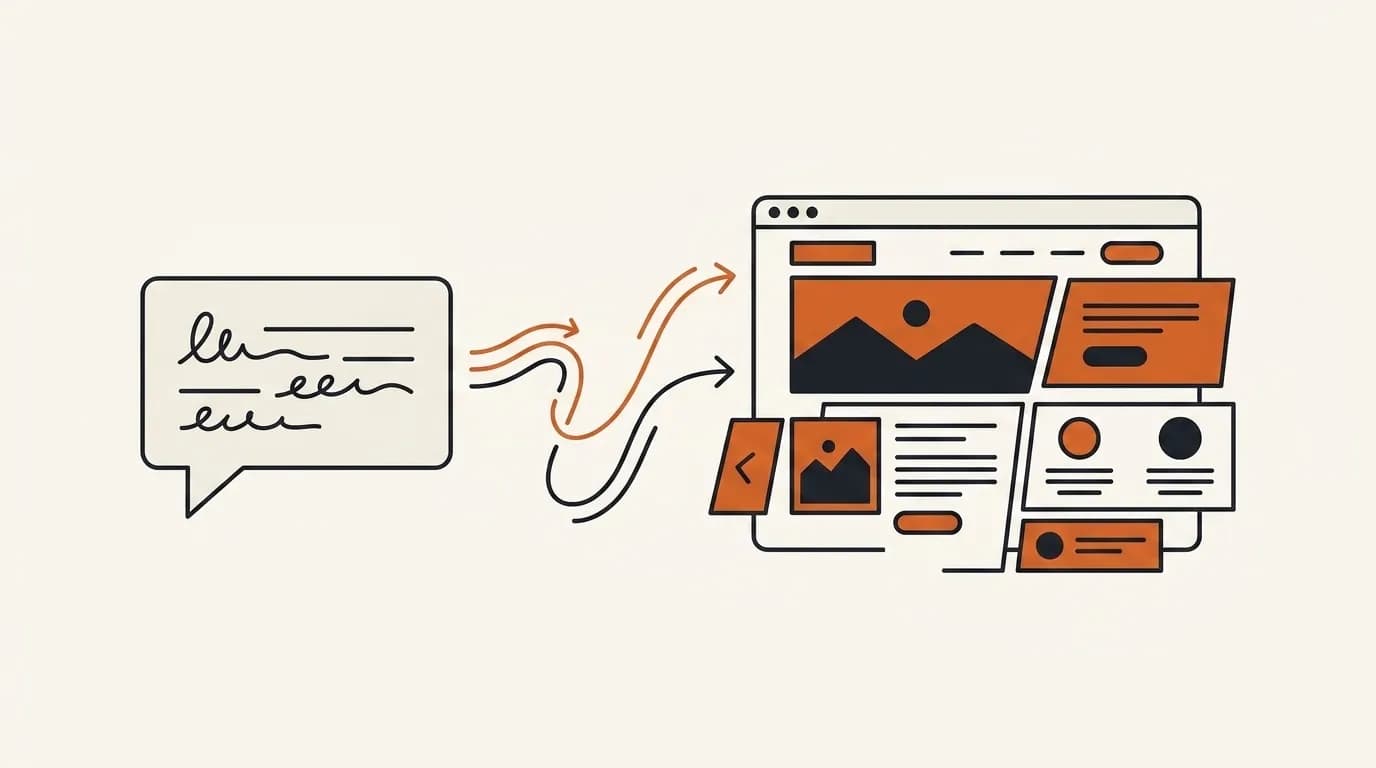
You can build a website without coding even if you have never created anything online. The easiest beginner route is simple: describe the business in one sentence, let AI produce a complete draft, replace general text with accurate details, check the mobile version, and publish on a free subdomain.
This guide starts from zero and assumes no technical vocabulary. By the end, you will know what to prepare, what steps to follow, and how to change one section without touching code.
The short answer: you do not need to know how to code
Every website uses technologies such as HTML for structure, CSS for appearance, and a server for delivery. A no code platform handles them for you. You work with goals, words, and images while the builder produces the page that visitors see.
Visitors cannot tell whether you typed every line or generated the page from a sentence. Search engines do not rank a page because its owner wrote the code either. They care about the published result, its usefulness, and its technical quality.
The real question is therefore not whether no code is possible. It is which method makes the fewest unreasonable demands on a first time builder. AI is often the best answer because it makes the difficult opening decisions and gives you something concrete to review.
No code does not mean no decisions
The platform handles technical construction, but you still make editorial decisions. You decide which customer the page addresses, which facts deserve attention, and which action matters most. This is good news for beginners because these decisions come from knowing the business, not from knowing web terminology.
Start with one audience and one outcome. A language tutor might address parents who want an introductory lesson, while a mobile bicycle mechanic might address riders who need a home visit. Trying to serve every possible visitor usually creates vague copy. A narrow first version can expand later after real enquiries reveal what else people need.
Why the AI route suits complete beginners
Templates provide a safe preset layout, but can become rigid when the business does not fit the pattern. Visual editors offer flexibility, but make you decide where every element belongs. Both can place a surprising design burden on someone who simply wants a useful website. Our guide to making a website without coding compares the main routes in more detail.
An AI website builder moves that burden. Enter one or two sentences about the business and it creates the initial sections, sequence, copy, and imagery. You begin with a complete draft instead of a blank canvas. With Forgelo, the draft appears in a few minutes and can be refined from there. How to build a website with AI explains the wider process.
The deeper advantage is that you never face a large design decision alone. AI proposes the structure, then you approve or redirect each section. If you are comparing this with professional design, AI website builder vs web designer explains where each route fits.
Step by step: from one sentence to a published website
This is a practical route you can follow today.
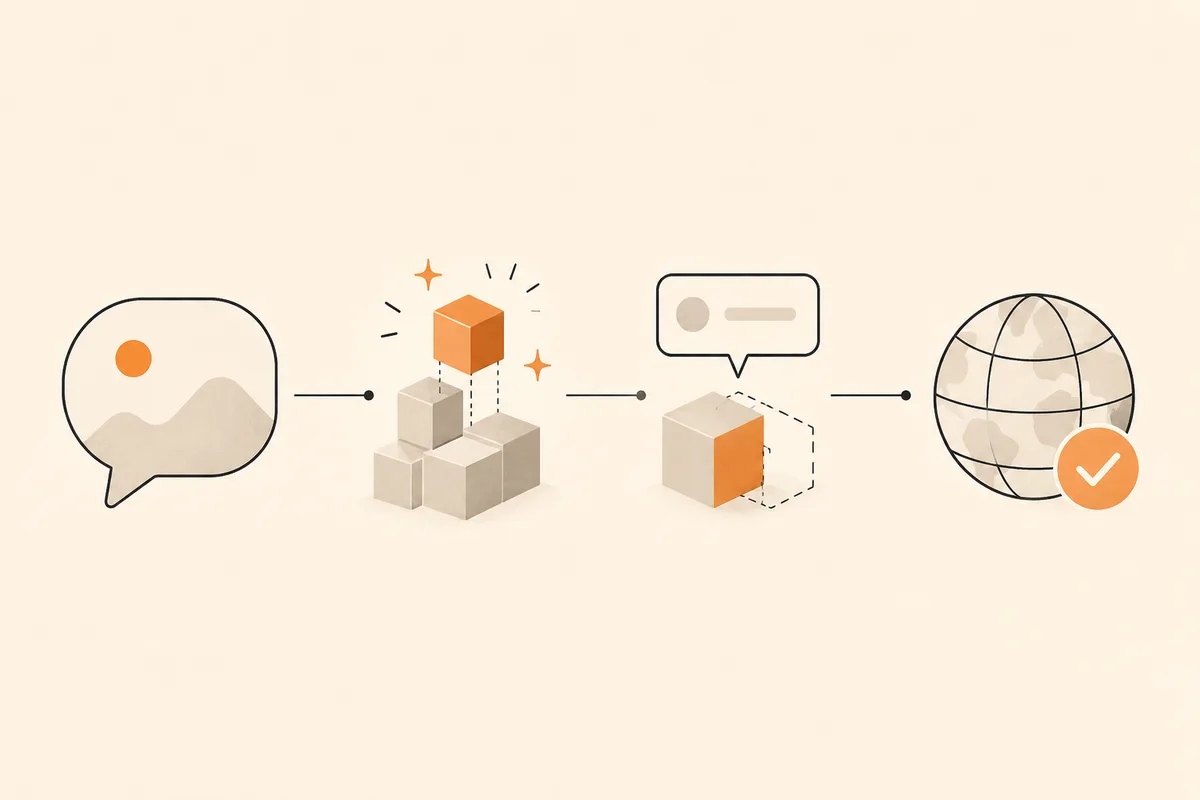
First, write one specific sentence about the business. For example: "I run a small coffee roastery in Portland selling seasonal beans and subscriptions across the US." Include the offer, audience, and location when relevant. This sentence gives the AI useful constraints. The AI website builder guide explains how that input becomes a structured site.
Second, generate the draft. A useful AI builder should produce a hero, services or products, trust signals, contact details, and calls to action. Review the result before changing it. Having a visible page makes the remaining decisions much easier.
Third, replace broad claims with your own details. "We roast every Tuesday and ship free on orders over $50" is more persuasive than "premium coffee solutions." Specific copy sounds human and gives visitors a reason to trust you.
Fourth, check the site on a phone. Confirm that text fits, links work, and the main button is easy to tap. Then publish. A free subdomain lets you validate the experience before connecting a custom domain. You can start free without making a long term commitment.
Notice what you did not have to do: choose every font, calculate spacing, or design the page structure from nothing. Those decisions are handled in the first draft.
A practical example of improving the first draft
Imagine the generated hero says, "Fresh food for every occasion." It sounds pleasant but tells a visitor very little. A useful revision might say, "Weekday office lunches and event trays delivered across central Austin." Add a button labeled "Request this week's menu" and a short note about minimum order size. The revised section answers what, where, and what happens next.
Apply the same test to every section. Replace "experienced team" with a relevant number, qualification, or process. Replace "contact us" with an action that sets expectations, such as "Check appointment availability." The aim is not to make every sentence longer. It is to reduce the number of questions a serious visitor must ask before taking action.
What to prepare before you start
Even a fast tool cannot know private business facts. Prepare the following so the process does not stall.
- Your business name and one sentence explaining the offer.
- Three to five facts visitors should know, such as the main services, opening hours, service area, or key difference.
- Contact details, including email, phone, booking link, address, or messaging channel.
- A few original images of the product, location, team, or work. Bright phone photos can be enough.
If you are unsure what a compact site needs, small business website essentials provides a focused checklist. Gathering these details first means you can edit continuously rather than stop to search for a phone number halfway through.
Keep a small source sheet
Put approved facts in one simple document before editing. Include the exact business name, preferred spelling, address, opening hours, service area, prices that can be published, contact links, and any claims that need evidence. Add the original source or approval beside testimonials and statistics.
This source sheet prevents contradictions across sections. It also makes later maintenance easier because you have one place to check when hours or prices change. Beginners often assume website mistakes are visual, but an old phone number or inconsistent price causes more harm than an imperfect color choice.
How to edit a website without touching code
This is the stage many beginners worry about: what happens when something needs to change?
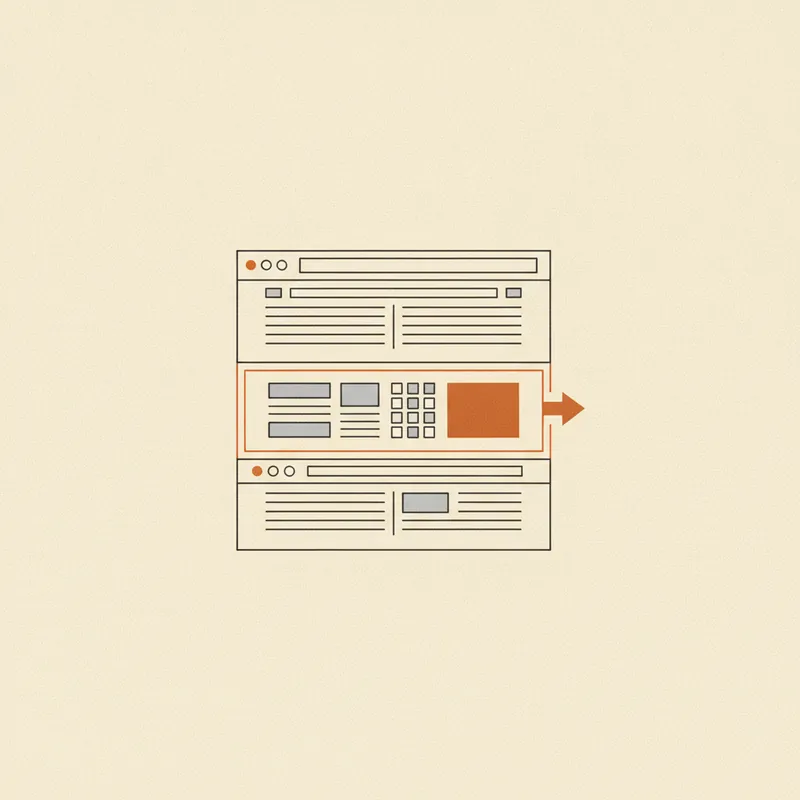
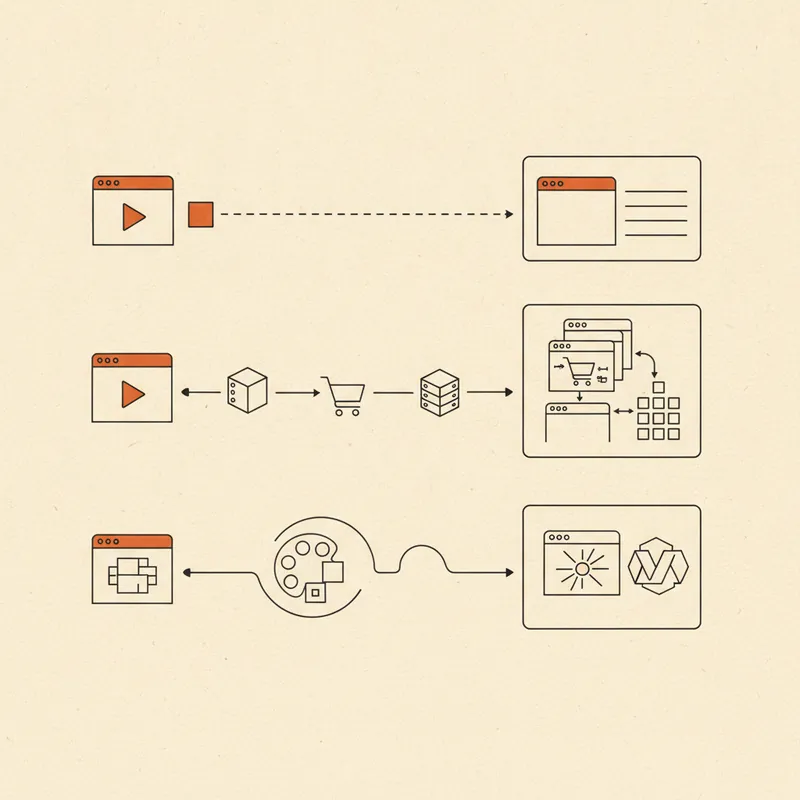
With section level prompt editing, describe the result instead of manipulating its parts. Ask for the pricing section to become three plans, the hero to emphasize next day delivery, or the testimonial copy to sound less promotional. Forgelo rebuilds the selected section and leaves every other section intact.
That makes iteration safer. You are not learning a new interface or risking an accidental layout change. You are reviewing and directing. Explore Forgelo's features to see what can be adjusted, or choose a different starting point from the template gallery.
Connect the site to a real customer path too. A beautiful contact button that does nothing is a common beginner error. Send leads to email, booking, a working form, or WhatsApp, depending on how you actually sell.
Make changes safely
Change one goal at a time and review the result before continuing. For example, first ask for a clearer headline, then check that the meaning remains accurate. Next request a shorter paragraph, then review it on mobile. Combining ten unrelated instructions makes it harder to identify which change improved or weakened the section.
Keep the visitor's task as the standard. A more decorative design is not automatically a better design. If a revision makes the main button harder to find, introduces an unsupported claim, or pushes essential information far down the page, reject it and try a more precise instruction.
Help people find your website in Google
Google does not care whether the page was coded manually. It needs a useful, accessible page whose topic is easy to understand.
For a small site, concentrate on descriptive page titles and summaries, logical headings, helpful original content, and fast loading. Mention the service and location naturally when location matters. Website SEO basics explains the foundation without unnecessary jargon.
You do not need to master SEO before publishing. Fill in a useful title and description, answer real customer questions, and ensure the page is public. No builder can guarantee immediate rankings, but a correct foundation prevents avoidable rework later.
Mistakes that stop beginners, and how to avoid them
Waiting for perfection is the most common mistake. An unpublished site cannot collect feedback. Publish a sound first version on a free subdomain, then improve it. See how to build a website for free for free plan options.
Avoid vague copy. "Trusted quality service" communicates little. Say what you provide, who it helps, where it is available, and what happens next. Test every primary button. Confirm that contact details are current and that forms can be submitted. Finally, review the whole page on a real phone, not only in a desktop preview.
Check the public version, not only the editor
After publishing, open the link in a private browser window and on another device if possible. This catches permissions, cached content, and links that behaved differently inside the editor. Submit a form using an address you can check and confirm that the message arrives. Tap phone, email, map, booking, and payment links rather than assuming they work.
Ask a person who does not know the project to complete one task without coaching. Watch where they hesitate. Their first confusion is usually more useful than a general opinion about fonts or colors. Correct blocking issues first, publish the revision, and keep a short list of optional improvements for later.
For business specific advice, continue with how to build a website for business. If you later consider hiring help, website development services explains when that investment makes sense.
The bottom line
A complete beginner can build a website without coding. Start with one accurate sentence, let AI form the first draft, replace general content with real details, check it on mobile, and publish. The difficult blank page and layout decisions are removed.
Your job is to supply honest words, relevant images, and working actions. When something changes, select that section and describe the update in a prompt. Start small, publish a useful version, and shape the site one section at a time.