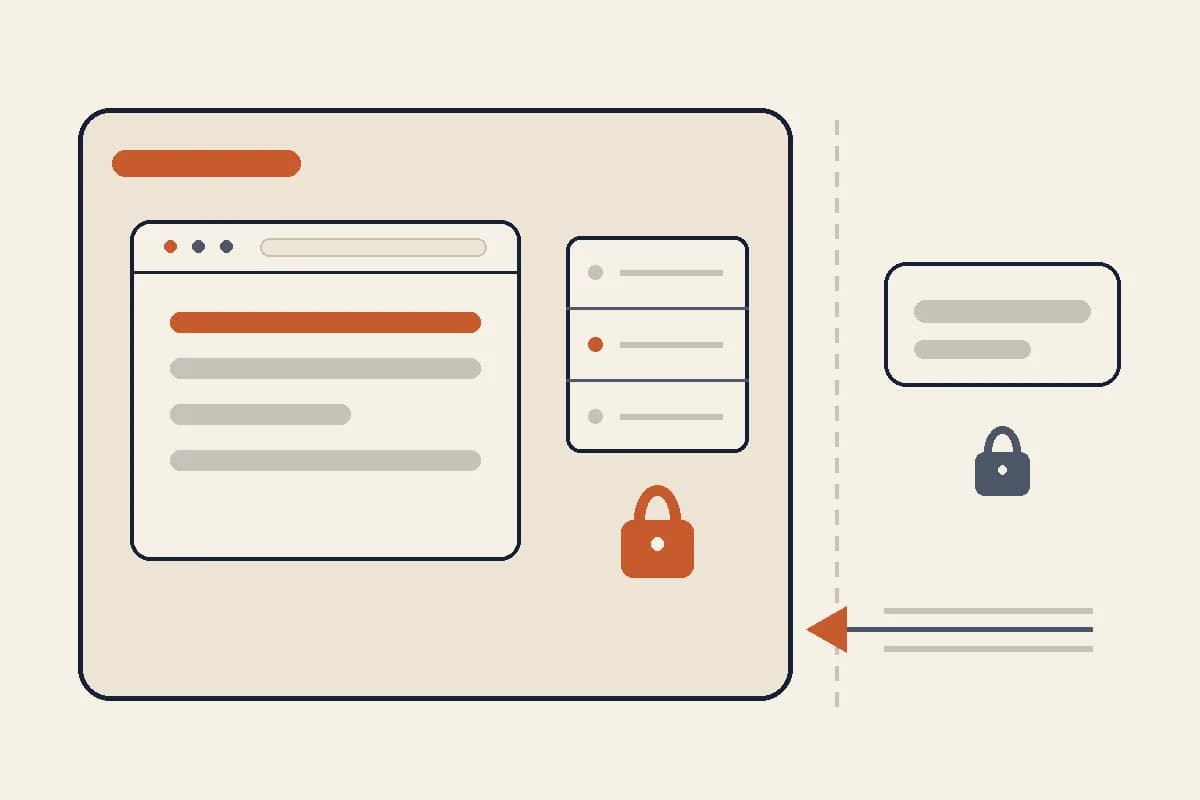
Domain and hosting often sound like technical jargon, but the basic idea is simple. A domain is your website's address. Hosting is where the website lives. If your website were a shop, the domain would be the address sign out on the street, and hosting would be the building that holds the stock, pictures, signage, and systems inside.
The trouble is that many small business owners only meet these two terms when they sit down to build their first website. Suddenly the decision feels complicated. Should you buy the domain or the hosting first? What is DNS? Why do some platforms offer a free subdomain? Does a website builder still need hosting? This guide explains all of it in practical language, so you can choose without paying for things you do not need yet.
What is a domain?
A domain is the address people type to open your website, for example yourbusiness.com. A domain makes a website easy to remember. Without one, visitors would have to use a long technical address or a subdomain belonging to some platform.
A domain has two parts: the name and the extension. In forgelo.com, forgelo is the name and .com is the extension. There are many other extensions, such as .net, .store, or country-code extensions like .co.uk, .com.au, or .id. For a general business, .com is still the most widely recognized. For a business that wants to look local, a country-code extension can make sense too.
A domain does not store your website's content. It only points to where the website is. That is why, after buying a domain, you still need to point it at your hosting or your website builder.
What is hosting?
Hosting is a service that stores your website's files and makes them reachable over the internet. Those files can include pages, images, CSS, JavaScript, a database, and whatever other systems the site needs.
With a traditional website, you choose a hosting plan, upload the files, install a CMS such as WordPress, and then connect your domain. With a modern website builder, much of that process is hidden. You build pages inside the builder, and the platform takes care of hosting behind the scenes.
This matters: if a website builder already includes hosting, you do not need to buy separate hosting just to publish pages from that builder. What you usually still need to think about is the domain, especially if you want your own address.
How domains and hosting work together
When someone types your domain into a browser, the DNS system works out which server that domain should point to. Once the server's address is found, the server sends your website's files to the visitor's browser. All of this happens in the background.
That is why the domain and hosting have to be connected correctly. A domain that has not been pointed anywhere will show an error, a parking page, or a blank page. Hosting that is live but has no domain will still work, but the address is usually too messy to use in promotion.
For beginners, DNS is often the most confusing part. You may see terms like A record, CNAME, nameserver, MX, TXT, and more. You do not need to understand all of them at once. For a simple website, the main task is usually just pointing the domain at the platform that hosts your site.
Free subdomain versus custom domain
A free subdomain is an address that uses the platform's domain, for example coffeeshop.forgelo.com. A custom domain is an address you own, for example coffeeshop.com.
A free subdomain is useful for getting started fast. You can build a page, send the link to your team, test an offer, and see whether the site structure works. For the validation stage, that is enough.
A custom domain suits a business that is ready to look serious. Your own address is easier to print on a business card, use in ads, say over the phone, and remember. It also gives a sense of ownership. Your website no longer looks like a temporary page on someone else's platform.
Does a small business need its own hosting?
Not always. If you use a website builder that already provides hosting, buying extra hosting is often unnecessary. You build the site, publish it, and connect a domain if you need one.
Your own hosting makes more sense if you use a particular CMS, need control over the server, want to install specific plugins, or have technical requirements the builder does not support. Examples include a complex online store, a members area, a custom booking system, or internal integrations.
For an ordinary business website, company profile, promotional landing page, portfolio, or services page, a platform that combines builder and hosting is usually simpler. You avoid server chores, technical updates, and settings that are easy to get wrong.
How to choose a domain name
Choose a domain that is short, easy to say, and close to your brand name. Avoid hyphens unless you need them. Avoid spellings that are hard to get right. If your business name is common, try adding a relevant word such as your location, your type of service, or a brandable word.
Before you buy, check whether the name matches your social media handles, your Google Business Profile, and your marketing materials. Do not pick a domain just because it is cheap. A domain is a long-term address. Changing it later can be a hassle, especially once Google has started to know your site.
For a local business, also think about how customers refer to you in everyday conversation. A domain that is easy to type on a phone is often more useful than one that looks clever but keeps getting misspelled.
Common beginner mistakes
The first mistake is buying too much at once. Many beginners buy a domain, hosting, a theme, plugins, email, and add-ons without knowing which ones they will actually use. Start from what the website needs: which pages must go live, who will visit, and what action they should take.
The second mistake is choosing the cheapest hosting without looking at how easy it is to use. The cheapest plan may be enough, but if the setup makes you give up halfway, it is no longer cheap.
The third mistake is assuming a domain automatically puts a website online. A domain is only an address. The website still has to be built and hosted.
A practical path for beginners
If you are building your first business website, the safest path usually looks like this. First, build the pages with a fast builder. Second, publish to a free subdomain to check the structure, the copy, and how it looks on mobile. Third, once you are confident, buy a custom domain that fits your brand. Fourth, connect that domain to the website.
With this path, you do not delay your website just because you have not found the perfect domain yet. You also avoid spending much before you know the pages you built are right.
How Forgelo helps
Forgelo is designed to cut down the technical steps that usually make beginners stop. You describe your business, get a first version of the website, and publish. You can start on a free subdomain, then connect a custom domain when you are ready.
That puts your attention back on what matters more: is the offer clear, does the page earn trust, and do visitors know how to contact you? Domain and hosting still matter, but they do not have to be the first wall you hit before your website goes live.
Questions to answer before you buy
Before you buy a domain or choose hosting, answer a few basic questions. What is this website for? Is it just a company profile, an ad landing page, an educational blog, a catalog, or an online store? Do you need customer logins, payments, a product database, or is a contact form enough? The simpler the website's needs, the more likely you can skip separate hosting.
Also decide who will manage the website after it goes live. If nobody on your team is technical, choose a path with little maintenance. A website you can edit yourself in a builder is often more useful than flexible hosting that nobody dares to touch.
Finally, think about how long the website will live. For a two-week campaign, a subdomain or a simple setup is enough. For a main brand you will use for years, your own domain is worth choosing from the start, so all your promotion, links, and Search Console data build up on one address.
Mini glossary for beginners
DNS is the system that connects a domain to a server or platform. An A record usually points a domain to an IP address. A CNAME usually makes one domain name follow another, for example www following the platform's target. Nameservers decide who manages the domain's DNS records. SSL is the security certificate that lets a website use https.
You do not need to memorize all of these, but recognizing them helps when you read a platform's instructions. If your builder asks you to add a CNAME, do not change your email MX records. If your registrar asks for nameservers, understand that the change can move the management of your entire DNS. As a beginner, follow the platform's instructions exactly and do not change other records you were not asked to touch.
Conclusion
A domain is the address. Hosting is where the website runs. A free subdomain helps you start fast, while a custom domain helps your business look more serious. As a beginner, do not start from the technical terms. Start from what the website is for, then pick the simplest setup that gets that page live.
If you want to start without the headache of choosing your own hosting, use a builder like Forgelo. Build the website first, check how it looks, then connect a domain when you are ready to use your own address.