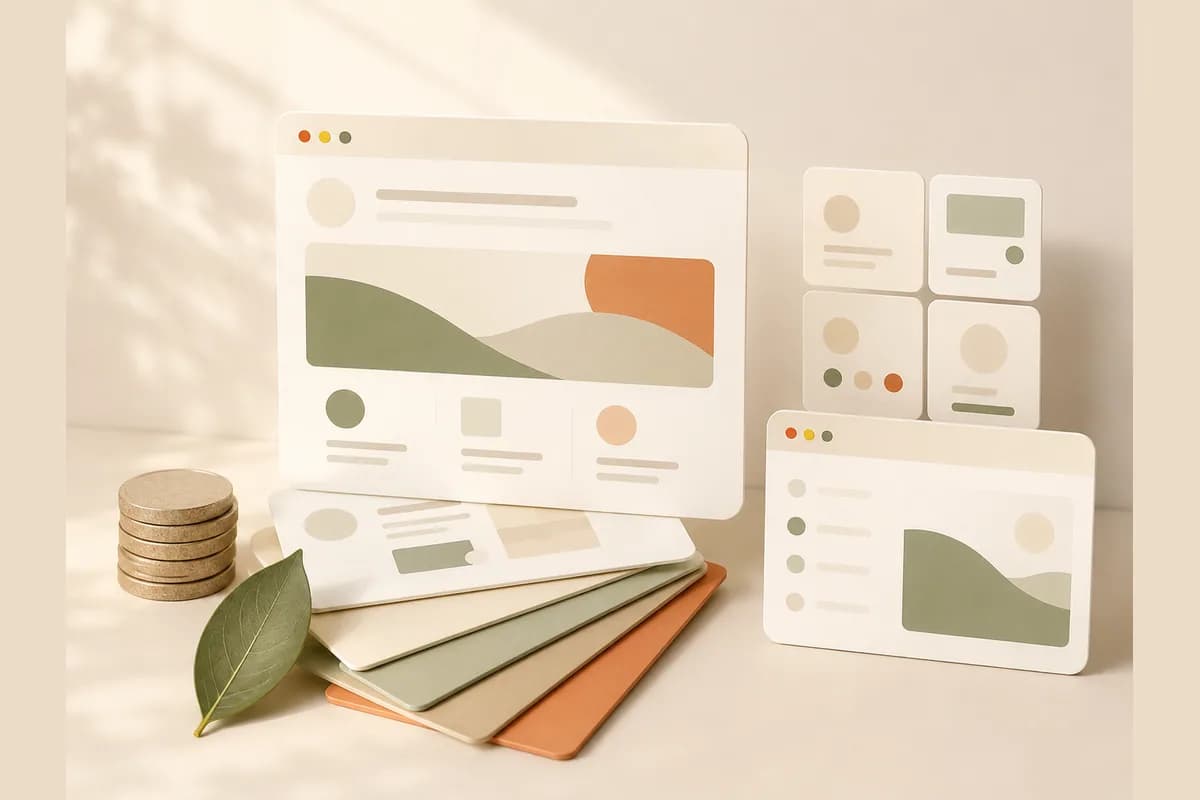
If you have been searching for a Figma AI website builder, you have probably run into a small identity crisis. Figma is the design tool that a huge share of the internet's product teams live inside, and its AI features have made it faster than ever to go from a blank canvas to a polished, interactive screen. But is Figma an AI website builder in the sense a small business owner means, a tool that produces a live, published site that actually captures customers? That is the honest question this review sets out to answer.
Quick position before the details. Figma AI is outstanding if you are a designer, or you work closely with one, and you want to move from idea to a beautiful interactive design at speed. It is a weaker fit if you are a business owner who just needs a website online this week, one that ranks, loads fast, and sends inquiries to your phone. For that second group, a dedicated builder like Forgelo does a fundamentally different job. Let's look at both sides fairly, because Figma deserves credit and honesty in equal measure.
What Figma AI actually is (and isn't)
Figma is a collaborative design platform. Teams use it to design app interfaces, websites, and prototypes together in the browser, in real time. Over the past couple of years it has layered in AI: features that generate a first design draft from a prompt, help you rename and organize layers, fill in placeholder content, and search your files in plain language. Figma Make turns a written description into a working interactive prototype you can keep refining, and Figma Sites lets you publish web pages from your designs.
That is a lot of power. But notice what it is aimed at. Every one of those features exists to make a designer faster inside a design tool. The mental model is layers, frames, components, and constraints. It assumes you know, or want to learn, how design systems fit together.
This framing matters for the rest of the review. Judging Figma AI as a business-in-a-box misses the point, because it was never trying to be one. Judging it as a way for design-literate people to move dramatically faster is the right lens, and through that lens it is genuinely impressive.
What the Figma AI website builder does well
Credit where it is due. A few things about the Figma AI website builder story are excellent.
Design ceiling. This is the big one. Almost no dedicated website builder can match the visual precision Figma allows. If you can imagine a layout, you can build it, pixel by pixel, with total control over spacing, type, and interaction. For a brand that lives or dies on a distinctive look, that headroom is real.
Speed from prompt to first draft. The AI first-draft features can take you from a text prompt to a credible design in moments. For a designer facing a blank artboard, that head start removes the hardest part of the job, which is starting.
Prototyping and interactivity. Figma is built to make things feel real before they are built. AI-assisted prototyping lets you test flows, transitions, and states, which is invaluable if you are designing something more complex than a brochure site.
Collaboration. Multiple people can work in the same file, comment, and hand off cleanly to developers. If a team is involved, this is a category strength no simple builder replicates.
Tip: The right way to judge any AI tool is by the job you actually have, not the demo you just watched. Figma's demos are dazzling. Before you commit, ask a plainer question: at the end of this, will I have a published website that customers can find and message, or a beautiful file that still needs a build step?

Where the Figma AI website builder falls short
Now the other side, stated plainly but fairly.
It is a professional design tool, and it acts like one. The learning curve is real. Layers, auto-layout, components, and constraints are second nature to designers and bewildering to everyone else. If you have never designed before, you will spend your first days fighting the interface rather than building your business.
A design is not a published website. This is the crux. A gorgeous Figma frame is a picture of a website. Turning it into a real, live site that Google can index, that loads fast on a cheap phone, that has working contact forms, and that you can update next month is a separate chain of work. Figma Sites narrows this gap, but you are still the one responsible for the business essentials.
Lead capture is not the point. A small business website has one job above all others: turn a visitor into a conversation. Figma has no built-in notion of routing an inquiry to your WhatsApp, because that is not what a design tool is for. You bolt that on yourself.
Editing after launch still needs design skill. With a dedicated builder, changing your hours or adding a service is a two-minute task. In Figma, every change is a design edit, which means you either keep the skills sharp or keep paying whoever does.
It is more tool than most business sites need. For a five-page site about a real service, Figma's depth is not a feature, it is friction. You are using a Formula 1 car to pick up groceries.
Note: None of this is a knock on Figma. It is one of the best design tools ever made. The mismatch only appears when a non-designer tries to use a design tool as a done-for-you website service. Those are different products solving different problems.
Figma AI vs a dedicated website builder
Here is how the two approaches compare on the things that decide day-to-day satisfaction for a business owner.
| Factor | Figma AI | Forgelo |
|---|---|---|
| Built for | Designers and product teams | Business owners with no design background |
| First result | A design or prototype, generated fast | A published website, ready in a few minutes |
| Skill required | Real design knowledge | Type a sentence about your business |
| Editing | Design edits inside the tool | Edit by prompt: describe the change in plain language |
| Publishing | Via Figma Sites or a developer handoff | Free subdomain or your own custom domain |
| Lead capture | You build and wire it up yourself | Lead forms delivered straight to your WhatsApp |
| SEO | Your responsibility | Built in out of the box |
| For agencies | A design deliverable | Agency plan, white label on the roadmap |
| Pricing | Free tier plus paid seats | $9, $19, or $39 per month |
Here is the contrarian take. Most comparisons in this space obsess over how impressive the AI generation looks, and that is exactly the wrong thing to measure. A tool that produces a stunning draft but leaves you three unfinished steps away from a live, findable, message-me website has not solved your problem, it has relocated it. The metric that matters is not how beautiful the first screen is. It is how few steps stand between you and a customer's first message. On that count, a builder aimed at owners rather than designers usually wins for a business site, even though a designer would rightly prefer Figma for design work.
Who should use Figma AI, and who should look elsewhere
Choose Figma AI if most of these describe you:
- You are a designer, or you have one on the team, and design quality is central to the brand.
- You are building something more complex than a simple site: an app interface, a rich interactive experience, a full design system.
- You value pixel-level control and are happy to own the build or the developer handoff.
- Collaboration across a team is part of how you work.
Look at a dedicated builder like Forgelo if these sound more like you:
- You are a business owner with no design background who needs a site online this week.
- You want to make changes by describing them, not by learning auto-layout.
- Your customers reach you on WhatsApp, and a lead form that feeds WhatsApp directly removes a whole step.
- You are an agency that wants to publish client sites quickly under your own brand.
If you are still deciding whether the AI-builder approach fits you at all, our walkthrough on how to build a website with AI shows the full flow from a sentence to a published site. If you are weighing design-led tools specifically, our Framer AI website builder review covers a close cousin of this same tension, and our roundup of the best AI website builder options helps you shortlist.
Pricing and the real cost to weigh
Figma has a free tier and paid seats, and the exact numbers shift, so check their current pricing before you plan around them. The mistake is stopping at the sticker price. With any design-first tool, the real cost is the design skill and the hours it demands. A free seat that quietly asks for two weeks of learning and an ongoing designer relationship is not free in any way that matters to a busy owner.
For a plain reference point, Forgelo's pricing is $9, $19, or $39 per month, with editing and publishing included on every tier and no design skill assumed. Whatever you choose, price the time, not just the subscription. For most business owners, the hours saved dwarf the difference in monthly fees.
The takeaway
Figma earned its reputation honestly. Its AI features make an already brilliant design tool faster, and for designers and product teams they are a real leap forward. This review has no interest in pretending otherwise. If your work is design, Figma AI belongs in your stack.
But a Figma AI website builder is not quite the thing most people picture when they type that phrase. A design, however beautiful, is the start of a website's life, not the whole of it, and the steps between a stunning frame and a live site that customers can find and message are exactly where a business owner does not want to be spending their weeks. That is the gap Forgelo was built for: describe your business in a sentence, get a published site in a few minutes, then keep shaping it by typing what you want changed, with every inquiry landing in your WhatsApp.
The good news is that testing this costs you almost nothing. Spend an afternoon generating a real, published site, make five plain-language edits, and send yourself a test inquiry. If you are a designer, you will still love Figma. If you are a business owner, the right tool for the job will be obvious by dinner.