
If you have searched for the Framer AI website builder, you have probably landed on some of the most beautiful sites the no-code world has to offer. Framer earned that reputation honestly. It grew out of a design and prototyping tool, and that heritage shows in the polish, the animation, and the sheer amount of visual control it hands you. You will also see it typed as "frame ai website builder," a common misspelling, but it is the same product. This review looks at where Framer genuinely shines, where it runs out of road for a busy business owner, and how to tell whether it fits you or whether a simpler alternative would serve you better.
Quick position before the details. Framer is a strong pick if design is your priority, you are comfortable working on a visual canvas, and you want animations and interactions that feel premium. It is a weaker pick if you just want a clean site live today, you do not want to learn a design tool, or your customers reach you on WhatsApp rather than a form inbox. That second group is where a tool like Forgelo tends to fit better. Let's unpack both sides fairly.
Table of contents
- What the Framer AI website builder actually is
- What Framer does really well
- Where it hits its limits
- Pricing and value
- Framer vs Forgelo
- Who should pick Framer
- Sources and further reading
What is the Framer AI website builder?
Framer is a no-code website builder centered on a visual design canvas, with AI that generates a page or starting layout from a prompt. You refine the result through layers, components, positioning, and styling controls. Framer suits people who want design-tool control rather than a hands-off website generator.
Framer is a no-code website builder with a design tool at its core. You build on a canvas that will feel instantly familiar to anyone who has used Figma: layers, frames, precise positioning, components, and a styling panel down the side. Its AI layer can generate a page or a starting layout from a text prompt, which is the feature most people mean when they search for the Framer AI website builder.
Beyond generation, Framer bundles the things a serious site needs: a CMS for blogs and collections, localization for multiple languages, forms, and SEO controls. You publish to a Framer subdomain on the free tier or connect a custom domain on a paid plan. The animation and interaction system is the real headline. Scroll effects, hover states, and page transitions that would take a developer real time to hand-code are available with a few clicks.
That framing matters for the rest of this review. Judging Framer as a fast, hands-off site generator misses the point. Judging it as a design platform that happens to include AI generation is the right lens, and on that lens it scores very well.
What does Framer do well for design-led websites?
Framer's strengths are detailed visual control, built-in animation and interaction tools, and foundations such as CMS, localization, and SEO controls. Designers can shape portfolios, brand sites, and launch pages beyond a basic template aesthetic. Its free tier lets you explore the editing workflow before deciding whether the design depth is useful.
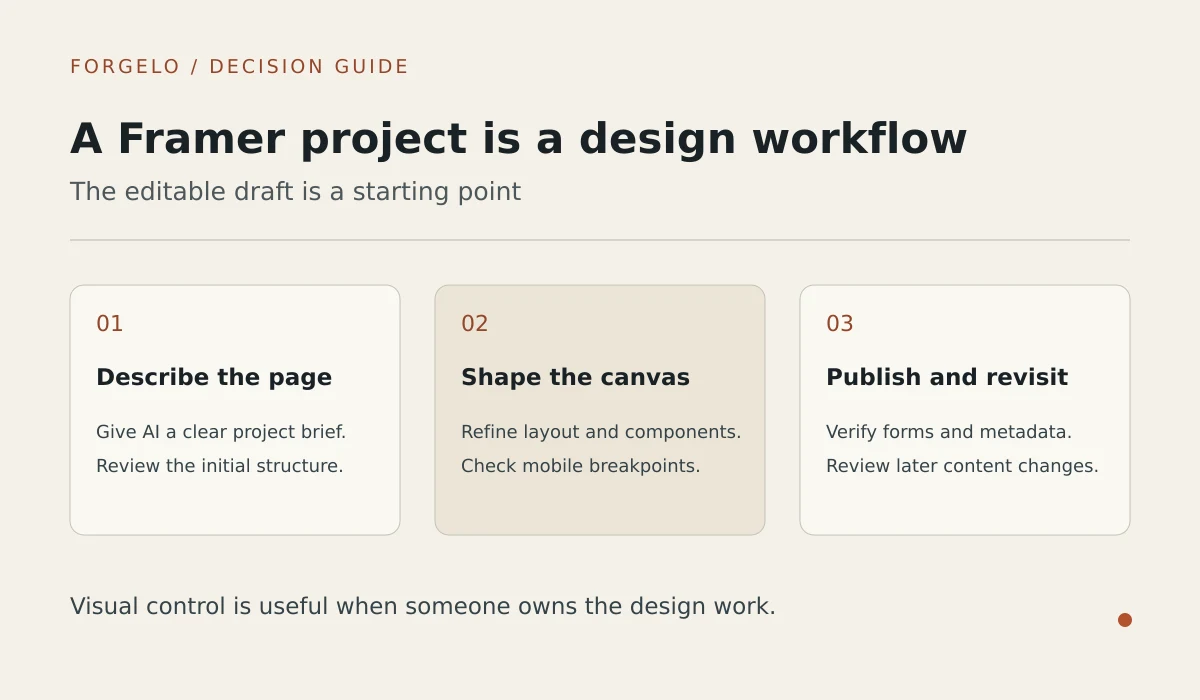
Design ceiling. This is the strongest reason to choose Framer. The sites you can build look like a studio made them, because the tool gives you the same kind of pixel-level control a studio uses. For a design-forward brand, a creative portfolio, or a product launch that needs to feel premium, that ceiling is hard to match with simpler builders.
Animation and interaction. Framer treats motion as a first-class citizen. Scroll-triggered reveals, smooth transitions, and interactive components are built in rather than bolted on. If your brand lives on feeling modern and alive, this is where Framer pulls ahead.
Solid foundations. The CMS, localization, and SEO controls are capable, not afterthoughts. A growing business that needs a real blog, multiple languages, or fine control over metadata will find the infrastructure there.
A generous free tier to explore. You can build and preview on the free plan before spending anything, which lets you test whether the tool suits how you work.
Tip: Whatever builder you evaluate, judge it on the edits you will actually make, not on the first draft. Generate a page, then try five real changes: reword the headline, add a service, change the prices, move a section, swap an image. The first draft sells the tool. The editing experience is the thing you live with for years.

What limits does the Framer AI website builder pose for non-designers?
Framer asks non-designers to learn a visual canvas with layers, constraints, breakpoints, and components. AI generation provides a starting point, but a finished site still needs design work, and add-ons can increase costs. Its forms route to email or connected tools rather than providing a native WhatsApp-first workflow.
The learning curve is real. Framer's power comes from a design-tool interface, and that interface asks something of you. Layers, constraints, breakpoints, and components are concepts a designer takes for granted and a plumber or a bakery owner has never met. For someone who just wants a site, the canvas can feel like being handed a cockpit when all they wanted was to drive to the shop.
Speed to a finished site is not its strength. The AI generates a starting point quickly, but shaping it into a polished, on-brand site still takes design work. An owner who needs to be live before the weekend may find the road longer than the marketing suggests.
Cost can climb with add-ons. The base price is only part of the story. A CMS, extra pages, localization, and multiple sites can each move you up a tier. None of that is hidden or unfair, it is simply worth mapping out before you commit, because the total is usually higher than the headline number.
Lead handling is form-first, not chat-first. Framer forms collect submissions and can route them to email or connected tools. If you actually work from an inbox, fine. If your business runs on WhatsApp, as a huge share of small businesses outside North America do, you are left wiring up an integration or checking a place you would otherwise never open.
It is built for designers first. The whole experience assumes some comfort with design thinking. That is a strength for its target user and a genuine barrier for a non-designer who wants results without the vocabulary lesson.
None of these are flaws in Framer. They are boundaries. Problems only start when your needs sit outside them, and for many everyday business owners they do.
How should a small business evaluate the value of Framer pricing?
Evaluate Framer pricing against the pages, CMS, localization, and number of sites your project needs, not the headline subscription alone. Check which requirements move you to another tier or add-on. Include the time needed for routine canvas edits in the cost, and confirm current figures on Framer's pricing page before subscribing.
Ask three questions. First, what does each tier actually include: pages, a CMS, localization, how many sites? Second, which features are add-ons that move you to a higher plan later? Third, and most important, what does an edit cost you in time? A capable tool where every change takes an hour of design work is more expensive than it looks, especially if design is not your job.
For a reference point, Forgelo's pricing is $9, $19, or $39 per month depending on the plan, with publishing to a free subdomain or your own custom domain and edits included on every tier. Whatever tool you choose, insist on that level of clarity before you subscribe.
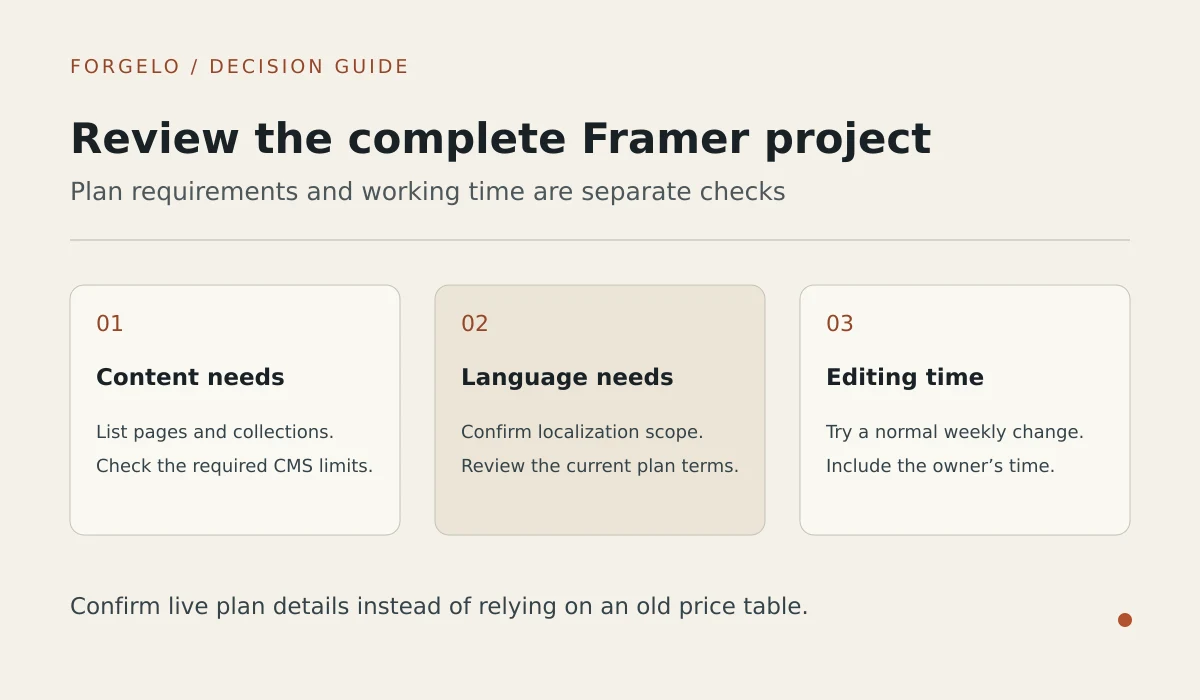
Note: Reviews in this category age quickly. Features ship monthly, prices shift, and a limitation from last year may be solved today. Treat every review, including this one, as a snapshot, and spend an afternoon testing the product yourself before deciding.
How do Framer and Forgelo differ for ongoing website edits?
Framer edits happen on a visual canvas, giving designers detailed control over layout, styling, and motion. Forgelo lets owners describe section changes in plain language instead of adjusting layers by hand. Framer suits design-led workflows, while Forgelo suits simpler business sites whose owners want prompt-based changes and WhatsApp lead delivery.
| Factor | Framer | Forgelo |
|---|---|---|
| First draft | AI generates a page or layout from a prompt | Generated from a one-sentence description, ready in a few minutes |
| Editing model | Visual canvas, design-tool style | Edit by prompt: type the change you want in plain language |
| Design ceiling | Very high, studio-grade control and motion | High for standard business sites, less raw freedom |
| Learning curve | Moderate to steep for non-designers | Minimal, you describe changes in words |
| Lead capture | Forms to email or connected tools | Lead form inquiries delivered straight to your WhatsApp |
| Publishing | Framer subdomain or custom domain | Free subdomain or custom domain |
| Pricing | See their current pricing page | $9, $19, or $39 per month |
| Best fit | Designers, agencies, design-forward brands | Owners who want a fast site and answer customers on WhatsApp |
The honest read: these tools are not really competing for the same person. Framer is a design platform that added AI. Forgelo is an AI generator that added just enough control. A design studio building a launch page will be happier in Framer. A dentist, a caterer, or a freelance accountant who wants a clean site by Friday and inquiries in their WhatsApp will usually be happier in a tool that never mentions the word "breakpoint."
Here is the contrarian take. Most reviews score builders on their design ceiling, and for the majority of small businesses that is the wrong metric. Your customers are not comparing your scroll animations to a studio's. They are deciding, in about five seconds, whether you look real and how to reach you. A clean, fast page that says what you do and puts a WhatsApp button in reach beats a gorgeous site that still routes leads to an inbox you forget to check. Evaluate on clarity and lead flow, not on the fanciest thing the tool can do.
Which website projects are a good fit for Framer?
Framer fits portfolios, launch pages, and design-forward brand sites where detailed visual control, animation, and interaction are priorities. It is a stronger match when the person maintaining the site enjoys a design canvas or is willing to learn one. Owners seeking simpler prompt-led updates should compare a tool such as Forgelo.
Choose Framer if most of these describe you:
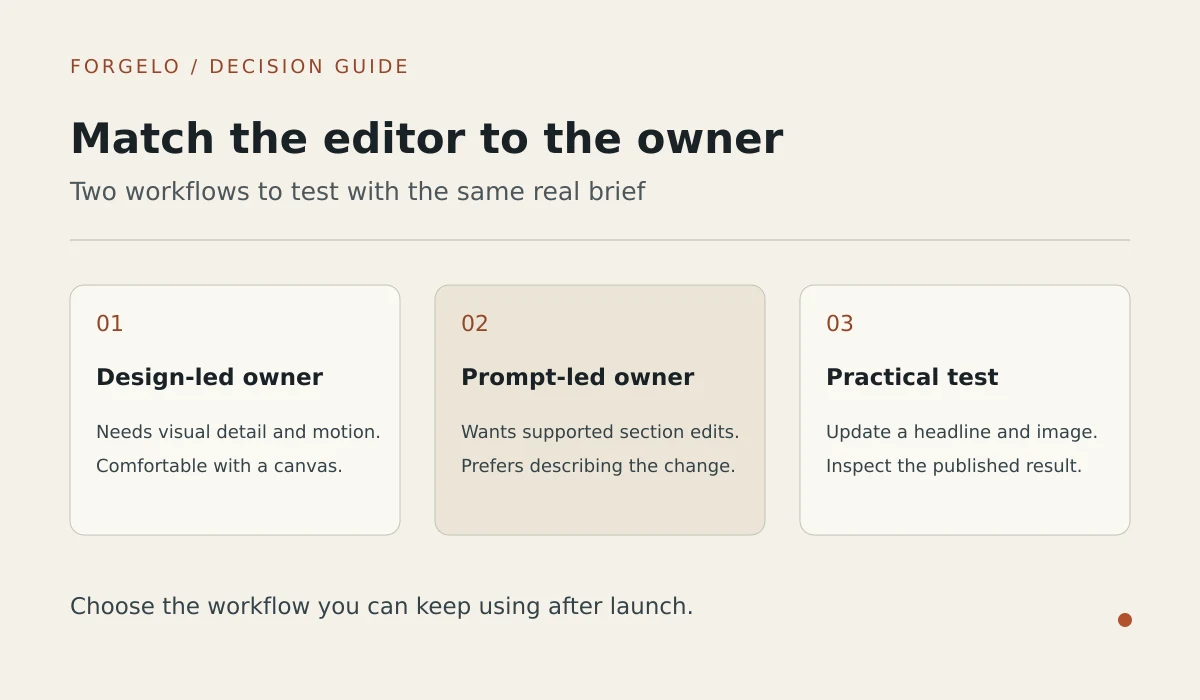
- Design quality is a priority and you want studio-grade control over every pixel.
- You are comfortable working on a visual canvas, or you enjoy learning one.
- Your brand leans on animation, interaction, and a premium feel.
- You are a designer, agency, or startup shipping a portfolio or a launch page.
Look at an alternative like Forgelo if these sound more like you:
- You want a clean site live today without learning a design tool.
- You edit often and would rather type "add a pricing section with three packages" than adjust layers by hand.
- Your customers message you on WhatsApp, and a lead form that feeds WhatsApp directly removes a whole step.
- You are an agency that wants to build simple client sites at speed, with full white label on the roadmap.
If you are still weighing which category of tool fits at all, our roundup of the best AI website builder options lays out the field, and how to build a website with AI shows the full flow from description to published site. If leads are your real bottleneck, turning visitors into WhatsApp leads is worth a read too.
If the decision is still open, compare Framer with the practical questions covered in our guides to AI website builders for small business, editing a website by prompt, website SEO basics, building a website without code, the AI website builder workflow, AI builders versus web designers, and Forgelo versus Wix. You can also review Forgelo's features and how the product works before testing both tools.
To place Framer’s design canvas in context, use the AI website builder category guide to separate generation, editing control, and the work required to keep a published site current.
Which official Framer sources support the product claims in this review?
Framer's AI canvas overview supports the description of prompt-generated pages refined on a visual canvas. Its SEO and performance documentation covers search and delivery controls, while its forms webhook guide explains integration-based submission routing. Use Framer's current pricing page to verify plan names and amounts before making a purchase.
This review uses Framer's own documentation for product claims, rather than relying on a generic software directory. Framer describes its AI canvas as a way to generate editable pages and refine them on the visual canvas in its AI canvas overview. Its SEO and performance documentation covers metadata, redirects, localization, image delivery, and performance controls. Its forms webhook guide explains that submissions can be sent as JSON to a webhook, which is why this review describes Framer as flexible for integrations rather than natively WhatsApp-first. Check the current Framer pricing page for live plan names and amounts before subscribing.
When is Framer a better choice than a simpler AI website builder?
Choose Framer over a simpler AI website builder when detailed design control and motion are central to your project, and you can invest time in its canvas workflow. For a straightforward business site that needs plain-language edits and WhatsApp inquiries, compare Forgelo instead. Test real edits and lead delivery before choosing.
But a high design ceiling is the right answer to a specific question, and most business owners are asking a different one. If you want a site live fast, editable in plain language, with inquiries landing in your WhatsApp, the design-tool depth that makes Framer great becomes a cost you pay in time you do not have. That is the gap Forgelo was built for: describe your business in one sentence, get a site in a few minutes, then keep shaping it by typing what you want changed, with SEO built in and every lead flowing to your WhatsApp.
The good news is that finding out costs you one afternoon. Generate a page in both tools, make five real edits in each, and send yourself a test inquiry. Whichever one respects your time and gets leads to where you actually reply is your answer.