Learning how to make a free website on your phone is far simpler than most people expect. You don't need a laptop, you don't need to code, and you don't need a budget. All it takes is the browser on your phone, an internet connection, and about an hour. This guide walks through the routes that genuinely work from a small screen, from AI website builders to the classic free platforms, with an honest look at where each one falls short.
This isn't theory. Plenty of small business owners run their entire operation from a phone: the dog groomer booking through Instagram, the food truck posting today's location. If the business lives on your phone, it makes sense that the website gets built there too.
Why building a website on your phone finally makes sense
Five years ago, building a website from a phone was miserable. Drag-and-drop editors were designed for a mouse, the buttons were tiny, and one wrong tap could wreck your layout. So if you tried it once and gave up, that wasn't your fault.
Two things changed. First, modern website platforms went mobile-first, meaning their editors are actually designed for touchscreens. Second, and this is the bigger shift, AI website builders changed the workflow entirely. You're no longer arranging boxes on a tiny screen. You type a description of your business, and the website gets built for you. Typing one sentence on a phone is easy. Arranging twenty design elements on a phone is what's hard.
For context: with Forgelo, you describe your business in one sentence and generation runs in the background until a complete draft is ready to review. Edits work the same way: type "make the headline shorter" or "add a testimonials section" and the change happens. That workflow essentially deletes the old excuse that phone screens are too small for website building.
Note: The device you build on has no effect on how your website looks to Google or to customers. A site built on a phone and a site built on a laptop are indistinguishable. The only difference is your comfort while working on it.
Your options for making a free website on your phone
Before the step-by-step, get familiar with the available routes. All of them can be done entirely from a phone, but the effort and the results vary a lot.
| Route | Effort required | Best for | Free tier limits |
|---|---|---|---|
| AI website builder | Lightest, copy and design are generated | Small businesses that need to launch fast | Free subdomain, custom domain is paid |
| Google Sites | Medium, you write every word | Simple info pages, community profiles | Very limited design, looks basic |
| Blogger / free WordPress.com | Medium to heavy | Blogs and article-driven content | Platform ads, business features locked |
| Linktree-style pages | Very light | A list of links for your Instagram bio | Not a real website, just a link list |
| Canva Sites | Light to medium | Visual portfolio pages | Better for one page than a full site |
Which route is right depends on your goal. If the target is a business website that can take customer inquiries, the top two rows are your main candidates. If you're weighing free options more broadly, our guide to how to build a website with AI goes deeper on the fastest path.
How to make a free website on your phone with an AI builder
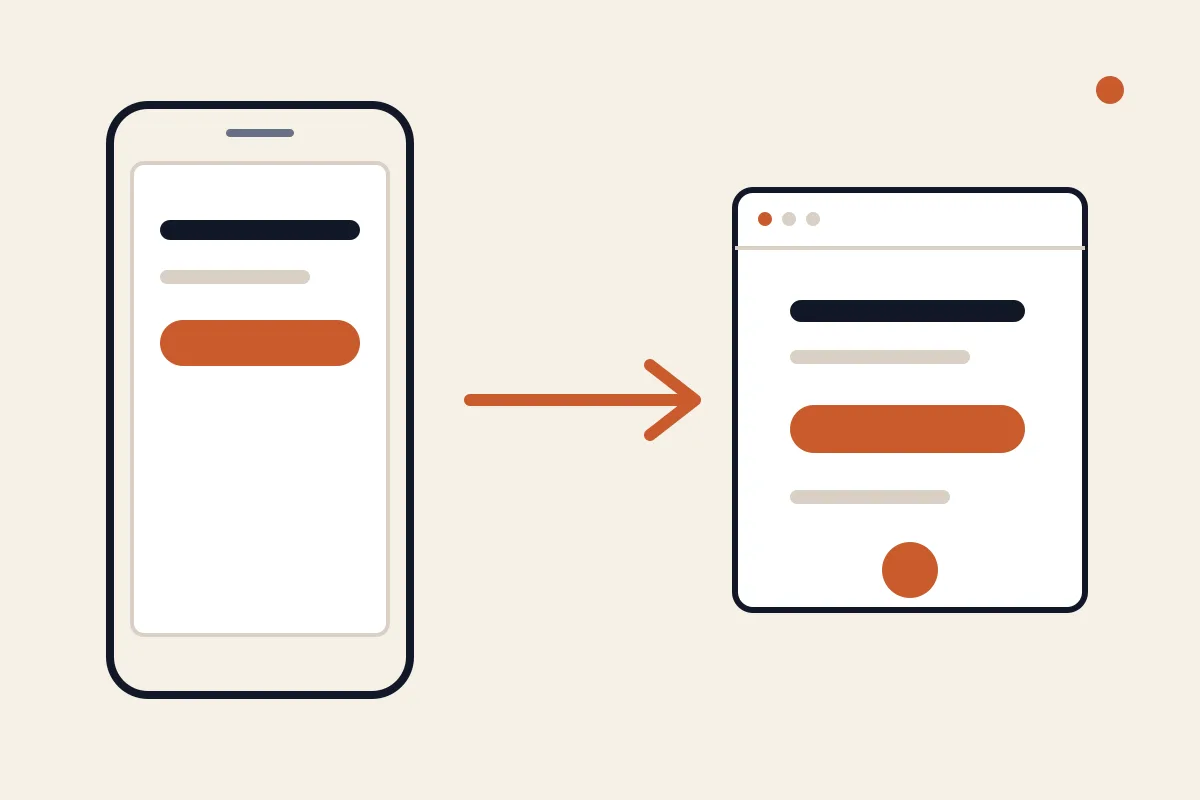
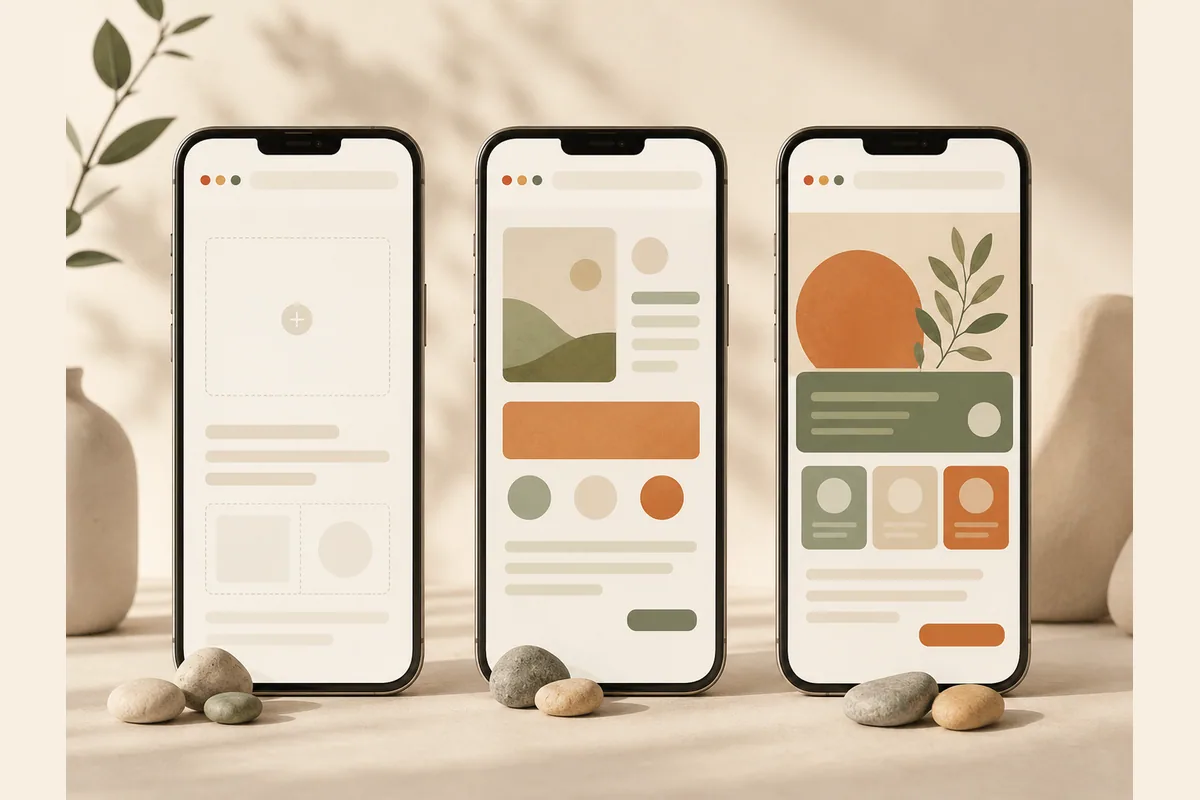
This is the route I'd recommend for most business owners, because the hardest part of building a website was never the technology. It's writing the copy and structuring the page. AI handles both. Here's the process, all from your phone's browser:
- Open the platform and sign up. No app to install. Just open the site in Chrome or Safari on your phone and create an account.
- Describe your business in one sentence. A real example: "Mobile dog grooming in east Austin, offering full grooms and nail trims, open six days a week." The more specific your description, the better the result.
- Wait for the draft. Forgelo handles generation asynchronously. You get a complete page with a headline, a services section, contact details, and a structure that makes sense when the job finishes.
- Polish by typing. Read through the result, then type the changes you want: "change the phone number to 512-xxx", "add a pricing section", "make the tone friendlier". Nothing needs to be dragged around with your thumb.
- Publish to a free subdomain. Your site goes live on a subdomain at no cost. When you're ready for your own domain like yourbusiness.com, that's where the paid plans come in, starting at $9 per month.
One feature that matters more than people realize for phone-first owners: on Forgelo, the contact form on your site connects straight to WhatsApp. Leads go to the app you actually check, not an email inbox you open once a week. We wrote more about why that works in turning visitors into WhatsApp leads.
Tip: Before you publish, send your preview link to two or three friends and ask them to open it on their phones. If they can figure out how to contact you within ten seconds, your site has passed the test that matters most.
The manual routes: Google Sites, Blogger, and WordPress.com from a phone
If you'd rather assemble things yourself, these three platforms are free and workable from a phone browser, though the experience is rougher than an AI builder.
Google Sites is the friendliest for beginners. You log in with a Google account, pick a template, and fill in text section by section. The upside: free with no ads, and it plugs into Google Maps and YouTube easily. The downside: design options are very limited, and the results tend to look like a tidy document rather than a convincing business website.
Blogger fits if your main plan is publishing articles. The mobile editor handles text well. But for business pages like a services list with pricing, you're forcing a blog structure into a job it wasn't built for.
Free WordPress.com is the most capable of the three, and also the heaviest to operate from a phone. The free tier puts platform ads on your site, and many important features sit behind paid plans. The block editor on a small screen demands real patience.
All three share one trait: you write every word yourself, from scratch. For a business page, that means drafting a headline, service descriptions, an about section, and a call to action while staring at a six-inch screen. Doable, but budget several hours and don't be surprised if the first version reads stiff. If the no-code route appeals to you in general, our piece on making a website without coding compares the options in more detail.
The honest limits of phone-only website building
To be fair, some tasks genuinely are more awkward on a phone, whatever platform you choose.
Managing many pages at once. If your site grows to fifteen pages with a branching menu, organizing it from a phone starts to feel cramped. The workaround: start with one strong page. Most small businesses don't need more than that in year one.
Writing long content. Typing a 1,500-word article on a phone is possible but draining. The workaround: draft in a notes app during downtime, then paste it in. Or use voice typing and clean it up after.
Editing images. Cropping and compressing photos is easy with your phone's built-in gallery tools. Designing banner graphics from scratch is the painful part. The workaround: use real photos of your business. An actual photo of your kitchen, your storefront, or your finished work almost always beats a template graphic.
Previewing the desktop view. Some of your visitors will still open your site on a computer. Most phone browsers let you request the desktop version of a page from the menu. Do that at least once before you share your link.
Notice that nothing on this list actually stops you from launching. Every item is about comfort, not possibility.
Free forever vs free to start: a contrarian take
Here's where I'll disagree with most articles on this topic: chasing "free forever" is often the expensive decision for a business.
Permanently free websites carry compromises your customers can see: a long subdomain address, someone else's platform ads on your page, or a design that looks like an afterthought. For a personal blog, none of that matters. For a business trying to convince a stranger to hand over money, every "this looks temporary" signal has a cost. It just never shows up on an invoice.
The healthier frame: free is a validation phase, not a destination. Start free, go live, share the link, and watch whether inquiries come in. Once they do, upgrade to your own domain. It costs about as much as a couple of coffees per month and shifts your business's first impression from "experiment" to "established". Our breakdown of what a website really costs covers the numbers on both sides.
Tip: Pick a platform that lets you upgrade without moving. If the free version can be connected to a custom domain later, you'll never have to rebuild your site from zero on a different platform. Check this before you start, not after.
A checklist before you share your link
A finished website isn't the finish line. Before you drop the link into your Instagram bio and your email signature, check these eight things, all doable from your phone:
- Your business name and headline explain what you sell within the first five seconds.
- Your phone number or contact button appears without heavy scrolling, and you've tested it yourself.
- Your location or service area is stated clearly, especially if you serve a specific region.
- Prices, or at least price ranges, are visible. Pages with no price signal make people hesitate to ask.
- Every piece of AI-generated text has been read and corrected to match the facts of your business.
- The photos are real photos of your work, not stock images that could belong to anyone.
- Page titles and descriptions are filled in, so your site looks presentable in search results and link previews.
- You've opened your own site from another phone or an incognito tab to see exactly what visitors see.
If your real goal is bringing in customers rather than just owning a website, our guide to small business website essentials covers the page structure that reliably turns visitors into inquiries.
Bottom line: your phone is enough
Making a free website on your phone is no longer a workaround or a second-class shortcut. For most small businesses, it's the most sensible route: the device is already in your hand, starting costs nothing, and with an AI builder, the hardest parts are handled for you.
The formula is simple. Pick the route that fits your goal, get a first version live today, and improve it as you go. A simple site that's live and reachable beats a perfect site that never launches. If you want the fastest path, describe your business in Forgelo and see the result before your coffee gets cold.