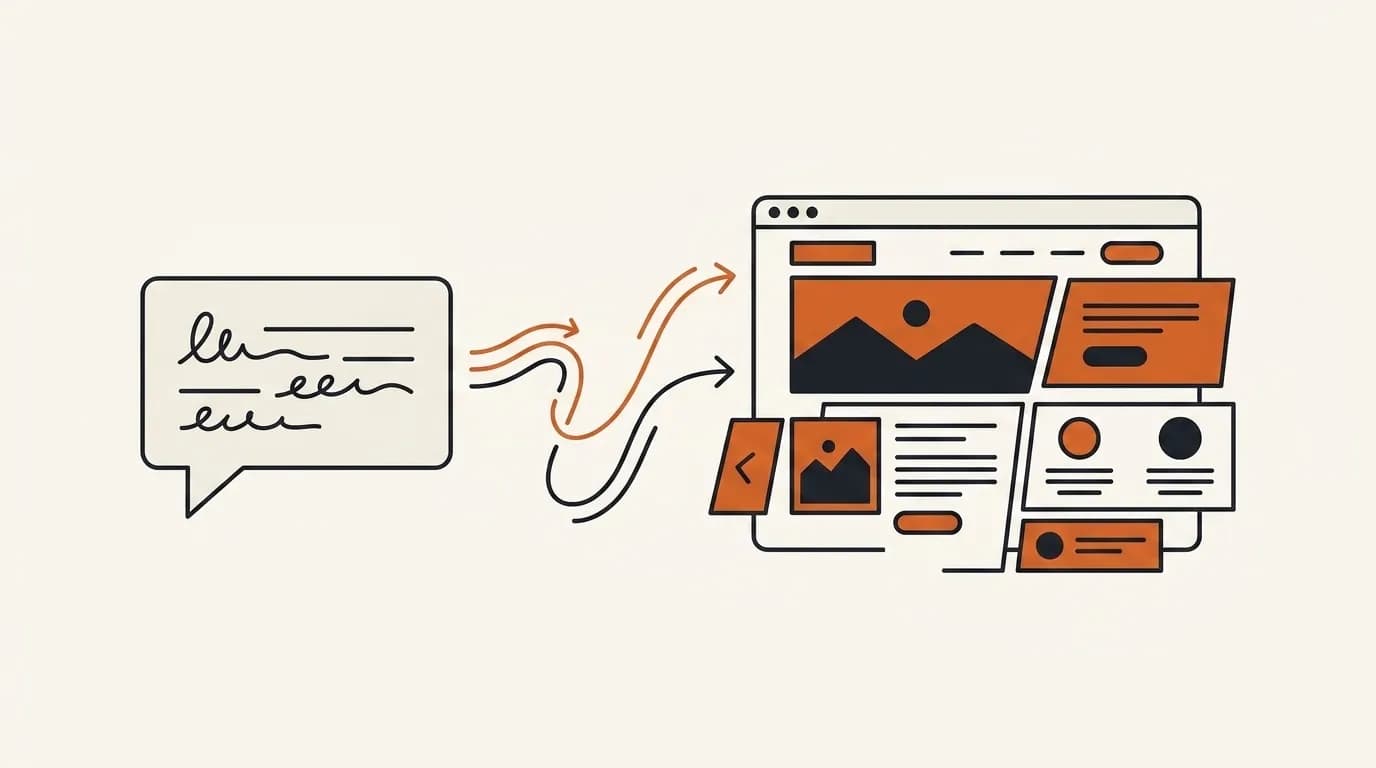
Short answer: non-developers now build real websites by describing what they want instead of assembling it by hand. The common pattern is a loop: describe the business in a sentence or two, let an AI website builder produce a complete first version, then refine it one section at a time by typing what should change. Code, hosting and mobile layout are handled by the tool. What the person still owns is the thinking: who the site is for, what it should say, and what a visitor should do next.
That loop is new. A few years ago a non-developer had three realistic choices: fight with a template, learn a design tool, or pay someone. All three still exist, and each is right for someone. This guide walks through the four paths people actually take today, where each one breaks, and how the describe, review, refine workflow works in practice, including its limits.
What counts as a "real" website
Before comparing paths, it helps to agree on what "real" means, because a page that looks fine on your laptop is not automatically a working website. For a small business, a freelancer or a new project, a real website has:
- A live address people can visit, first on a free subdomain and later on your own domain.
- A layout that works on phones, since that is where many visitors will first see it.
- Clear structure: a headline that says what you do, sections that answer the obvious questions, and one main action (call, book, buy, send a message).
- Basic search hygiene: proper page titles, descriptions and heading order, so search engines can understand the page.
- A way to change it later without starting over or waiting on someone else.
The last point is the one non-developers underestimate. Launching is a single day. Keeping the site accurate (new prices, a new service, a seasonal offer) is every month after that. The best path for you is the one where that monthly edit is easy.
The four paths non-developers take today
Here is how the options compare for someone who does not write code:
| Path | How you build | Where it tends to break |
|---|---|---|
| Template builder | Pick a template, replace the placeholder text and photos | The template was written for someone else's business, so you end up rewriting every section yourself |
| No-code design tool | Arrange blocks and elements on a canvas | Powerful, but the learning curve is real and small layout changes can ripple across the page |
| Hiring a freelancer or agency | Brief someone, review drafts, approve | Good result, but every later change goes back through the same person and budget |
| AI website builder | Describe the business, get a full first draft, refine by prompt | The first draft is only as specific as your description, so vague input gives generic copy |
None of these is wrong. A designer who enjoys visual control will be happy with a canvas tool. A company with a big budget and complex needs should hire. But for the most common case, a small business that needs a clear, credible site this week and wants to keep it current without help, the fourth path has become the default. If you want the broader landscape of tools that avoid code, our no-code website builder guide covers it in depth, and how to make a website without coding is a practical walkthrough of the older template and drag-and-drop routes.
The new workflow: describe, review, refine
The shift is not only that AI writes the text. It is that the unit of work changed. Instead of moving elements around, you give instructions, the same way you would brief a designer. In Forgelo, that looks like this.
1. Describe the whole site in one sentence
You start with a plain description, for example:
A website for a family-run bakery in Leeds that sells sourdough and celebration cakes, takes pre-orders for weekends and wants customers to message us on WhatsApp.
From that one sentence Forgelo generates a complete site, usually in a few minutes: a hero with a headline, sections for what you offer, how ordering works, reviews, frequently asked questions, contact details and a footer. The builder chooses from section types such as hero, features, pricing, gallery, process, testimonials, FAQ, contact and map, and picks the ones that fit what you described. Our explainer on building a website from one sentence shows the process step by step.
2. Review it like a customer, not like a designer
Open the draft and read it as a stranger would. Does the headline say what you sell in a few words? Is the main action obvious? Is anything wrong, such as an invented service, a location you do not serve or an opening time you never gave? AI drafts are confident, so this review is where your knowledge of the business matters most.
3. Refine one section at a time by prompt
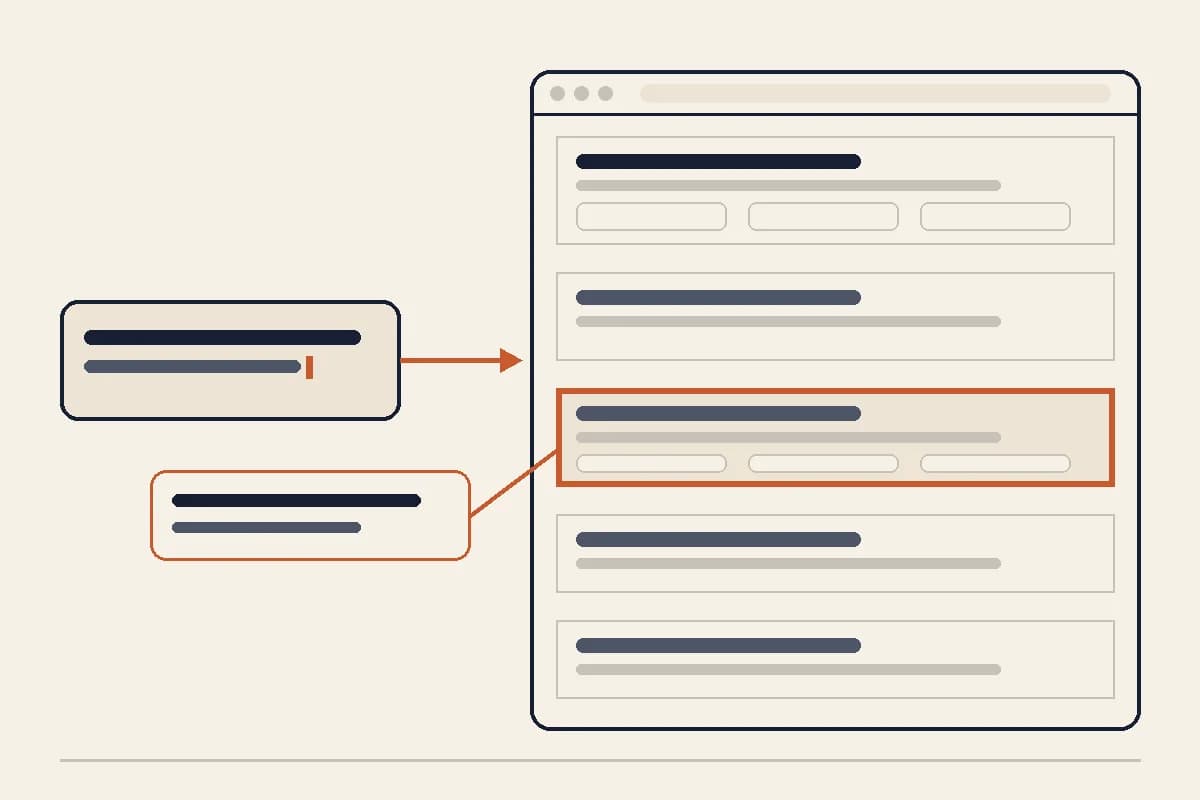
This is the sharp edge of the new workflow. Instead of regenerating the whole site when one part is off, you pick a section and say what should change:
- "Hero: make the headline shorter and mention weekend pre-orders."
- "Pricing: replace the three packages with our real cake sizes, 6 inch, 8 inch and 10 inch."
- "FAQ: add a question about allergens and answer that all cakes are made in a kitchen that handles nuts."
Each prompt rewrites only the section you picked, and the rest of the page stays exactly as it was. That matters more than it sounds. With a one-shot generator, fixing one paragraph can mean regenerating everything and losing the parts you already liked. With per-section editing, the site improves steadily, edit by edit. If an edit misses, version history lets you restore an earlier version. The full mechanics are in our guide to editing a website by prompt.
4. Publish, then keep editing
When it reads right, you publish. On the free plan the site goes live on a Forgelo subdomain the same day, so you can share the link with customers immediately. From the Starter plan you can connect your own domain, remove the Forgelo badge and add WhatsApp lead forms. Because edits are prompts, updating next month's offer takes a sentence rather than a support ticket.
What non-developers still have to do themselves
An AI builder removes the technical work. It does not remove the business thinking, and the sites that perform well are the ones where the owner did this part properly:
- Know who the site is for. "People in Leeds who want a birthday cake by Saturday" produces a far sharper page than "people who like baking."
- Give real details. Prices, service areas, opening hours and what makes you different. The AI cannot know these, and if you leave gaps it will fill them with something plausible that you must then remove.
- Choose one main action. Book, buy, call or message. A page that asks for everything converts worse than a page that asks for one thing clearly.
- Check every claim. Read the draft for anything you did not say. Remove invented awards, numbers or testimonials before you publish.
- Use your own photos where it matters. Real photos of your products, your space and your team build more trust than stock images.
If you are starting completely from zero, our guide for beginners covers the smallest first step and what to ignore at the start.
Where the non-developer path has limits
It is worth being honest about where this approach stops, so you can plan for it instead of being surprised.
It is built for websites, not web applications. If you need user logins with custom permissions, a booking engine with complex rules, or deep integration with your internal systems, you are building software. That is still a job for developers, and tools that generate code for developers are a different category from a builder like Forgelo.
Quality depends on your input. A vague description gives generic copy. The fix is simple (add specifics and edit section by section), but it is your responsibility, not the tool's.
Plans have limits. In Forgelo, each generate or edit-by-prompt counts as one AI action, with a daily allowance per plan: 5 a day on Free, 30 on Starter, 100 on Pro and 300 on Business. That is plenty for building and maintaining a small site, but it is worth knowing before a big rewrite session. Current details are always on the pricing page.
Some things are paid features. Custom domains, badge removal and lead forms start on the Starter plan at $9 a month. The free plan is meant for trying the workflow and publishing one site.
A simple plan for your first week
If you are a non-developer who wants a real site live this week, this sequence works:
- Day 1: Write two or three sentences about your business: what you sell, who it is for, where you operate and what you want visitors to do. Generate the site from that.
- Day 2: Review every section as a customer. Note anything wrong or missing.
- Day 3: Fix those notes one section at a time with edit prompts. Replace placeholder images with your own photos where you can.
- Day 4: Publish on the free subdomain and send the link to three people you trust. Ask what was unclear.
- Day 5: Apply their feedback, then decide whether you need your own domain and lead forms yet.
That is a real website, built and owned by the person who knows the business best, without writing a line of code. If you want to compare AI builders before you start, our overview of the AI website builder category explains what separates them, and you can see how Forgelo works before you write your first sentence.