You can launch a useful website this week with AI if you treat the week as a sequence of decisions, not a race to decorate a homepage. Decide what the site must help a visitor do, provide real business facts, generate a first structure, review every claim, test the contact route, and publish only after a mobile check.
The plan below assigns one job to each day. By the end of the week, you should have a small site that explains the offer and gives visitors a clear next step. It will not be a complete digital transformation. It will be a real starting point that can improve from real questions.
On this page: the one-week answer, the brief, the first draft, proof and contact, QA and launch, the minimum launch stack, and common questions.
Can you launch a website this week with AI?
Yes, when “launch” means publishing a focused first version rather than solving every future requirement. Small-business sites often need a clear offer, evidence that the business is real, a contact path, and a mobile-friendly page. AI can shorten the draft phase, but it cannot decide which promise your business can honestly keep.
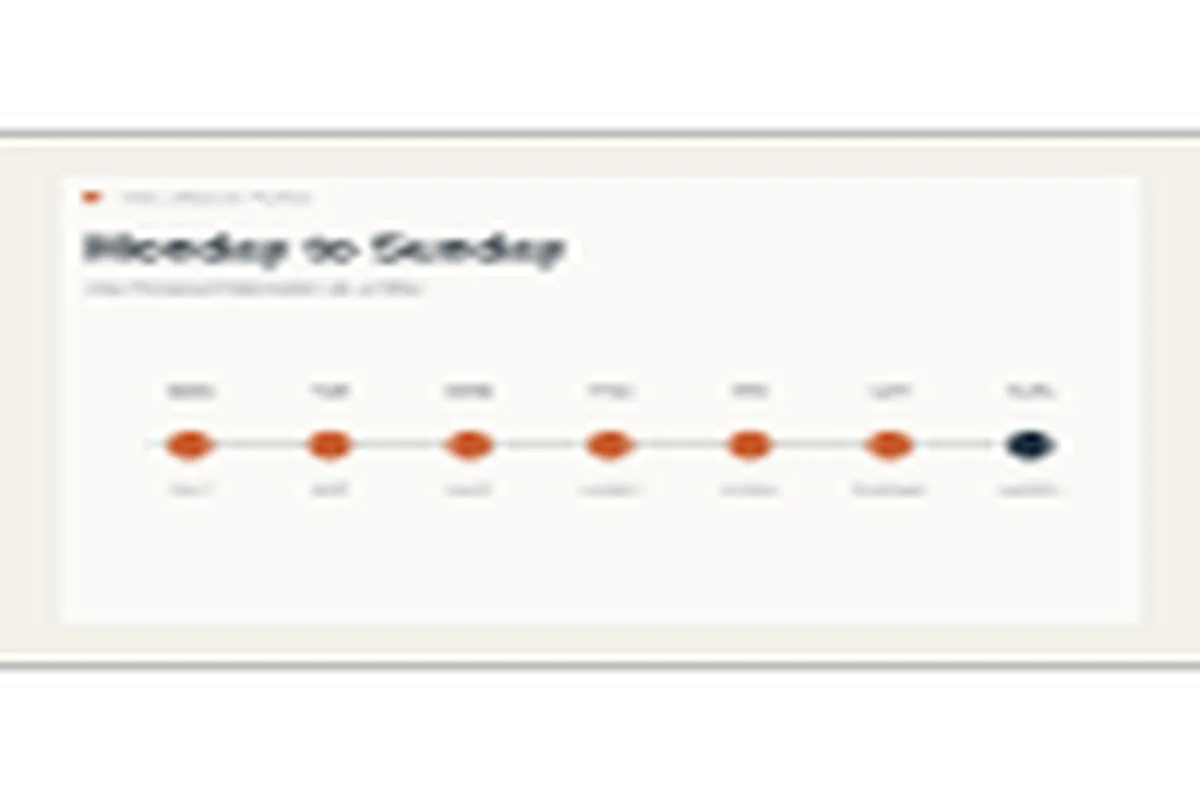
A one-week schedule also creates a useful constraint. On day one, you define the visitor and the desired action. On day two, you generate the structure. On day three, you add proof and contact details. The remaining days are for editing, testing, feedback, and publishing.
Forgelo's measured production workflow can reach a free subdomain in about 4.5 minutes after generation and publishing are available. Do not confuse that latency with a four-minute business launch. The page still needs human review, accurate details, images, mobile QA, and a working enquiry test.
The fastest launch is not the one with the fastest generator. It is the one with the fewest unresolved decisions. If the offer, audience, and contact route are clear, AI can move quickly. If those are vague, faster generation only creates more copy to debate.
Day 1: Write the brief
The first day produces one page of decisions. Write the business name, what it sells, who it serves, service area, strongest proof, preferred contact action, and the single question a new visitor should answer. The U.S. Small Business Administration treats a clear value proposition and target market as foundations for marketing planning.
Keep the brief specific. “We help businesses grow” is not enough. “We repair residential air conditioners in South Jakarta and send a technician within one business day” gives an AI builder something useful to structure. Include the service boundary, price guidance if public, opening hours, and what happens after someone contacts you.
Prepare three proof points. These can be years in business, a real customer result, a certification, a recognizable project, or a photograph of the work. If you do not have formal testimonials, describe the process honestly. “We send a written estimate before work begins” is better than an invented five-star quote.
Also choose the first call to action. It might be “Ask for a quote,” “Book a consultation,” “View the menu,” or “Check availability.” One primary action makes the first version easier to judge. You can add secondary actions later.
Your output for day one is not a design. It is a short brief that another person could read and understand without asking what the business does.
Day 2: Generate the first structure
On day two, give the brief to an AI-first self-serve builder and review the structure before polishing words. The first version should normally include an opening promise, explanation of the offer, proof or process, a contact route, and any essential trust information.
Do not ask the builder to invent awards, clients, locations, guarantees, or performance figures. Replace any generic claim immediately. AI is useful for arranging information and offering alternatives, but the business owner remains responsible for every public statement.
Forgelo is built around this workflow. You can describe the business in one sentence, receive a starting site, then edit a section with a prompt. That is different from a developer tool, a one-shot generator, or a drag-and-drop canvas. The purpose is to keep the next content decision close to the owner. Check the current Forgelo pricing when you are ready to choose a plan.
Spend the rest of day two on structure. Check that the top section says what the business does. Check that the services are concrete. Check that the contact button appears after the visitor has enough context to act. If a section does not help understanding or trust, remove it from the first launch.
Link to the best AI website builder guide if you want a category comparison. If you prefer to compare hands-on tools, the no-code website builder guide covers the tradeoff between manual layout work and prompt-led editing.
Your output for day two is a complete draft with no placeholder text that a visitor could mistake for a real business claim.
Day 3: Add proof and a real contact path
Day three is where a generated draft becomes a business website. Add the real phone number, email, WhatsApp route, location or service area, hours, pricing guidance, and the proof you prepared. If the business has a physical location, confirm the address and map link. If it works remotely, say where it serves customers.
A contact path must be tested, not merely displayed. Submit a harmless test form or send a test WhatsApp message. Confirm the destination, message contents, and reply workflow. If a solo owner receives the lead in a place they never check, the website has not created a usable sales path.
Use images that explain the offer. A consultant can show a working session or a deliverable. A repair business can show the equipment and the work area. A food business can show the real product. Avoid generic imagery that implies a service or location you do not provide.
This is also the day to set account ownership. Use an account controlled by the business, keep the domain details accessible, and record where form notifications arrive. A cheap launch becomes expensive when the owner cannot recover the domain or edit the site later.
Many launch delays come from missing inputs rather than difficult technology. The phone number is undecided, the service list is still a spreadsheet, or the owner has not chosen which image they can legally use. Collecting those details on day three is often more valuable than another design pass.
Your output is a draft with real facts, real proof, and a contact path that you have actually exercised.
Days 4 to 7: Review, test, and publish
The last four days are not four more days of random tweaking. Give each day a narrow check. Day four is copy editing. Read the page as a first-time customer and remove vague statements, duplicated sections, and claims the business cannot support. Keep sentences short where the visitor is deciding whether to contact you.
Day five is mobile QA. Open the site at a narrow viewport and check the first screen, buttons, image crops, headings, tables, and contact form. Compare the document width with the viewport width. Horizontal overflow can make a page feel broken even when the desktop view looks fine.
Day six is feedback. Ask one person who does not know the business to answer three questions: What does this business offer? Who is it for? What would you click next? Do not ask whether they like the colors. Ask whether they understand the next step.
Day seven is publish and observe. Connect the custom domain if the name is final, confirm the canonical URL, submit the site to the relevant search tools when access is available, and check the live page from a private browser window. Record the launch date and the first questions visitors ask.
A live site is not finished forever. It is a tested version that can teach you what the next version should fix.
What should be live at the end of the week?
The minimum launch stack is small. It should include a focused home page, a concrete service or product explanation, proof that belongs to the business, one primary contact action, a readable mobile layout, and basic ownership information. Add a dedicated pricing page, portfolio, FAQ, or booking flow when the audience needs it.
Do not hold the launch for a perfect blog, ten animations, or a complete library of case studies. Publish the facts you can verify. If the business has only two projects, show those two projects and explain the process. If the offer is new, say what is included and what is not included.
The best next improvement comes from evidence. Watch which questions arrive in WhatsApp. Notice which service section people mention. Track whether visitors can find the contact button. Then use that evidence to write the next prompt or revise the next section.
Forgelo supports this iterative path: generate a starting structure, edit by section, publish on a free subdomain while testing, and connect a custom domain when the first version is ready. It keeps the launch accessible without pretending that a generator removes the need for judgment.
Frequently Asked Questions
Can AI help me launch a website in one week?
Yes, if the first version has a narrow job and the business facts are ready. AI can speed up structure and copy alternatives. It cannot verify your prices, promises, images, contact details, or legal requirements. Schedule those checks instead of treating generation as the final step.
What should I prepare before using an AI website builder?
Prepare one sentence about the offer, the audience, service area, next action, three proof points, contact details, and usable images. A short, accurate brief gives the builder direction. It also gives you a checklist for judging whether the generated page is useful.
What pages does a new business website need?
Start with the smallest set that answers the visitor's questions: home, service or product explanation, proof, contact, and essential legal information. Add more pages when a real customer question or business process justifies them. More pages do not automatically create more trust.
How fast can Forgelo publish a website?
Forgelo's measured production workflow can reach a free subdomain in about 4.5 minutes after generation and publishing are available. That is a production latency observation, not a complete launch promise. Review, proof, contact testing, mobile QA, and domain decisions still belong in the week.
Should I buy a domain before the website is ready?
Buy it when the name is final and the site has passed the main checks. A free subdomain is useful while you review the offer and gather feedback. Do not let domain shopping delay the brief, but do not forget domain ownership once you are ready to publish publicly.
A website launched this week does not need to answer every future question. It needs to answer the first important question clearly and give a visitor a trustworthy next step. Make that version live, then let real conversations guide the next edit.