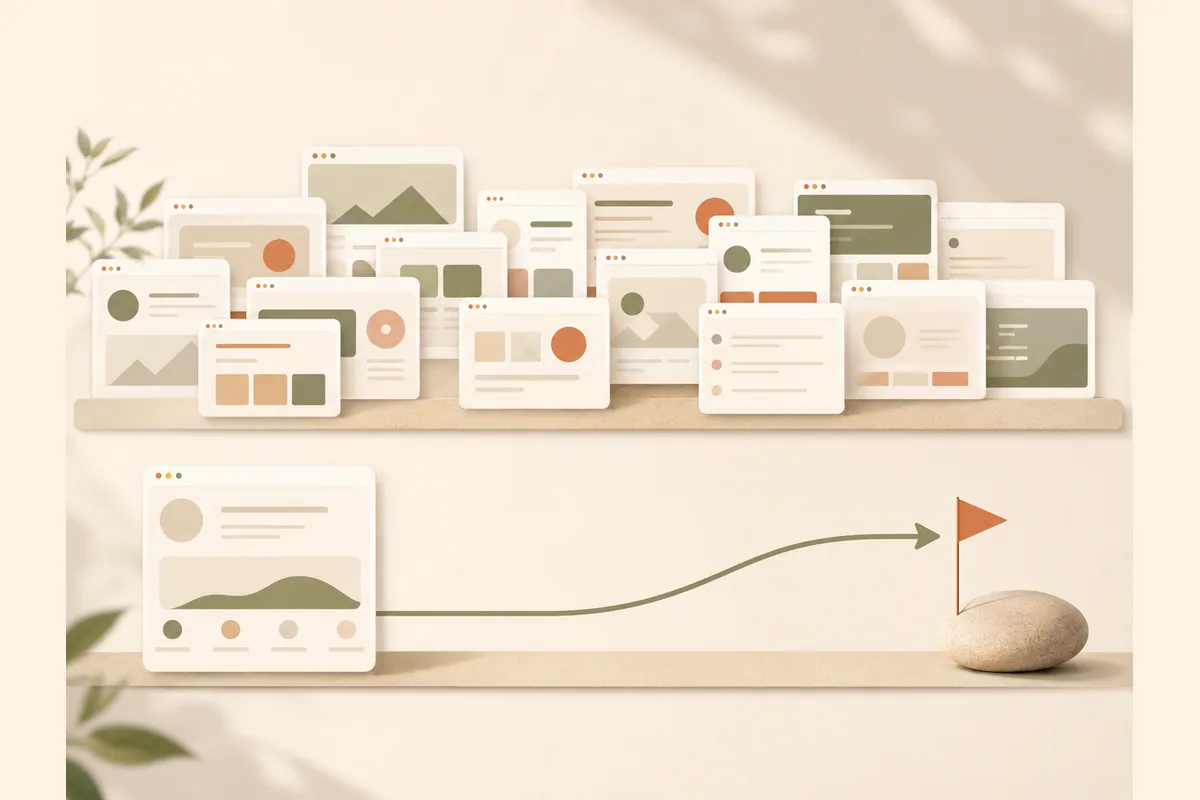
A template landing page looks like the obvious shortcut when you need to sell something online. The logic is sound: why pay for design when thousands of free templates exist? But after watching plenty of small business owners try this route, the same story keeps repeating. They download a template, feel productive for an afternoon, and the page never actually goes live because it gets stuck in endless editing. The honest question is not "which template is best." It is "which path gets a working page in front of customers fastest."
This article compares the two paths as they really are: grabbing a free landing page template and assembling it yourself, or generating the page with AI and polishing a finished draft. Both are legitimate. What separates them is how long it takes to go live, how many decisions land on your plate, and how likely the page is to ever get finished at all.
What you actually get from a template landing page
A landing page template is, at its core, an empty skeleton. You get a sequence of pre-designed sections: a hero at the top, a benefits list, testimonials, pricing, and a form. The design is often genuinely good. The problem is that everything that makes the page work is missing.
Here is what you still have to do after downloading:
- Write all the copy. Headline, subheadline, benefit descriptions, objection handling, calls to action. This is the hardest part, and the template gives you zero help with it.
- Replace every placeholder image with photos or visuals that belong to your business.
- Adjust colors and fonts to match your brand without breaking the original layout.
- Sort out hosting and a domain. An HTML template needs somewhere to live. A page builder template needs a subscription to that platform.
- Wire the form up to your email or phone so leads do not vanish into the void.
- Fix the mobile view, because desktop edits routinely break on small screens.
None of that is impossible. Stacked together, though, it is one to five days of work for anyone doing it for the first time. That is where most template projects quietly die.
Note: "free" in the template world almost always means the file alone is free. Hosting, a domain, a form tool, and the most expensive item of all, your time, still cost real money. Count everything before deciding which path is actually cheaper.
The real timeline: free template vs generating with AI
This is the comparison template galleries rarely publish. Assume you are a regular business owner, not a designer, starting from zero.
| Stage | Free template | Generating with AI |
|---|---|---|
| Finding and choosing | 1-3 hours of comparing options | None, you just describe your business |
| First draft exists | Empty, no content yet | A few minutes, copy and structure included |
| Writing copy | 3-8 hours, on your own | Already drafted, you review and adjust |
| Design edits | 2-6 hours learning the tool | Type the change you want, done |
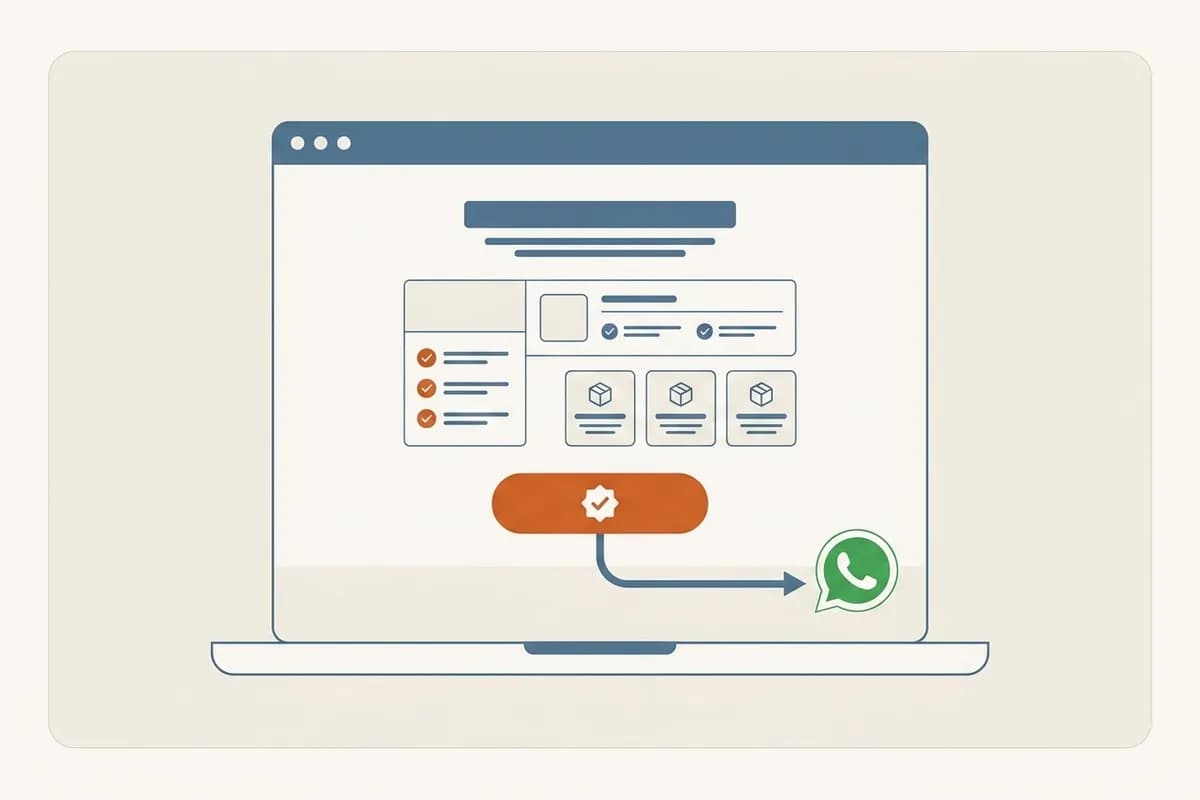
| Form and contact setup | Manual, often breaks midway | Lead form delivers straight to WhatsApp |
| Going live | You arrange hosting and domain | Publish to a free subdomain or your own domain |
| Realistic total | 1-5 working days | Under an hour to something worth shipping |
Those numbers are reasonable estimates, not lab measurements, and your mileage will vary. The ordering, however, is consistent: the template path is always longer because every stage waits on you.
With Forgelo, the flow is the template's mirror image. You describe your business in one sentence, the page is generated in a few minutes, and everything after that is refinement rather than construction. Want a different headline? Type the request. Need a pricing section? Same. It is the same principle we walk through in our guide to making a website without coding.
A template only helps if you picked the right kind of page in the first place. If you are unsure whether your offer needs a single campaign page or a multi-page site, start with landing page vs website: the real difference.
The hidden problems with free templates nobody mentions
Beyond the timeline, a few traps only reveal themselves once you are halfway in.
Popular templates are used by thousands of people. Your page can end up looking like a twin of a competitor who downloaded the same file. For a local business that may not be fatal, but the "haven't I seen this before" effect is real.
Code quality is a lottery. Free templates are rarely maintained. Some load slowly, collapse on mobile, or depend on outdated libraries. A slow page is not just annoying, it drags down conversion and makes paid traffic more expensive.
Licensing is often murky. Some free templates are for personal projects only, not commercial use. Others require an attribution link to the creator in your footer. Almost nobody reads the license until it becomes a problem.
Nobody is there when things break. Form not sending? Layout shattered after an edit? With a free template, your support plan is a forum thread and guesswork. That debugging time is what kills most half-finished pages.
Tip: before using any free template, open the license file and check two things: whether commercial use is allowed, and whether attribution is required. Five minutes of reading beats replacing a page after launch.
When a template landing page still makes sense
To be fair, templates are not a bad choice for everyone. There are situations where a template landing page is exactly right:
- You are a designer or developer who is comfortable with HTML, CSS, or a page builder and just wants a starting point.
- You need control down to the code level, for technical experiments or unusual integrations.
- You already pay for a specific platform and the template was built for it, so the friction is minimal.
- You genuinely enjoy the process. Some people find assembling a page relaxing, and that is a perfectly good reason. If tinkering is the fun part for you, go for it.
The honest test is this: if you are a business owner whose goal is selling, not learning design tools, then every hour spent nudging margins and paddings is an hour not spent serving customers. Getting the page live is what starts the learning loop, something we cover in detail in how to build a website with AI.
How generating a landing page with AI actually works
The second path still sounds like magic to some people, so let us break it down in plain terms.
You write one sentence about your business. Something like: "Home bakery in Austin, custom celebration cakes, orders need three days notice." From that sentence, the AI assembles a complete page: a relevant headline, a benefits section, product highlights, a call to action, and a contact form. In Forgelo this takes a few minutes, and the page is ready to publish as is.
Once the draft exists, you edit the same way you would give instructions to a person: by typing. "Make the headline emphasize free delivery." "Add a three-column testimonial section." "Switch the primary color to dark green." There is no maze of settings panels to memorize. That is what separates edit-by-prompt from a traditional page builder, and for beginners the difference is enormous.
A few practical things are included without extra setup: basic SEO is built in, the page can go live on a free subdomain or your own custom domain, and form submissions arrive directly in WhatsApp. If your customers live in chat apps, that last one matters more than any design flourish, and we wrote a whole piece on turning visitors into WhatsApp leads if you want the details.
Cost is not the barrier it used to be either. Forgelo plans start at $9 per month, which is less than most template marketplaces charge for a single file, and that includes hosting and unlimited edits. The full breakdown is on the pricing page.
What makes a landing page convert, and it is not the design
Here is the part that might be unpopular: most landing pages fail not because the template was ugly or the AI was not clever enough. They fail because the offer is unclear.
A visitor arrives with one question: "is this for me or not?" If your headline needs a second read, if the price is hidden, if the contact button only appears after three screens of scrolling, the page leaks. And that kind of leak happens on expensive templates and AI pages alike.
So whichever path you choose, get these three things right:
- A headline that answers a need, not a slogan. "Custom celebration cakes, order by Wednesday for the weekend" beats "Baked With Love" every single time.
- One page, one action. A landing page is not a full website. One goal, one button, repeated at a few natural points.
- A contact channel you actually answer. A form that sends leads to an inbox you check once a week is a quiet way to waste ad money. Route leads to wherever you already reply fastest.
Tip: write your offer on paper before touching any tool: who it is for, what problem it solves, why you, and what the next step is. Those fifteen minutes will improve your page more than hours of template browsing ever will.
So which one should you pick?
If you are comfortable tinkering, have spare time, and enjoy the build itself, a free landing page template can be a satisfying weekend project. Nothing wrong with that path.
But if the goal is a page that is live this week and starts bringing in enquiries, the AI path wins on time and effort by a wide margin. The draft exists in a few minutes, edits are as easy as typing, leads land where you already reply, and the cost is a small monthly fee you can cancel any time.
Speed here is not about bragging rights. A page that is live today can be tested today: which headline gets clicks, which offer makes people reach out. A half-finished page sitting in a folder on your laptop earns nothing. Start with whatever ships fastest, and let real visitor behavior tell you what to improve next.