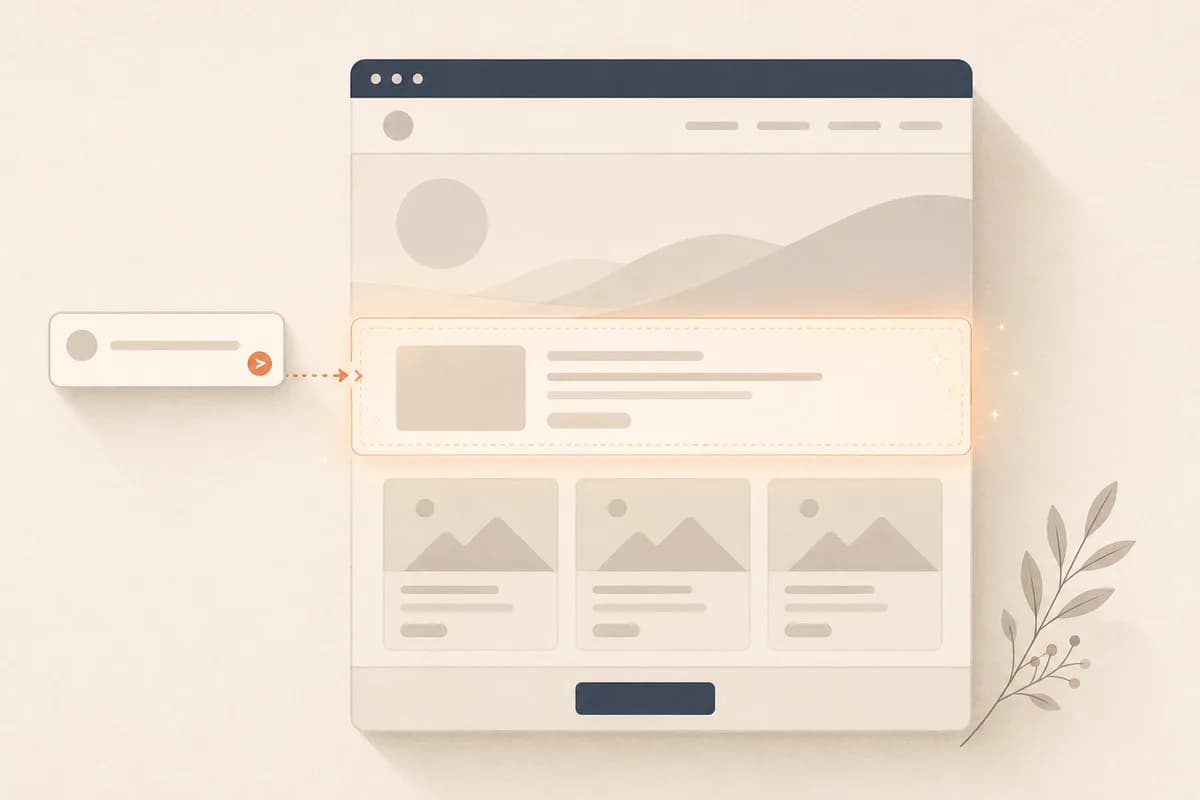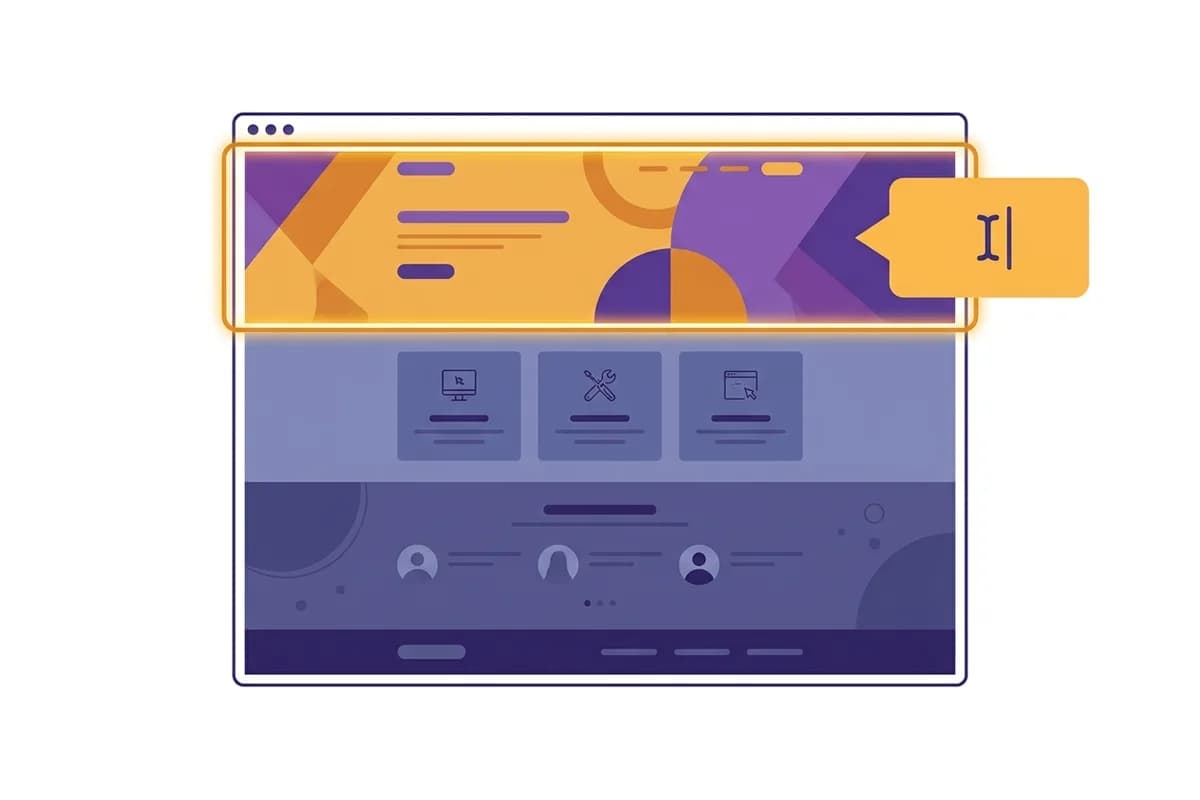
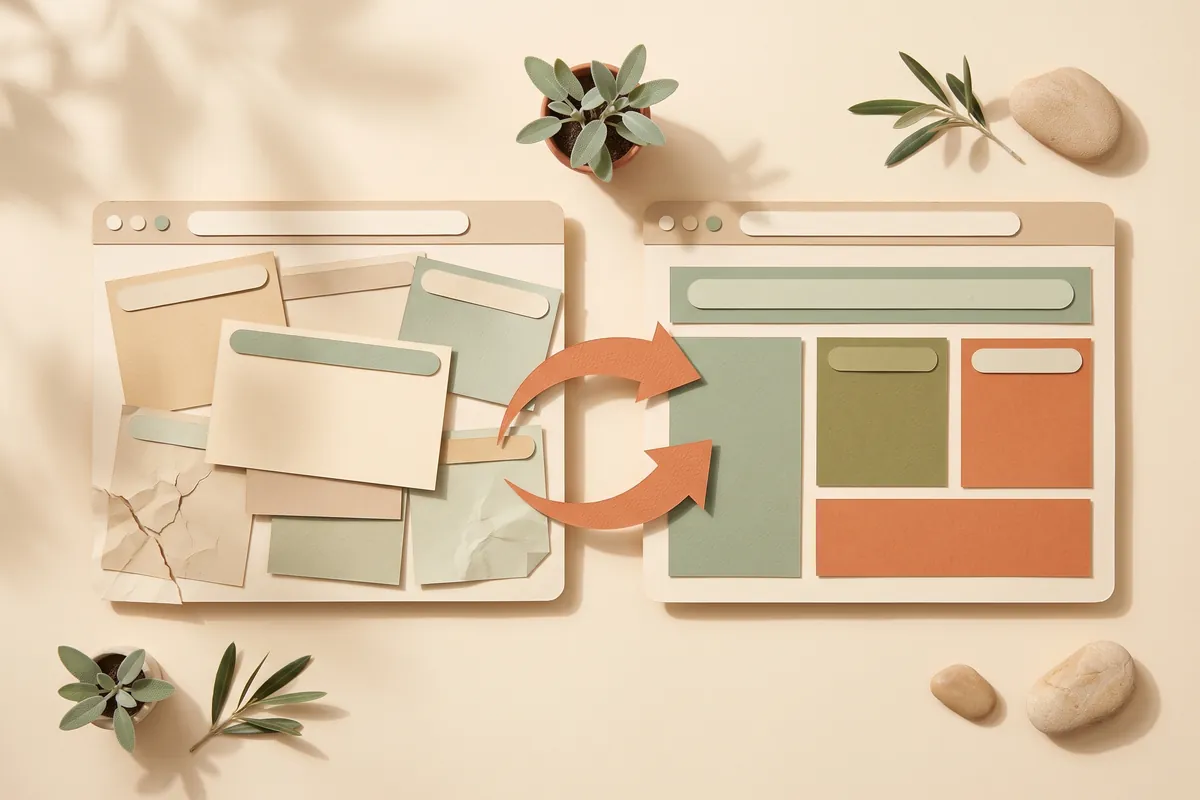
An AI website redesign uses your existing content and business goals to plan a modern replacement website. You describe your business, generate a draft in minutes, and carry over useful service descriptions, real reviews, and correct contact details. It is not an automatic import of the old platform. Protecting established addresses, integrations, and search visibility remains a separate migration task. The aim is a clearer layout that you can keep refining, not a promise that every old feature or ranking transfers unchanged.
That distinction matters, because most owners think a redesign means throwing everything away and rebuilding from scratch. It doesn't have to. This guide covers what an AI website redesign really involves, how to tell when your site needs one, what it costs, and the one situation where redesigning is actually the wrong first move.
What an AI website redesign actually means
A redesign is not the same as a repaint. Changing a color or swapping a font is a touch-up. A real redesign rethinks the structure: what shows up first, how the pages flow, whether a visitor can figure out what you do and how to contact you in five seconds.
With an AI website redesign, you don't hire someone to do that thinking in a locked file you can't touch. You describe your business and let the builder generate a modern version, then you steer it by typing. "Make the homepage lead with our best service." "Add a section for customer reviews." "Move the phone number to the top." No theme files, no CSS, no waiting on a developer's calendar. If you've never seen how a builder turns plain words into a working site, our walkthrough on how to build a website with AI shows the same flow a redesign uses.
The mental shift is that the design stops being a thing you commission once and pray you got right. It becomes something you adjust whenever the business changes.
Signs your old site is overdue for a redesign
You usually feel it before you can name it. Here are the honest tells:
- It looks fine on your laptop but breaks or shrinks on a phone, where most of your visitors actually are.
- It loads slowly, and you've quietly stopped sending people the link because you're a little embarrassed.
- The information is out of date: old prices, a service you dropped, a phone number nobody answers anymore.
- There's no clear next step. A visitor lands, reads, and has no obvious way to contact you or buy.
- It was built on a platform or theme that's no longer updated, so every small change is a fight.
- Your competitors' sites look current and yours looks like a time capsule.
If three or more of those ring true, the site isn't underperforming by accident. It's actively costing you leads that never bother to call.
Tip: Before you redesign, open your own site on your phone as if you were a stranger who just found you. Try to contact yourself in under ten seconds. If you can't, that's the exact problem the redesign has to solve, not the color scheme.
AI website redesign vs a full rebuild: the honest comparison
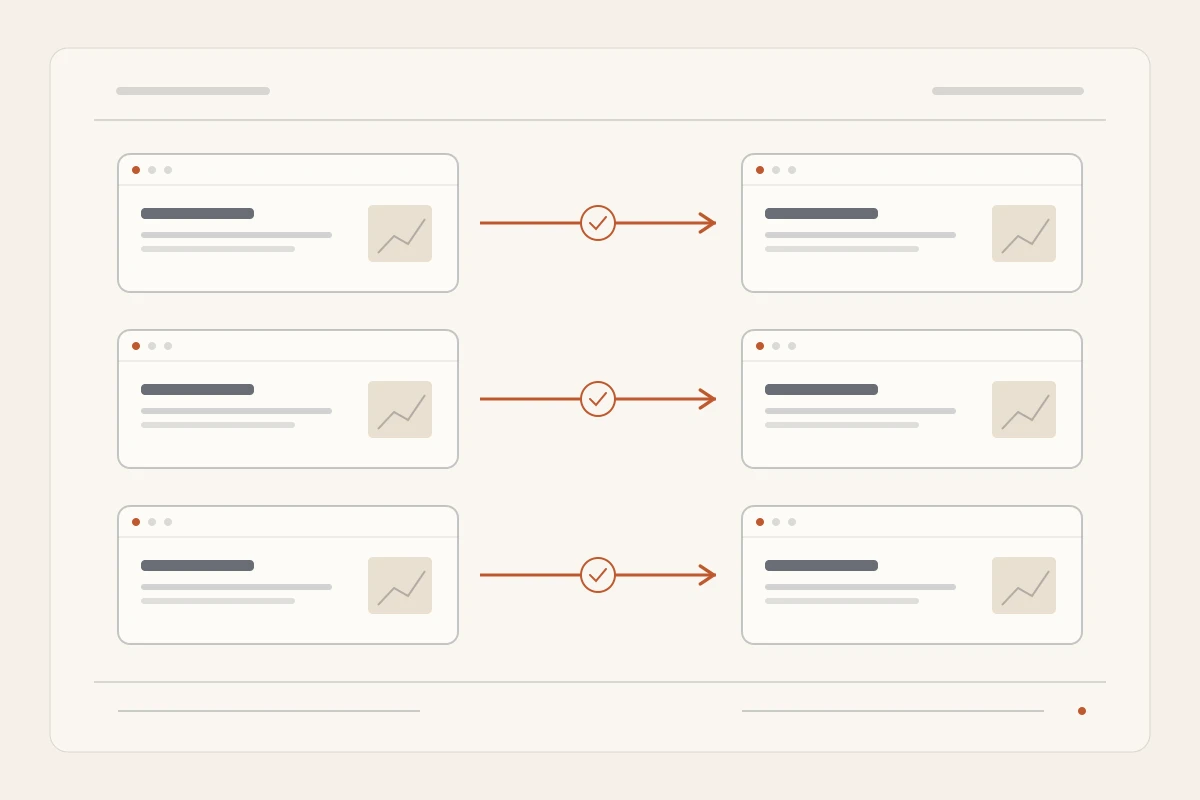
"Redesign" and "rebuild from scratch" get used as if they're the same thing. They're not, and the difference decides how painful the project feels.
| Factor | AI website redesign | Full rebuild from scratch |
|---|---|---|
| Starting point | Your current content and goals | A blank page |
| Time to first draft | A few minutes | Days to weeks of setup |
| Who does the work | You, by describing changes | An agency or developer |
| Cost | Low monthly subscription | Hundreds to thousands, one-time |
| Risk of losing content | Low, you carry it over deliberately | Higher, easy to drop pages |
| Ongoing edits | Included, instant | Billed per change |
| Best for | Most small businesses | Complex, highly custom sites |
Neither approach is automatically right. But for the average small business with a tired brochure site, a full rebuild is usually more project than the situation calls for. You're paying agency prices to recreate content you already have. An AI website redesign keeps the good stuff and swaps out the dated frame around it.
How an AI website redesign works, step by step
The flow is simpler than the word "redesign" makes it sound.
First, you describe your business in a sentence or two, the same way you'd explain it to a new customer. The builder generates a complete modern site: layout, sections, and starter copy that fits your industry.
Second, you bring your real material back in. Paste your actual service descriptions, your genuine customer reviews, your correct hours and address. This is the step people skip, and it's the one that separates a redesign that converts from a pretty template that says nothing.
Third, you steer by typing. You look at the draft and fix what's off: "Shorten this headline." "Add a pricing table with three tiers." "Put the contact form right under the hero." Each change lands instantly, so you're shaping the site live instead of writing a brief and waiting.
Fourth, you wire up the part that actually makes money: the lead path. A modern site is pointless if inquiries vanish into an inbox nobody checks. With Forgelo, lead forms route straight to your WhatsApp, so a new inquiry lands where you already reply within minutes. If capturing leads is the whole point of the redesign, and it usually is, our guide on how to turn visitors into WhatsApp leads is worth a read.
Then you publish, to a free subdomain to test it or your own custom domain, and you're done. The redesign that would have been a six-week project is an afternoon.
What an AI website redesign costs
Here's where the math gets interesting, and where people underestimate the old way.
A traditional redesign is a one-time invoice, a few hundred to several thousand dollars depending on who you hire, and then a stream of smaller charges every time you need a change afterward. That "small change" fee is the part that quietly adds up: a new service page here, a seasonal promo there, and a year later you've spent nearly as much again just keeping the site current.
An AI website redesign flips that. You pay a low monthly subscription that typically covers hosting, updates, and the edits you make yourself. Forgelo's plans run from a modest monthly fee, and you can see the exact numbers on the pricing page. The predictability is the real win. There's no surprise invoice in March when you decide the homepage needs a new headline. For a fuller breakdown of what sites cost across every route, we laid it out in how much a website costs.
Note: The cheapest redesign is not the one with the lowest sticker price. It's the one that doesn't charge you every time your business changes. Count the edits you'll make over two years, then compare, because that's where the two routes really separate.
The redesign trap nobody warns you about
Here's the contrarian bit, and it's the most useful thing in this article: a redesign is often the wrong first move.
Most sites don't underperform because they look old. They underperform because the message is muddy. The offer is unclear, the headline says something vague like "welcome to our website," and the visitor can't tell in five seconds what you sell or why they should care. If that's your real problem, a beautiful new design just makes a confusing site load faster. You'll have spent time and money to fail more elegantly.
So before you touch the design, fix the words. Say plainly what you do, who it's for, and what to do next. A blunt, ugly page that answers those three questions out-loud will outsell a gorgeous page that whispers. The good news is that an AI website redesign makes this easy: because you edit by typing, sharpening the message is the same motion as sharpening the design. Do the message first, then let the modern layout carry it.
If you're genuinely torn on whether to handle this yourself or hand it off, our honest take in AI website builder vs hiring a web designer walks through when each one wins.
Redesign without losing your SEO
The fear that keeps people on an ugly old site is losing their Google rankings. It's a fair worry and an avoidable one.
Search visibility depends on many signals, including content, links, crawlability, and page experience. Keep useful pages and existing addresses where possible, and map changed URLs to relevant replacements. A new layout alone does not guarantee better rankings. Review indexing and traffic after launch, and investigate missing content or broken redirects before treating a decline as a normal design transition.
The old site that loads slowly and breaks on phones is probably already bleeding rankings you can't see. A clean redesign with the basics done right, covered in our primer on website SEO basics, usually recovers ground rather than losing it.

Tip: Make a quick list of your current pages and their addresses before you redesign. It takes ten minutes and it's your insurance policy: you'll know exactly what to keep and what to redirect, so nothing that ranks quietly disappears.
A post-launch checklist for your redesign
Publishing the new design is not the finish line. Run this short check in the first days after launch, while any problem is still cheap to fix.
- Open every main page on your phone. Home, services, about and contact. Look for cut-off text, buttons that are hard to tap, and images that load slowly.
- Send yourself a test inquiry. Use the contact form as a customer would and confirm the message arrives where you reply, such as your WhatsApp.
- Visit your old page addresses. Each one should either still open or redirect to its new equivalent. A visitor landing on an error page from an old link or bookmark usually leaves.
- Re-read the facts. Prices, opening hours, phone number, address and service area. A redesign is the moment old mistakes get carried over unnoticed.
- Resubmit your sitemap in Google Search Console. It helps Google notice the new version sooner. You do not need to submit pages one by one.
- Watch inquiries for a few weeks. If they drop, compare the new pages with the old list you made and look for content that went missing.
Most of these take minutes. Skipping them is how a good redesign quietly loses leads in its first month.
Keep a migration worksheet, not just a design brief
Before changing the live website, write down what must survive: each important address, the service described there, the photos you own, and the contact destination. Work through the go-live checklist on a staging copy first. A mobile-friendly website review catches problems that a desktop mockup hides. Use a real phone to check the menu, the inquiry form, and the text size; a visually attractive screenshot is not an acceptance test.
Keep content decisions separate from infrastructure decisions. A custom domain and subdomain comparison helps you choose the test address without changing your established domain prematurely. Prepare the replacement offer with the website copywriting guide, then use section-level prompt editing to refine a generated Forgelo website. That editing applies to a project inside Forgelo. A reference URL does not mean Forgelo imports another platform's database, redirects, checkout, or existing theme automatically.
Google's site-move documentation recommends mapping old addresses to their new equivalents, testing redirects, and monitoring both versions. Significant changes can cause temporary ranking fluctuations. Do not promise that rankings will stay unchanged, and do not redirect every old service page to an unrelated homepage. If the domain or hosting configuration needs to change, agree on a rollback plan with whoever controls it before launch.
Navigation and headings deserve the same attention as imagery. The W3C guidance on heading structure explains how heading ranks communicate a page's organization and why skipped levels can confuse readers. Give each section a meaningful label, maintain its place in the page hierarchy, and test the result with keyboard navigation. Save your pre-launch inquiry and traffic baseline so that later improvements are measured rather than inferred from the new design alone.
The bottom line
An AI website redesign is the modern, low-stress way to drag a dated site into the present without the cost, the wait, or the fear of starting over. You keep what works, replace the frame that made it feel old, and gain the ability to keep it fresh yourself from then on.
Just don't redesign on autopilot. Fix the message first, protect your URLs, and route your leads somewhere you'll actually see them. Do that, and the redesign stops being a cosmetic exercise and starts being the thing that finally makes the site earn its keep. When you're ready, Forgelo can turn your tired old site into a modern one this afternoon.