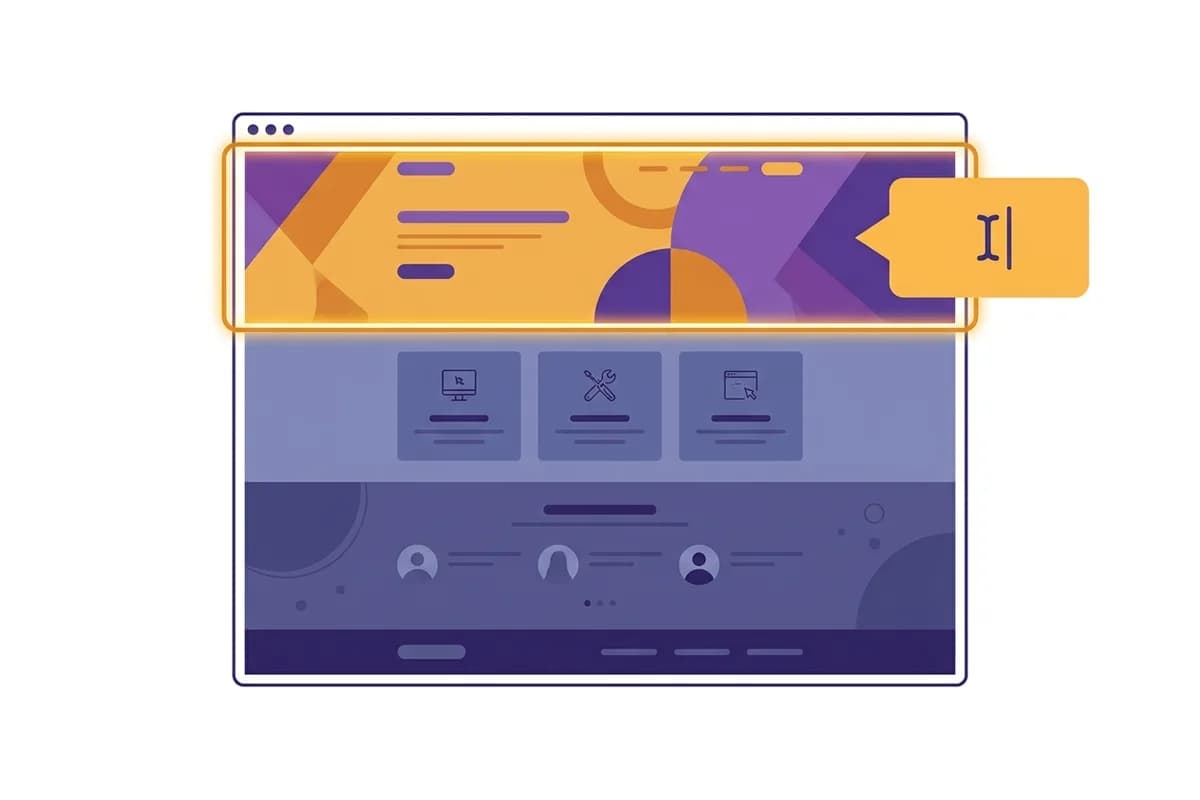
A one-person business does not need the builder with the longest feature list. It needs a website tool that removes the work you cannot keep up with, then leaves you in control of the parts customers actually see. That usually means a clear first draft, simple section-level editing, reliable publishing, and a contact path that works on a phone.
The short answer is this: choose an AI-first, self-serve website builder when speed and independence matter more than unusual custom functionality. Choose a template builder when you enjoy hands-on layout work. Choose a developer or a full code stack only when your business already has a specific technical requirement that simpler tools cannot handle.
On this page: the short answer, features that matter, builder approaches, the Forgelo workflow, a buying checklist, and common questions.
What is the best website builder for a one-person business?
The best website builder for a one-person business is the one you can take from a brief to a live, accurate page without opening a support ticket for every small change. That makes self-serve AI builders a strong fit for service businesses, freelancers, consultants, local shops, and people testing a new offer.
A solo owner is usually the writer, salesperson, project manager, and site editor. Time spent fixing a headline or waiting for a layout revision is time taken from customers. A tool that turns one clear sentence into a starting site can reduce that friction. Forgelo's measured production workflow reaches a free subdomain in about 4.5 minutes, not seconds, when the generation and publishing steps are available.
That speed is useful, but it is not the whole decision. A fast blank or inaccurate site is still a weak business asset. The builder must also make it easy to replace generic wording, add real proof, set a clear call to action, and check the page on a small screen.
The practical test is not “How quickly can this tool create a page?” Ask a better question: “Can I improve the page after a real customer asks me something?” A builder wins when it supports the second and third edit, not only the impressive first preview.
Which features matter more than a long feature list?
For a one-person business, the most valuable features are the ones that protect attention. A 2025 report from the U.S. Chamber of Commerce found that 58% of small businesses use generative AI, which shows that the question has moved from whether owners will try AI to whether the tool fits daily work. The U.S. Chamber of Commerce report provides the wider context.
Start with five practical checks.
- A clear first draft. You should be able to describe the business, audience, offer, and location in ordinary language. The output should give you a useful structure, not only decorative filler.
- Section-level editing. You should be able to revise one headline, service block, testimonial, or call to action without rebuilding the entire page.
- A dependable lead path. A contact form or WhatsApp route must be visible where a visitor is ready to ask a question. A website that looks good but loses enquiries is not doing its job.
- Mobile-friendly output. Your customers may first see the site on a phone. Check text size, button spacing, image crops, and the order of sections at a narrow width.
- Ownership and access. Your domain, account, copy, images, and analytics access should not depend on a vendor who may disappear.
[Forgelo's AI website builder overview] explains the broader category, while the no-code website builder guide is useful if you want to compare prompt editing with a more manual interface.
The common mistake is counting features before checking the editing loop. A calendar integration sounds useful, but it may matter less than being able to correct your opening sentence in thirty seconds. For a solo operator, small repeated tasks add up quickly.
How do the main builder approaches compare?
There are three common routes: a template builder, an AI-first self-serve builder, and a custom code or developer workflow. None is universally best. The right choice depends on who will make the next change, how unusual the site must be, and how much time you can reserve for maintenance.
The template route gives you visual control. You select a starting layout, replace text, adjust colors, and arrange blocks. It can work well when you already think visually and do not mind spending an evening comparing spacing and sections. The cost is decision fatigue. A template rarely knows which proof matters to your customer, so you still have to make the business decisions yourself.
The AI-first route starts with language. You describe the audience, service, location, and desired action, then review a generated structure. The benefit is a faster path from idea to a coherent page. The risk is generic copy. You need to replace broad claims with real details and proof. AI should accelerate the draft, not become the final fact checker.
The custom route gives the most control over behavior and design. It also creates the largest maintenance obligation. Code, hosting, deployments, dependencies, and security updates become part of your business routine. That may be justified for a product with unusual logic. It is usually excessive for a five-page service site whose main job is to explain an offer and start a conversation.
A useful rule from watching small-business sites is that complexity often arrives before evidence. Owners buy advanced functionality before they have confirmed which questions visitors ask. Launch the smallest useful version first, then add a feature when a customer or a measured workflow proves it is needed.
How does Forgelo fit a solo business workflow?
Forgelo is designed for a self-serve workflow rather than a developer console, a drag-and-drop canvas, or a one-shot generator. You start with one sentence about the business. The platform creates a site structure, then you edit individual sections with prompts such as “make this service clearer” or “add a shorter call to action for mobile visitors.”
That distinction matters because a one-person business needs to keep moving after the first launch. You may change a price, add a new service, replace a photo, or rewrite a promise after speaking with five customers. Editing one section by prompt keeps the change close to the decision. You do not have to find a developer, learn a design system, or remember which component contains the old sentence.
Forgelo also keeps the launch path simple. You can publish to a free subdomain while the offer is being tested, then connect a custom domain when the business is ready. The site can route lead forms directly to WhatsApp, which means the owner does not need to adopt another inbox just to receive the first enquiry.
The platform is a better fit for a local service, freelancer, consultant, small agency, or early-stage offer than for a complex marketplace or a product that needs custom application logic. If your requirement is a booking engine with unusual rules, a member dashboard, or a deep inventory system, evaluate a more specialized stack.
The best outcome is not “AI made everything for me.” The best outcome is that the owner can explain the offer, review the draft, correct the weak parts, publish, and keep the page current without creating a queue.
What should you check before choosing a builder?
Before starting a subscription, run a short practical test. Give the same business brief to two or three tools. Include the audience, offer, location, differentiator, preferred contact action, and one piece of real proof. Then compare the output using the same checklist.
First, look at the opening screen. Can a new visitor tell what you do, who it is for, and what to do next? If the answer needs a long scroll, the builder has not solved the main communication problem.
Next, test an edit. Change one section without touching the rest. If the tool changes unrelated copy or hides the relevant control, note that friction. The owner will meet this moment every week, so it matters more than a polished demo.
Then test the lead route. Submit a harmless test enquiry and confirm where it arrives. Check the phone layout as well as desktop. A button that is visible on a wide screen may fall below an awkward block on mobile.
Finally, inspect the commercial terms. Confirm the renewal price, custom-domain rules, export or access limits, image handling, and what happens if you cancel. A low introductory price is not the same as a low operating cost. You are buying a workflow, not only a monthly line item.
How much should a one-person business budget?
Budget according to the cost of delay, not only the subscription price. If an unfinished site is costing you enquiries, a modest monthly builder plan may be cheaper than waiting six weeks for a custom build. If the site is only a private experiment, start on a free subdomain and upgrade after the offer is clearer.
A simple budget has four lines: builder subscription, domain, optional business email, and time. The time line is easy to ignore, but it is often the largest one. A tool that costs slightly more but lets you make a change yourself may have a lower total cost than a cheap tool that requires paid help for every revision.
Forgelo's pricing starts at Rp 149 thousand per month, while the free subdomain lets an owner test the first version before buying a custom domain. Treat that number as a current product price to recheck on the Forgelo pricing page, not as a permanent promise.
If you are starting alone, choose a builder you can understand today and still operate three months from now. Publish a useful version, listen to real questions, and only pay for complexity when the business has earned the need.
Frequently Asked Questions
What is the best website builder for a one-person business?
Choose the tool you can publish and edit yourself. For many solo businesses, an AI-first self-serve builder is a good starting point because it reduces the blank-page problem and keeps section changes close to the owner. The final choice should still pass checks for accuracy, mobile layout, lead capture, and ownership.
Is an AI website builder good for a solo business?
It is a good fit when the site explains a service, portfolio, product, or local offer. It is less suitable when the business needs unusual application logic. AI can produce the starting structure, but the owner must replace generic claims, add proof, and test the enquiry route before publishing.
How much should a one-person business spend on a website builder?
Start with a plan that covers the pages and contact path you need. A monthly subscription can be easier to control than a large project fee while the offer is still changing. Recheck the renewal price, domain terms, and cancellation rules before paying.
Should I use a template builder or an AI builder?
Use a template builder when you want to arrange the design manually. Use an AI builder when describing the business is easier than choosing every block. The more important question is which workflow you will finish and keep accurate after launch.
Can I build a website without hiring a developer?
Yes, for many service and small-business sites. A self-serve builder can handle the structure, responsive layout, publishing, and basic lead route. You still need to provide truthful copy, usable images, account access, domain ownership, and a final mobile check.
A one-person business should not choose a website builder for its demo alone. Choose the tool that makes the next honest update easy. That is what turns a quick launch into an asset you can keep working on.