The safest way to refresh an old website with AI is to keep what still earns trust, replace what confuses visitors, and review the new version section by section before launch. Start with a content and traffic audit, describe the business and the problems you need to solve, generate a new draft, then use plain-language prompts to improve each section. Protect important URLs, forms, and search value throughout the process.
This is not a case for pressing a magic redesign button. AI is useful because it gives you a fast working draft and makes small changes less expensive. Your job is to decide what must remain true, what should change, and what evidence proves the new site is better. Our guide to building a website with AI covers the greenfield version. This article focuses on the messy, valuable reality of an existing site.
Why old websites become expensive to maintain
An old website rarely fails all at once. More often, small problems accumulate. The headline still describes a service you stopped offering. The contact button points to an inbox nobody checks. The mobile layout wraps awkwardly. Photos look dated. The site has five pages for the same service, but none answers the question a new visitor actually has.
There may also be useful assets hidden inside the mess. An old page can have backlinks, search impressions, customer language, reviews, location details, or a form that still converts. Deleting everything because the design feels old is risky. A refresh begins by separating valuable content from visual and structural debt.
If you are unsure whether your current platform can support the change, compare it with a no-code website builder and an AI website builder. The right question is not whether the new tool looks exciting. It is whether you can keep the important parts and make the next edit without repeating the same maintenance pain.
Sometimes a refresh is not enough and the whole look needs to change. Our guide to AI website redesign explains how to update an old site without starting a rebuild from scratch.
Step 1: Audit the old website before changing it
Make a short inventory of the current site. List the homepage, service pages, about page, contact page, landing pages, blog posts, and any page that receives visits from search or campaigns. Note each page's URL, purpose, primary call to action, and current status.
Then ask four plain questions for every page:
- Does this page answer a real customer question?
- Is the information still accurate?
- Can a visitor find the next action without hunting?
- Does the page work on a phone?
Use your analytics and Search Console data if you have access. Look for pages with impressions, clicks, leads, or links. Google describes core SEO principles in its SEO Starter Guide, but the practical decision is simple: do not throw away a useful answer merely because its layout looks old.
Also test the mechanical pieces. Submit the contact form, click phone and WhatsApp links, inspect the main navigation, and open the site on a mobile device. Record broken links and old third-party embeds. This evidence becomes your baseline for the new draft.
Step 2: Decide what stays, changes, or goes
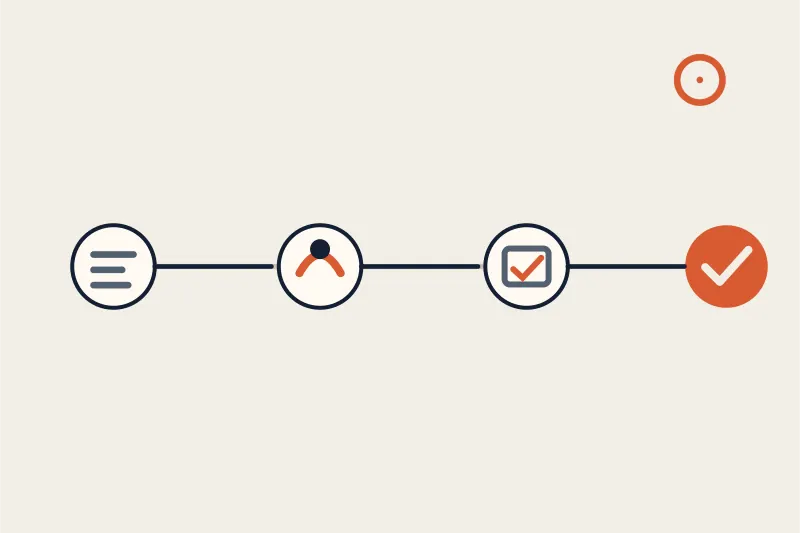
Put each page into one of three buckets. Keep pages whose intent, facts, and URLs remain useful. Rewrite pages with a good purpose but weak message, thin detail, or an outdated call to action. Remove or merge pages that duplicate another page, describe an abandoned offer, or attract visitors who are not customers.
Do not confuse shorter with better. A concise service page can outperform a long page if it answers the decision questions clearly. At the same time, cutting half the content without checking search data can remove the exact detail that made the page discoverable.
Write a one-sentence brief for the new site. Include what the business does, who it serves, where it operates, the feeling the brand should create, and the action visitors should take. For example: "A calm, practical website for a family dental clinic in Bristol, focused on nervous patients, transparent treatment information, and appointment requests." A precise brief gives the AI something to work with.
If your existing website has a strong brand voice, save examples of the best paragraphs before asking for a rewrite. AI can improve clarity while preserving the phrases that sound like your team. It should not turn a local business into a generic corporate template.
Step 3: Generate a fresh structure with AI
Use a self-serve AI builder to describe the business and the improvements you want. Mention the page structure, audience, location, services, proof, and primary conversion path. Ask for a useful first draft, not a finished brand identity.
The first output should give you a starting hierarchy: a clear hero, a short explanation of the offer, services or features, proof, an FAQ when useful, and a contact action. It should not invent prices, awards, testimonials, certifications, or guarantees. Replace any placeholder with verified information before launch.
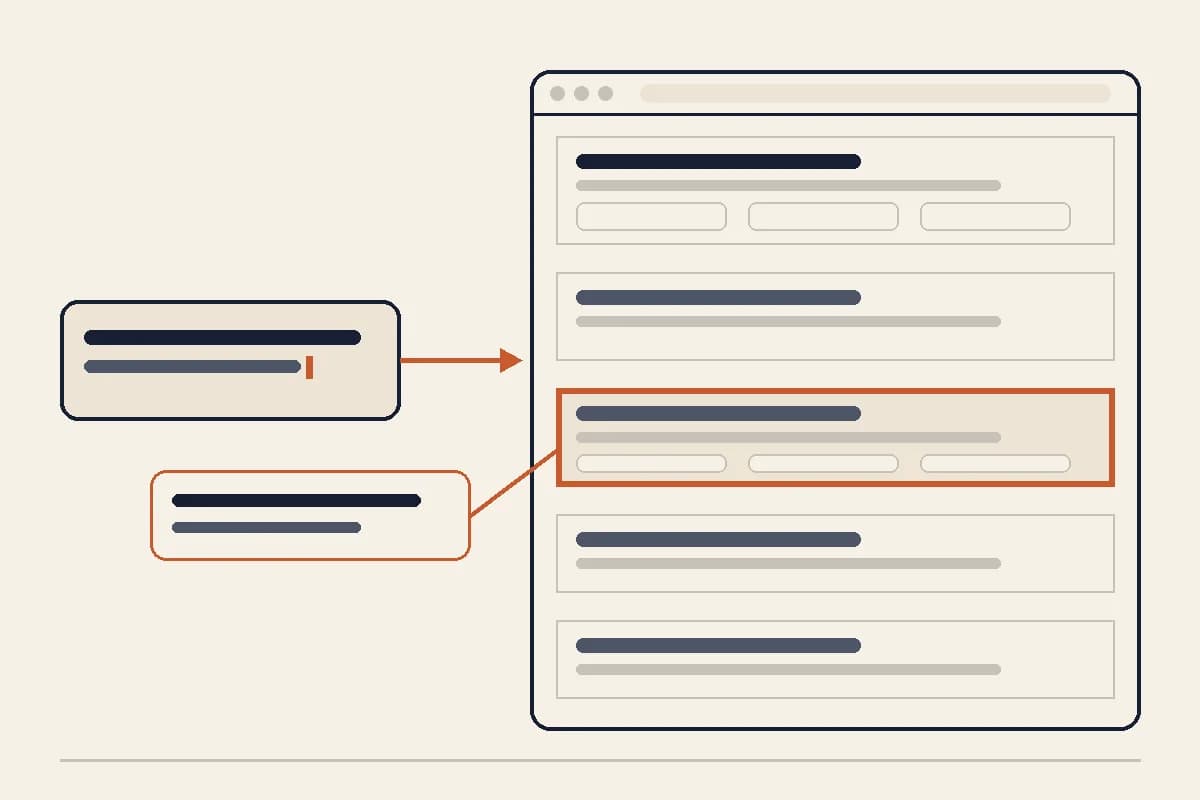
This is where the editing model matters. A tool that lets you edit by prompt per section allows focused requests such as "rewrite the hero for parents comparing first dental visits" or "turn this three-paragraph services block into five scannable service rows." You keep the scope of each change visible instead of accidentally changing the entire site.
Forgelo is built around that approach. Describe the business, get a working site in a few minutes, then ask for a clearer headline, a new pricing section, or a shorter about block. The point is not to remove judgment. The point is to make a useful revision affordable for a non-developer.
Step 4: Improve the message before the decoration
An old website usually needs sharper answers before it needs a new color palette. Put the main value proposition in the first screen. Say what you do, who you help, and what someone can do next. Use specific language instead of claims such as "the best solution for everyone."
Next, make the service or product sections easy to scan. Each item should have a name, a short outcome, and enough detail for a visitor to decide whether it is relevant. Add proof where it exists, such as a real review, a process explanation, a case study, or a clear list of locations.
Keep the contact path consistent. A local service might need a call button and WhatsApp link. A consultancy might need a form that asks for project details. A store might need product and checkout actions. The new design should make the next step obvious without forcing every visitor through the same route.
For editing mechanics, see our guide to editing a website by prompt. For people starting without technical experience, the AI website builder guide for beginners explains how to review generated sections without accepting generic copy by default.
Step 5: Protect SEO and existing customer paths
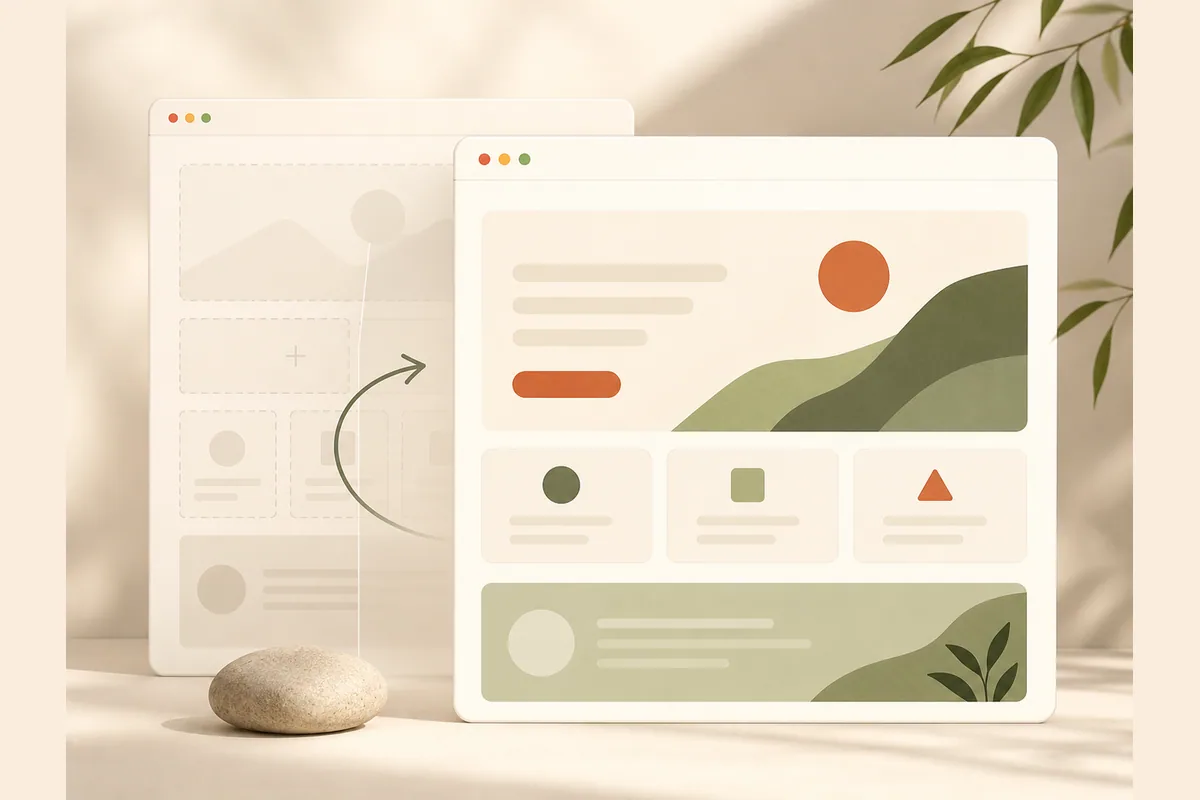
Before replacing the old site, create a URL map. For every important old URL, record whether it will stay, move to a new path, merge into another page, or be retired. If a URL changes, create a redirect to the closest relevant destination. Do not send every old page to the homepage because that hides the original intent from users and search engines.
Preserve useful titles, headings, internal links, and explanations. Improve them when needed, but do not remove a section solely to make the page shorter. Check that the new page still covers the phrases customers use naturally. The website SEO basics guide is a useful checklist for titles, descriptions, headings, links, and content quality.
Review structured data and canonical URLs if your platform exposes them. Confirm that the new site uses HTTPS, that the sitemap includes the intended pages, and that robots rules do not block important content. After launch, inspect the live pages rather than relying on a successful build message.
A redesign can be visually perfect and still lose traffic if the migration is careless. Keep a copy of the old content and redirect map. If traffic drops sharply after launch, you have something concrete to investigate instead of guessing.
Step 6: Check images, speed, and mobile behavior
Replace stock imagery that no longer represents the business. Use real photos when they are available, and give every meaningful image descriptive alternative text. Compress large files and set dimensions so the page does not jump while loading.
Check mobile behavior at a narrow viewport. Headlines should not be clipped, tables should remain readable, forms should be easy to fill, and buttons should be comfortable to tap. Test on a real phone when possible. A desktop screenshot cannot prove that a page is usable in a one-handed context.
Performance is part of the visitor experience, not a decoration score. Test the pages that matter most, especially the homepage, the main service page, and the contact path. Use the Core Web Vitals guidance as a reference for what loading, responsiveness, and layout stability mean.
Do not try to solve every metric before the offer is clear. A fast page with an unclear headline still loses people. A clear page with huge images also creates avoidable friction. Fix the largest visitor-facing problems first, then measure again.
Step 7: Launch in a controlled window
Prepare the new version while the old site is still live. Check the domain, forms, analytics, search tags, redirects, and contact notifications in a preview or staging environment when the platform supports one. Choose a launch window when someone can monitor the first few hours.
At launch, check the homepage and the most important paths immediately. Test the main form yourself. Open the site from a mobile network. Confirm the canonical URL and HTTPS certificate. Watch for a blank page, broken images, missing styles, and old links that now return errors.
Keep the previous version available long enough to compare behavior and recover quickly. Do not make unrelated copy, platform, tracking, and domain changes in the same moment. A controlled launch makes a failure diagnosable.
After the new site is live, ask a few real customers or colleagues to complete one task. Find the service they need, understand the offer, and send an inquiry. Their confusion is more useful than a team member saying the page looks modern.
When a refresh is better than a replacement
Refresh the site when the business name, domain, offer, and strongest content are still valid. An AI draft can modernize the structure, improve mobile readability, and make future edits easier while preserving the useful history.
Choose a full replacement when the current platform blocks essential changes, the information architecture no longer fits the business, or maintenance has become a bigger risk than migration. Even then, treat the replacement as a migration. URLs, redirects, forms, analytics, and search value still need a plan.
For a broader launch plan, compare the Forgelo features, read how it works, and review pricing before you choose a publishing setup. You can also use our guide to how AI generates a website when the refresh is part of a larger repositioning.
Final checklist for an AI website refresh
Before you switch traffic to the new version, confirm that:
- The new site has a clear offer, audience, location, and next action.
- Important old URLs have a keep, rewrite, merge, or redirect decision.
- Existing forms, phone links, WhatsApp links, and analytics were tested.
- Copy, prices, testimonials, locations, and claims are verified.
- The main pages have useful titles, descriptions, headings, and internal links.
- Images load, have meaningful alt text, and do not cause layout jumps.
- Desktop and mobile layouts are readable and easy to use.
- HTTPS, canonical URLs, sitemap, and robots rules are correct.
- A launch window and rollback plan exist.
- The live site has been checked after deployment, not only in preview.
Refreshing an old website with AI works best as a controlled improvement loop. Audit first, generate a draft, edit by section, protect the valuable paths, and test the live experience. You do not need to preserve every old pixel, but you should preserve every useful promise your customers already understand.