
The WordPress.com AI website builder addresses a practical question: how can starting a WordPress site involve less setup? You describe your business, answer a few prompts, and it generates a WordPress site you can then edit with AI or manually. This review concerns WordPress.com's hosted AI builder, not every AI plugin available for self-hosted WordPress. The question is whether it fits how you want to build and run a site.
This review is honest in both directions. WordPress earns its reputation, and the AI layer removes a genuine pain point. It also carries the same trade-offs WordPress always has, and the AI does not make those disappear. By the end you will know where the WordPress AI website builder shines, where it drags, and how a focused tool like Forgelo compares if simplicity matters more to you than raw extensibility.
What does the WordPress.com AI website builder generate?
The WordPress.com AI website builder generates an editable WordPress site from a description of your business, goals, and preferred style. WordPress.com documents AI-assisted changes to text, colors, layouts, and sections after generation, so the service supports ongoing prompt-based editing as well as manual work in the WordPress editor.
That framing matters. The AI assists with setup and later editing, but it does not replace WordPress itself. It shortens the blank-page problem without changing the underlying content management system. You still make decisions about structure, extensions, content quality, and configuration.
So if you go in expecting a tool that builds the site and handles every future decision, adjust that expectation. The AI can help with revisions, but you still review the result and decide how the site should work.
What are the strengths of the WordPress.com AI website builder?
The WordPress.com AI website builder combines AI-assisted setup with WordPress's publishing tools and extension ecosystem. Businesses that need a growing article library, specialized plugins, or a path toward more complex functionality can keep working within WordPress, although advanced features may need additional configuration, compatible extensions, and ongoing review.
Membership areas, complex stores, event calendars, multilingual setups, and custom post types are examples of WordPress extensions, not a promise that the AI builder configures them automatically.
Content is another strength. WordPress grew up as a publishing platform, and it shows. If your strategy leans on a serious blog, a knowledge base, or a library of articles, the writing and organizing experience is mature. Its publishing workflow supports an expanding long-form content library.
Ownership and portability round out the strengths. Especially self-hosted, you own your data and can export and move your site. You are not renting a corner of someone else's platform with no exit. For businesses that think in years, that durability is a legitimate reason to choose WordPress, and the AI builder makes the front door far less intimidating than it used to be.
Note: If your website is going to be a content engine first, with dozens or hundreds of articles over time, evaluate WordPress's publishing tools before choosing a narrower builder. AI-assisted setup does not replace that longer-term content workflow.
To distinguish hosted WordPress AI from neighboring tools, compare the ZipWP review and the 10Web review. Both belong in a WordPress-oriented evaluation, but a shared ecosystem does not imply identical hosting, editing, or configuration responsibilities.
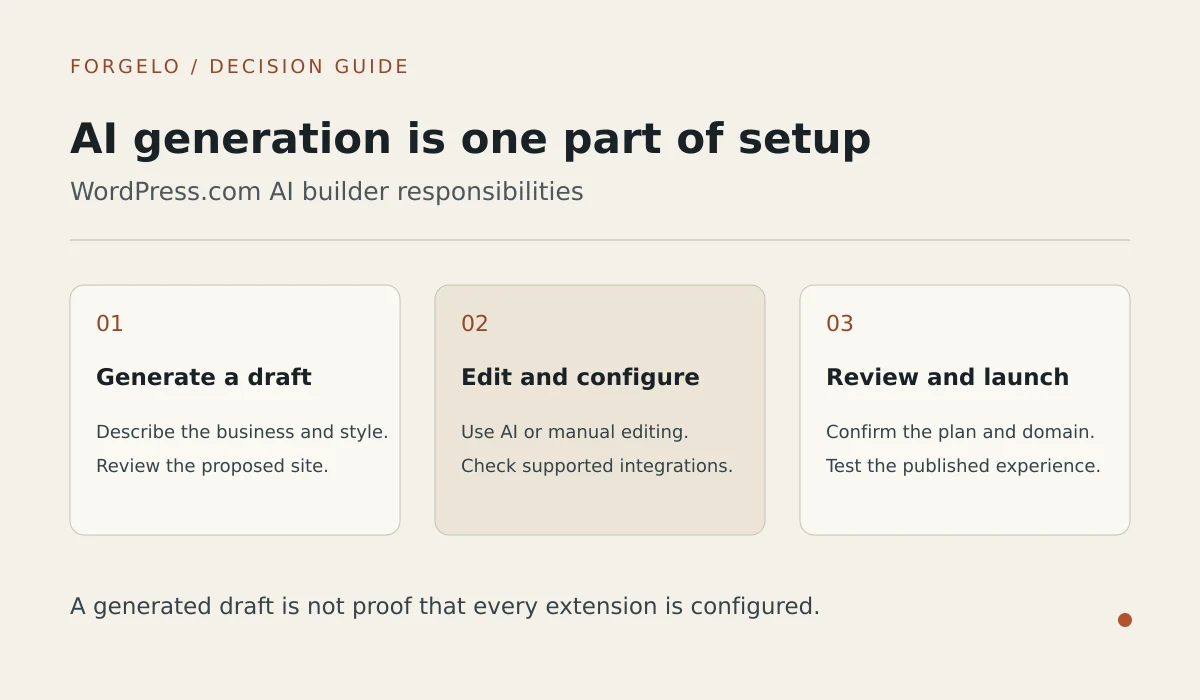
Turn that setup checklist into a concrete review before launch. Confirm which features come from the hosted builder, which depend on your plan, and which need separate configuration. Then make a real content edit and test the inquiry path. That exercise makes the maintenance responsibilities easier to compare with a managed landing-page workflow.

What are the limits of the WordPress.com AI website builder?
The WordPress.com AI website builder does not turn every WordPress capability into an automatic AI workflow. WordPress.com says AI cannot currently build ecommerce functionality or integrations, so those additions require separate setup, while owners still need to review generated content, plugin compatibility, and site performance.
Maintenance is a cost to budget for, but hosting changes who handles it. Plugins, themes, and WordPress core need updates, and extensions can conflict. Self-hosted owners or their providers manage that work; WordPress.com supplies managed hosting. Review your plan's coverage and the compatibility of any additions rather than assuming all WordPress setups have the same upkeep.
Editing involves more than choosing between prompts and blocks. WordPress.com supports ongoing AI changes, including headlines and new sections, alongside manual editing. Settings, plugin behavior, and more specialized requirements can still need separate attention. The trade-off is the breadth of the platform, not the absence of prompt-based revisions.
Speed and bloat deserve a mention too. A WordPress site can be fast, but it can also get heavy quickly once you stack a theme, a page builder, and a handful of plugins. Keeping it lean takes attention. A site that loads slowly quietly costs you visitors and search rankings, and you can read the fundamentals in our guide to website SEO basics.
A practical trade-off is that WordPress's flexibility creates more choices to evaluate. Adding options can turn into tinkering, and tinkering is not the same as launching. For a solo owner who needs a focused page and an inquiry path, extra configuration can distract from publishing a site that explains the business clearly.
How does the WordPress.com AI website builder compare with Forgelo?
The WordPress.com AI website builder offers WordPress publishing and extensibility, while Forgelo focuses on a managed main landing page with supported blog or news content. Both support prompt-based editing, but WordPress suits broader plugin-driven requirements, whereas Forgelo keeps section editing, hosting, and paid-plan WhatsApp lead forms together.
| Factor | WordPress AI builder | Focused AI builder (Forgelo) |
|---|---|---|
| Time to a live site | Generate, review, configure, and launch | Generate, review, and publish |
| Ongoing editing | AI prompts, block editor, and settings | Section edits in plain language |
| Maintenance | Managed hosting; review extensions and configuration | Managed hosting; review content and settings |
| Extensibility | WordPress plugins and configuration | Main landing page plus supported blog or news |
| Content depth | WordPress publishing workflow | Supported posts within plan limits |
| Lead capture | Forms or plugins; configure the destination | Paid-plan WhatsApp forms; configure the destination |
| Learning curve | Depends on extensions and site complexity | Focused section-editing workflow |
| Best for | Content libraries and plugin-driven requirements | Focused business pages and inquiries |
Read that table honestly. If the right column describes your needs, a focused builder saves you real time and hassle. If the left column does, WordPress rewards the investment. The mistake is picking the powerful tool for a simple job, then spending your evenings maintaining it.
The alternative workflow is easier to assess through an actual edit. Read the section-level editing explanation alongside the prompt-editing walkthrough, then compare those supported tasks with the changes your WordPress project needs.
Who should choose the WordPress.com AI website builder?
The WordPress.com AI website builder suits businesses that want WordPress's publishing workflow, plugin ecosystem, and room for a more complex site. It is a reasonable choice when someone can evaluate extensions, review AI changes, and manage the site's configuration rather than expecting generation alone to resolve every technical or editorial decision.
Pick it if content is your core strategy and you plan to publish heavily over time. Pick it if you need specific, unusual functionality that only its plugin ecosystem provides. Pick it if you have someone, in-house or hired, who genuinely enjoys managing the platform and keeping it healthy. And pick it if long-term portability and full control outweigh the convenience of a simpler tool.
In those situations, the WordPress.com AI website builder provides an assisted route into the platform. It reduces initial setup work while leaving WordPress tools available. That combination can suit an owner who wants the wider ecosystem.
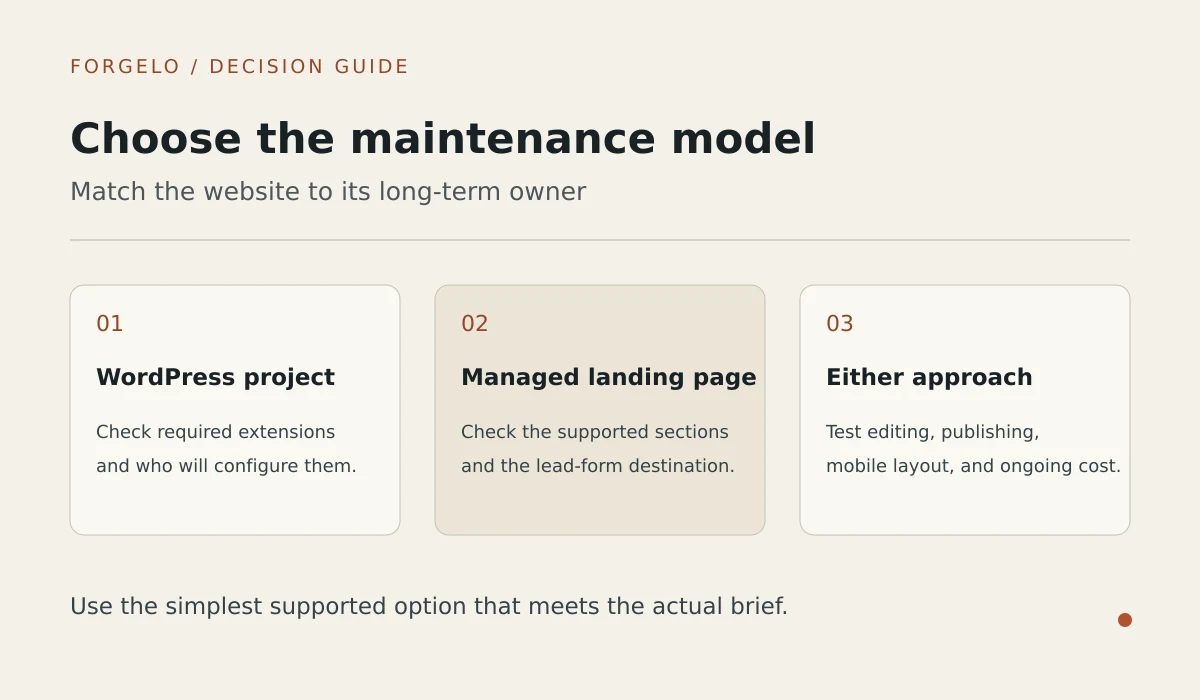
What does Forgelo offer instead of the WordPress.com AI website builder?
Forgelo offers a hosted main landing page that owners can refine section by section using prompts, with separate supported blog or news content. Compared with the WordPress.com AI website builder, Forgelo narrows the available site structure instead of offering WordPress's broader plugin ecosystem, and paid plans include WhatsApp lead forms.
You describe your business, and Forgelo generates a main landing page for you to review and publish. Editing stays in plain language: request a shorter headline, a supported section, or different wording. Paid-plan lead forms send inquiries to your configured WhatsApp destination. SEO fundamentals are built in, you can publish to a free subdomain or connect a custom domain on a paid plan, and agencies can discuss the Agency plan for client work, with full white label on the roadmap.
Pricing is deliberately simple: plans at 9, 19, and 39 dollars a month (Rp 149,000, Rp 299,000, and Rp 599,000), with no separate hosting bill and no plugin shopping list. You can see the full breakdown on the pricing page. If you are still weighing the wider field, our roundup of the best AI website builder options puts the choices in context, and if budget is your main concern, we break down the real numbers in how much a website costs.
Forgelo's AI generation and editing allowances use a rolling 24-hour window, not unlimited usage. Free accounts can generate and edit for 30 days from signup; those actions lock afterward until upgrade, while hosting is unaffected. Forgelo does not provide arbitrary service, about, or contact pages, a cart, or checkout.
Tip: A fair way to decide is to ask what you want to spend your time on. If you want to run your site, WordPress gives you a workshop. If you want to run your business and let the site quietly work, a focused builder gets out of your way.
The difference is not that one tool is good and the other is bad. It is that they aim at different people. WordPress hands you a platform. Forgelo hands you a finished site and keeps it easy.
A business choosing its first tool can use the beginner selection guide to narrow the brief. Before launching, review the custom-domain publishing checklist so domain access is part of the plan comparison rather than an unexpected final step.
Is the WordPress.com AI website builder right for a small business?
The WordPress.com AI website builder is a reasonable small-business choice when publishing depth and WordPress extensions matter more than a narrowly managed editing workflow. For a main landing page with supported blog or news content, Forgelo is another option, but it is not a substitute for arbitrary multipage sites or ecommerce checkout.
Some small businesses need a focused page that explains their work and gives visitors a way to inquire, rather than an extensible platform. If that is you, a tool like Forgelo may fit the job without plugin management. Review the generated content and lead settings before publishing. Match the tool to the job rather than choosing extra complexity you do not need.
For the wider choice beyond WordPress, our AI website builder introduction explains how to compare supported site scope, publishing responsibilities, and routine editing requirements.