The question "where should a new business website start" almost always gets tackled in the wrong order. Most people start by choosing a domain name, comparing hosting prices, or waiting for a logo. Yet none of those three things decides whether your first customer will contact you.
The short answer: start with one page people can contact you from. One page that explains what you sell, who it is for, and how to order. The domain, design, and extra pages follow once that page is live and you know what questions people actually ask.
This guide is not a technical tutorial on building a website. For that, there is a separate guide on how to build a website for your business that covers the routes, steps, and costs in full. What this one covers is the thing that more often stalls a new business: the order of decisions. What to do first, what can wait, and what a realistic first 30 days look like.
Does a new business need a website, or are Instagram and WhatsApp enough?
It is an honest question and deserves an honest answer. Social media is a good place to be discovered. People find new businesses through Reels, group recommendations, and friends' posts. At the very earliest stage, that is often faster than chasing a Google ranking.
The market context is clear too, especially in Indonesia, where Forgelo is built and where WhatsApp is the default business channel. According to an APJII survey, Indonesia has 221,563,479 internet users, a penetration rate of 79.5 percent. On the business side, the Ministry of Cooperatives and SMEs recorded 25.5 million small businesses (UMKM) already in the digital ecosystem as of mid-2024. In other words, your prospective buyers are already online, and so are most of your competitors. What sets you apart is whether you have your own address for people to go to, not just an account borrowing space on someone else's platform. The same logic applies in any market where your customers live on their phones.
The problem shows up at the next stage. Social media is strong at earning attention but weak at settling doubts. Serious prospects usually look for three things that are hard to show in a feed:
- A clear offer. What it costs, what is included, how long it takes. This information sinks within days in a feed and is impossible to maintain in captions.
- Proof that you are real. An address, opening hours, a number that actually gets answered, the name of the person behind it.
- Answers without sending a DM first. Many people do not want to ask. If the answer is not there, they go to a competitor who wrote it down.
A website works as a permanent address you can send anywhere: in your Instagram bio, in a WhatsApp reply, in an email proposal, to the customer who says "just send me the info". Its content does not sink, does not depend on an algorithm, and you can change it any time.
So for a new business, the choice is not one or the other. Social media earns attention, the website settles doubts. If you want to compare the two in more depth, there is a dedicated piece on website versus social media.
One honest exception: if your business is literally a few days old, has no fixed prices yet, and you are still testing whether anyone will buy at all, it is fine to put the website off for a few weeks. But do not put it off for months because you "haven't had time", because building a first version now is much cheaper than you think.
Four decisions to finish before touching any tool
This is the part most often skipped, and it is the part that matters most. Every tool, from WordPress to an AI website builder, will produce something messy if these four things are not clear.
Decision 1: One main action. What is the one thing you want visitors to do? Chat on WhatsApp? Fill in a form? Call? Visit your location? Order through a marketplace? Pick one, not five. A new business website offering five paths at once usually produces none, because visitors who are confused about which to choose end up choosing nothing.
Decision 2: One buyer segment. Who is most likely to buy in the next 30 days? Not who "ideally" becomes your customer next year. If you are starting a photography service, is your first-30-day target graduations, product shots for small businesses, or pre-wedding sessions? The answer changes the whole page.
Decision 3: One explanatory sentence. Sum up your business in one sentence a stranger can understand: what you make or do, for whom, and where. Example: "A home catering business in Yogyakarta offering daily boxed rice meals for offices and small events." This sentence is not just an exercise. It is your most important raw material, and in an AI website builder it is exactly what you type to generate your first site.
Decision 4: One form of proof. What proves your business is real? A new business does not have hundreds of testimonials yet. That is fine. Legitimate proof for a beginner can be photos of your own work, one testimonial from your first customer, a WhatsApp number that actually gets answered, an address people can check, or simply a photo of you and your small team. Specific honesty is more convincing than big, empty claims.
A tidy impression counts as proof too. The classic Stanford Web Credibility Project research found that 46.1 percent of respondents judged a site's credibility partly on its visual design, such as layout, typography, and color. For a business nobody knows yet, a clean, consistent page does much of the trust-building before a single sentence is read.
Once these four decisions are made, the rest becomes easy work. If they are not, even the most advanced tool only moves your confusion onto a screen.
A realistic order for the first 30 days
This is a framework you can follow as is. The key is publish first, refine as you go, not the other way round.
Week 1: decisions and a live version. Make the four decisions above, then build and publish a first version on a free subdomain. Do not use a paid domain yet. This week has only one target: an address you can send to people.
Week 2: improve from real questions. Send the link to ten people: friends, prospects, community groups. Write down every question they ask after reading. Any question that comes up twice or more is a hole in your page, and it should be answered directly on the page, not in chat.
Week 3: contact path and trust. Make sure the WhatsApp button or form actually reaches you. Test it yourself from someone else's phone. Add newly collected proof: a testimonial, photos of recent work, opening hours. The guide to adding WhatsApp chat to your website covers how to set this path up properly.
Week 4: domain and Google. If people have contacted you during the first three weeks, it now makes sense to buy your own domain and work on getting your business name to appear in search. The basics are in the guides on domains and hosting for beginners and how to get your website on Google.
Notice that the tasks people usually do first, the domain and SEO, sit in week four. That is deliberate. Buying a domain for a page nobody has seen produces nothing, while a page that goes live earlier immediately starts collecting real questions that make it better.
The minimum content for a new business website: one page, six blocks
A new business does not need five pages. One complete page is almost always better than five half-finished ones, because visitors do not have to jump around to find what they are looking for.
These six blocks are enough for a first version:
- An opening that explains everything in one breath. Business name, what you do, for whom, in which city. Visitors should understand within five seconds.
- What you offer. Three to five main services or products, written in your customers' language, not internal jargon.
- Prices or a price range. This is what new businesses avoid most and what visitors look for most. If prices genuinely cannot be fixed, give a range or explain what affects them. Total silence makes people assume it is expensive, and they leave.
- Proof that you are real. Photos of your work, your first testimonial, a photo of your premises, or simply your face and name.
- Answers to the most common questions. Four to six questions that always come up in DMs. Writing them on the page saves your time and settles visitors' doubts.
- One button to the main action. It appears at several points, not only at the bottom, and leads to the same path you chose in your first decision.
If your business grows later and needs a bigger structure, there is a separate guide on website page structure. For now, one page with these six blocks does the job.
A note on writing: write the way you would explain it to a neighbor, not like a company profile. "We are committed to delivering the best solutions to all our customers" tells visitors nothing. "We deliver boxed meals anywhere in Sleman, minimum 20 portions, order a day ahead" tells them everything. For the writing style, there is a full piece on website copywriting.
What can wait
This list matters as much as the previous one. New businesses stall more often from waiting on things that could wait than from technical difficulty.
- Your own paid domain. A free subdomain is enough for the first 30 days. There is a comparison of when to switch in the guide on custom domain versus free subdomain.
- A final logo from a designer. Your business name typed neatly is enough for a first version. No customer has ever cancelled an order because the logo was not finished.
- A professional photo shoot. Bright, honest phone photos beat an empty page waiting for a photographer's schedule. The guide on business website visuals covers how to make phone photos good enough to publish.
- A full product catalog. Show only the best sellers or the most representative items. The rest can be added gradually.
- A blog and content strategy. Useful later, not useful now. A business with zero visitors does not need weekly articles, it needs one clear page.
- Online payments. For most small businesses in Indonesia, the first transactions still happen in a WhatsApp conversation, and many small businesses elsewhere also start by taking orders by message or phone. Add automated payments once the volume justifies the effort.
Only three things cannot wait: clarity about what you sell, a contact path that actually works, and simple proof that you are real.
The fastest way to have a first version today
Once your decisions are clear, building the page is the quickest part, and this is where an AI website builder changes the math.
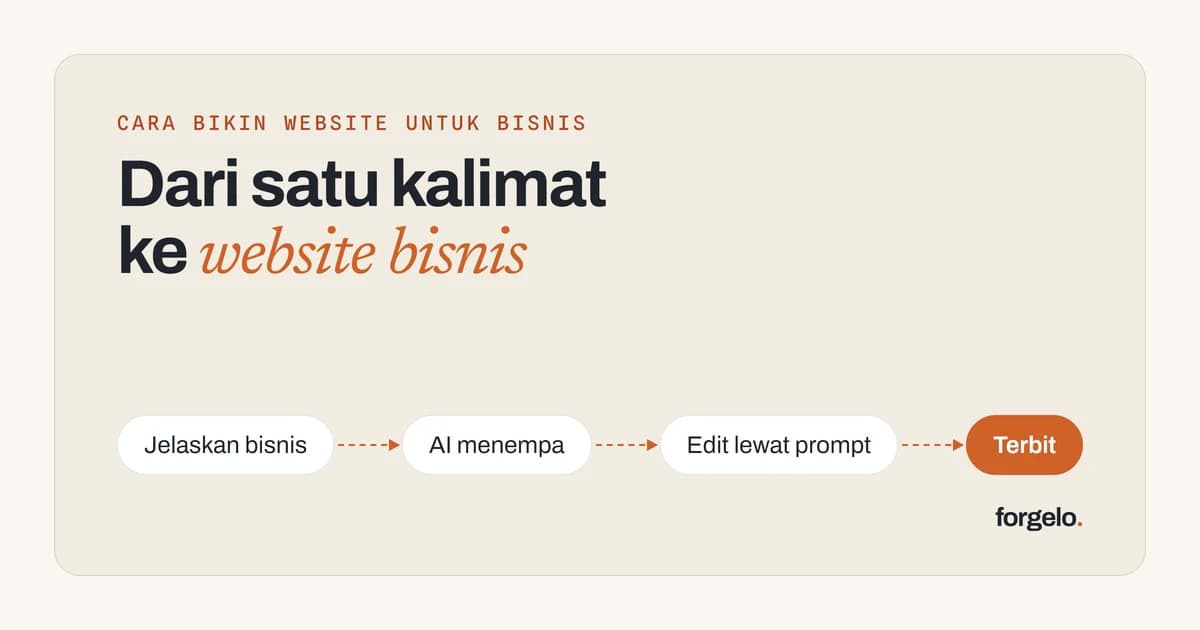
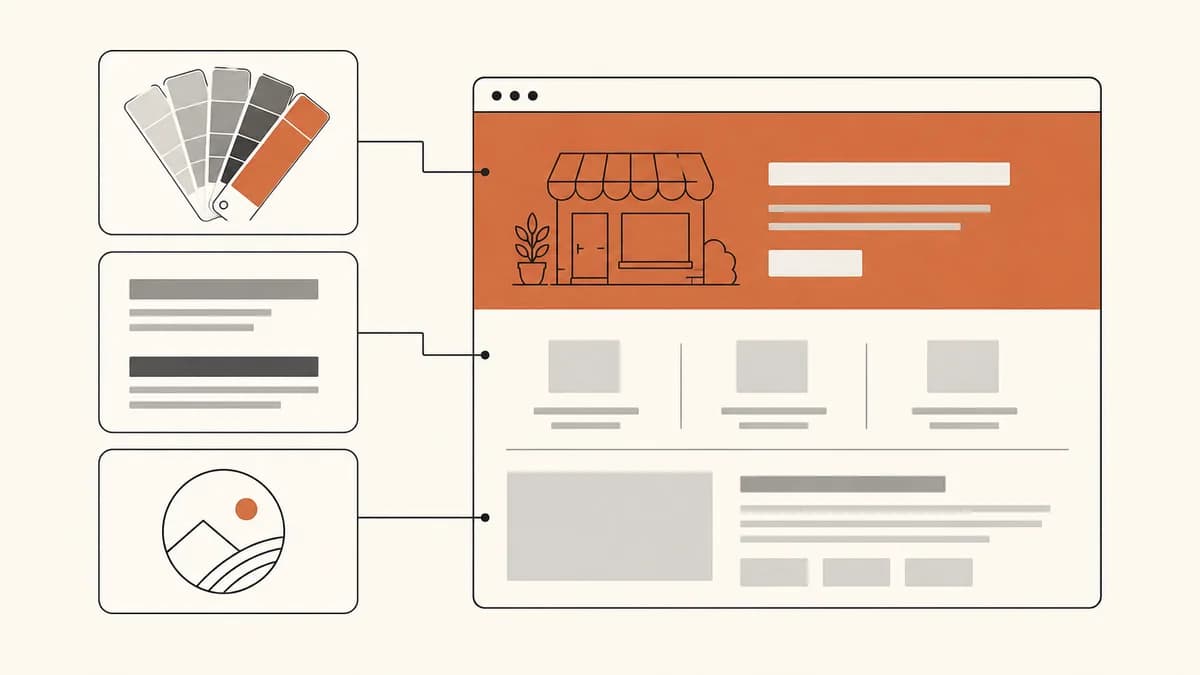
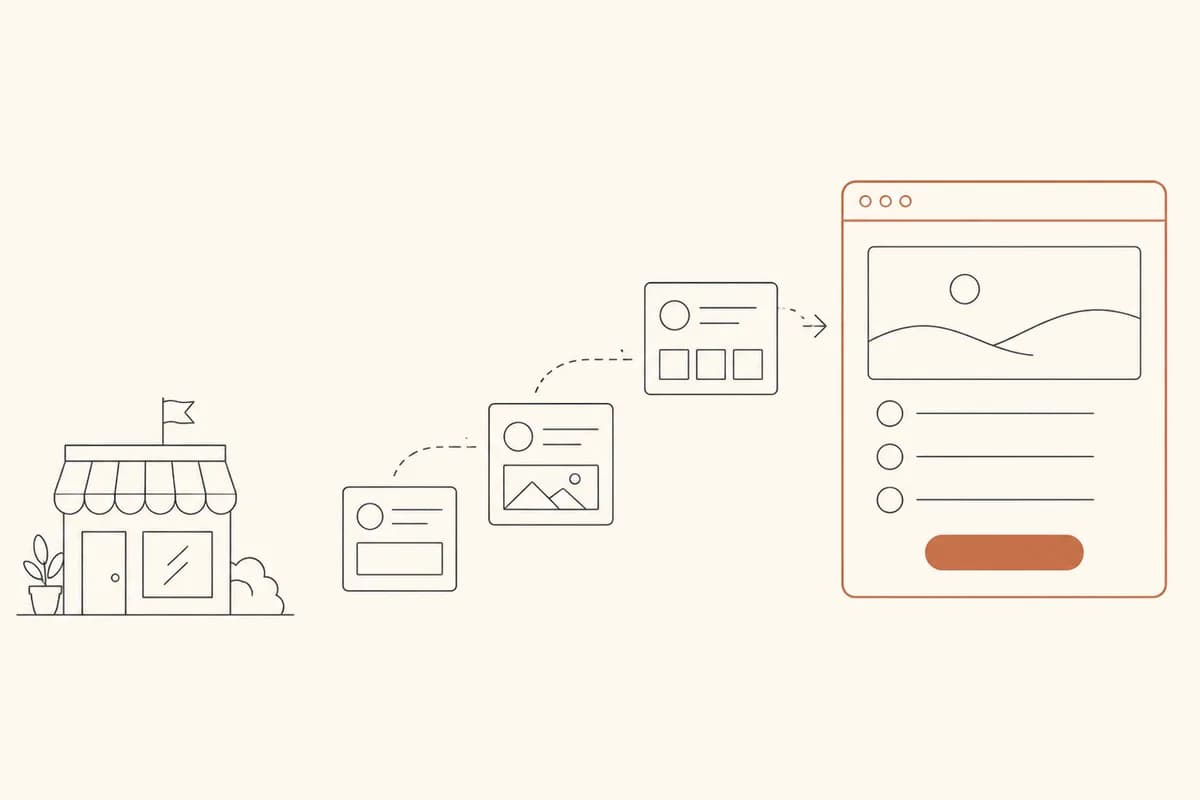
Here is how it works. You type the explanatory sentence you prepared, for example "A home catering business in Yogyakarta offering daily boxed rice meals for offices and small events". Forgelo builds a full site from that sentence: an opening section, a list of services, a pricing section, a proof section, FAQs, and a contact button. The process runs in the background with a measured production latency of about 4.5 minutes until the site is ready to view, not days.
The more important part comes afterwards. You will almost certainly want to change something, and you do not have to start over. Point to one section, type the change in plain words, for example "change the pricing section to three packages: 20 portions, 50 portions, and 100 portions", and only that section is rebuilt. The rest of the page stays intact. For a new business whose offer still changes often in the first months, being able to change one section without waiting for anyone is the difference between a page that stays relevant and a page that goes stale two weeks after launch.
The first version can be published on a free subdomain the same day. You can start at no cost and without a credit card, then decide to upgrade when you genuinely need your own domain or more sites. Details are on the Forgelo pricing page, and an overview of how it works is on the how it works page.
If you are still weighing doing it yourself against hiring someone, these two guides help: small business website costs for a sense of the numbers, and building a website yourself to compare the routes.
After launch: three signals that your website is working
Before you press publish, run through the website go-live checklist so nothing slips through, especially the contact links and how the page looks on a phone. The phone view is not a small detail: most visitors to small businesses in Indonesia arrive on mobile, so make sure the page passes the small-screen test covered in the guide on mobile friendly websites.
After that, set complex analytics dashboards aside for now. In the first month, these three signals are enough:
Signal 1: someone actually gets in touch. Not the number of visits, but the number of conversations that start from the website. One chat from a stranger means far more than a hundred visits with no action.
Signal 2: fewer incoming questions are basic ones. If people are still asking "how much is it" and "where are you located", your page has not answered them yet. If the questions have moved up to "can it be customized" or "do you have a slot next week", your page is doing its job.
Signal 3: your business name appears when searched. Search for your business name on Google. If it still does not appear after a few weeks, the problem is usually indexing, and you can fix it by following the guide on how to get your website on Google.
If none of these signals has appeared after a month, do not rush to change the design. Most of the time, the problem is the clarity of your offer, not the look. Clarify what you sell, for whom, and at what price, then test again.
Conclusion
A website for a new business should start from an order of decisions, not from a tool. Settle one main action, one buyer segment, one explanatory sentence, and one form of proof. Publish one page with six core blocks on a free subdomain. Put off the domain, logo, full catalog, and blog until real people contact you. Measure with three simple signals, then improve based on the questions that actually come in.
The part that used to be most exhausting, assembling the page, is now the shortest. Write one sentence about your business, let Forgelo build the site, then tidy any section just by typing the change. Try Forgelo free and turn one sentence about your new business into a page you can send to your first prospective customer today.